 1 / 7
1 / 7About this app
Introduction
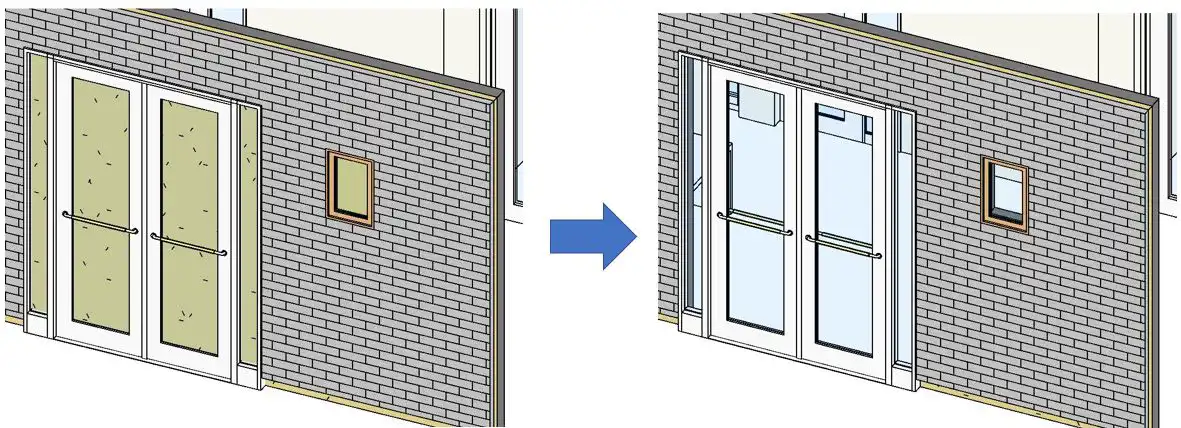
B's WallAutoOpening 2019 is a Revit plugin that aims to streamline the process of creating wall openings in your architectural designs. This add-in software allows users to automatically generate openings on adjacent walls when inserting doors, windows, or other wall openings. By simplifying this task, B's WallAutoOpening 2019 can significantly reduce design time and increase efficiency in your workflow.
(Image by: ブレンスタッフ株式会社)
Features
B's WallAutoOpening 2019 offers a range of useful functions that make it a valuable tool for Revit users. Here are some key features of this plugin:
(Image by: ブレンスタッフ株式会社)
AutoOpening Creation
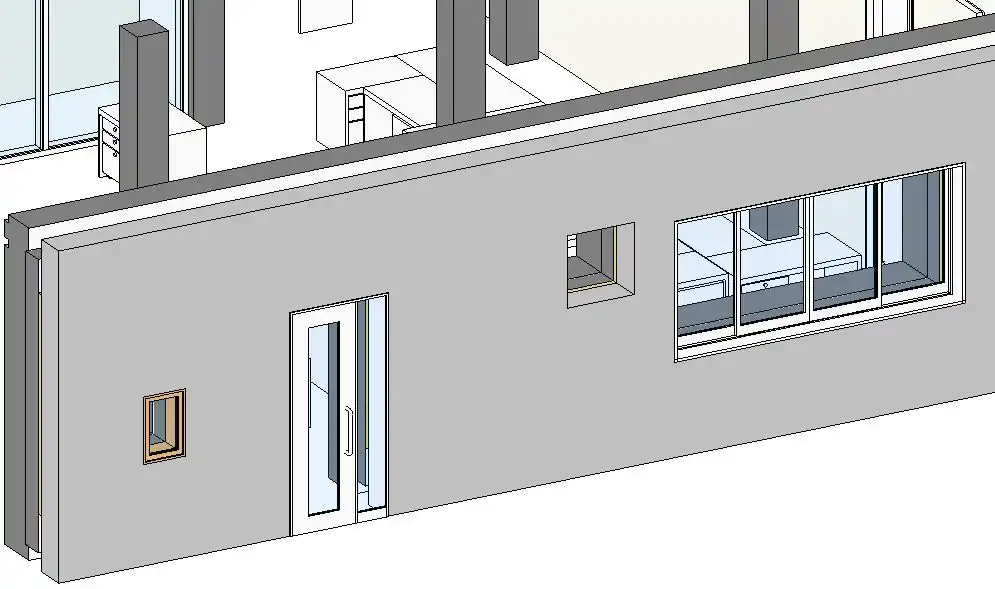
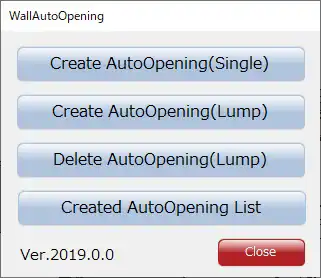
The primary function of B's WallAutoOpening 2019 is to create automatic openings on walls adjacent to selected walls. This feature is particularly useful when working with single walls instead of composite walls. By selecting a wall and using the "Create AutoOpening" function, users can quickly generate openings without manually adjusting each wall segment.
One of the standout features of B's WallAutoOpening 2019 is its ability to create multiple openings at once. This bulk creation capability can save a significant amount of time when working on projects with numerous wall openings.
(Image by: ブレンスタッフ株式会社)
Lump Functionality
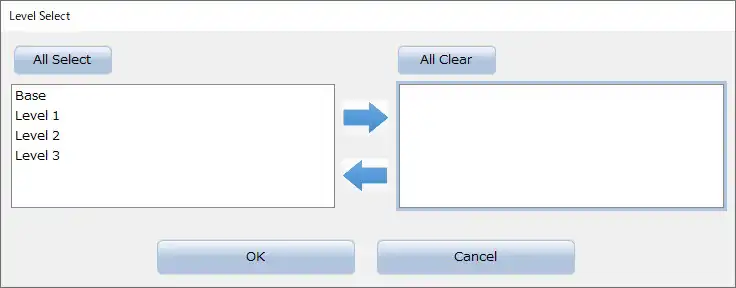
In the paid version of B's WallAutoOpening 2019, users gain access to the "Lump" function, which allows for even more efficient auto-opening creation. With this function, users can select all walls on a specified level and generate openings in walls with matching base constraints. This advanced feature is ideal for projects that require extensive wall opening customization.
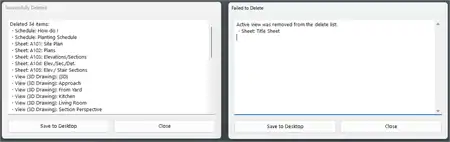
Additionally, the paid version of B's WallAutoOpening 2019 includes a "Delete AutoOpening" function, which allows users to easily remove unwanted openings. By selecting all openings on a specified level, users can efficiently manage and edit their designs without the need for manual adjustments.
(Image by: ブレンスタッフ株式会社)
AutoOpening List
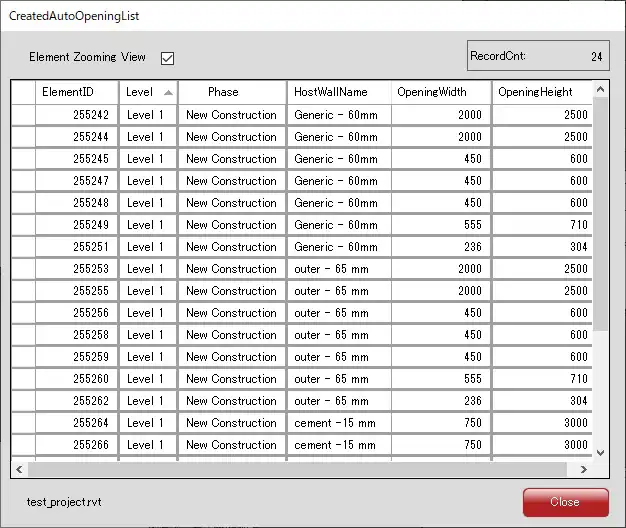
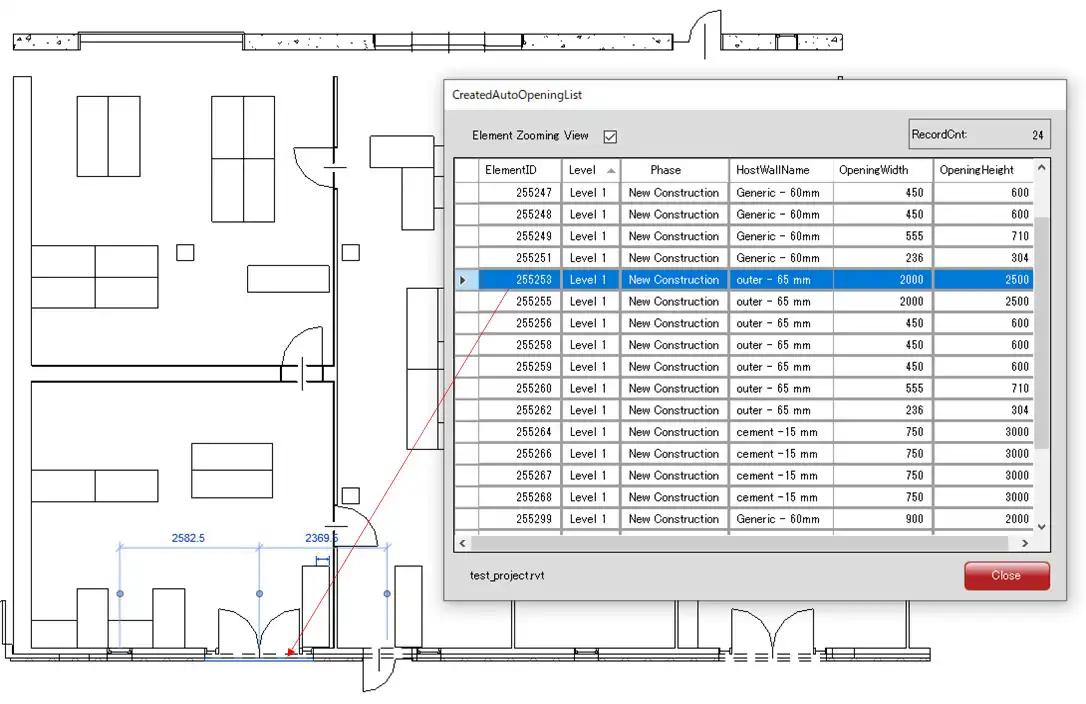
To enhance project organization and management, B's WallAutoOpening 2019 includes a feature that lists all created openings. This "Created AutoOpening List" function provides users with a clear overview of their design elements and allows for easy selection and editing of specific openings. By streamlining the process of locating and modifying openings, this feature contributes to a more efficient design workflow.
(Image by: ブレンスタッフ株式会社)
Conclusion
B's WallAutoOpening 2019 is a valuable plugin for Revit users seeking to optimize their workflow and streamline the process of creating wall openings in architectural designs. With its user-friendly interface and advanced functions, this plugin offers a range of features that can significantly enhance productivity and efficiency in design projects. Whether you are working on a small-scale project or a large-scale development, B's WallAutoOpening 2019 is a tool that can help you achieve your design goals more effectively and efficiently.
(Image by: ブレンスタッフ株式会社)
Similar apps:
- Free
- Free
- Free
- Free
- Free
- Free