 1 / 7
1 / 7About this app
Introduction
Revit users looking to streamline the process of creating wall openings for doors, windows, or other elements will find the B's WallAutoOpening 2022(Trial version) plugin to be a valuable addition to their toolkit. This add-in software offers a convenient solution for generating AutoOpenings on adjacent walls, saving time and effort in the design process.
(Image by: ブレンスタッフ株式会社)
Features and Functionality
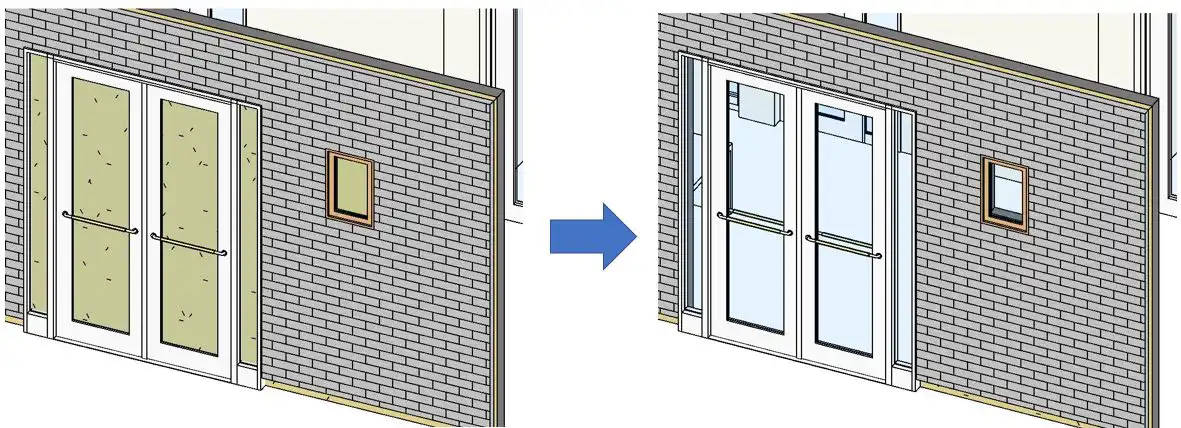
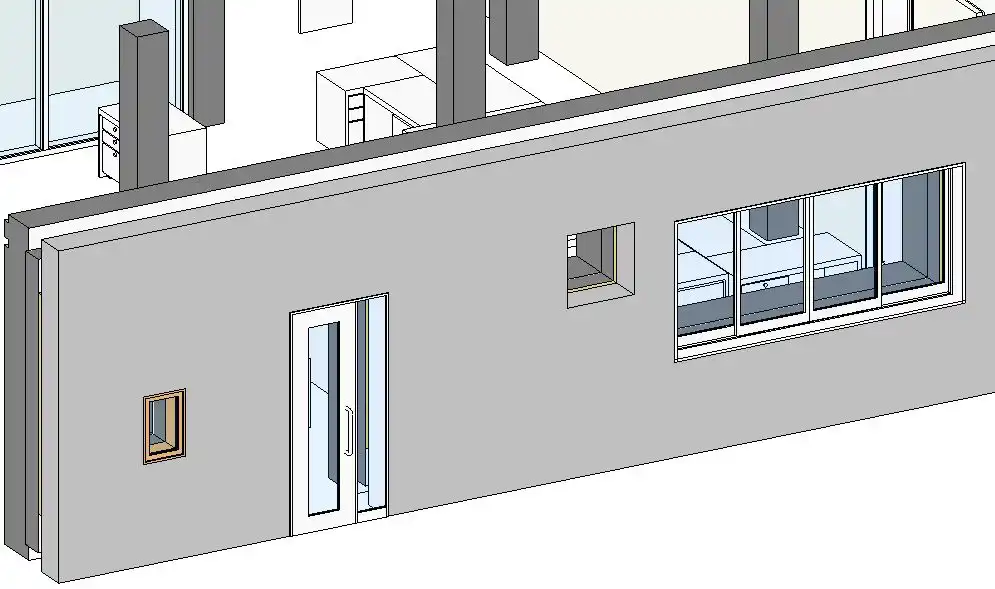
The B's WallAutoOpening 2022(Trial version) plugin is designed to create AutoOpenings along with doors, windows, or wall openings on adjacent walls. This is particularly useful when walls are modeled as "single walls" rather than "composite walls". By automating the process of creating openings in the groundwork and finish, users can significantly reduce the time spent on tedious manual tasks.
One of the key features of this plugin is the ability to create multiple openings at once, allowing users to efficiently generate AutoOpenings in a single operation. Additionally, the software includes a function to display a list of created AutoOpenings, making it easy to track and manage the openings in the model.
(Image by: ブレンスタッフ株式会社)
Functionality Overview
The B's WallAutoOpening 2022(Trial version) plugin offers several functions to enhance the workflow in Revit:
- Create AutoOpening(Single) function: This function allows users to create an automatic opening on the wall adjacent to the selected wall. The selection process involves choosing one arbitrary wall for the software to generate the AutoOpening.
- Create AutoOpening(Lump) function (Paid version only): In the paid version of the plugin, users can create AutoOpenings in walls adjacent to a selected wall by specifying a "level" on the screen. This function is useful for processing multiple walls at once based on their level and base constraint properties.
- Delete AutoOpening(Lump) function (Paid version only): Users can delete created AutoOpenings using this function, selecting them based on specified levels and properties. This feature simplifies the management of AutoOpenings in the model.
- Created AutoOpening List function: This function provides a list of all the AutoOpenings created using the plugin, allowing users to easily select and highlight specific openings in the view. This feature aids in visualizing and organizing the AutoOpenings within the model.
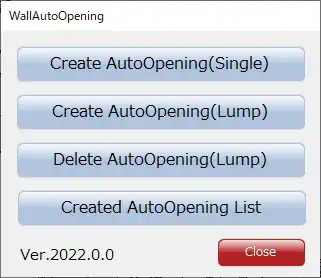
(Image by: ブレンスタッフ株式会社)
Conclusion
The B's WallAutoOpening 2022(Trial version) plugin offers a practical solution for creating AutoOpenings on adjacent walls in Revit, streamlining the design process and saving time for users. With its intuitive functions and time-saving capabilities, this plugin is a valuable tool for architects, engineers, and designers working with Revit software. Whether you are working on a small-scale project or a large-scale development, the B's WallAutoOpening plugin can help enhance your workflow and improve efficiency in wall opening creation.
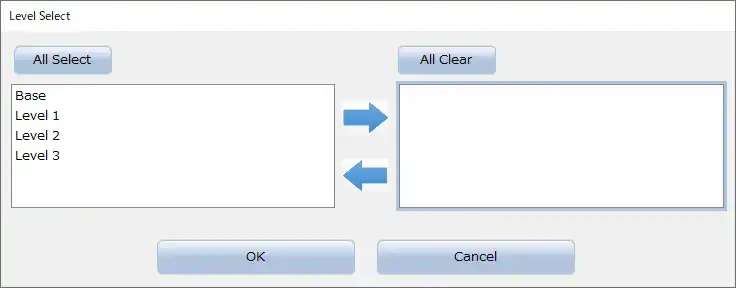
(Image by: ブレンスタッフ株式会社)
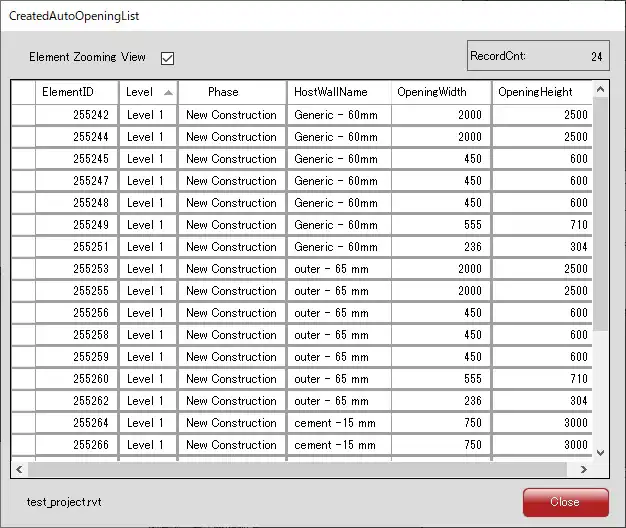
(Image by: ブレンスタッフ株式会社)
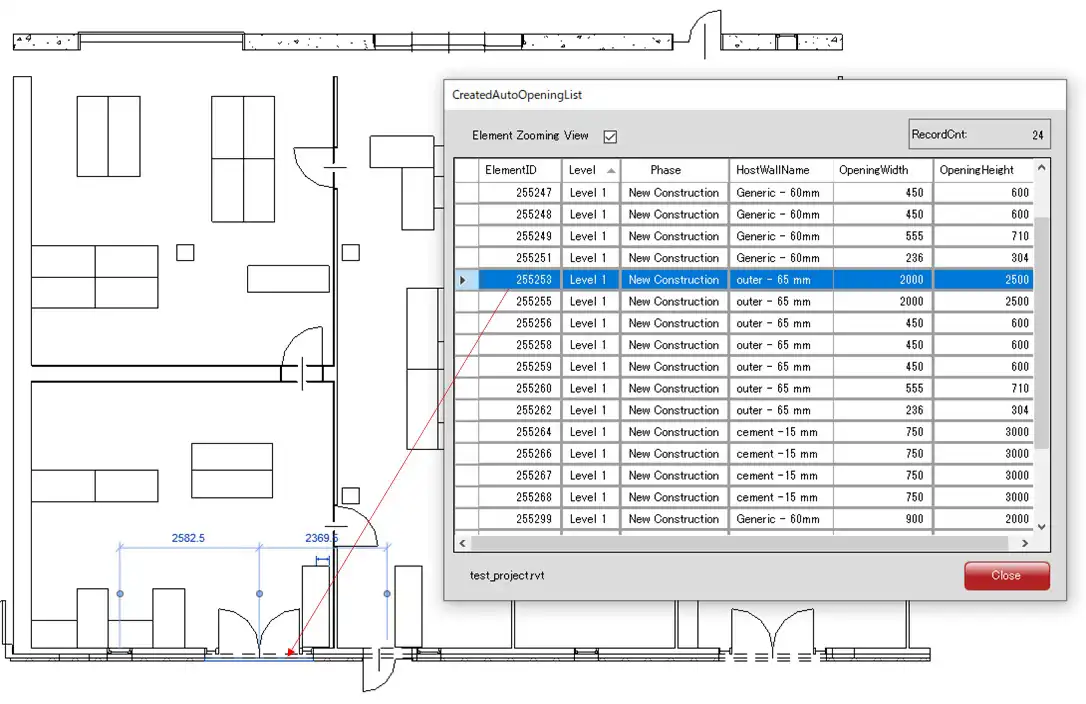
(Image by: ブレンスタッフ株式会社)
Similar apps:
- Free
- $15/month
- Free
- Free
- Free
- Free