 1 / 3
1 / 3About this app
Have you ever found yourself needing to standardize the template of your BIM model or reuse project files by changing the names of families, types, materials, views, and schedules? If so, the Model Name Replace plugin for Revit is here to make your life easier.
Efficiency Boost
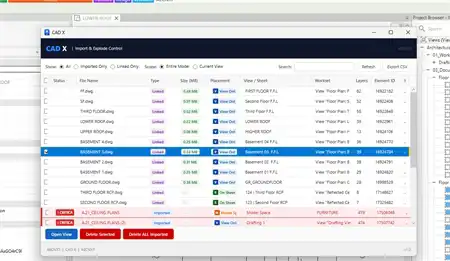
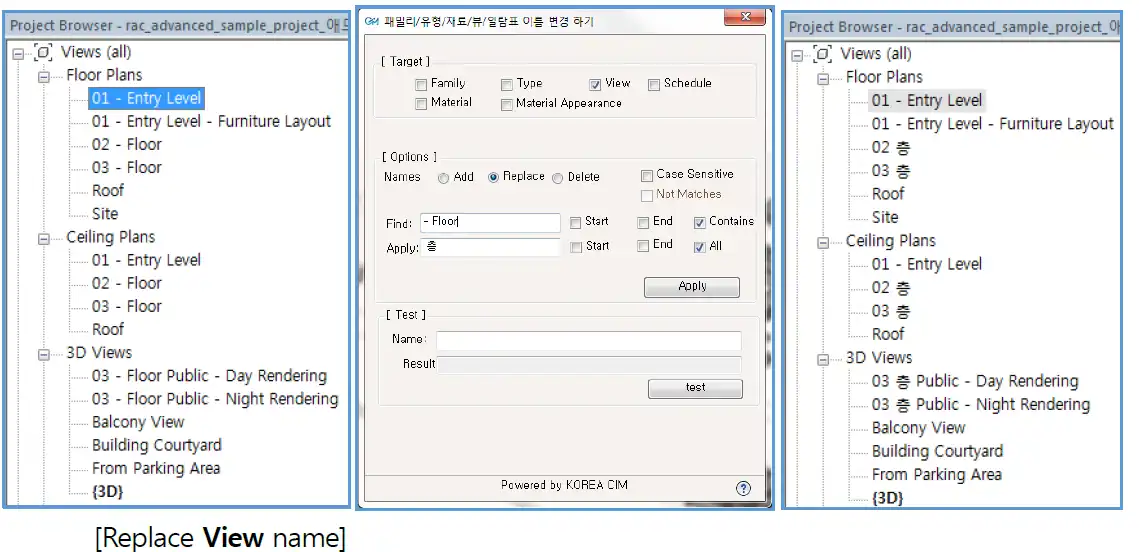
This handy plugin allows you to quickly and efficiently rename elements within your Revit model, saving you valuable time and effort. By streamlining these tasks, you can increase the efficiency of your workflow and focus on more important aspects of your project.
(Image by: 한국씨아이엠(주))
Easy to Use
With a user-friendly interface and detailed usage manual, the Model Name Replace plugin is accessible to both beginners and experienced Revit users. Simply follow the instructions provided to start benefiting from this powerful tool.
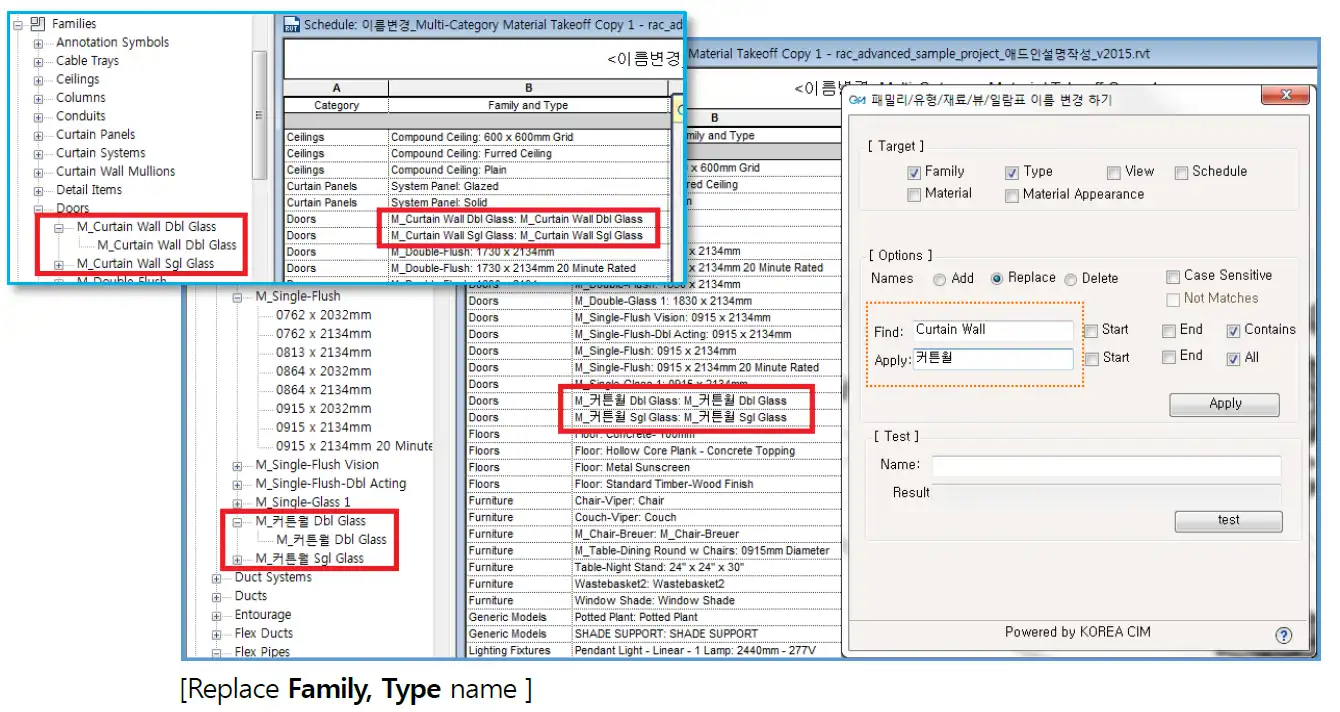
(Image by: 한국씨아이엠(주))
Conclusion
Overall, the Model Name Replace plugin is a must-have for anyone working with Revit. Its ability to simplify the process of renaming model elements makes it an essential tool for increasing productivity and improving project organization. Give it a try and see the difference it can make in your workflow.
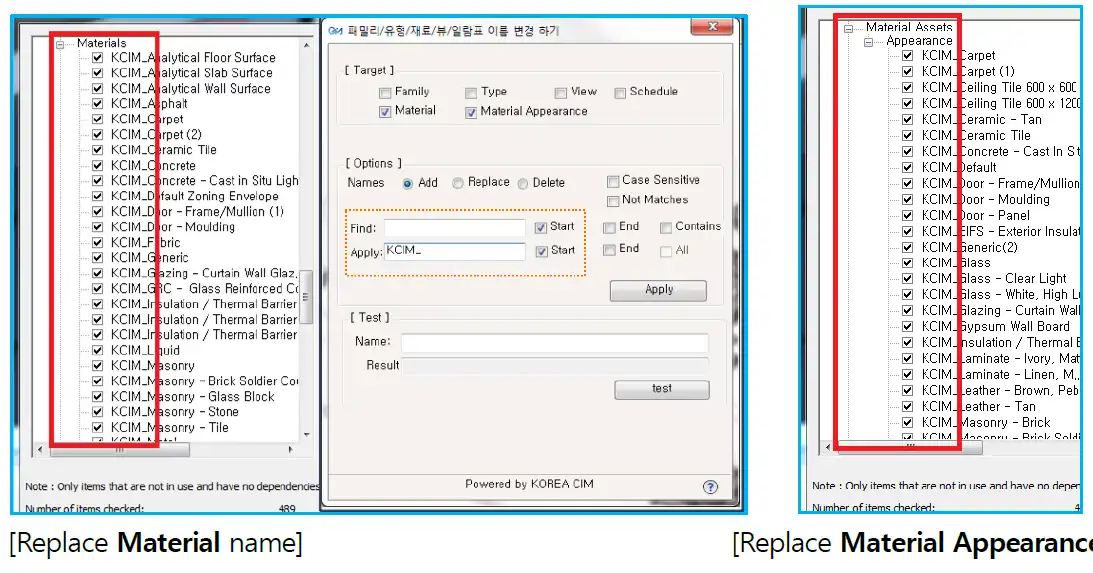
(Image by: 한국씨아이엠(주))
Similar apps:
- Free
- $1.99/month
- Free
- $100
- Free
- Free