 1 / 5
1 / 5About this app
Introduction
As the architecture, engineering, and construction industries continue to evolve, the need for efficient collaboration and communication tools becomes increasingly important. AstraPlant 3D to PDF for Autodesk® Revit® is a powerful plugin that helps bridge the gap between Revit models and stakeholders who may not have access to the software. With its high-fidelity 3D export capabilities and comprehensive view support, this plugin offers a seamless way to share complex BIM data with clients, contractors, and other project collaborators.
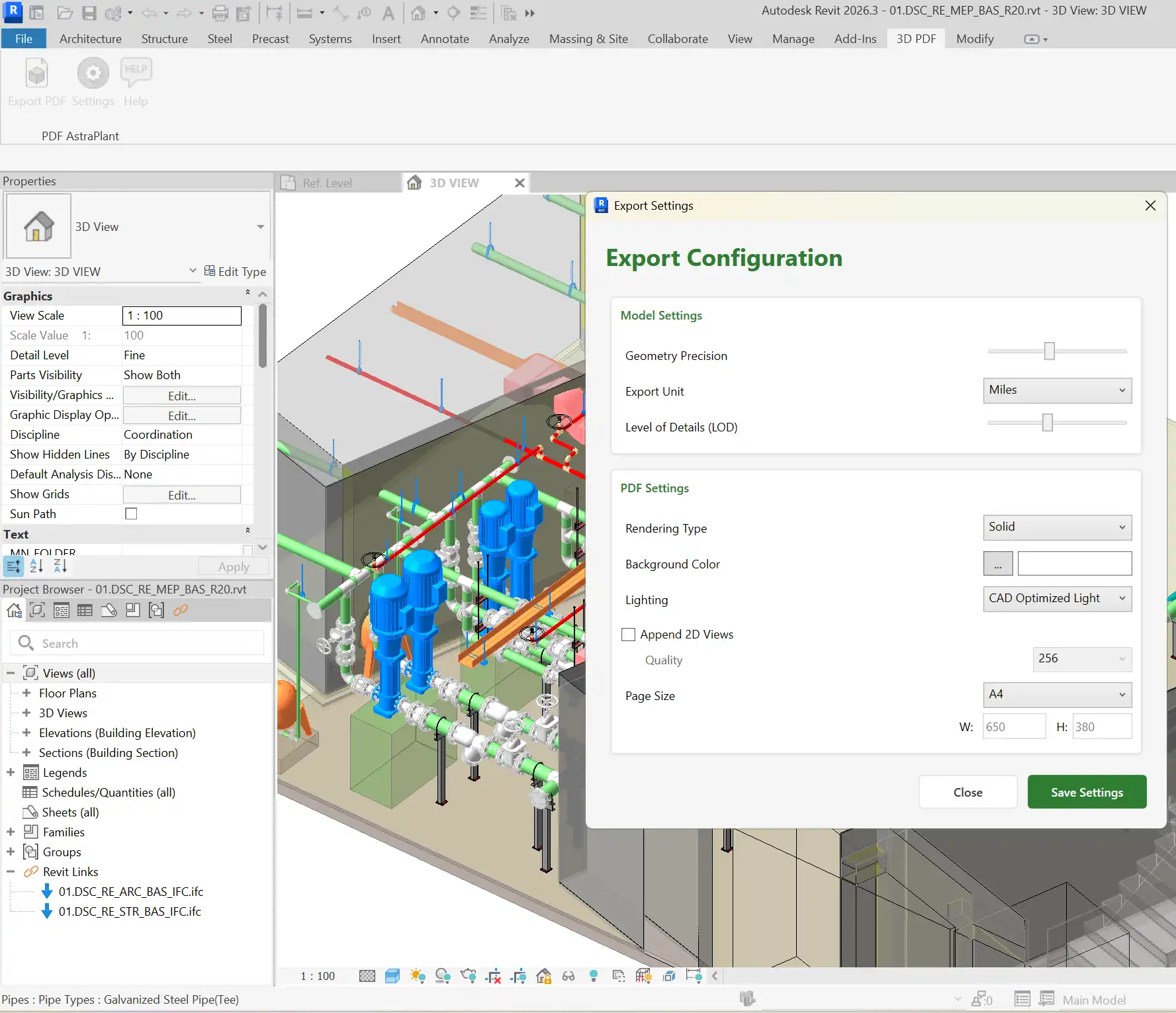
(Image by: AstraPlant)
Key Features
One of the standout features of AstraPlant 3D to PDF for Autodesk® Revit® is its ability to convert Revit geometry, materials, and textures into standard PRC-based 3D PDF format. This ensures that stakeholders can view the model in all its detail, even if they don't have access to the original Revit files. Additionally, the plugin supports comprehensive view capture, including 3D views, cameras, and optional 2D views/sheets as images, making it easy to create a complete project package for sharing.
Visual customization is another strong suit of this plugin, offering flexible rendering modes such as Solid, Wireframe, Illustration, and Transparent. Lighting presets like Day/Night and CAD Optimized, as well as background customization options, allow users to tailor the visual presentation to suit their specific needs. This level of customization ensures that the exported 3D PDF documents are not only informative but also visually appealing.
Precision and control are also key considerations in AstraPlant 3D to PDF for Autodesk® Revit®. Users can adjust geometry precision, unit scaling (Metric/Imperial), and Level of Detail (LOD) settings to balance visual quality with file size. This level of control ensures that the resulting 3D PDF files are optimized for viewing while maintaining the necessary detail for accurate representation of the Revit model.
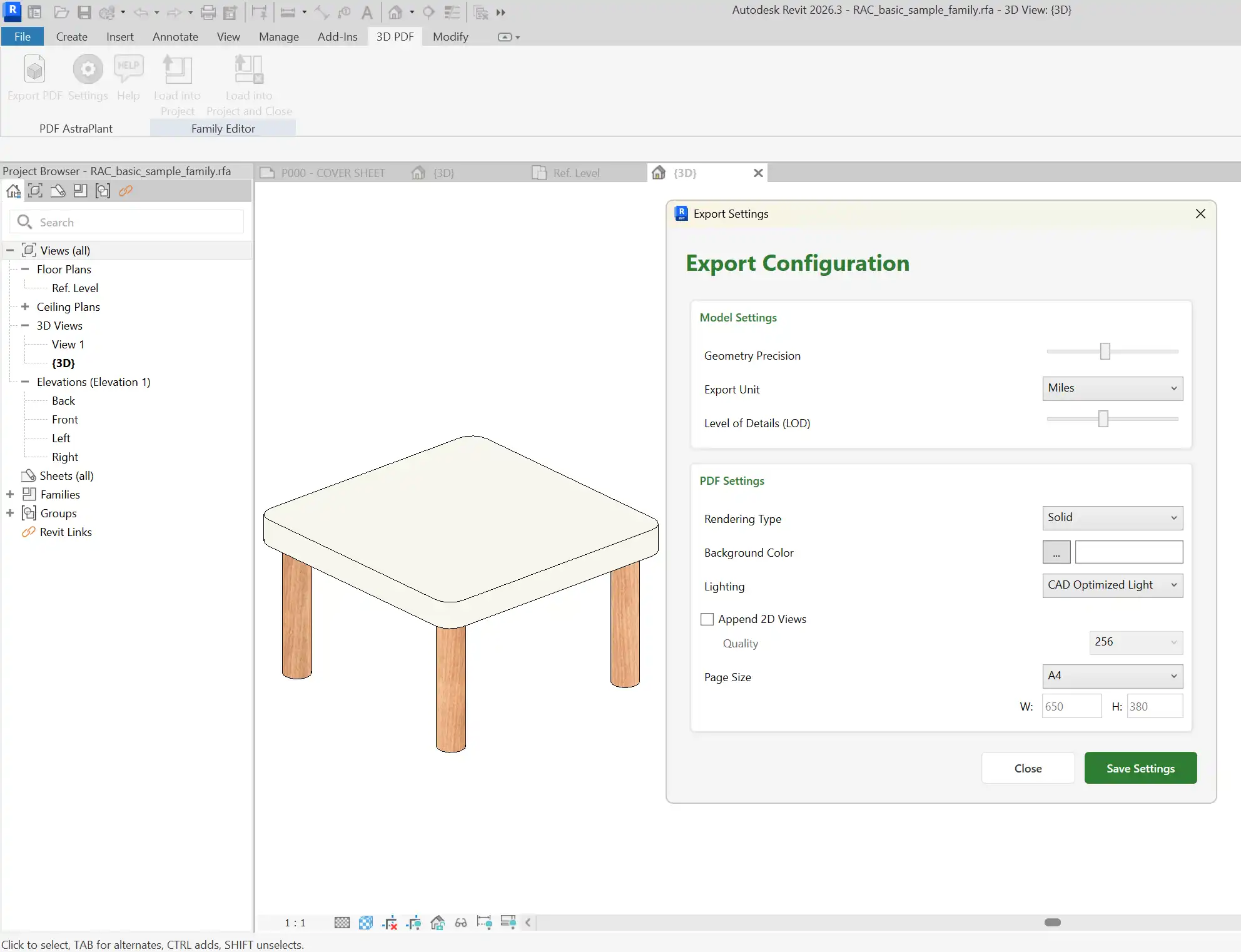
(Image by: AstraPlant)
Universal Compatibility
One of the most significant advantages of AstraPlant 3D to PDF for Autodesk® Revit® is its universal compatibility, generating files that can be viewed in the free, standard Adobe® Acrobat® Reader. This means that stakeholders can easily access and interact with the 3D PDF documents without the need for specialized software. Whether it's for client presentations, design walkthroughs, construction documentation, or data sharing, this plugin provides a convenient and accessible way to communicate complex BIM data.
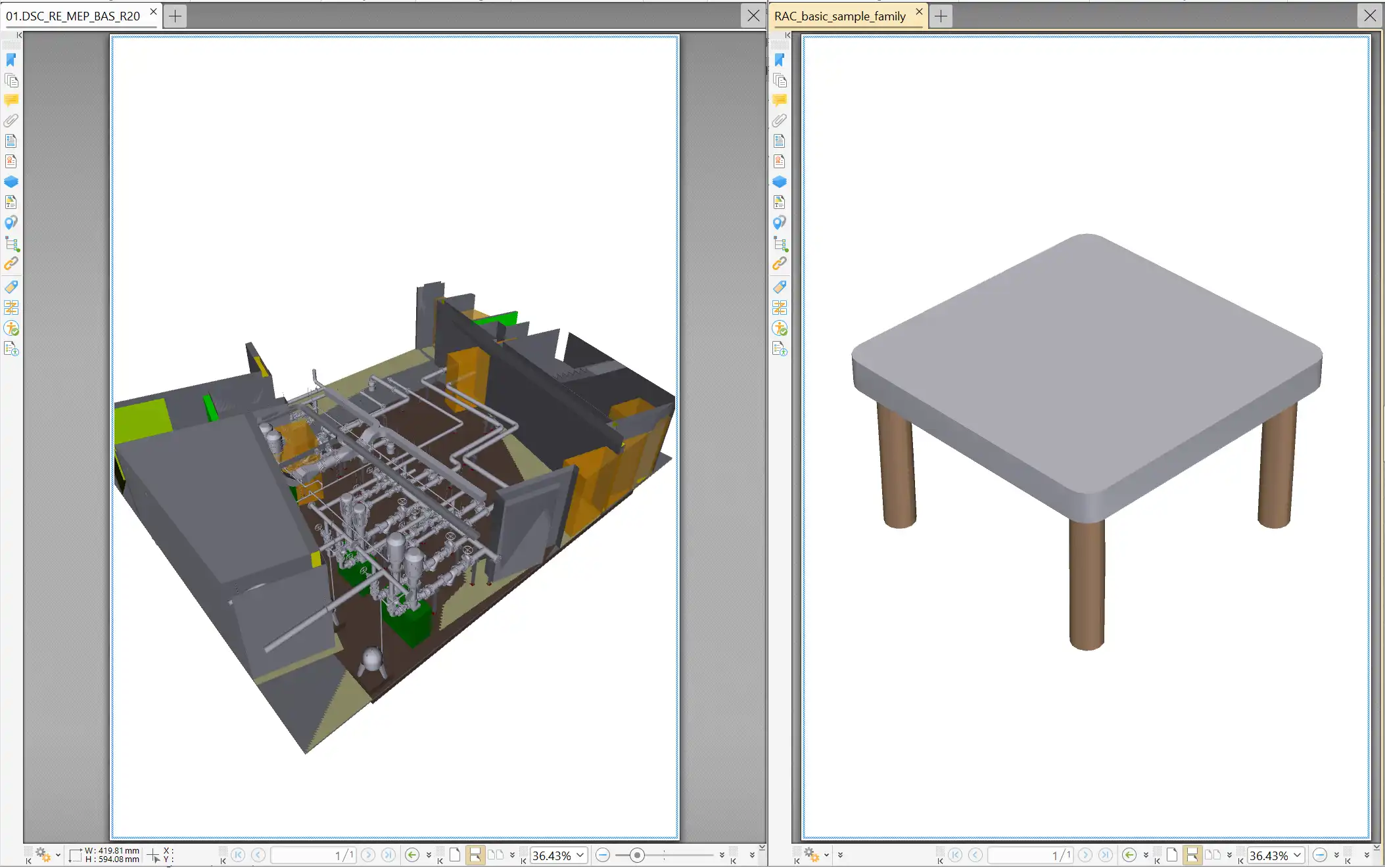
(Image by: AstraPlant)
Conclusion
AstraPlant 3D to PDF for Autodesk® Revit® is a valuable tool for anyone looking to enhance their design review and collaboration processes. With its high-fidelity 3D export capabilities, comprehensive view support, visual customization options, precision and control features, and universal compatibility, this plugin offers a seamless way to share Revit models with stakeholders who may not have access to the software. Whether you're presenting to clients, coordinating with construction teams, or simply sharing 3D data, AstraPlant 3D to PDF for Autodesk® Revit® provides a user-friendly and visually engaging solution that is definitely worth trying out.
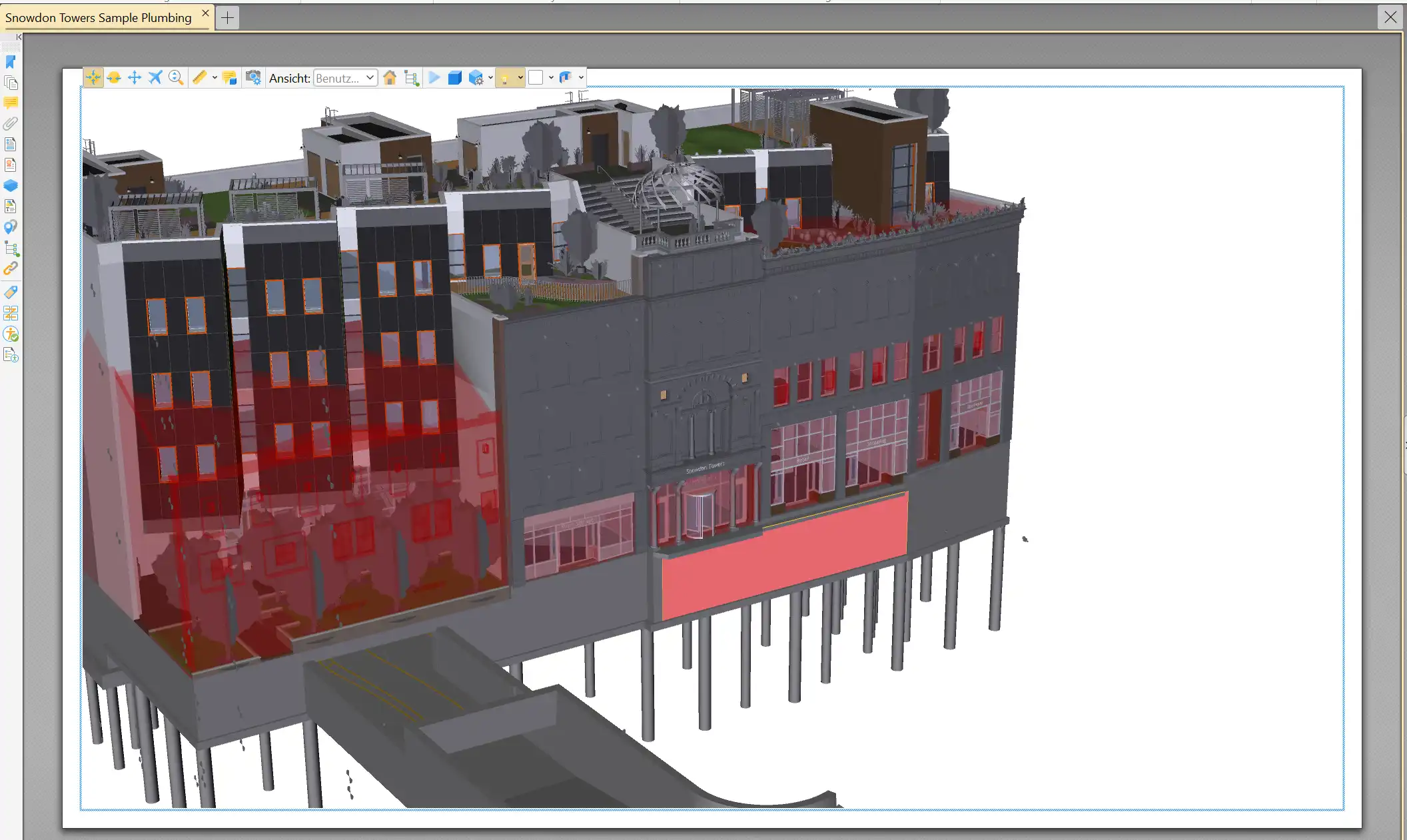
(Image by: AstraPlant)
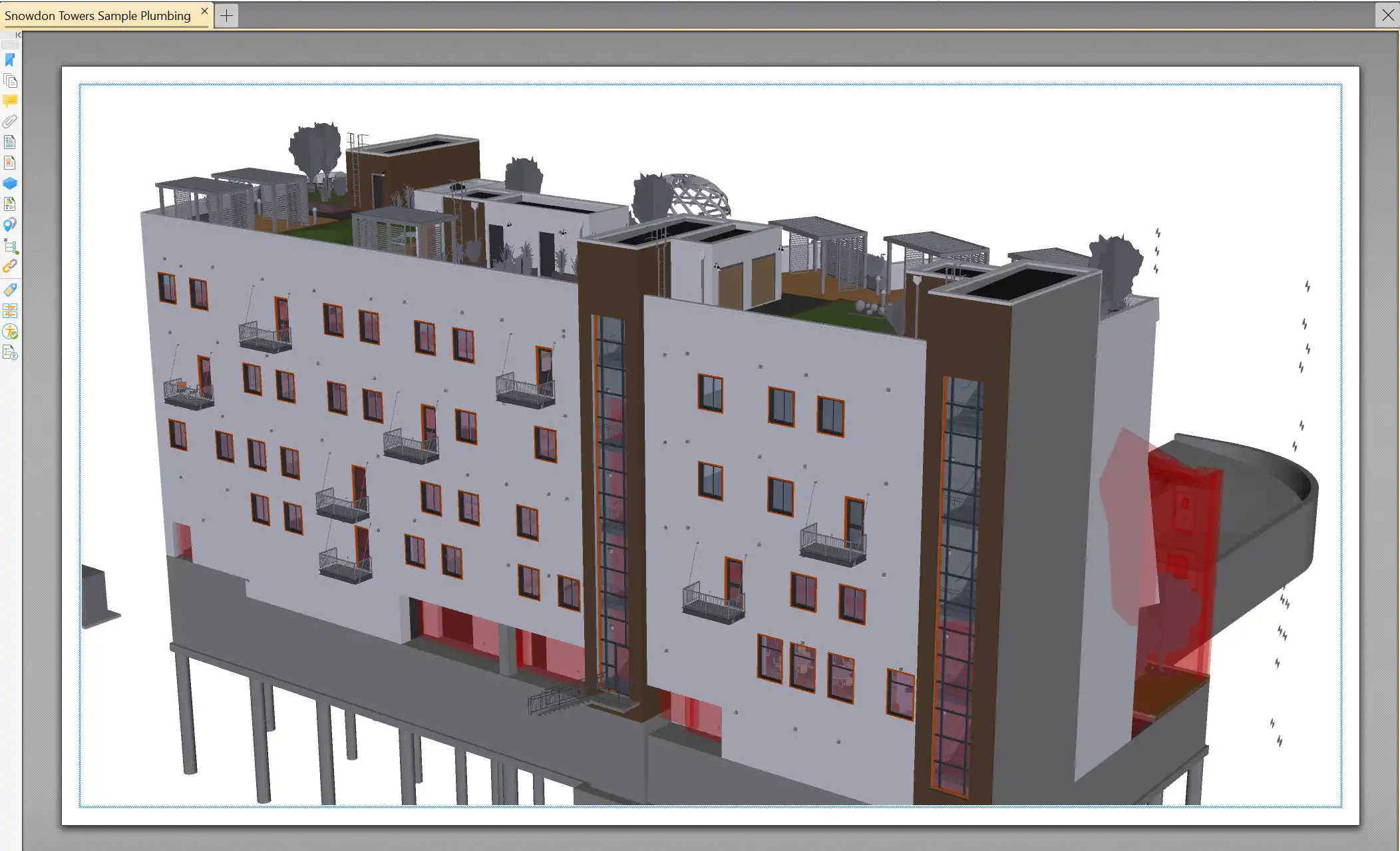
(Image by: AstraPlant)
Similar apps:
- Free
- Free
- Free
- Free
- $20/month
- $1.99/month