About this app
As architects, engineers, and designers, we have a responsibility to create buildings that not only look good but also have a positive impact on the environment. The Bim.com Design App for Autodesk® Revit® is a powerful tool that allows you to bring sustainability into the heart of your design process. By seeing, measuring, and reducing your building’s carbon impact in real time, you can make smarter choices that balance beauty, performance, and sustainability.
Design with Purpose
Every element in your building tells a story, and with the Design App, you can uncover the hidden carbon behind each wall, beam, and finish in your model. By watching your project’s CO₂ footprint unfold as you design, you can make informed decisions that prioritize sustainability. This tool empowers you to create buildings with purpose, knowing the environmental impact of every design choice you make.
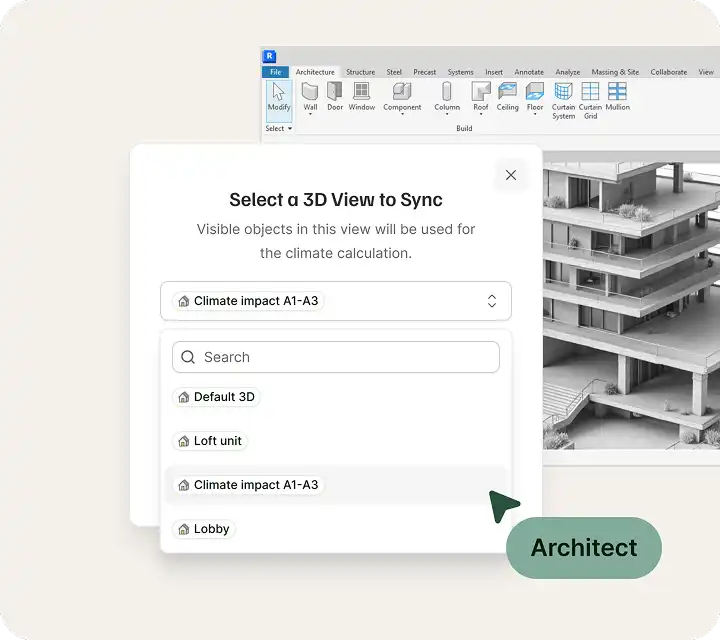
(Image by: Bim.com)
Real-Time Carbon Insights
Gone are the days of guesswork and external tools to measure carbon impact. With the Design App, you can instantly connect your Revit model and access a clear, visual dashboard that shows embodied carbon across materials and product groups. Every change you make updates live, allowing you to see the impact of your decisions as they happen. This real-time feedback enables you to make adjustments on the fly and ensure your design aligns with your sustainability goals.
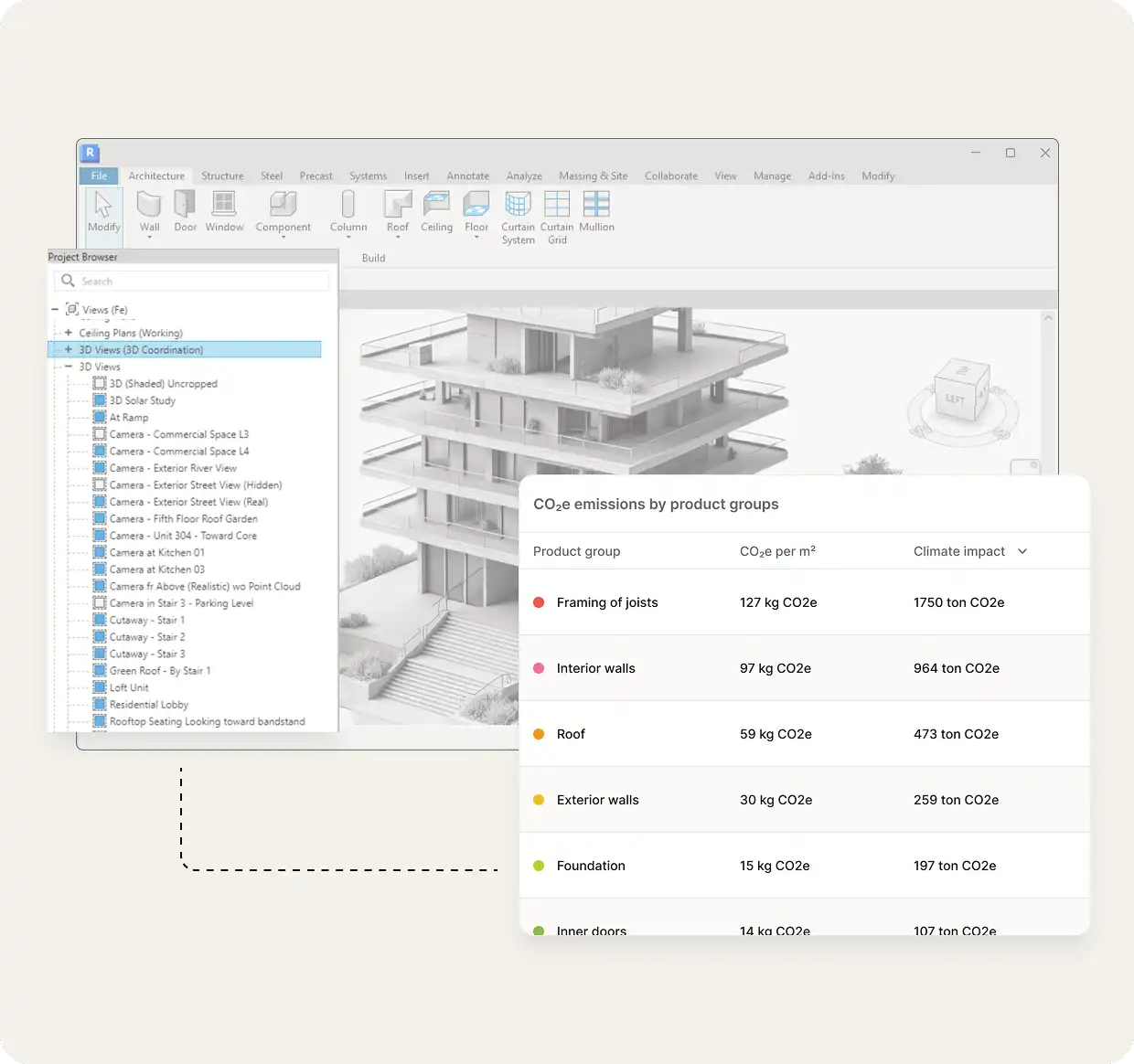
(Image by: Bim.com)
Hit Your Carbon Goals
Setting a CO₂ target for your project is easy with the Design App, and tracking your progress is even easier. This tool shows you how every design tweak brings you closer or further from your goal, helping you stay in control and meet sustainability standards. By using the Design App, you can design with confidence, knowing that you are making informed decisions that reduce your building’s carbon footprint.
Powered by Smart Data, the Design App intelligently maps Revit elements to verified product and material data, ensuring that your carbon numbers are always accurate, trustworthy, and easy to act on. This automation streamlines the process of incorporating sustainability into your design, making it simple, seamless, and free.
The Design App installs in seconds and integrates effortlessly into your Revit workflow. There are no extra tools or license fees required—just instant sustainability insight exactly where you need it. By turning data into design power, you can create buildings that not only look beautiful but also perform beautifully for both people and the planet.

(Image by: Bim.com)
Conclusion
The Bim.com Design App for Autodesk® Revit® is a must-have tool for any designer looking to prioritize sustainability in their projects. By bringing real-time carbon insights into your design process, this plugin empowers you to make informed decisions that reduce your building’s environmental impact. With its seamless integration, accurate data mapping, and goal-tracking features, the Design App makes it easy to create buildings that are not only visually stunning but also environmentally responsible. Give it a try and see how you can turn data into design power with the Bim.com Design App.

(Image by: Bim.com)
Similar apps:
- Free
- Free
- Free
- Free
- $300
- Free