 1 / 5
1 / 5About this app
Are you looking to streamline your design process in Autodesk Revit? Look no further than the Bimroom Plugin! This powerful tool provides designers with seamless access to the extensive Bimroom library directly within Revit, making it easier than ever to find and place high-quality BIM objects in your projects.
Effortless Access to a Wide Range of BIM Objects
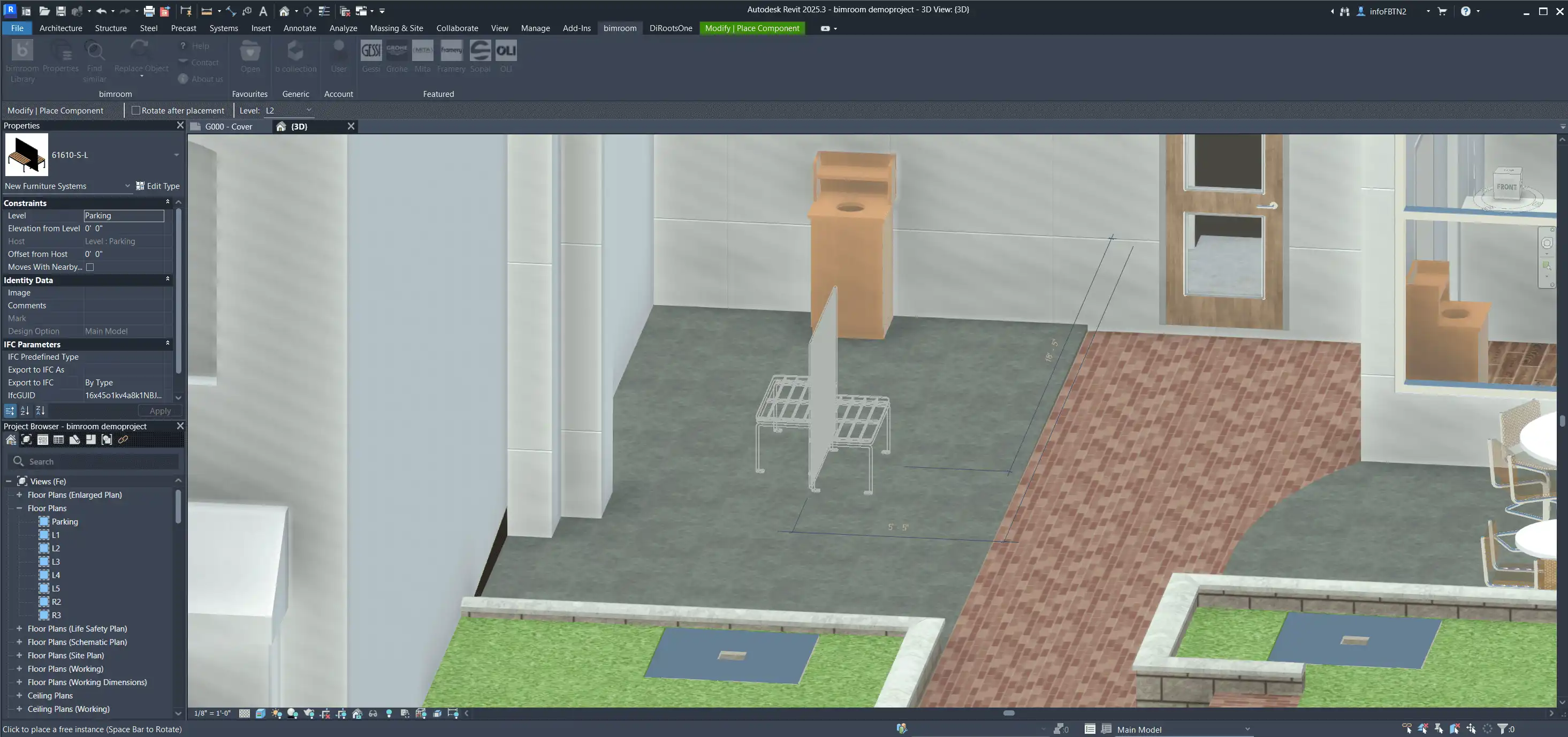
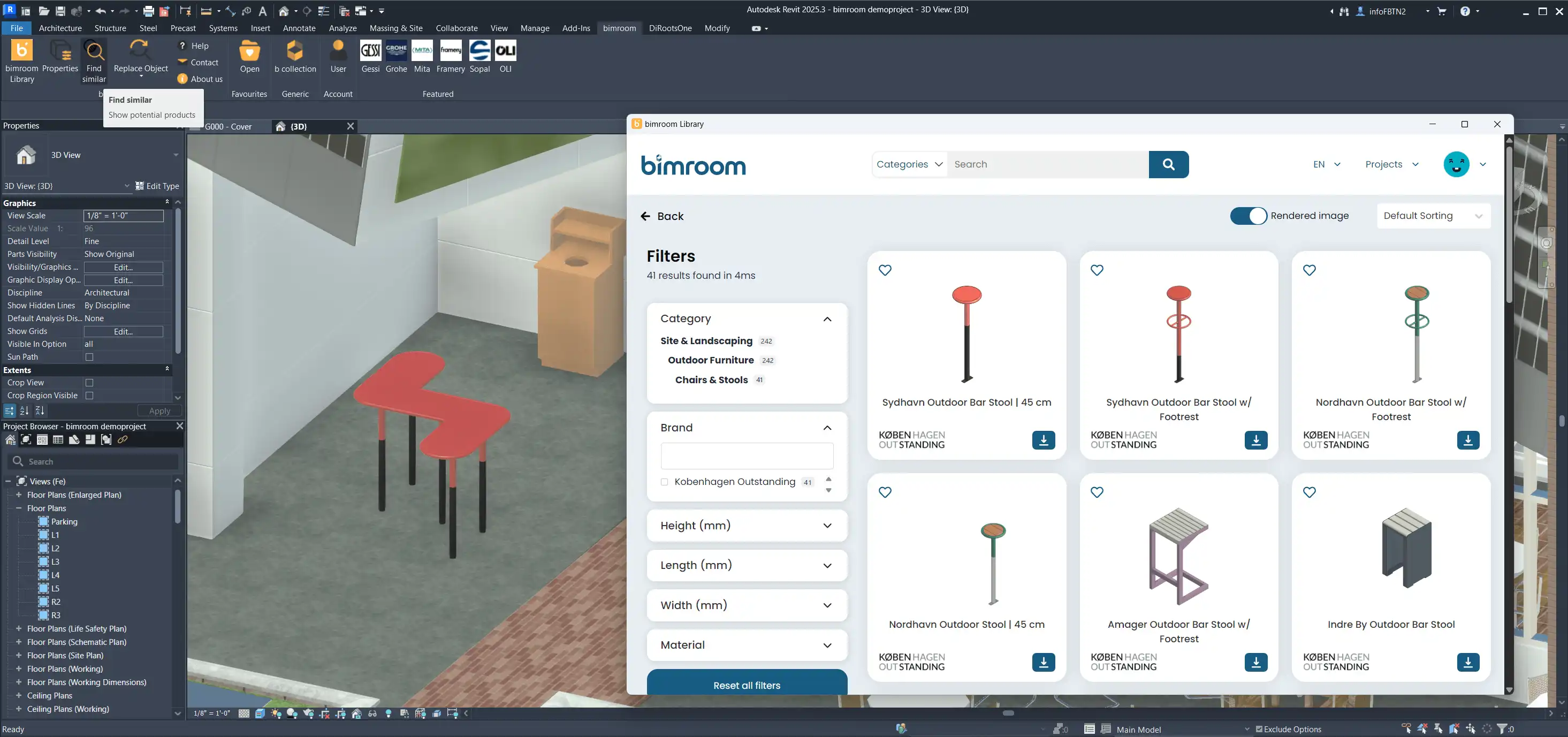
One of the standout features of the Bimroom Plugin is its ability to simplify the search and placement of BIM objects. Designers can easily browse through the Bimroom library and choose from a diverse selection of components to enhance their designs. With just a few clicks, you can quickly add new objects to your projects, saving you valuable time and effort.
(Image by: Bimform AG)
Efficient Object Management
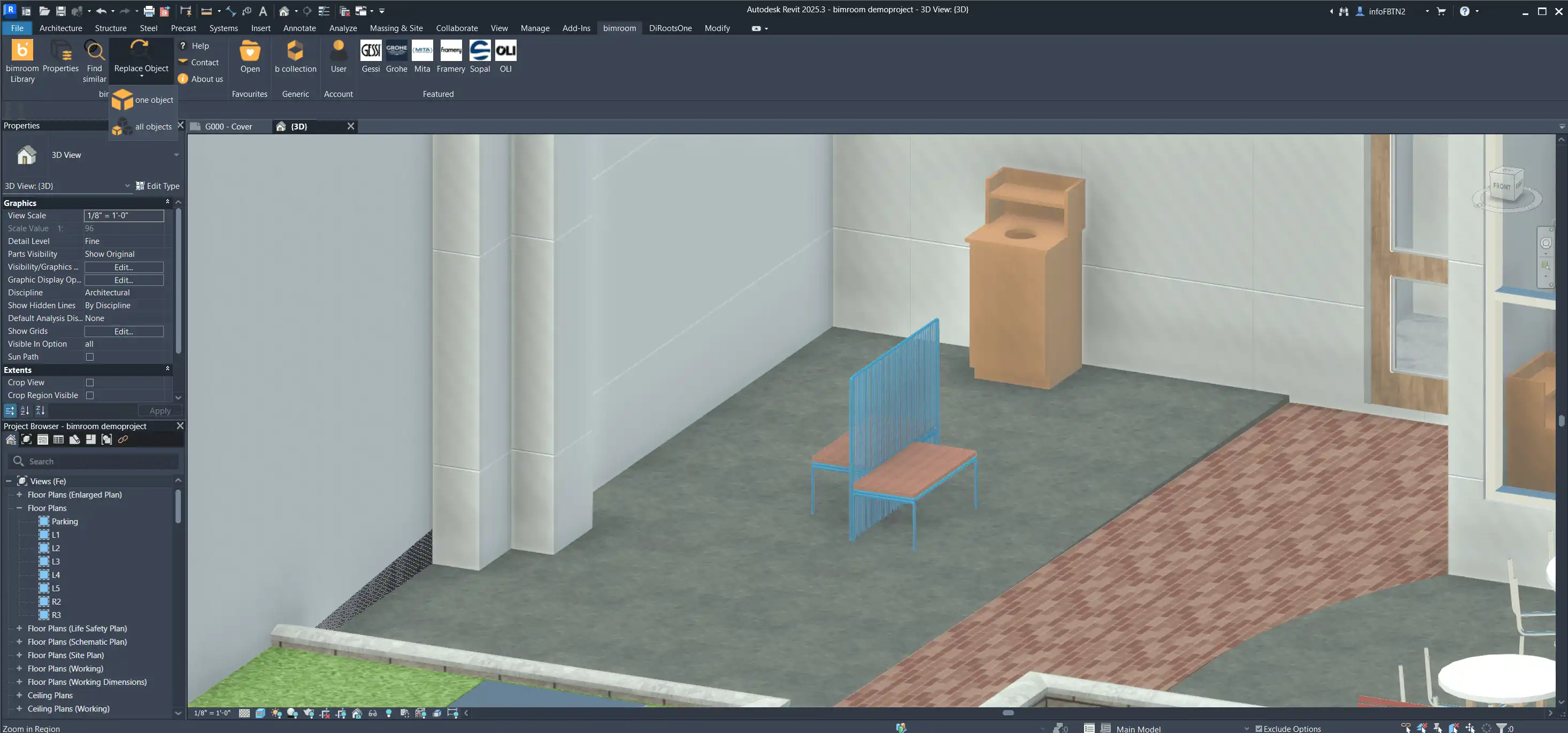
In addition to making it easy to add new objects, the Bimroom Plugin also streamlines the process of finding and replacing existing objects in your projects. This functionality is incredibly useful for designers who need to make changes to their designs quickly and accurately. With the Bimroom Plugin, you can efficiently manage your BIM objects, ensuring that your projects are always up to date.
(Image by: Bimform AG)
Enhance Your Revit Workflow Today
Whether you’re a seasoned Revit user or just starting out, the Bimroom Plugin is a must-have tool for enhancing your design workflow. With easy access to Bimroom's ever-growing library of BIM content, you can take your designs to the next level and create stunning projects with ease. Say goodbye to cumbersome searches for BIM objects and hello to a more efficient design process!
(Image by: Bimform AG)
Conclusion
The Bimroom Plugin is a game-changer for designers using Autodesk Revit. Its seamless integration with the Bimroom library makes it easier than ever to find, place, and manage BIM objects in your projects. If you’re looking to streamline your design process and enhance your workflow, the Bimroom Plugin is the perfect solution. Give it a try today and experience the difference for yourself!
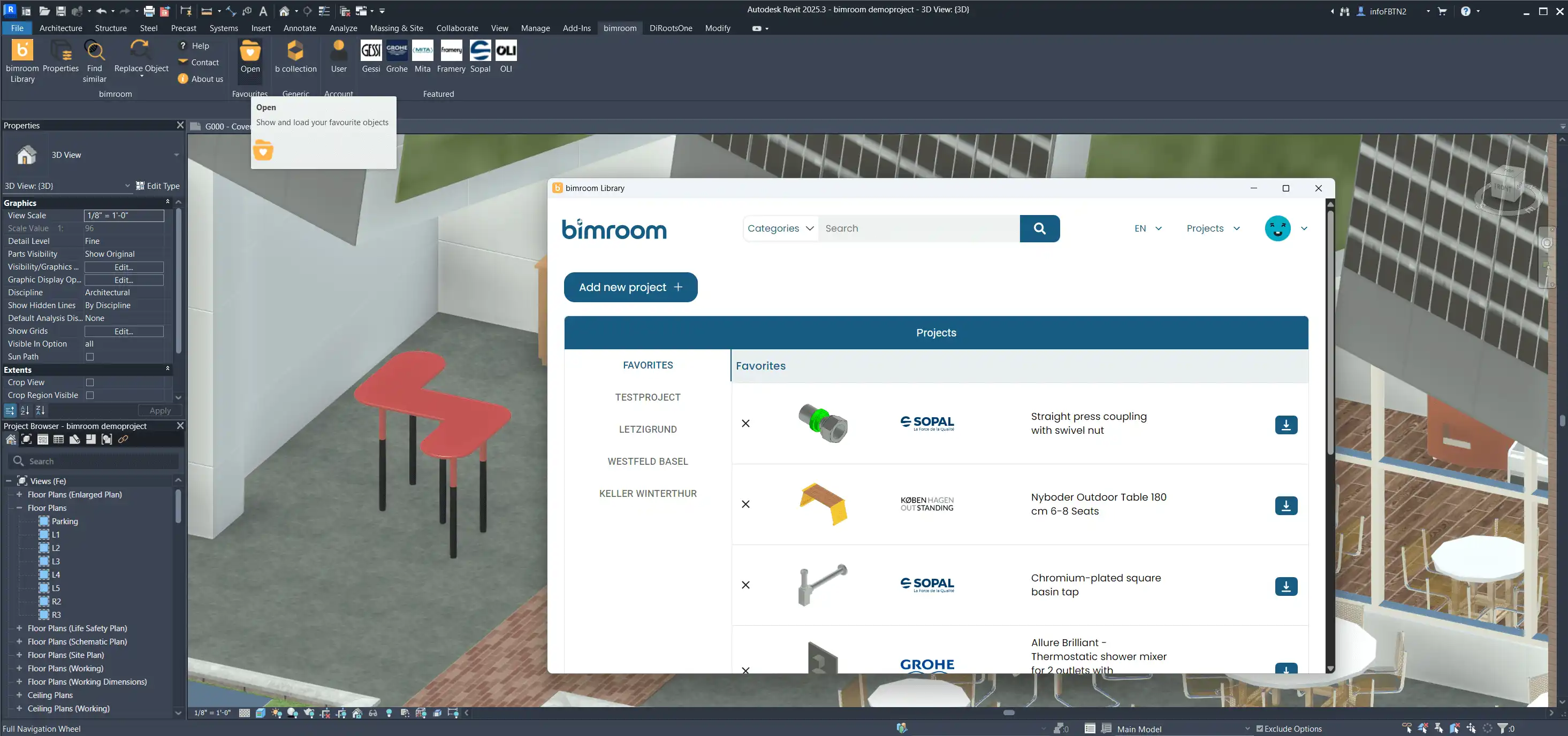
(Image by: Bimform AG)
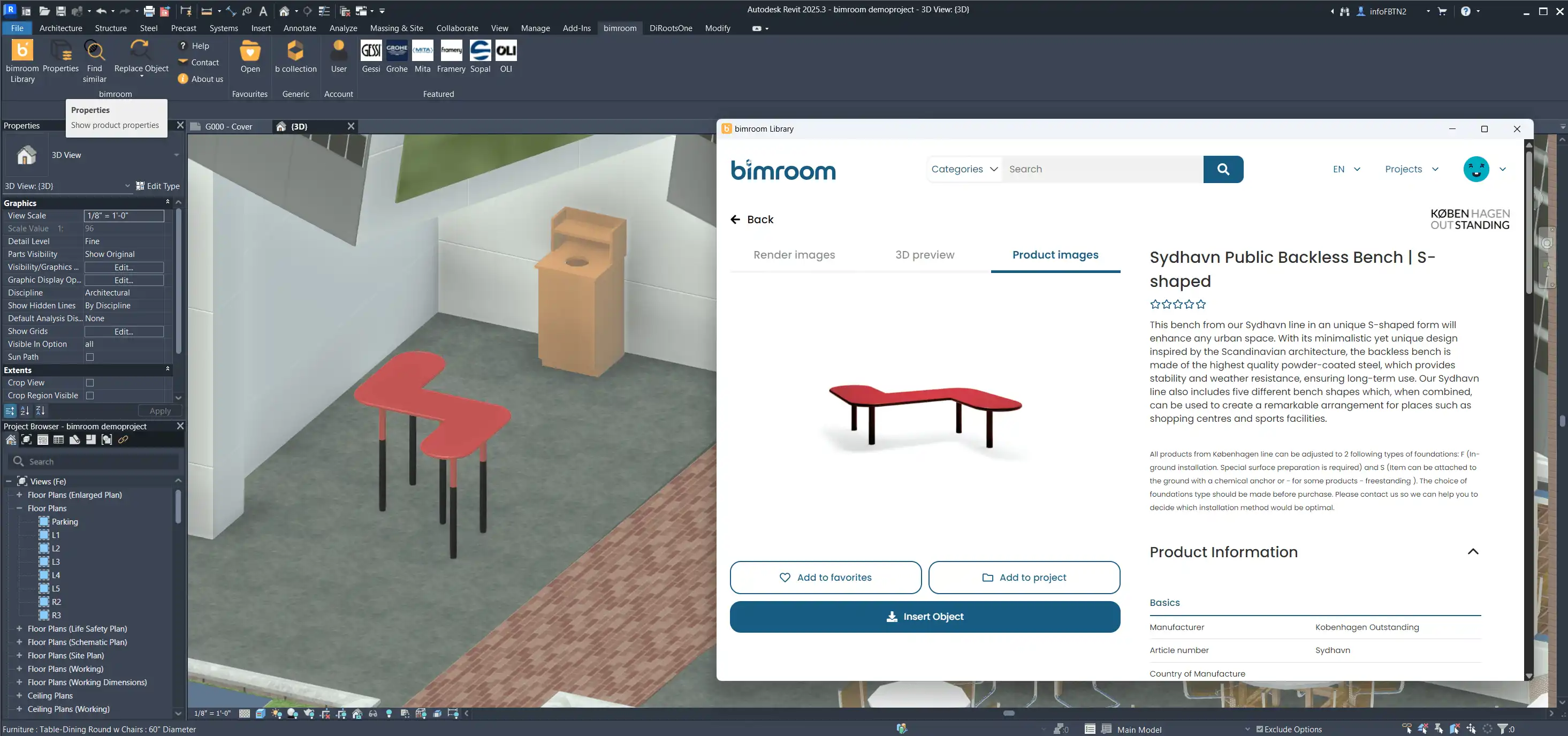
(Image by: Bimform AG)
Similar apps:
- Free
- Free
- Free
- Free
- Free
- Free