 1 / 5
1 / 5About this app
Introduction
Are you tired of manually tracking element IDs from linked models in Autodesk Revit? Look no further than the Get Linked IDs plugin! This powerful tool simplifies the process of extracting element IDs, saving you time and reducing the risk of errors when working with multi-model projects.
(Image by: ITZIK BEJARANO)
Key Features
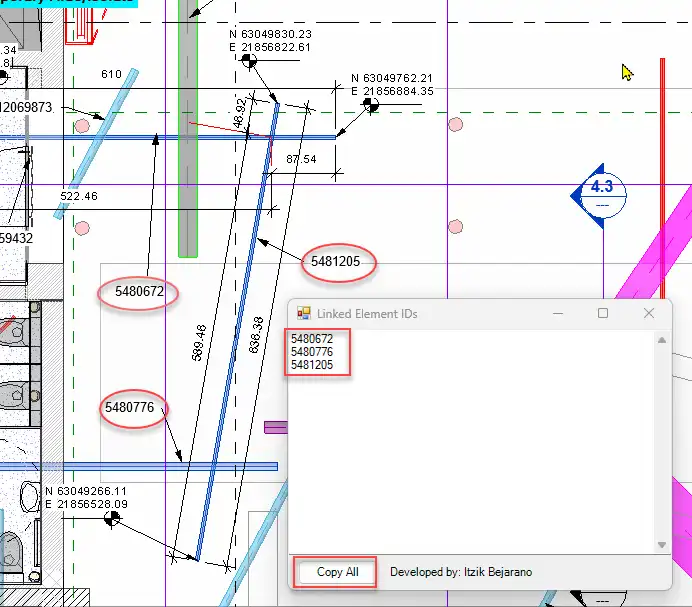
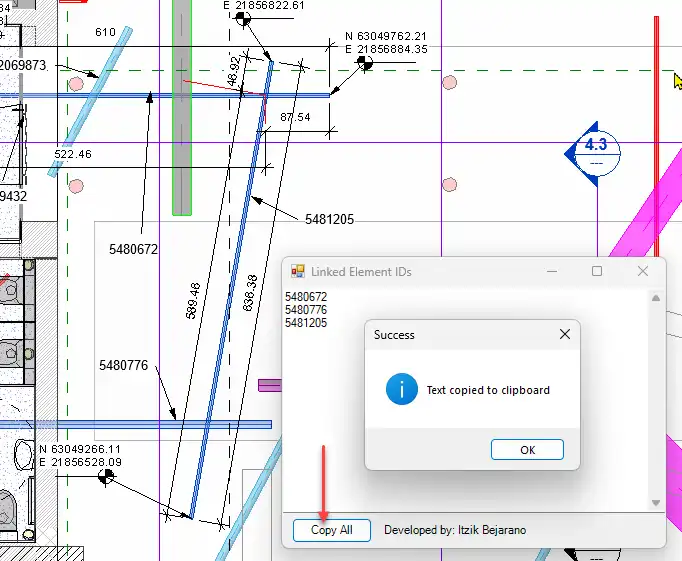
The Get Linked IDs plugin offers a range of features that make it an essential tool for BIM coordinators, architects, and engineers. With one-click selection of multiple elements from linked files, instant display of all selected element IDs, and the ability to copy all IDs to the clipboard with a single button, this plugin streamlines the workflow of creating filters, schedules, and cross-model references.
(Image by: ITZIK BEJARANO)
Ease of Use
One of the standout features of the Get Linked IDs plugin is its clean and intuitive interface. Users can quickly navigate the tool and extract the necessary element IDs without any hassle. This simplicity makes the plugin accessible to users of all skill levels, from beginners to seasoned Revit professionals.
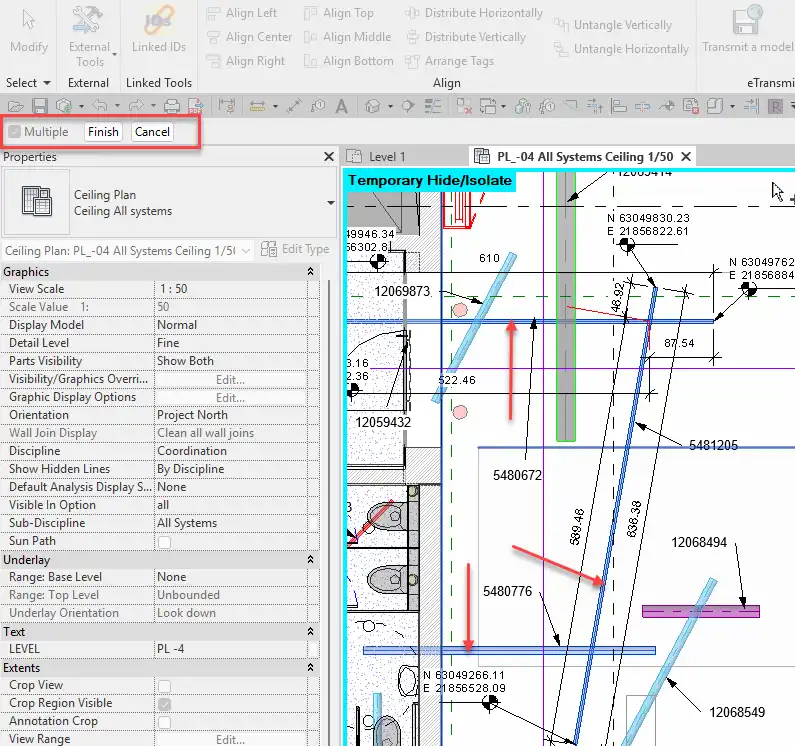
(Image by: ITZIK BEJARANO)
Conclusion
The Get Linked IDs plugin is a must-have for anyone working with complex multi-model projects in Autodesk Revit. By eliminating the need for manual ID tracking and streamlining the process of extracting element IDs from linked models, this plugin saves time and enhances productivity. Say goodbye to tedious tasks and hello to a more efficient workflow with Get Linked IDs!

(Image by: ITZIK BEJARANO)
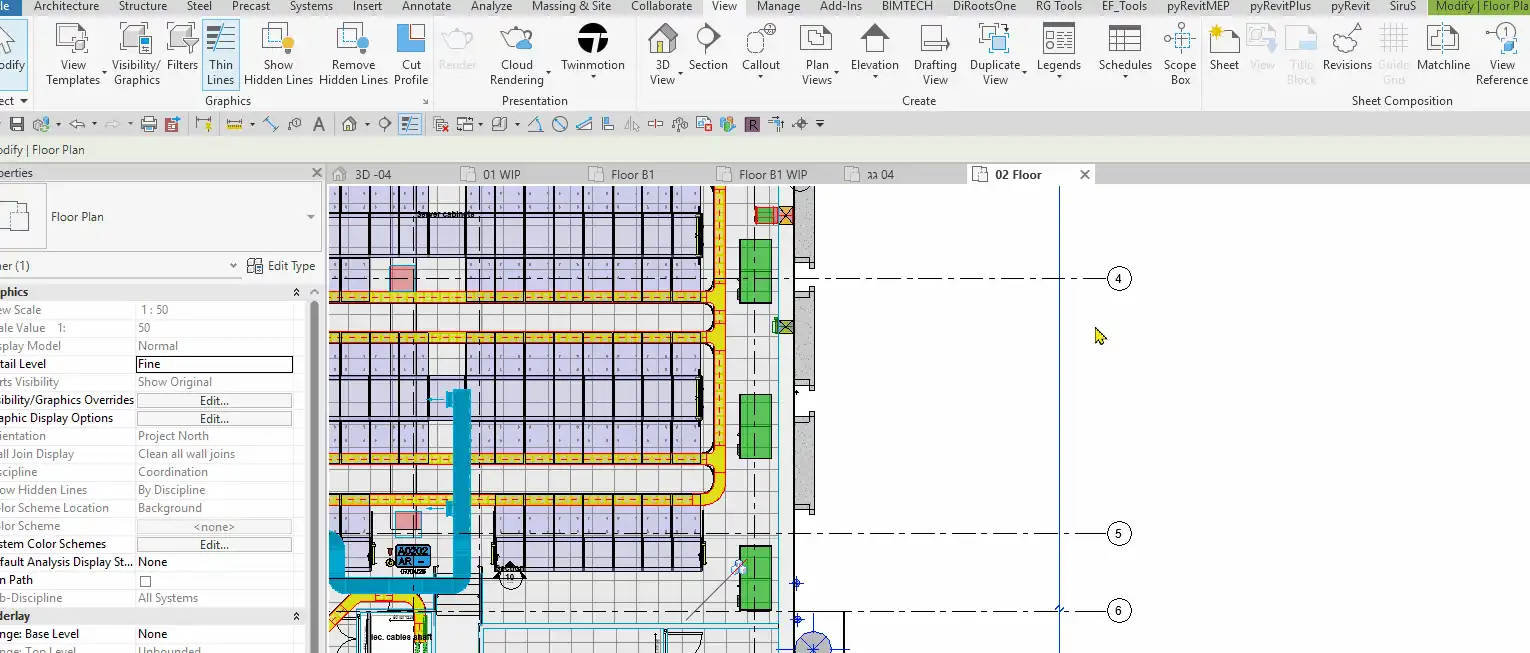
(Image by: ITZIK BEJARANO)
Similar apps:
- Free
- Free
- $1.99/month
- $5
- Free
- Free