 1 / 7
1 / 7About this app
Introduction
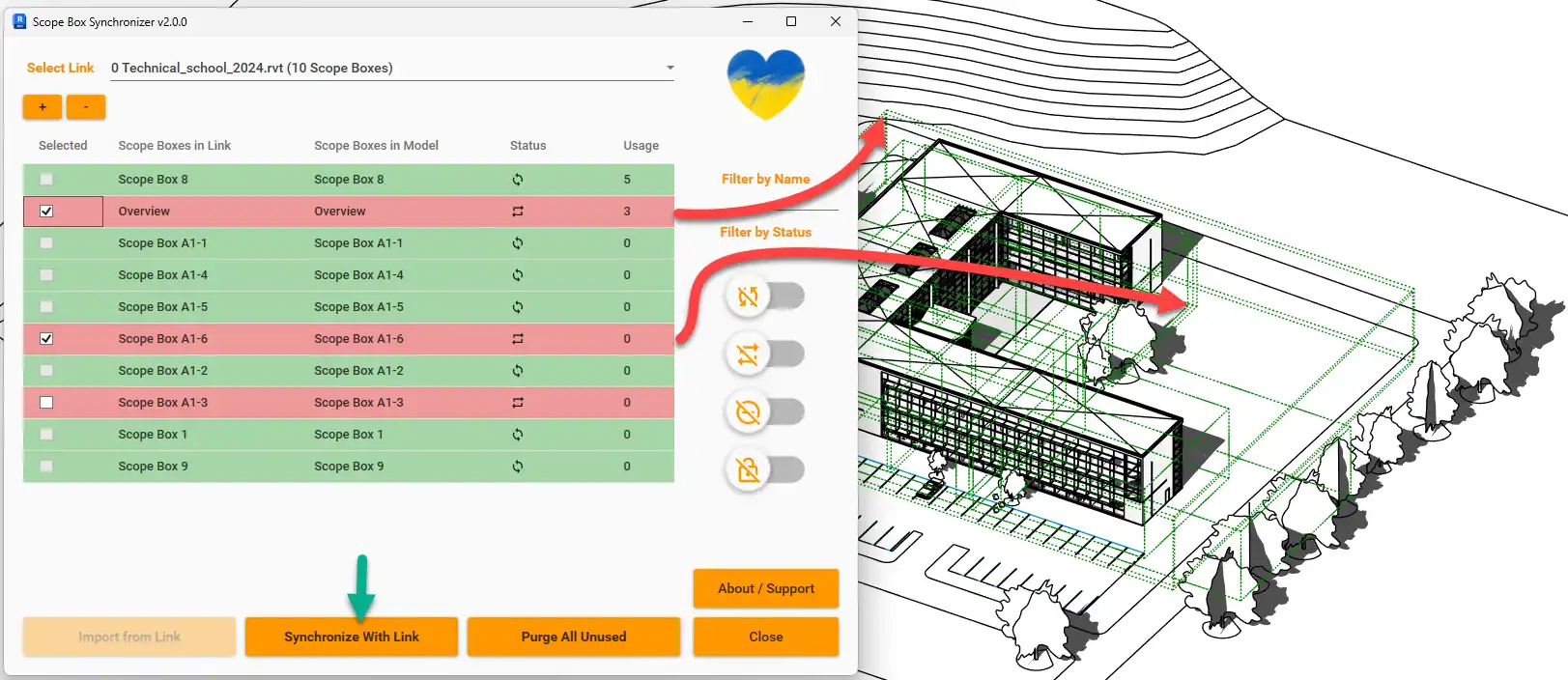
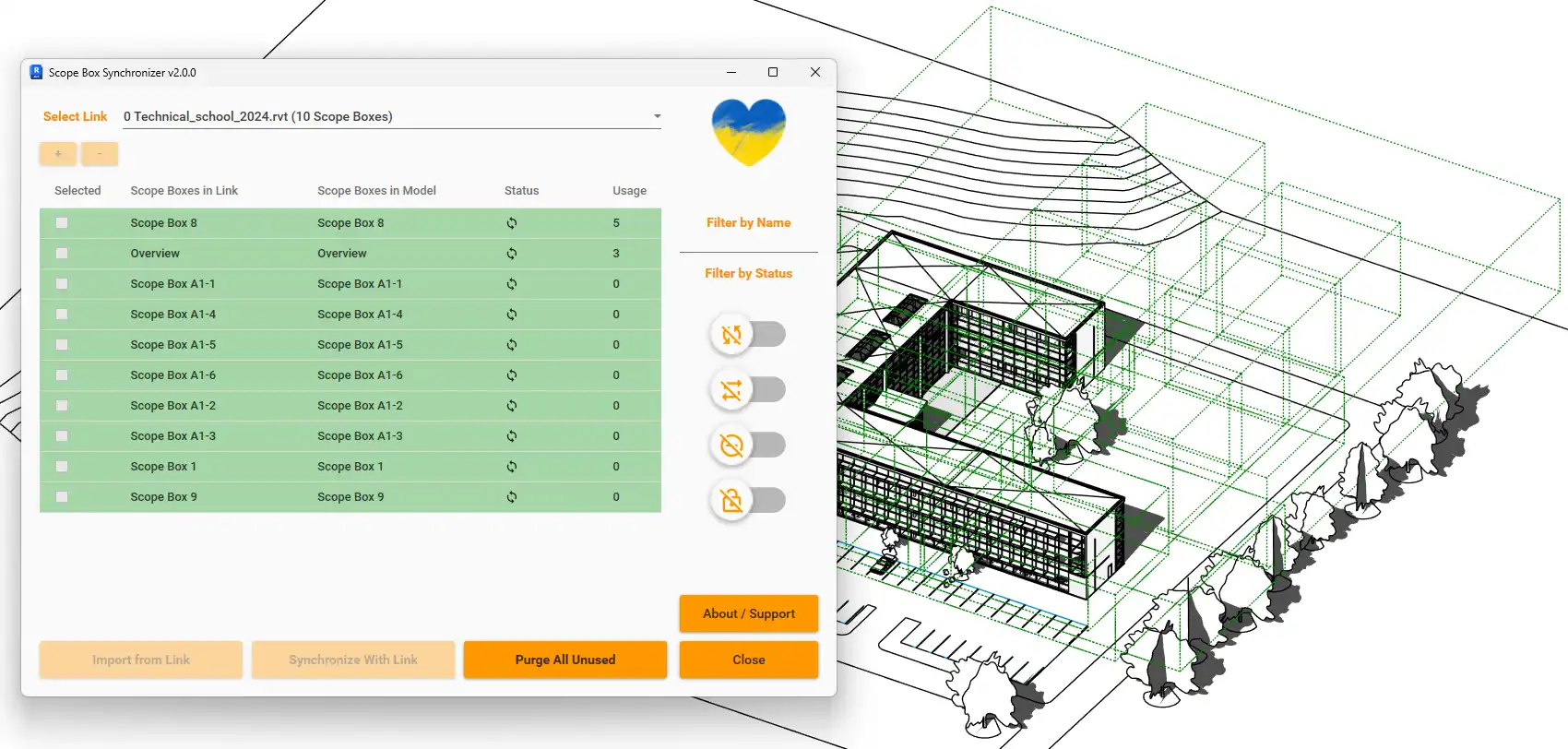
If you're a frequent user of Autodesk Revit, you know how important Scope Boxes are in organizing your project views. The Scope Box Synchronizer plugin offers a convenient solution for managing Scope Boxes across linked projects, ensuring consistency and accuracy in your designs.
(Image by: Omnia Revio)
Features
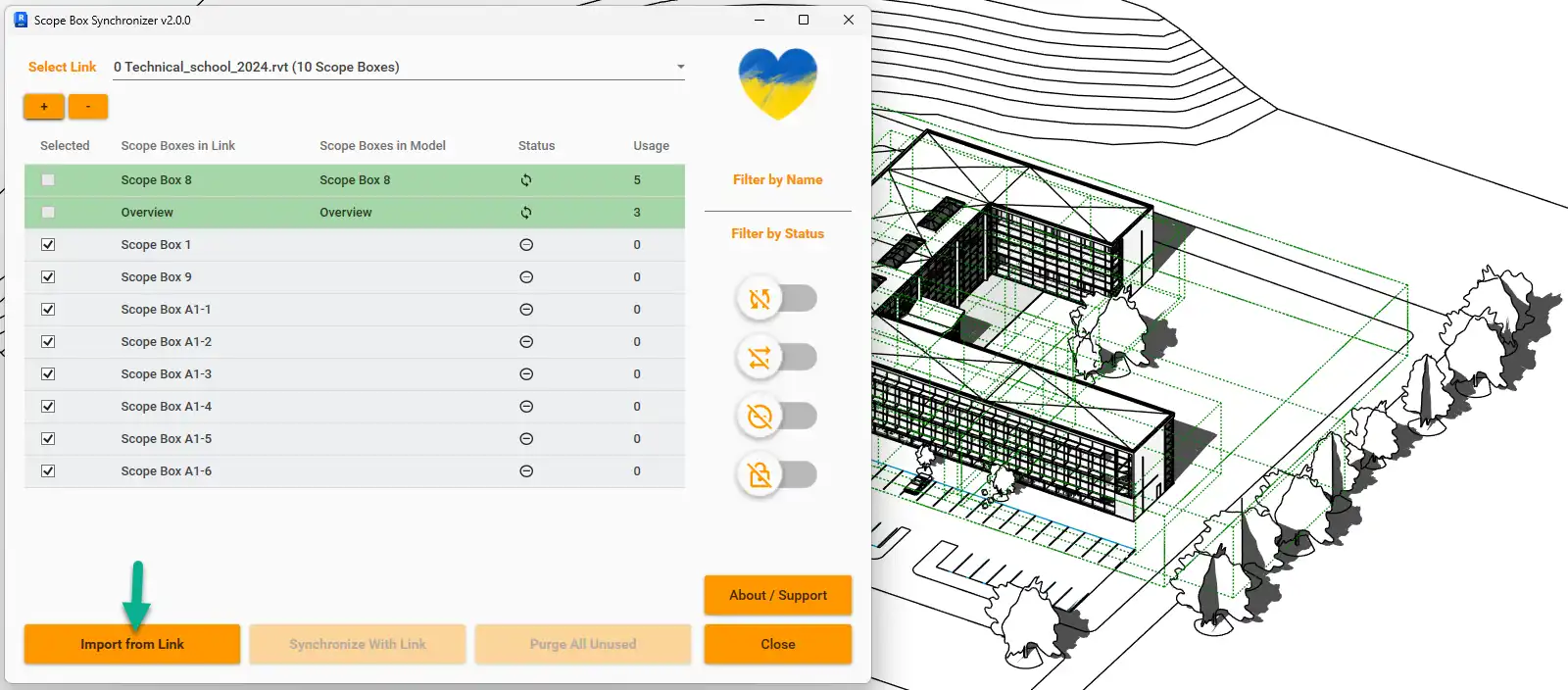
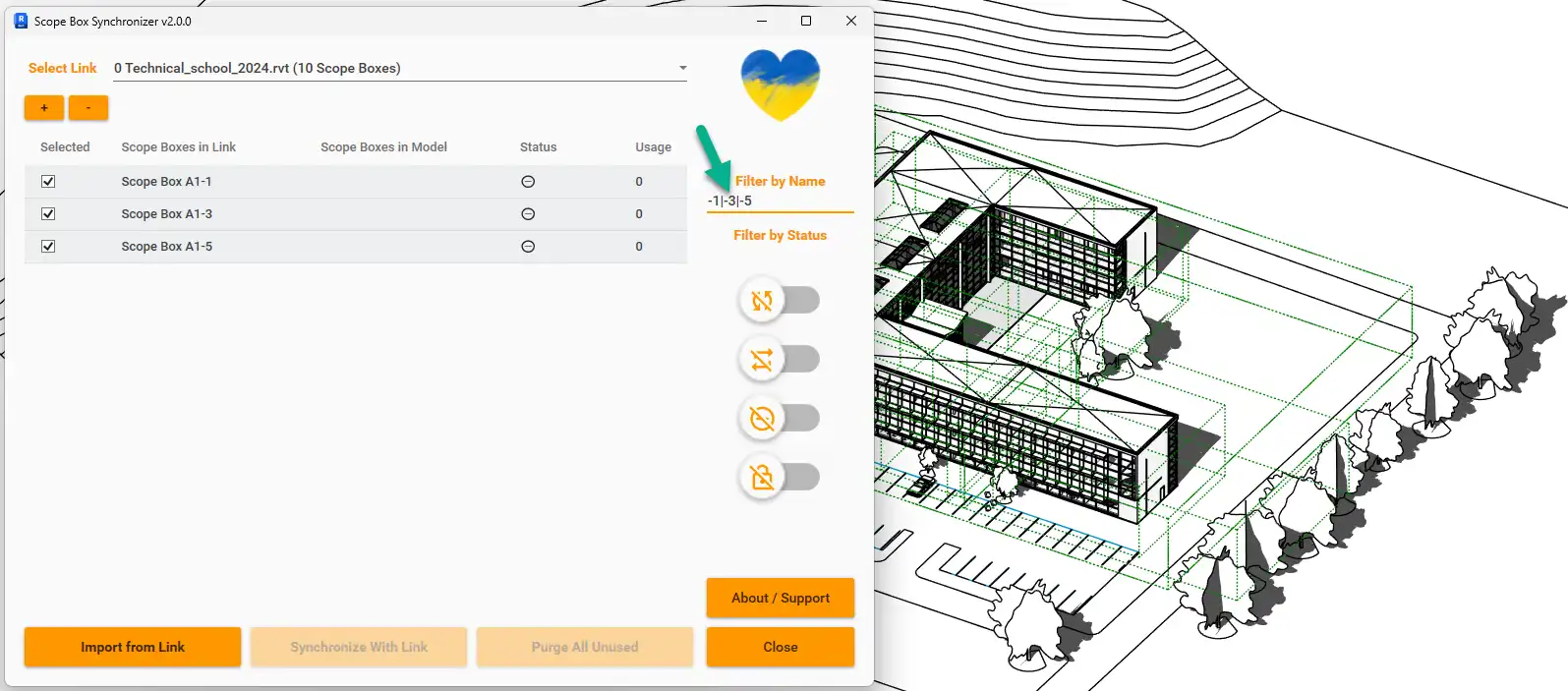
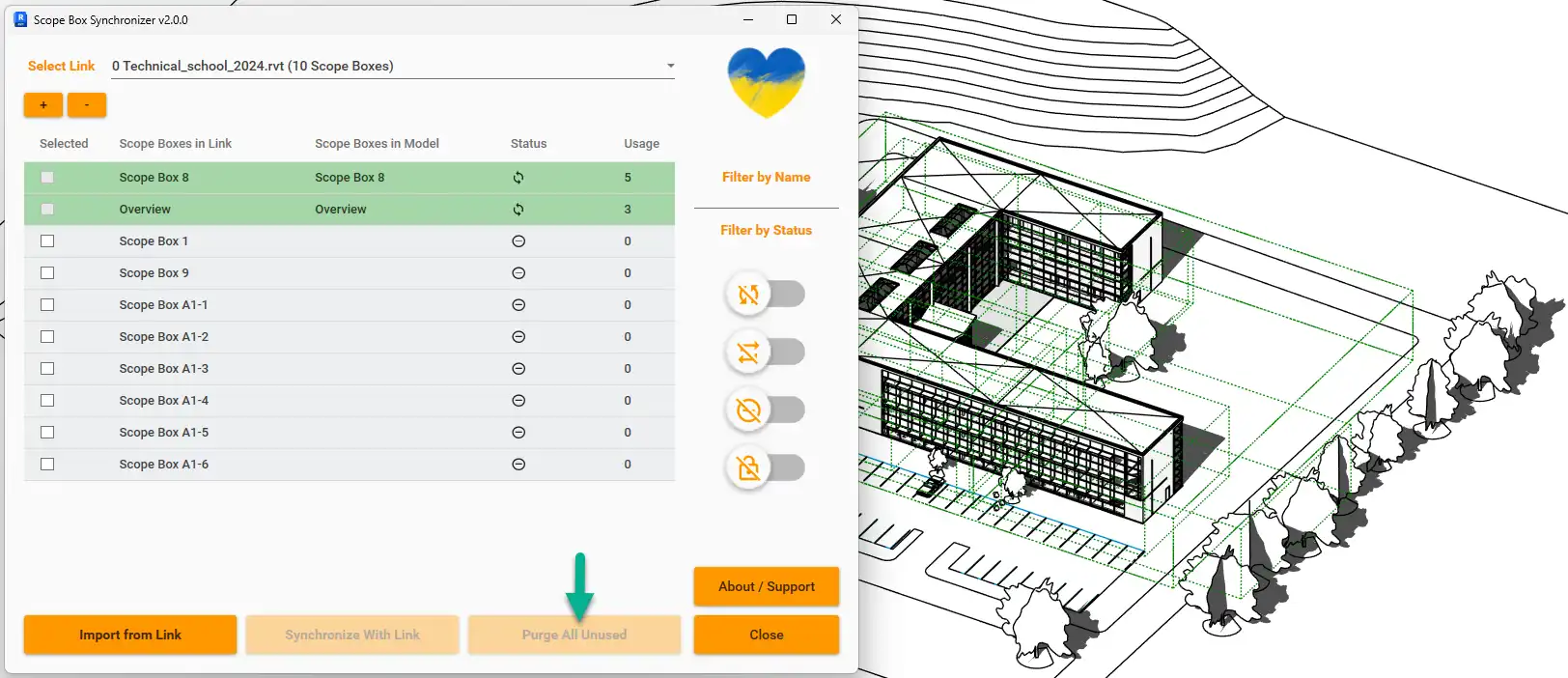
The Scope Box Synchronizer plugin allows you to easily import Scope Boxes from linked Revit projects into your own project. You can choose to import all Scope Boxes or select specific ones. Additionally, the plugin checks for any discrepancies between your Scope Boxes and those in the linked project, allowing you to synchronize them to match. This functionality is similar to the Copy/Monitor feature, but specifically tailored for Scope Boxes.
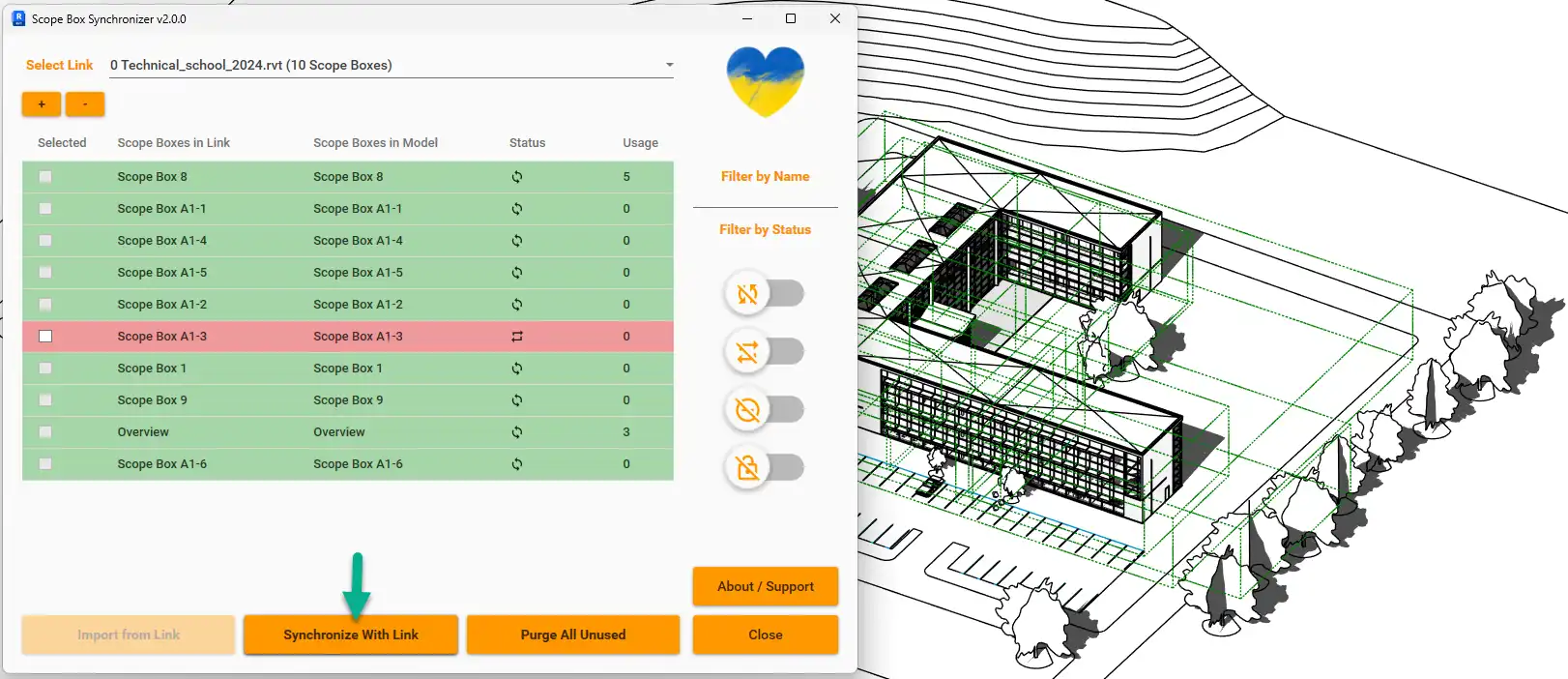
(Image by: Omnia Revio)
Benefits
By using the Scope Box Synchronizer plugin, you can save time and effort in manually managing Scope Boxes. The ability to import and synchronize Scope Boxes across projects ensures consistency in your design, reducing errors and improving collaboration with team members working on linked projects.
(Image by: Omnia Revio)
Summary
The Scope Box Synchronizer plugin for Revit is a valuable tool for architects, engineers, and designers who work on complex projects with multiple linked models. Its user-friendly interface and powerful features make it easy to manage Scope Boxes efficiently, saving time and improving project accuracy. Give the Scope Box Synchronizer plugin a try and streamline your Revit workflow today!
(Image by: Omnia Revio)
(Image by: Omnia Revio)
(Image by: Omnia Revio)
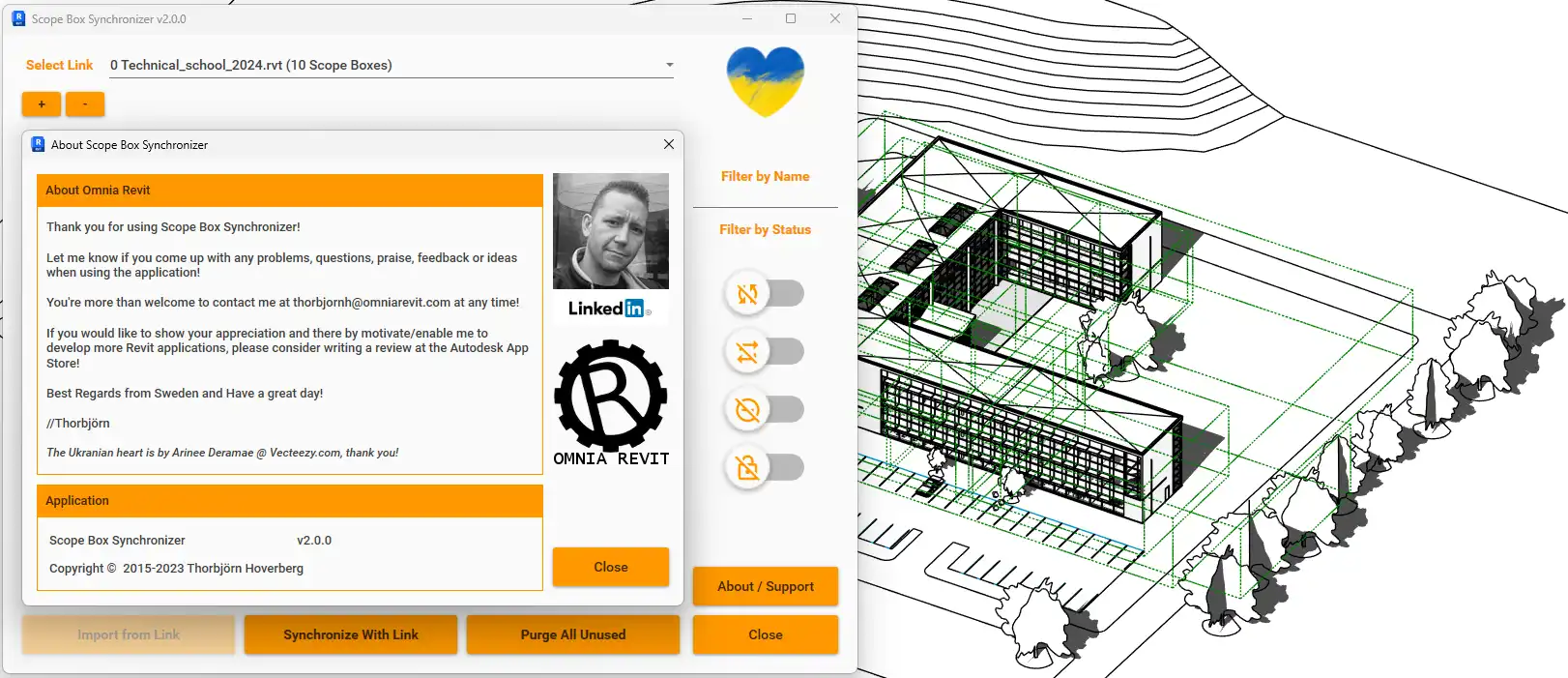
(Image by: Omnia Revio)
Similar apps:
- Free
- $15/month
- Free
- Free
- Free
- Free