 1 / 6
1 / 6About this app
Introduction
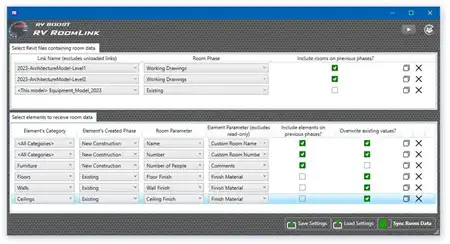
Revit users know that the software can be a powerful tool for creating detailed architectural designs and models. However, as with any software, there are often repetitive tasks that can be time-consuming and tedious. This is where Osmus Productivity Tools come in, offering a range of features that aim to streamline workflows and increase efficiency.
(Image by: Sumer Alhussein)
Features and Functionality
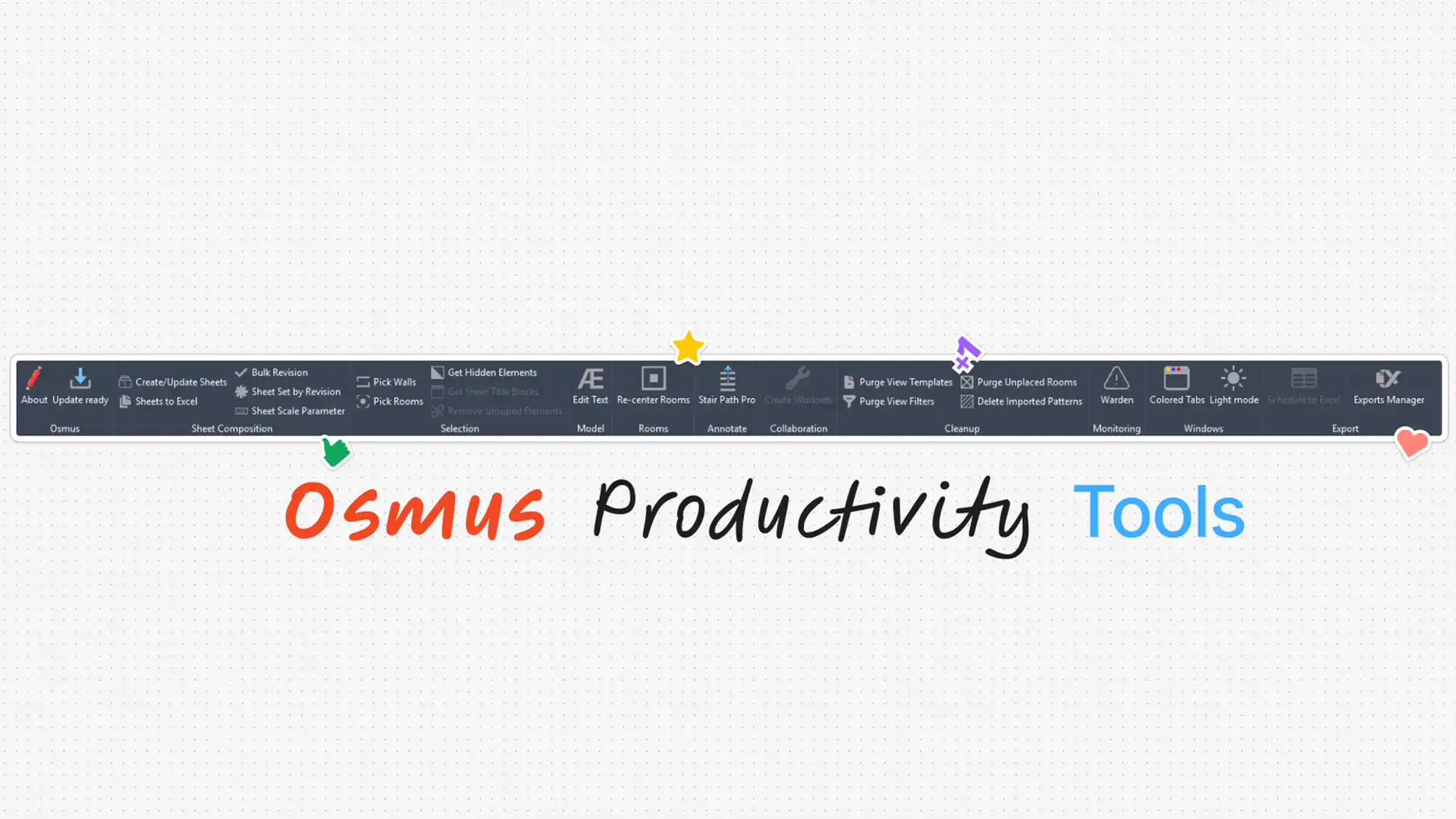
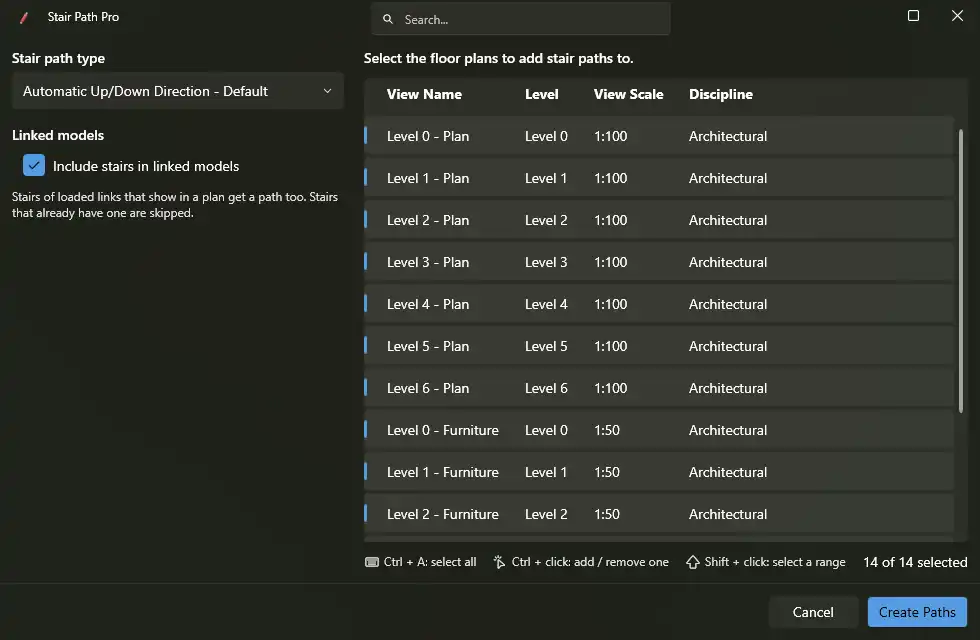
Osmus Productivity Tools is a Revit plugin that adds an Osmus tab to the Revit ribbon, providing users with over 20 tools to help with sheets, exports, annotation, and model cleanup. One of the standout features of this plugin is its ability to automate repetitive tasks, saving users valuable time and effort. The plugin is free to use and is compatible with Revit versions 2023, 2024, 2025, 2026, and 2027.
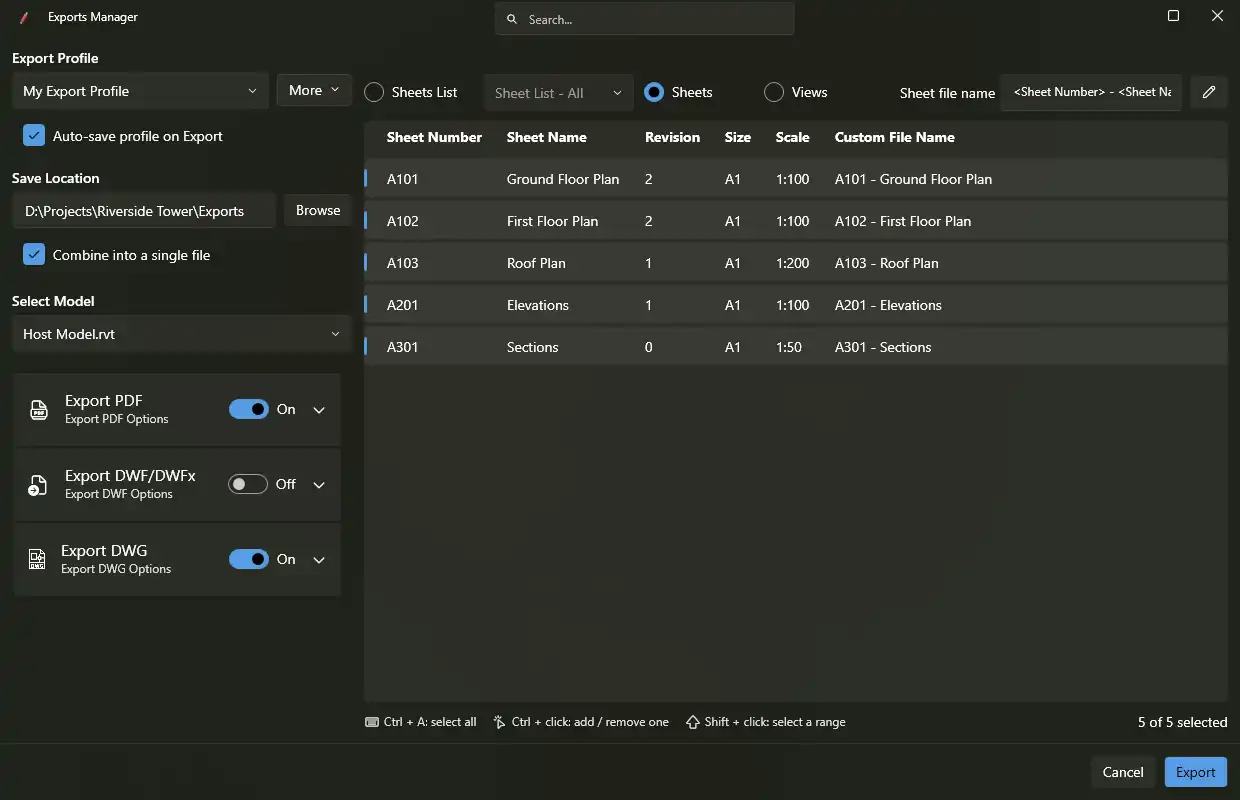
The Export Manager tool is a game-changer for users who frequently export sheets and views to PDF, DWG, and DWF/DWFx formats. With export profiles, users can save their preferred formats, options, file naming rules, and save locations, making the export process quick and efficient. File names can be automatically generated from sheet or view parameters, project information, and the date, eliminating the need for manual naming conventions.
Another useful tool is the Sheets and Revisions feature, which allows users to create or update sheets from an Excel template. The Bulk Revision tool simplifies the process of adding or removing revisions from multiple sheets at once. Additionally, the Sheet Set by Revision tool automatically builds a print set of sheets that carry a specific revision, streamlining the printing process.
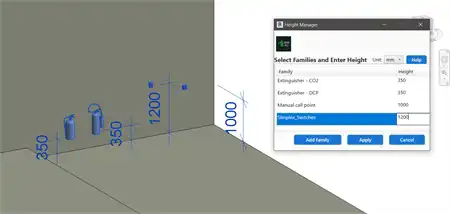
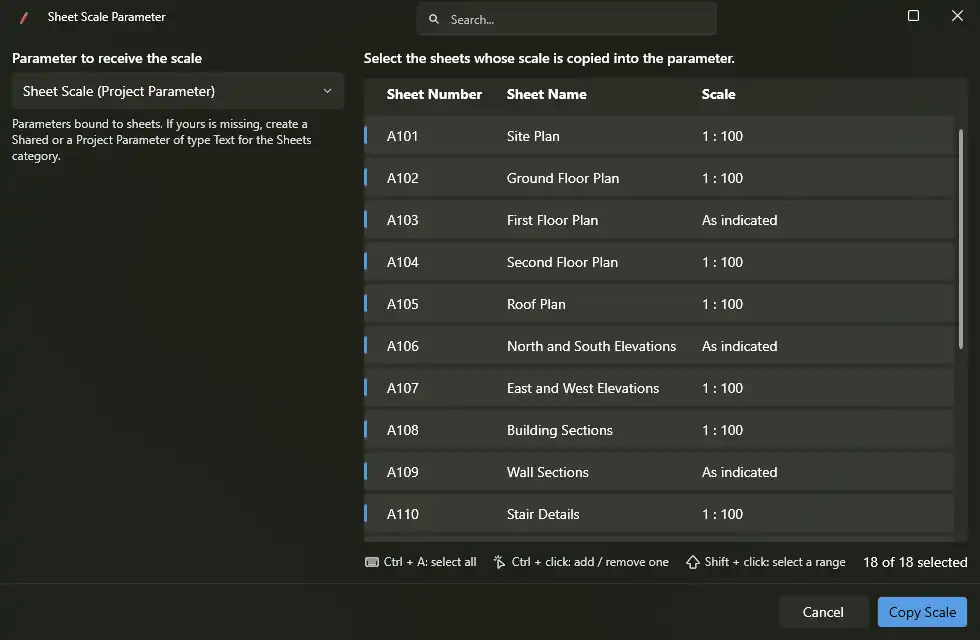
The Annotation and Model Cleanup tools further enhance the functionality of Osmus Productivity Tools. The Sheet Scale Parameter tool copies each sheet's scale into a text parameter, making it easier to manage title blocks and schedules. These tools not only save time but also help maintain consistency and accuracy in design documentation.
(Image by: Sumer Alhussein)
User Experience
Feedback from users of Osmus Productivity Tools has been overwhelmingly positive. Many users have praised the plugin for its ease of use and the time-saving benefits it provides. The ability to undo every tool in a single step is a particularly useful feature that ensures users can confidently experiment with different tools without fear of making irreversible changes.
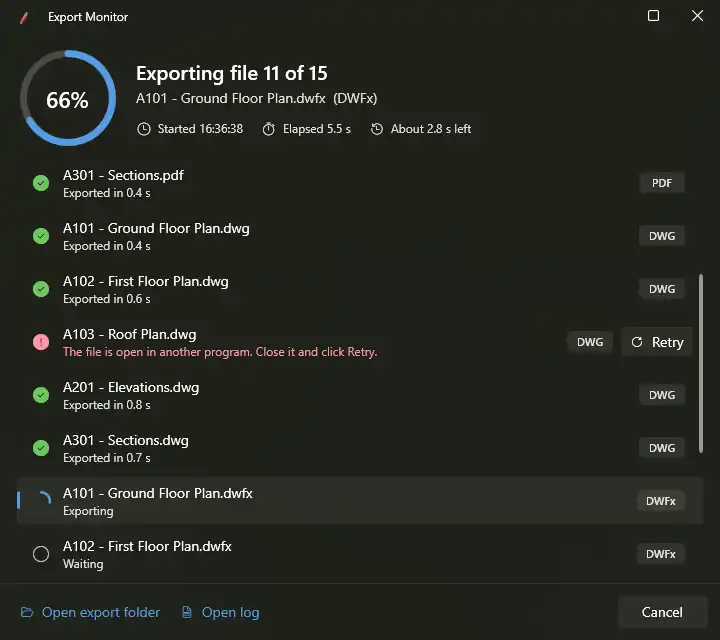
The Export Manager tool, in particular, has been singled out for its efficiency and convenience. Users appreciate the ability to export sheets and views to multiple formats in one run, as well as the export monitor feature that tracks the progress of each file. The detailed logs generated by the plugin provide users with valuable insights into their export history, making it easy to track and manage exported files.
Overall, users have found Osmus Productivity Tools to be a valuable addition to their Revit workflow, helping them work more efficiently and accurately.
(Image by: Sumer Alhussein)
Summary
Osmus Productivity Tools is a must-have plugin for Revit users looking to streamline their workflows and increase productivity. With its wide range of tools for sheets, exports, annotation, and model cleanup, this plugin offers users the ability to automate repetitive tasks and save valuable time. The user-friendly interface, detailed logs, and undo feature make it easy for users to experiment with different tools and make changes confidently. Whether you're a seasoned Revit user or just getting started, Osmus Productivity Tools is a valuable tool that can help you take your designs to the next level.
(Image by: Sumer Alhussein)
(Image by: Sumer Alhussein)
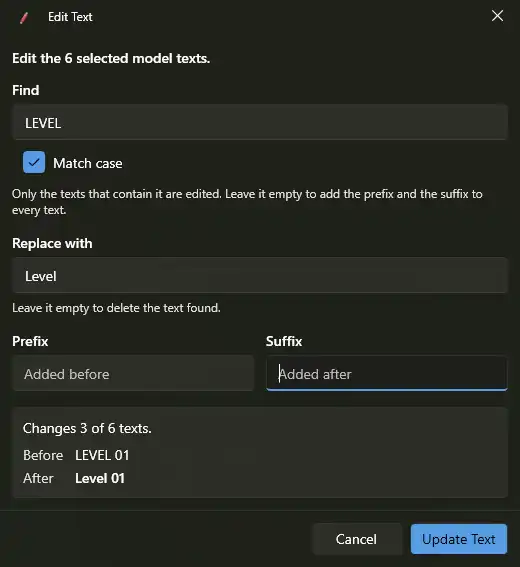
(Image by: Sumer Alhussein)
Similar apps:
- Free
- Free
- $4.99/month
- Free
- Free
- $5