 1 / 8
1 / 8About this app
Introduction
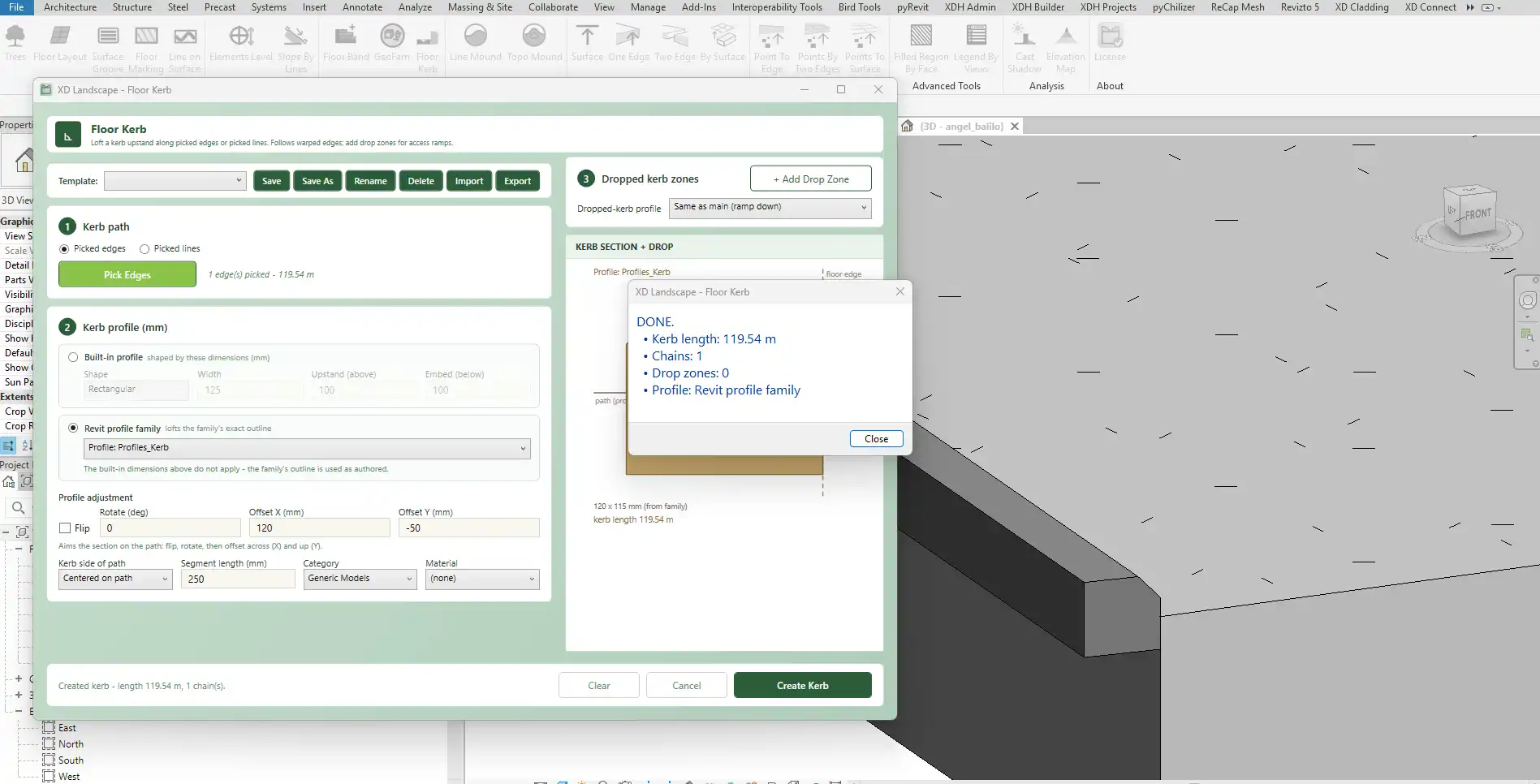
In the realm of architectural design, the integration of topography and hardscape features is crucial for creating accurate and visually appealing site models. One plugin that has been making waves among Revit users is “XD Landscape.” This powerful tool is designed to streamline the alignment of topographical elements with hardscape features, ensuring that your designs are not only precise but also professional. With XD Landscape, you can elevate your Revit workflows and enhance your project presentations.
(Image by: XD HOUSE)
Key Features of XD Landscape
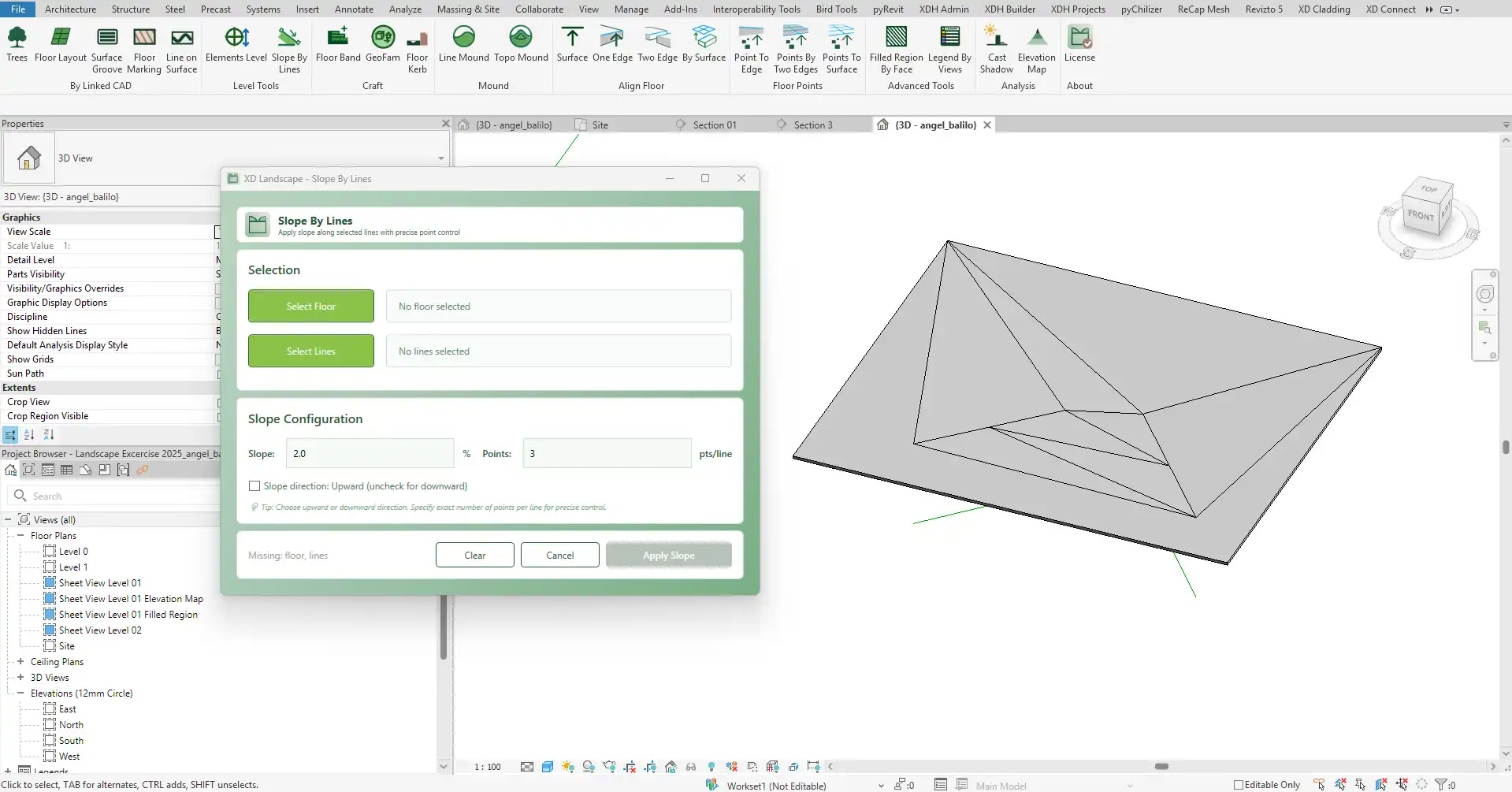
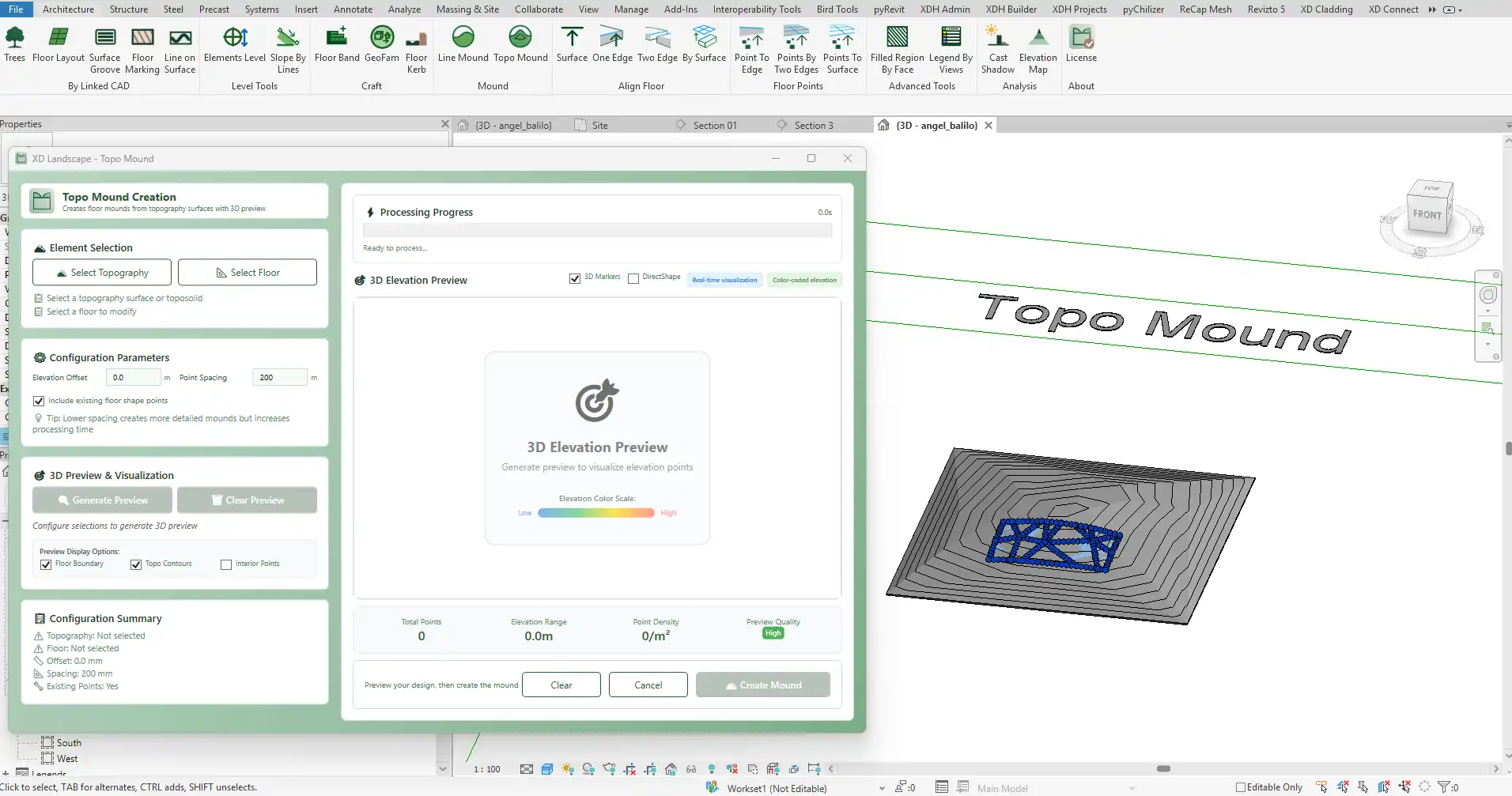
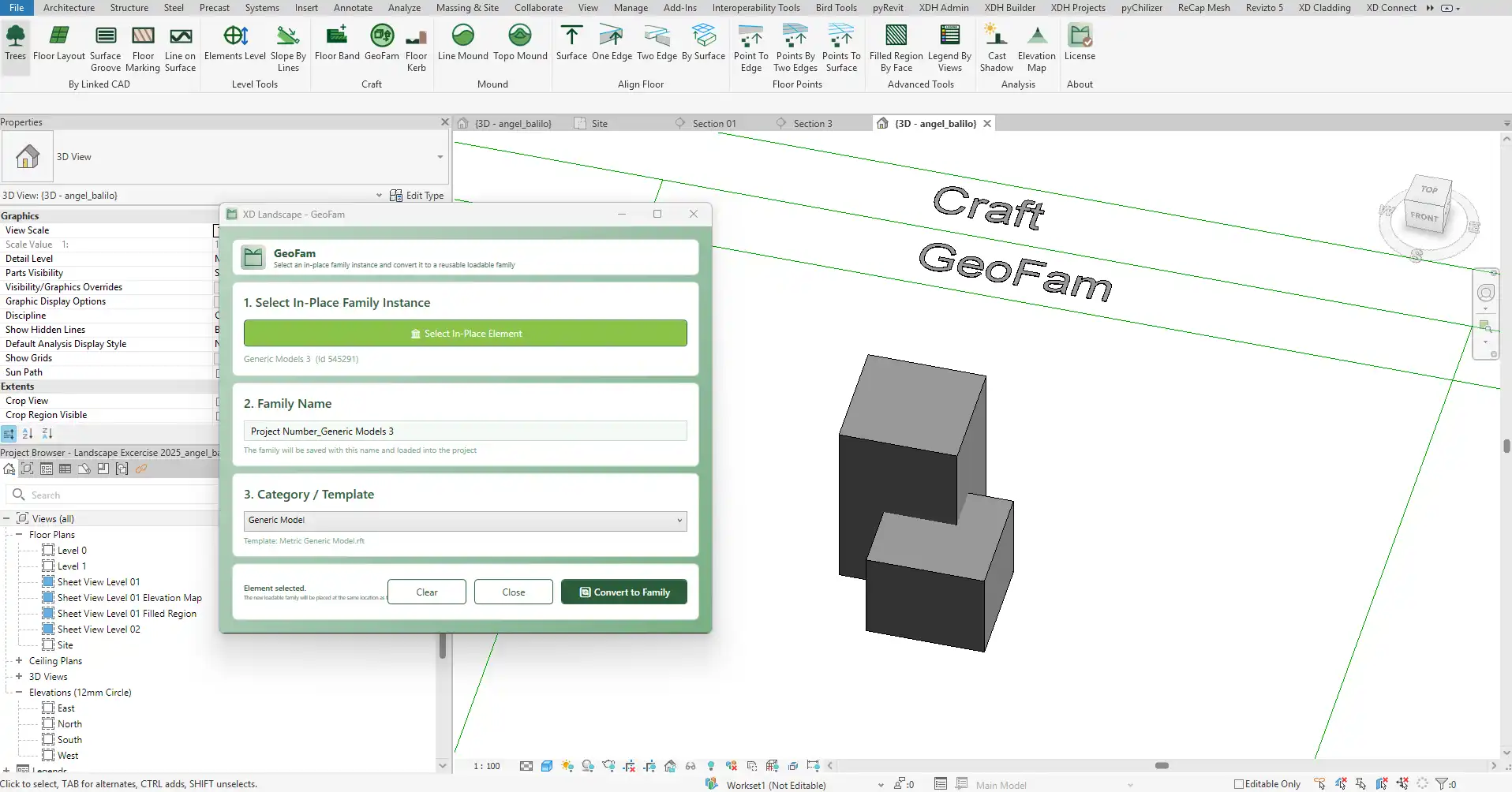
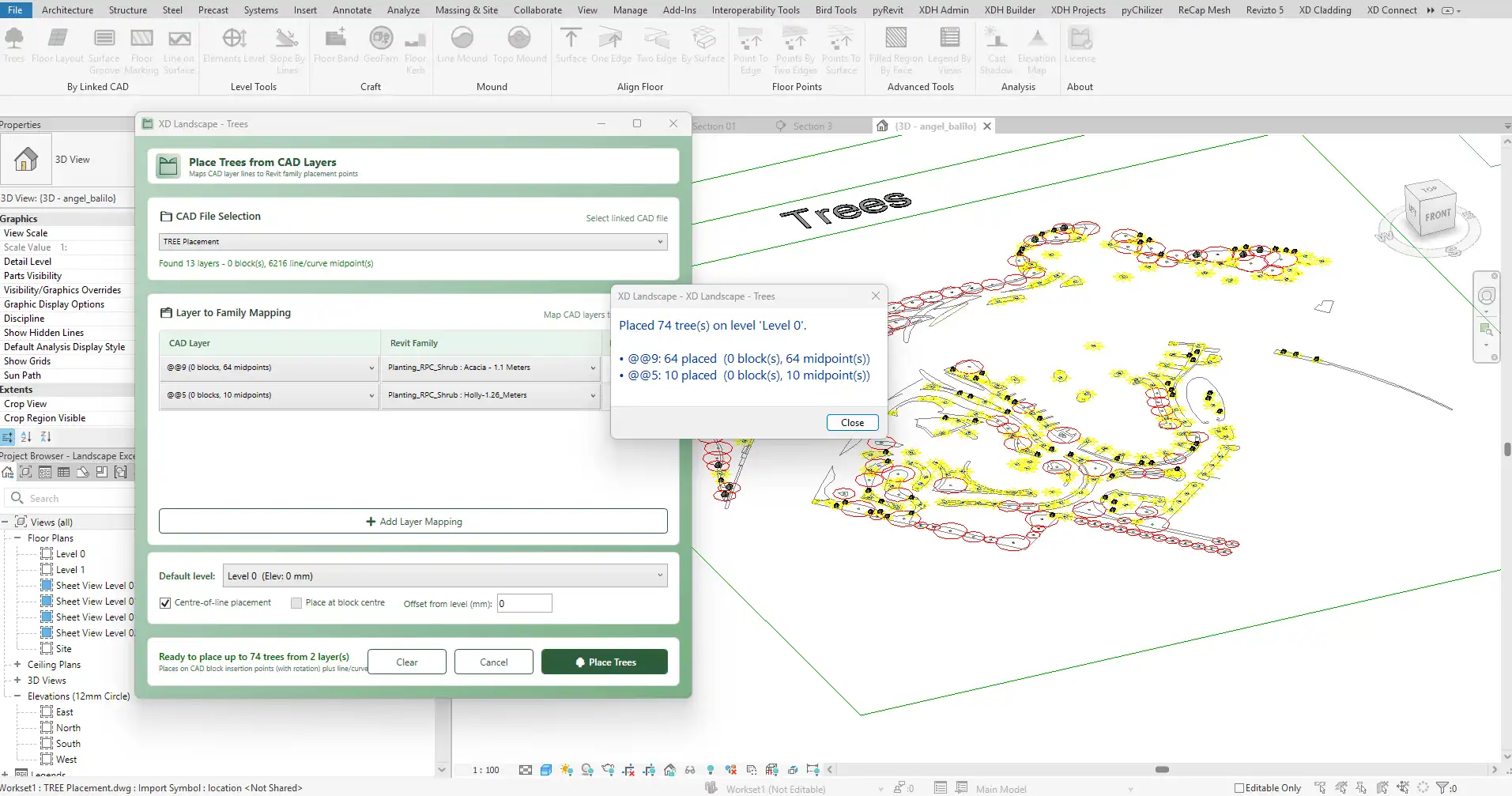
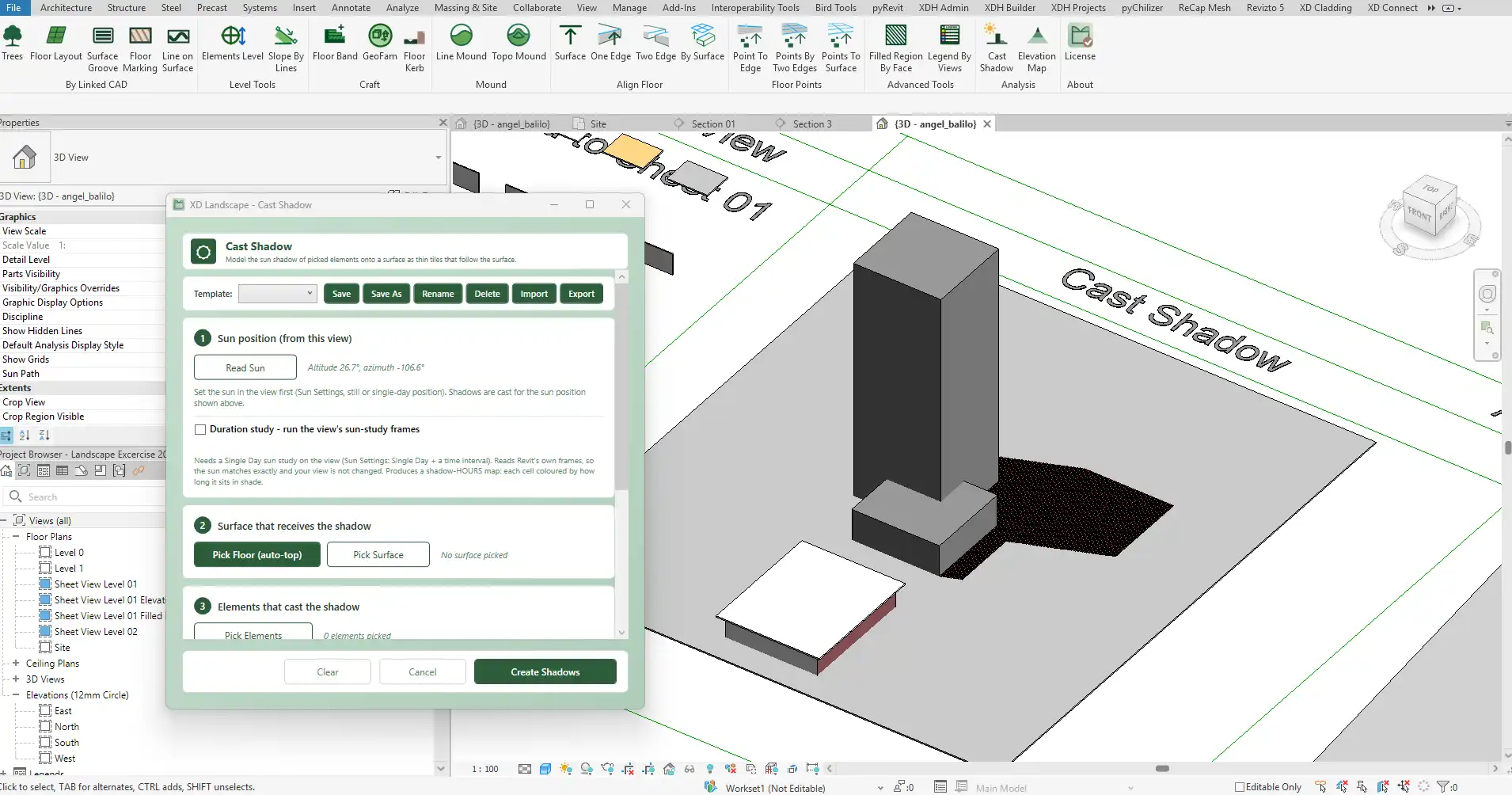
XD Landscape stands out with its high-precision toolkit that bridges the gap between architectural hardscape and site topography. By automating the placement of topographic points along complex geometries, the plugin ensures that users can create site models that are not only accurate but also ready for documentation. This automation significantly reduces the time spent on manual adjustments, allowing designers to focus on creativity and innovation.
One of the standout features of XD Landscape is its ability to create topographic points according to desired linear or radial incremental distances. This gives users complete control over the smoothness of the grade, making it easier to achieve the intended design aesthetic. Whether you’re working with intricate pathways or expansive landscapes, XD Landscape provides the tools necessary to achieve a flawless finish.

(Image by: XD HOUSE)
Professional BIM Workflow Integration
Another remarkable aspect of XD Landscape is its full support for existing and future phasing. The plugin utilizes the Graded Region tool, which allows users to create copies of existing site conditions. This is invaluable for maintaining a clean and professional BIM workflow, particularly in large-scale projects where multiple iterations are common. By leveraging this feature, designers can ensure that all phases of their projects maintain consistency and quality.
The user-friendly interface of XD Landscape makes it accessible to both novice and experienced Revit users. The intuitive design means that you can start using the plugin right away, without a steep learning curve. This is crucial for busy professionals who need to deliver results quickly and efficiently.
(Image by: XD HOUSE)
Summary
XD Landscape is a game-changing plugin for Autodesk Revit users who require precision in aligning topography with hardscape features. Its ability to automate the placement of topographic points along complex geometries saves time and enhances the quality of designs. With its support for professional BIM workflows and user-friendly interface, XD Landscape is an essential tool for anyone looking to take their landscape designs to the next level. If you're aiming for accuracy and professionalism in your site models, trying out XD Landscape will undoubtedly be a worthwhile investment.
(Image by: XD HOUSE)
(Image by: XD HOUSE)
(Image by: XD HOUSE)
(Image by: XD HOUSE)
Similar apps:
- Free
- $100
- Free
- $4.99/month
- Free
- Free