About this app
Introduction
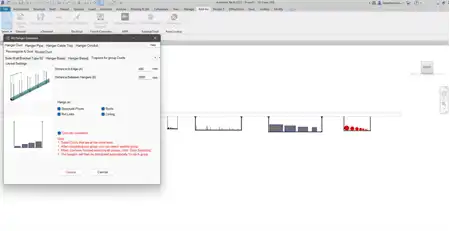
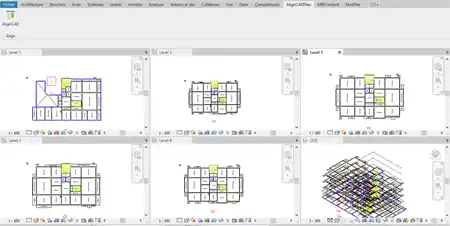
Are you tired of spending hours on manual conversion tasks when importing CAD drawings into Autodesk® Revit®? Look no further than CAD 3D Converter—a powerful plugin designed to streamline your workflow by converting CAD Lines and Polylines into native Revit elements with just one click. This innovative tool offers a range of features that can save you time and effort, making it an essential addition to any Revit user's toolkit.
(Image by: ABM_Engineer)
Effortless Model Conversion
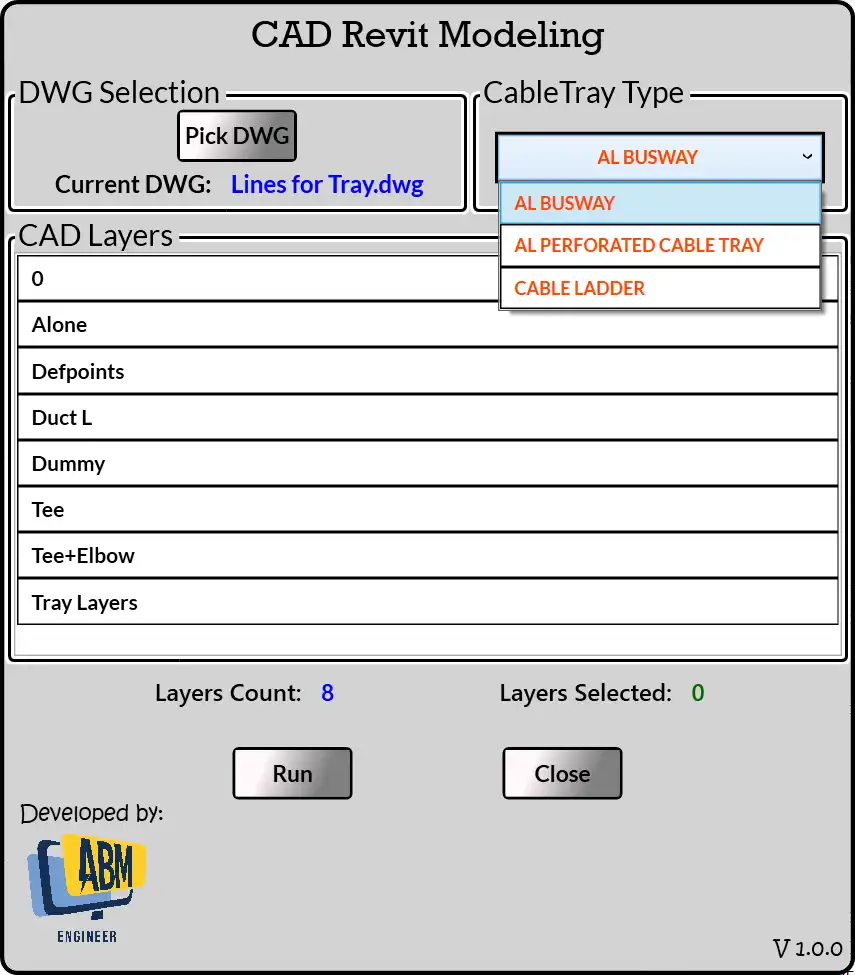
CAD 3D Converter makes it incredibly easy to convert CAD Lines and Polylines into Revit MEP Curves in a matter of seconds. With just a few clicks, you can transform these elements into Cable Trays, Ducts, or Pipes, depending on your project requirements. This seamless process eliminates the need for manual modeling, allowing you to focus on more important aspects of your design.
(Image by: ABM_Engineer)
Batch Processing Made Simple
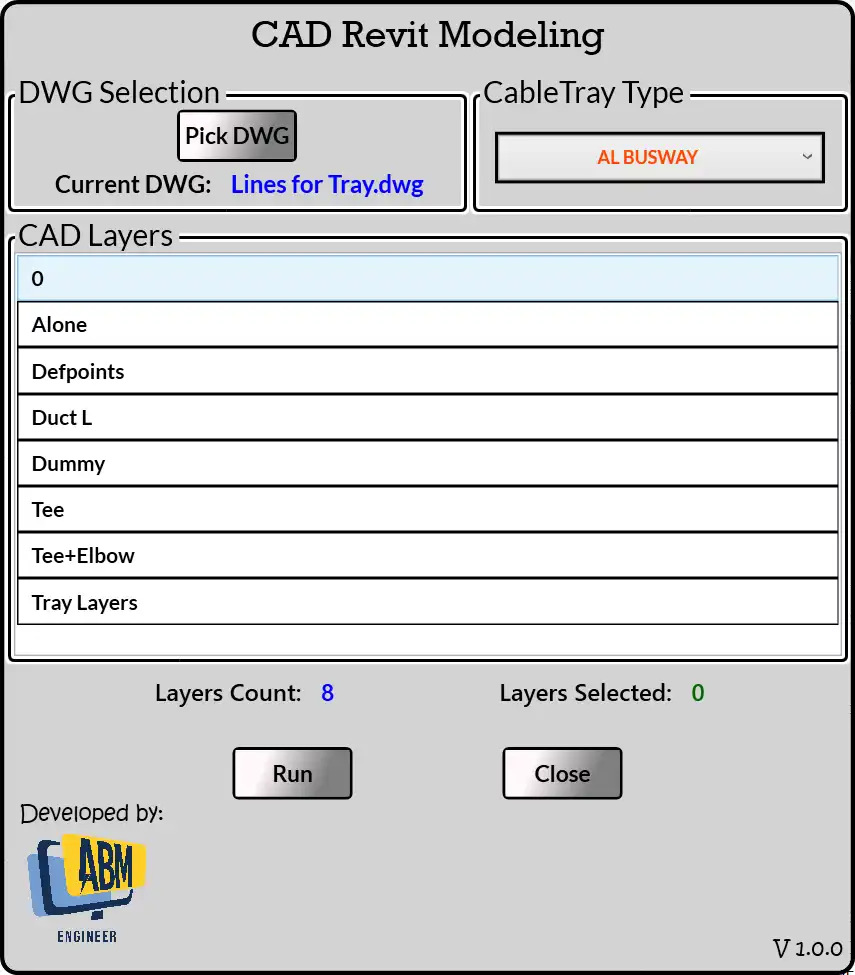
One of the standout features of CAD 3D Converter is its ability to process multiple CAD layers at once, enabling you to convert a large number of elements in a single operation. This batch processing functionality is a game-changer for users who work with complex CAD drawings, as it significantly reduces the time and effort required to bring these designs into Revit.
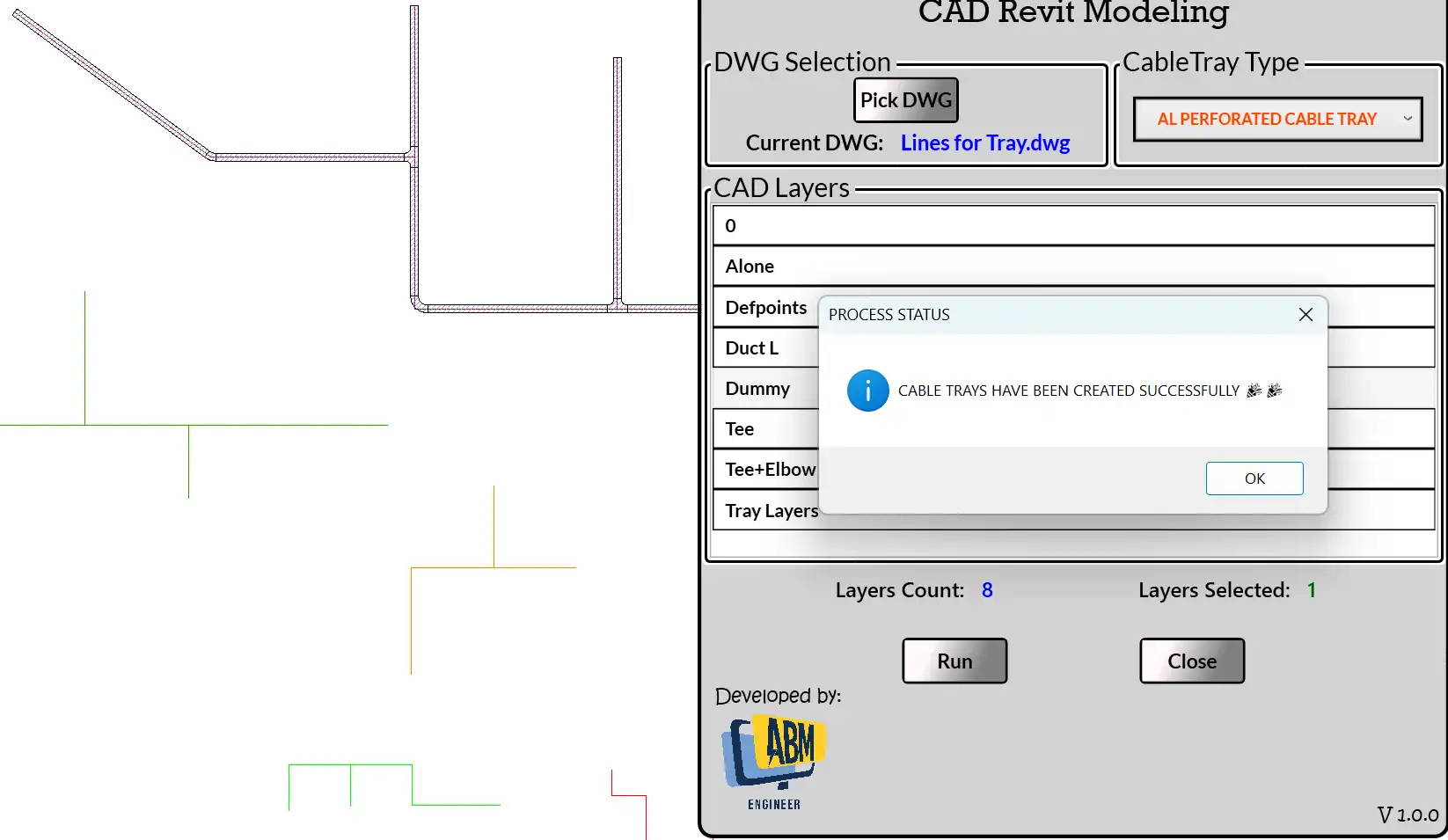
(Image by: ABM_Engineer)
Customizable Element Generation
When converting CAD Lines into Cable Trays, CAD 3D Converter automatically generates elements at a default elevation and width. However, the plugin also allows you to customize these properties to align with your project needs. Whether you need to adjust the elevation, width, or other parameters of the newly created elements, CAD 3D Converter makes it simple to fine-tune these settings to achieve the desired result.
Conclusion
CAD 3D Converter is a must-have plugin for Revit users who regularly work with CAD drawings and need a fast, efficient way to convert them into native Revit elements. With its user-friendly interface, powerful features, and time-saving capabilities, this tool can revolutionize your workflow and eliminate the tedious tasks associated with manual model conversion. Give CAD 3D Converter a try today and experience the benefits of streamlined design processes and increased productivity.
Similar apps:
- Free
- $15/month
- Free
- $10/month
- Free
- Free