 1 / 4
1 / 4About this app
Introduction
In today's fast-paced architectural and engineering environment, efficiency and productivity are paramount. With the increasing complexity of projects, professionals are constantly seeking ways to streamline their workflows. Enter BIM Specialist, an innovative Revit plugin designed to enhance productivity for users of Revit 2025, 2026, and 2027. This powerful toolkit combines room management and scheduling workflows into one seamless interface, allowing architects, engineers, BIM coordinators, and model authors to focus on what they do best—designing and building. In this review, we will explore the key features of BIM Specialist, its benefits, and why you should consider integrating it into your Revit experience.
(Image by: BIM Specialist)
Streamlined Tools for Enhanced Productivity
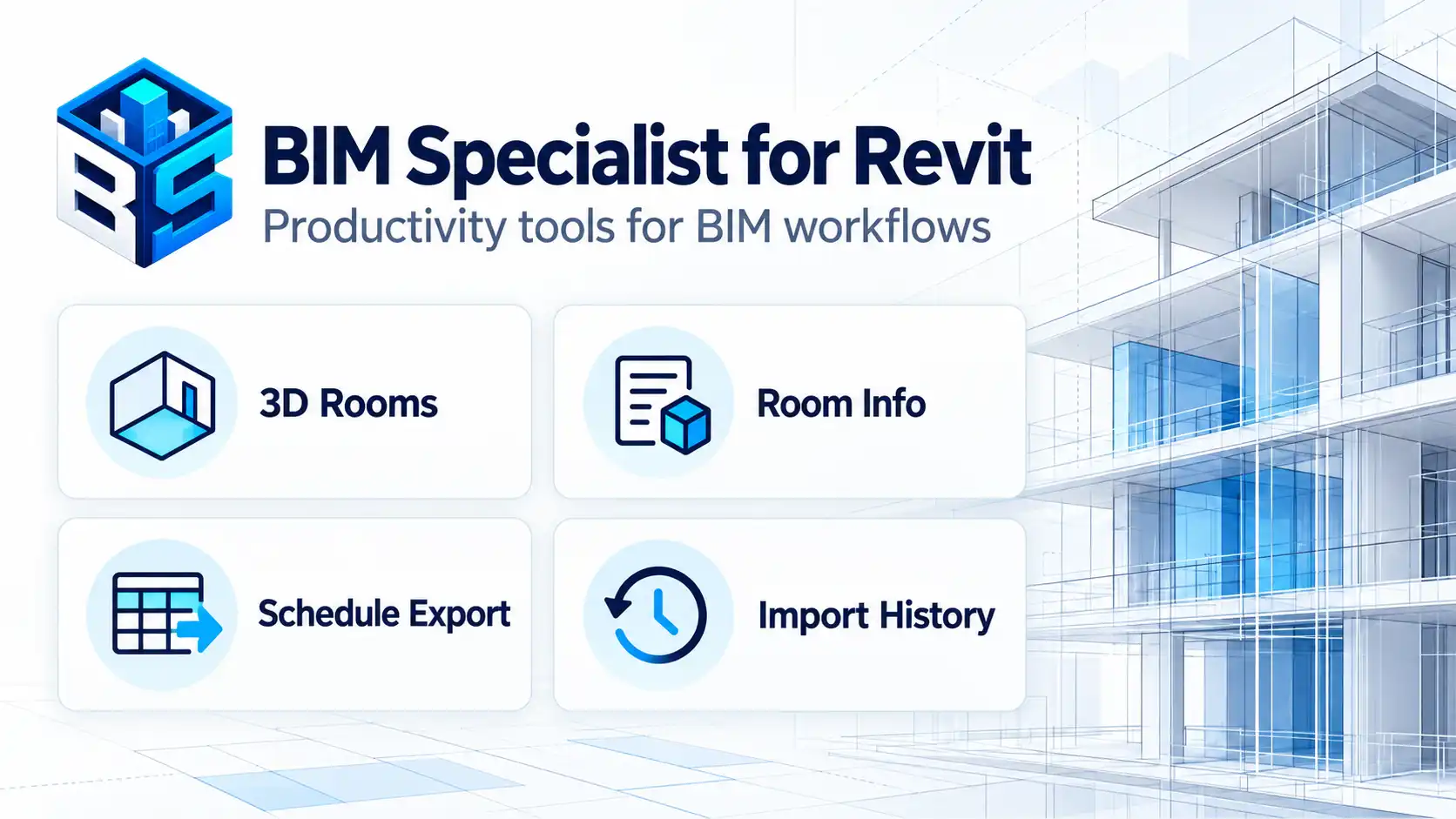
BIM Specialist comprises four focused tools that simplify repetitive tasks, making it easier for users to manage their projects efficiently. The standout features of this plugin include:
3D Rooms: This tool builds and updates three-dimensional room volumes directly from native Revit room data. By visualizing spatial information, users can quickly assess room layouts and apply consistent styles across their projects. This functionality not only speeds up the design process but also significantly improves communication between team members by providing a clearer understanding of spatial configurations.
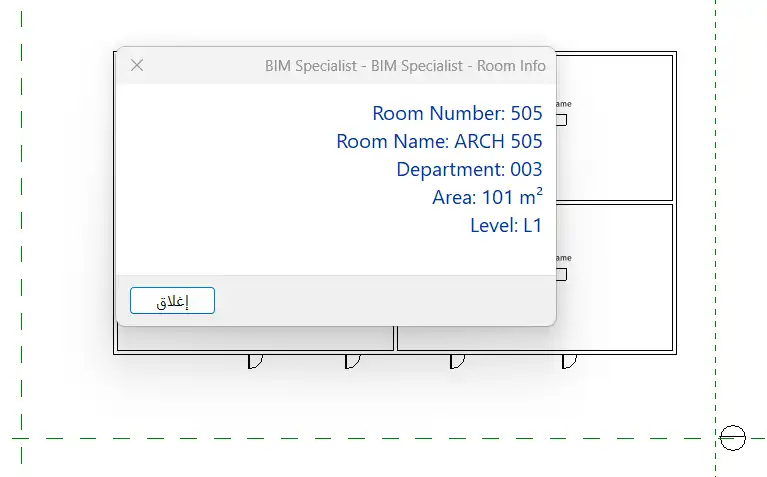
Room Info: Quickly access essential information about a selected room with this user-friendly dialog. Room Info displays key details, including the room number, name, department, area, and level. This feature allows for rapid verification of room attributes, ensuring that all aspects of the design align with project specifications without the need to navigate through multiple menus.
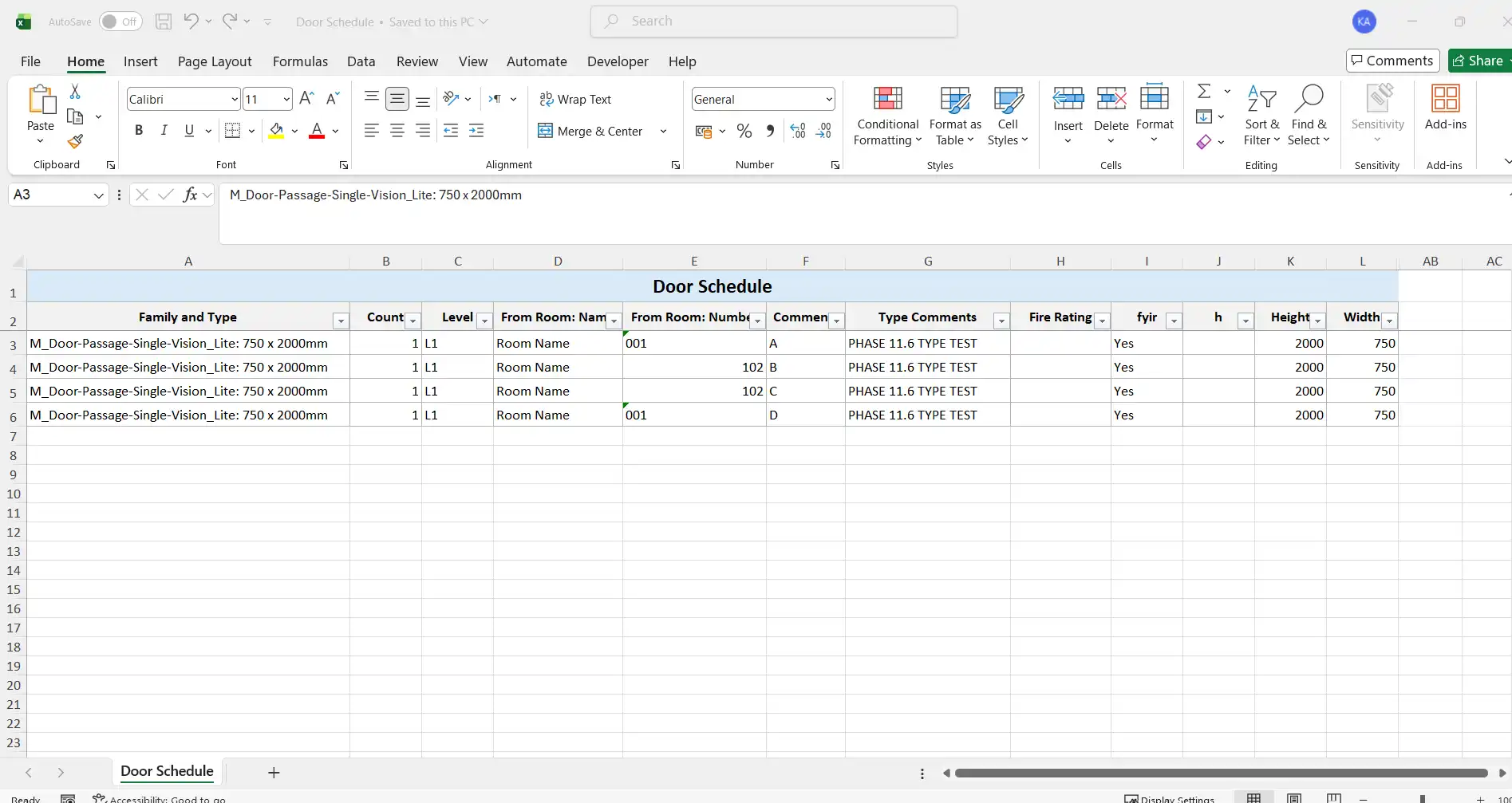
Schedule Export: Exporting schedules from Revit to Excel has never been easier. Schedule Export allows users to send selected Revit schedules directly to Excel in XLSX format, either as separate workbooks or as multiple worksheets within a single workbook. The tool supports automatic column sizing, borders, frozen headers, and filters, tremendously saving time during report preparation. Additionally, users can customize their preferences, which are remembered between Revit sessions, ensuring a consistent experience with every export.
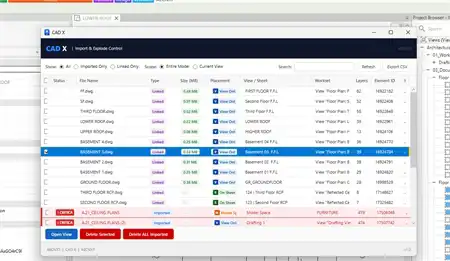
Import History: Keeping track of changes is crucial in any design project. The Import History tool provides an audit-oriented view of Excel import activities and tracks the corresponding changes made in Revit. This feature promotes accountability and ensures that project stakeholders can easily reference previous modifications.
(Image by: BIM Specialist)
Free and Affordable Access
One of the most appealing aspects of BIM Specialist is its accessibility. The Room Info and Schedule Export tools are available free of charge, making them an excellent resource for users looking to enhance their efficiency without any investment. Moreover, new users can take advantage of a 30-day trial available through the Autodesk Marketplace. This trial grants access to all current tools, including the premium features such as 3D Rooms and Import History, allowing users to fully explore the plugin's potential within a risk-free timeframe.
For those who want to unlock the complete suite of tools after the trial, professional access is available at a very reasonable price of USD 4.99 per month for a single user. With licensing linked directly to the Autodesk account used in Revit, users can seamlessly integrate BIM Specialist into their existing workflow without the hassle of managing additional accounts.

(Image by: BIM Specialist)
User-Centric Design and Consistency
BIM Specialist is designed with the user in mind. The plugin preserves the Revit environment while enhancing it with a dedicated ribbon tab for easy access to its tools. Clear validation and error messages guide users through the process, ensuring that they can complete tasks with confidence. Additionally, user preferences are stored locally, facilitating consistent exports that reduce the potential for mistakes and rework.
The installation process is straightforward, as it automatically creates the BIM Specialist ribbon and includes all necessary components for the supported Revit versions. This ease of use ensures that users can quickly get started and maximize their productivity from day one.
(Image by: BIM Specialist)
Summary
In conclusion, BIM Specialist is an essential productivity toolkit for Revit users seeking to improve their efficiency and streamline their workflows. With its powerful tools like 3D Rooms, Room Info, Schedule Export, and Import History, it addresses common challenges faced by architects, engineers, and BIM coordinators. The combination of free access to certain features and an affordable professional tier makes it an attractive option for both individual professionals and larger teams.
If you are looking to enhance your Revit experience and simplify your workflows, we highly recommend giving BIM Specialist a try. Its user-friendly design, robust functionality, and clear focus on productivity make it a valuable addition to any BIM professional's toolkit. Start your journey towards increased efficiency today by exploring the benefits of BIM Specialist!
Similar apps:
- Free
- Free
- Free
- $4.99/month
- $20/month
- Free