 1 / 17
About this app
As a professional in the field of Mechanical, Electrical, and Plumbing (MEP) engineering, navigating the complexities of Autodesk Revit can sometimes feel like a daunting task. That's where MEP Tools Pro comes in, a powerful plugin designed to streamline MEP modeling and engineering workflows within Revit. With its advanced features and comprehensive toolset, MEP Tools Pro is a game-changer for engineers looking to increase productivity and efficiency in their designs.
The Power of MEP Tools Pro
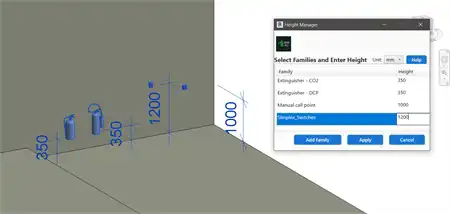
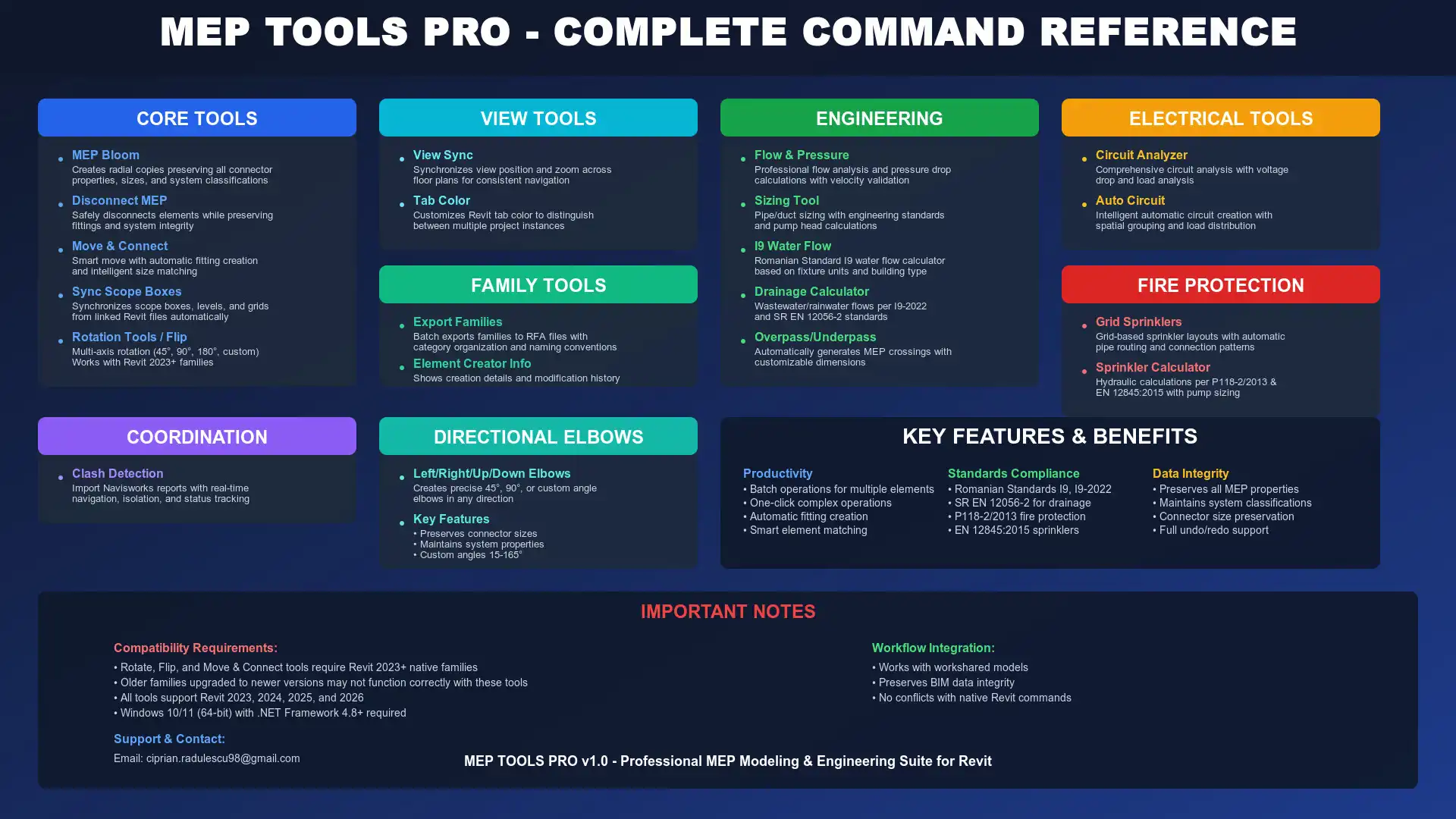
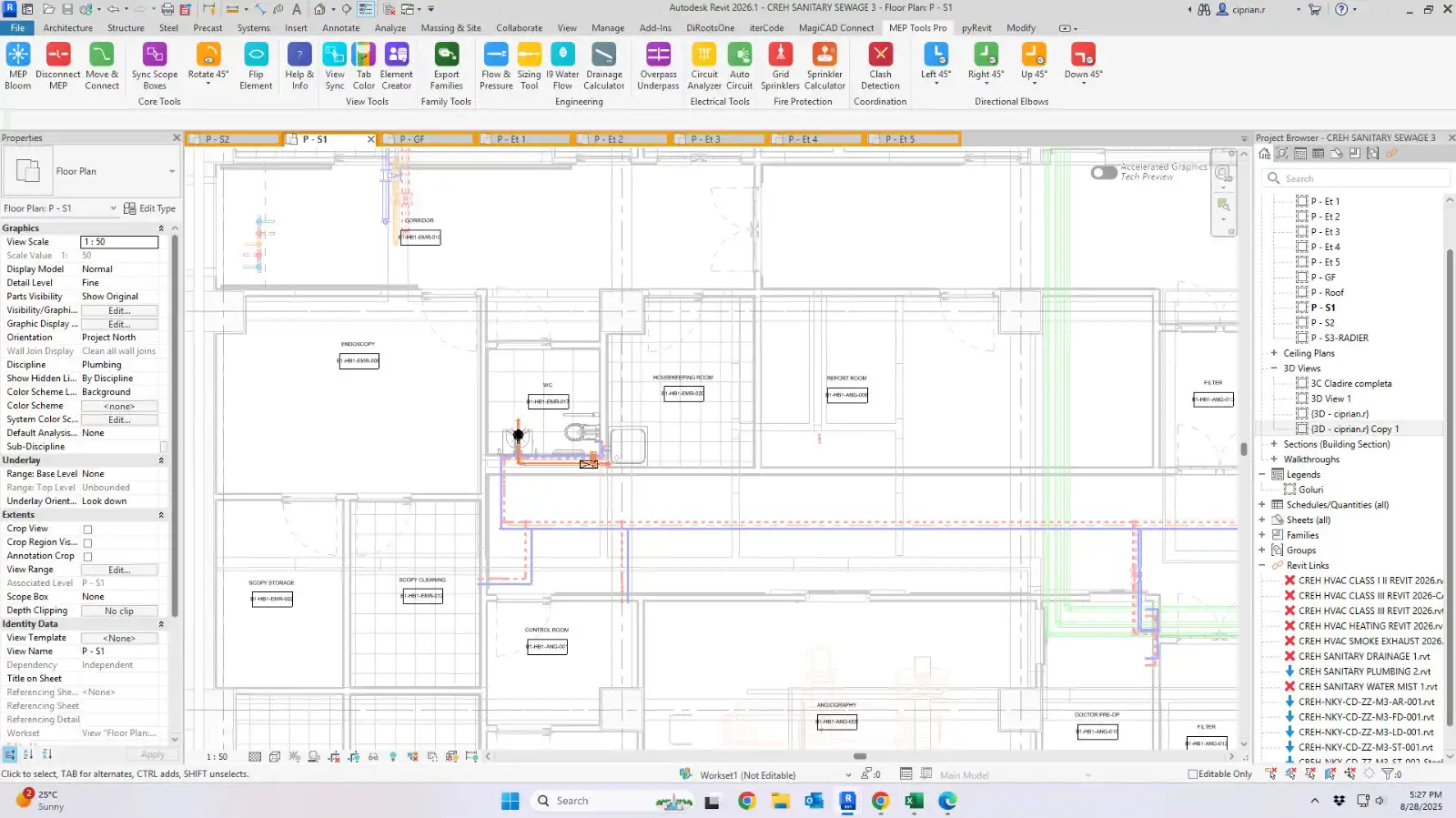
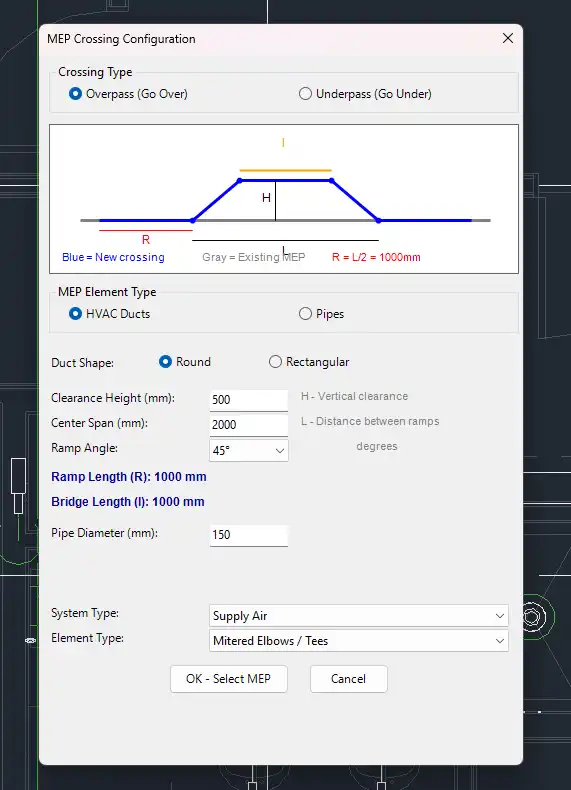
One of the standout features of MEP Tools Pro is its advanced tools for manipulating MEP elements. The plugin offers enhanced bloom operations with connector preservation, making it easier to adjust and modify elements without disrupting their connections. The intelligent move & connect functionality allows for seamless adjustments and connections between elements, saving valuable time in the design process. Additionally, the multi-angle directional elbow creation tool simplifies the creation of complex MEP systems, ensuring accuracy and precision in your designs.
(Image by: MEPToolsPro)
Professional Engineering Calculators and Standards Support
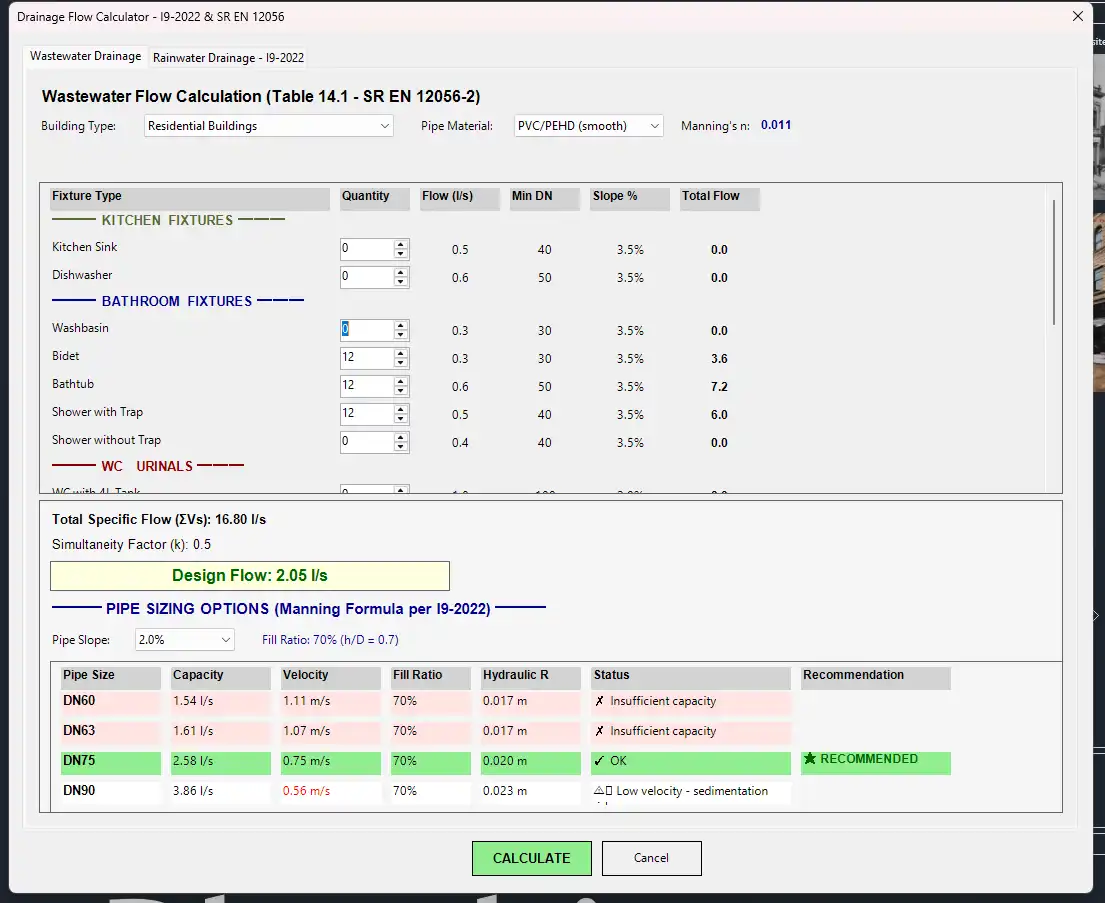
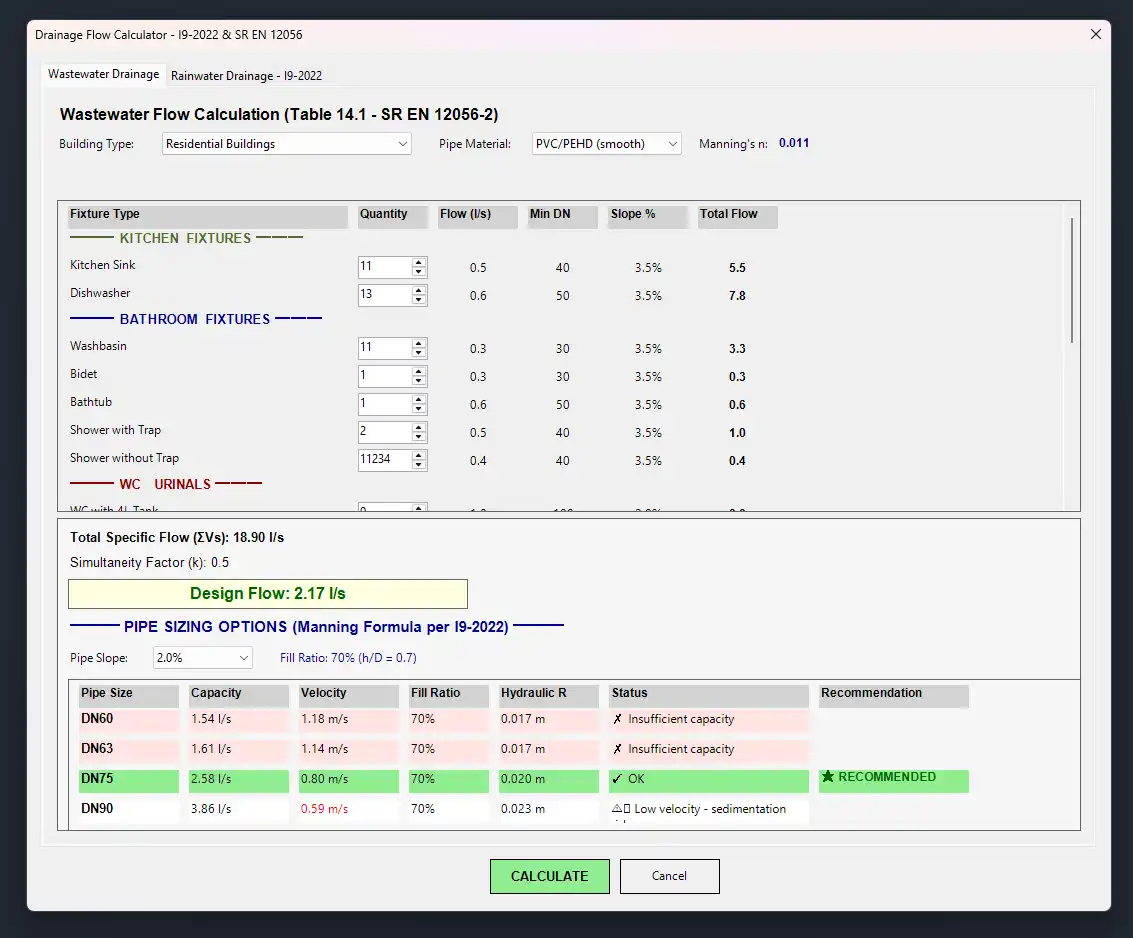
MEP Tools Pro goes beyond basic modeling capabilities by providing professional engineering calculators for flow analysis, pressure drops, and circuit design. These calculators enable engineers to perform essential calculations directly within Revit, eliminating the need for external tools or software. Furthermore, the plugin offers built-in support for Romanian standards (I9, SR EN 12056-2), ensuring compliance with local regulations and industry standards.
(Image by: MEPToolsPro)
Enhanced Functionality and Productivity
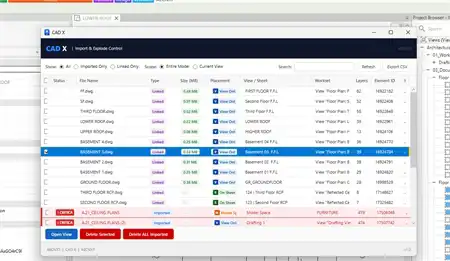
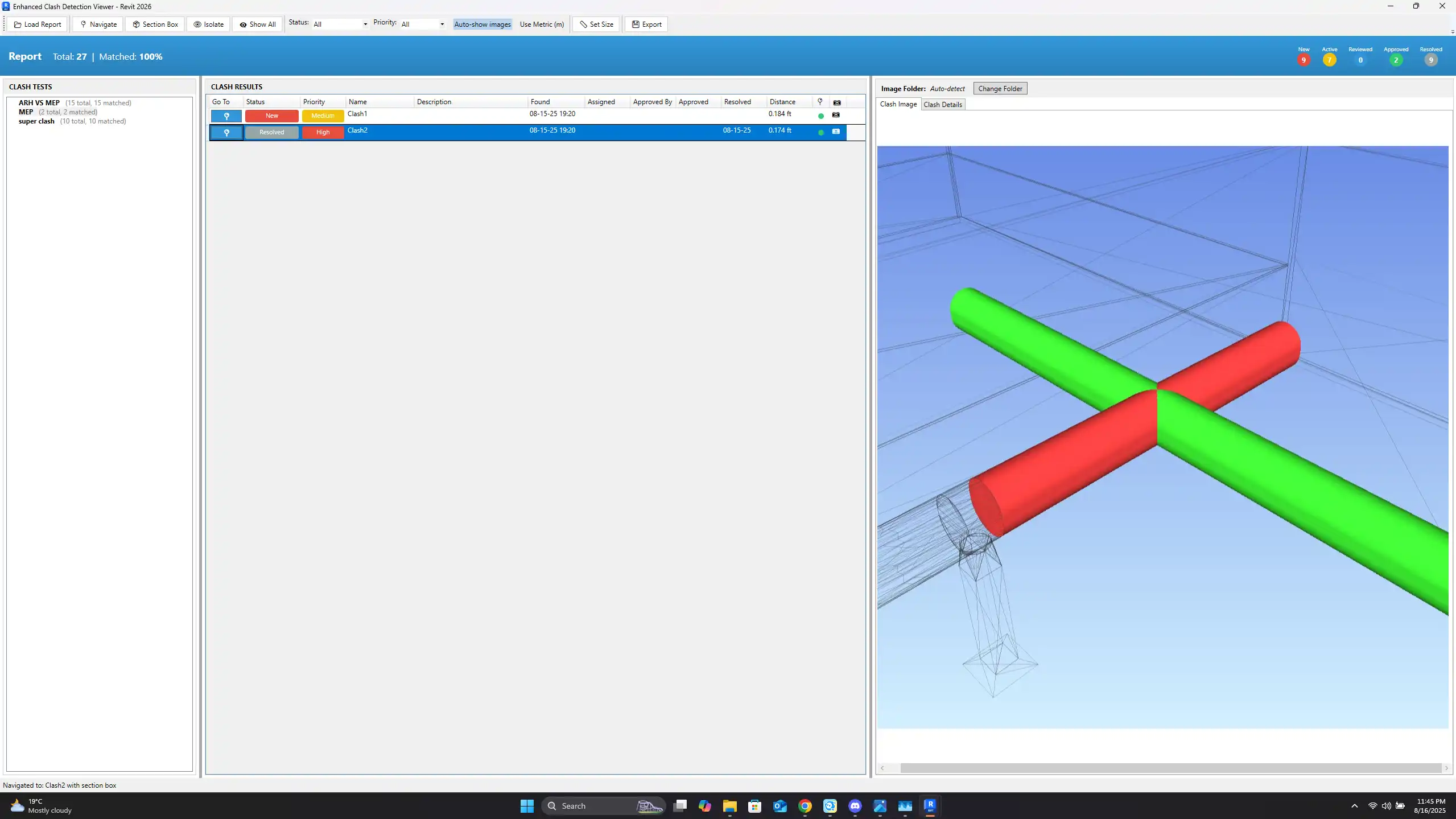
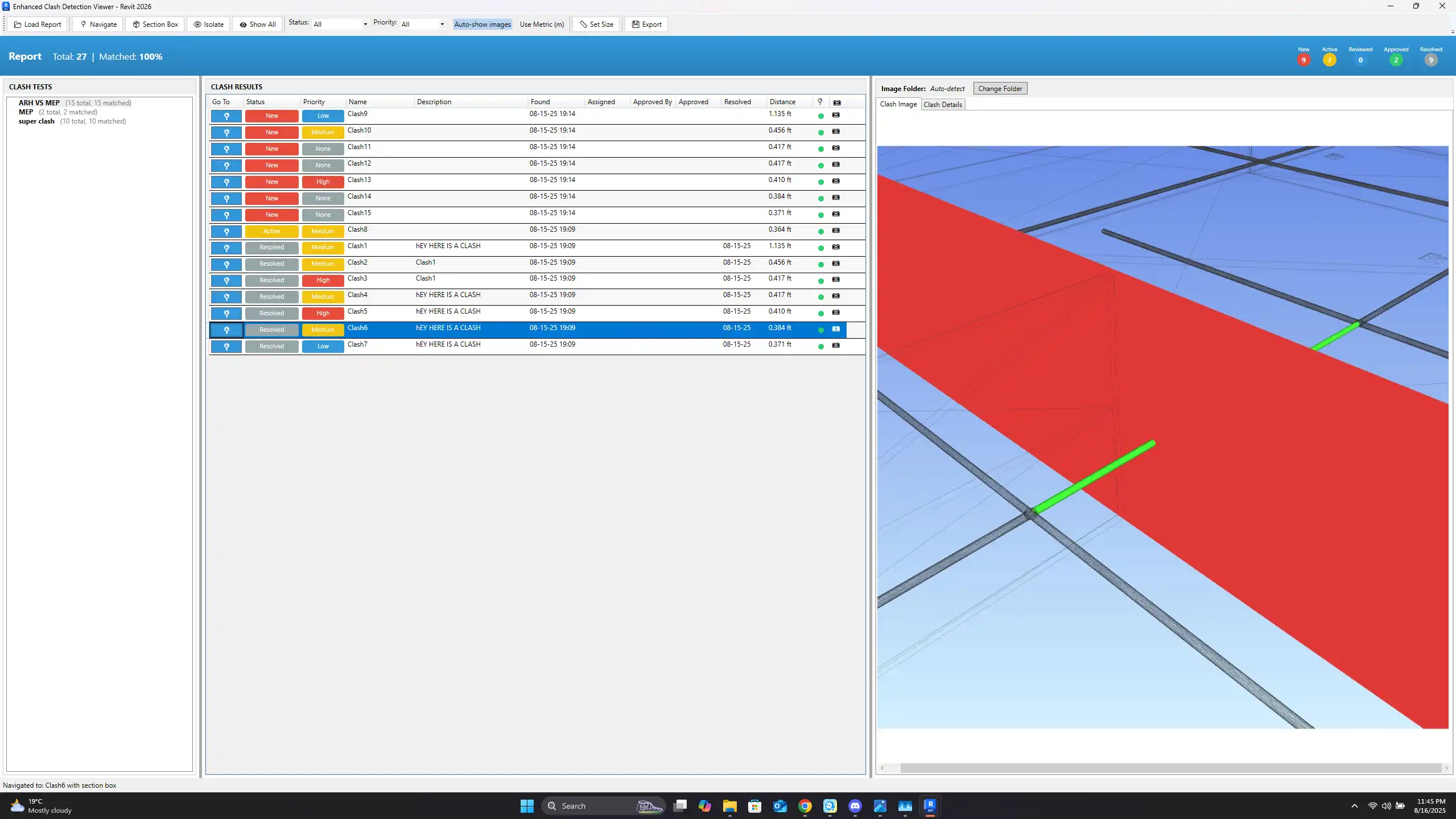
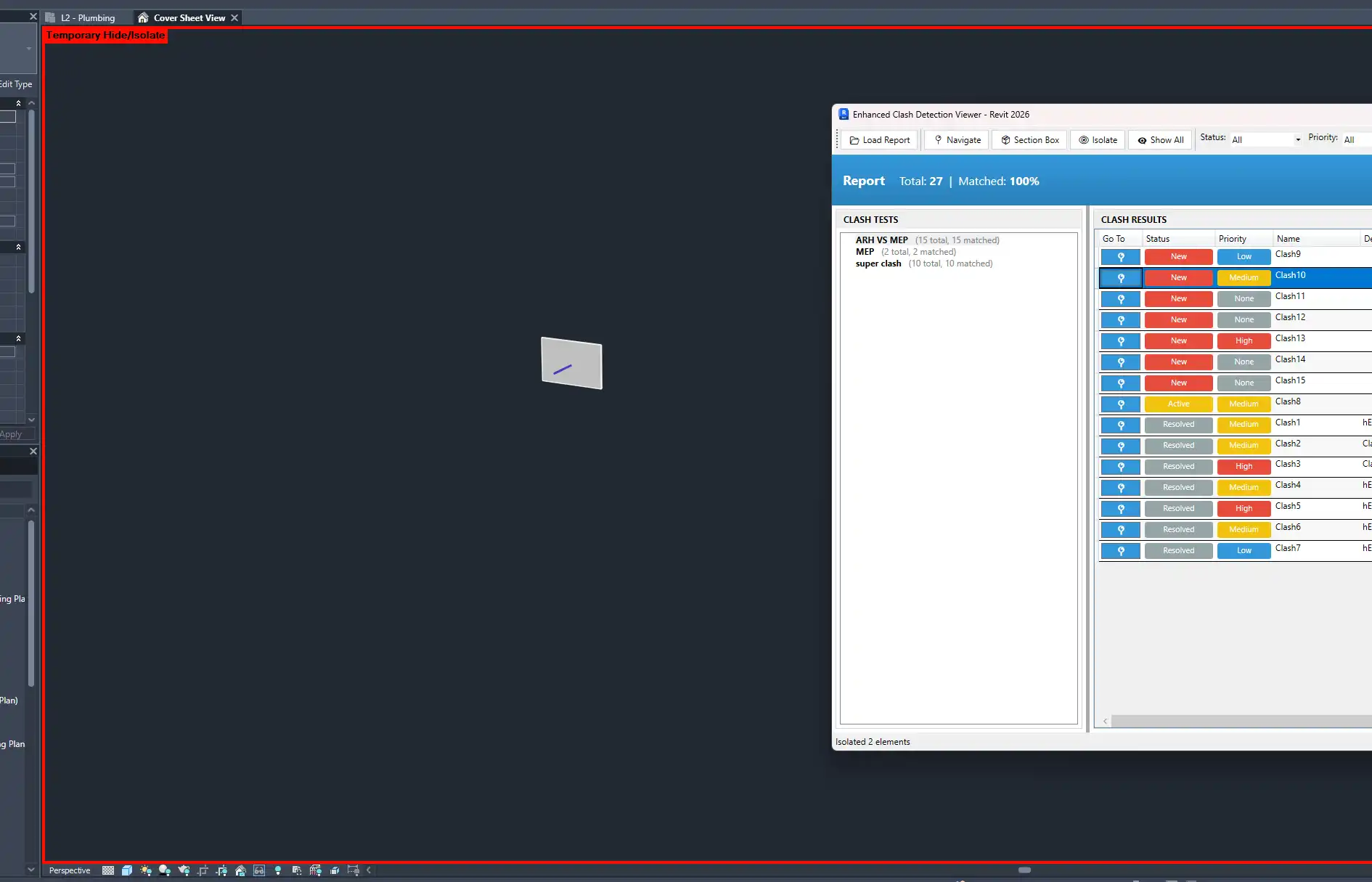
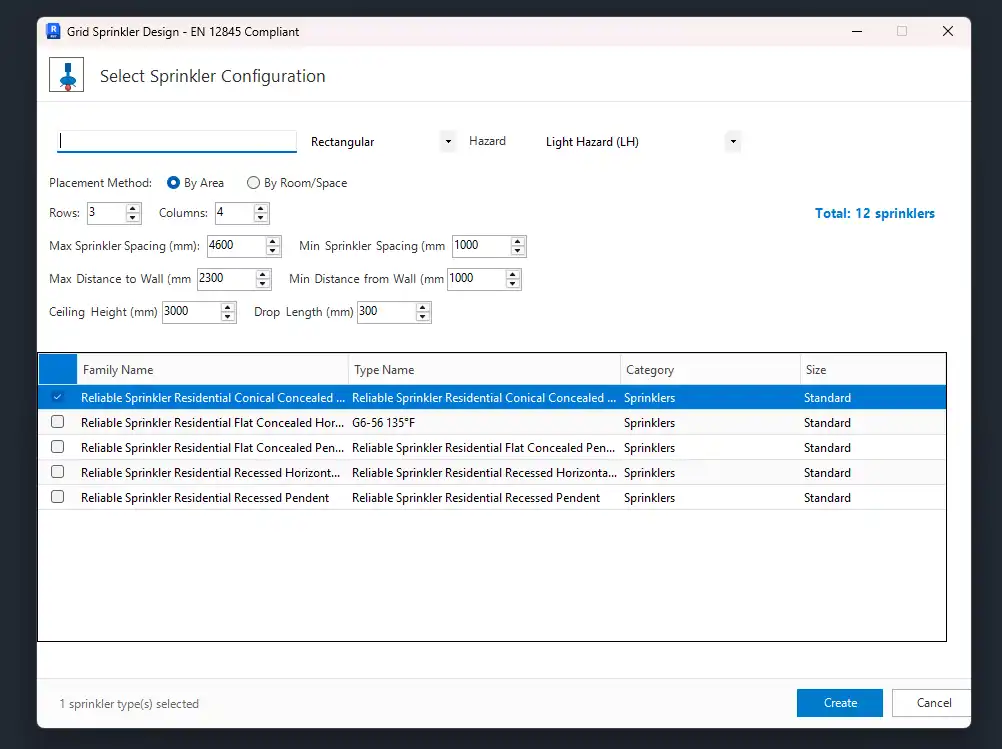
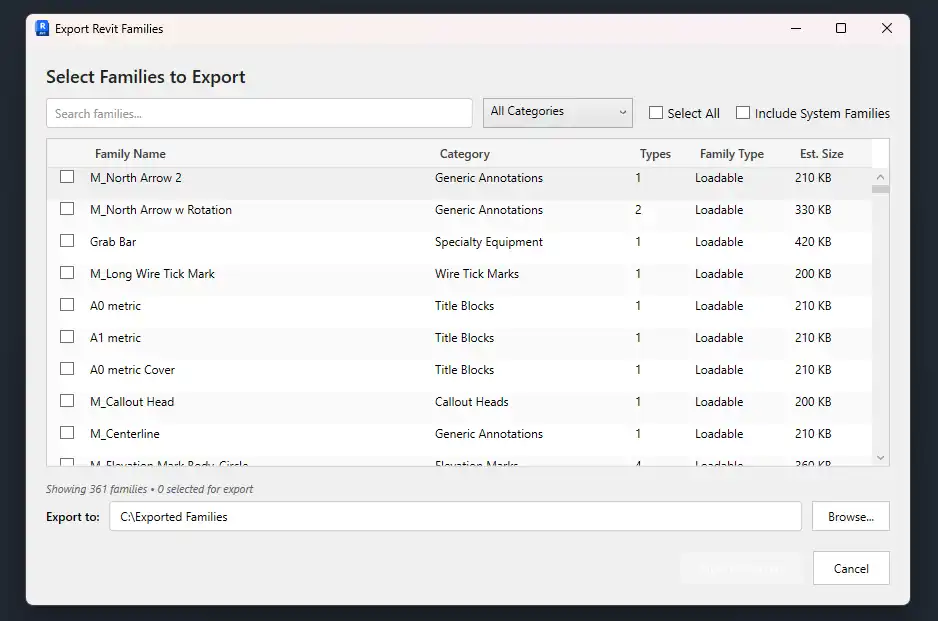
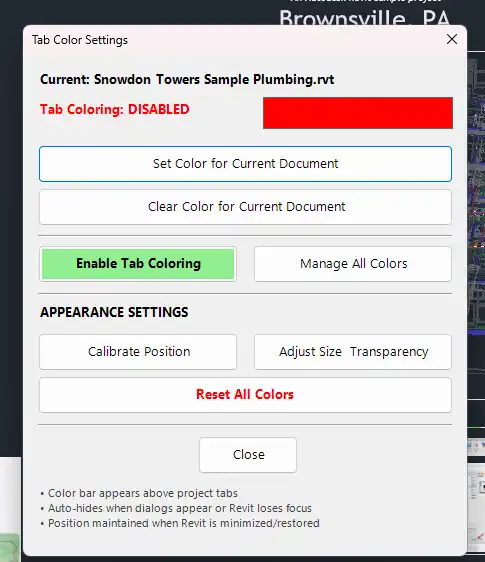
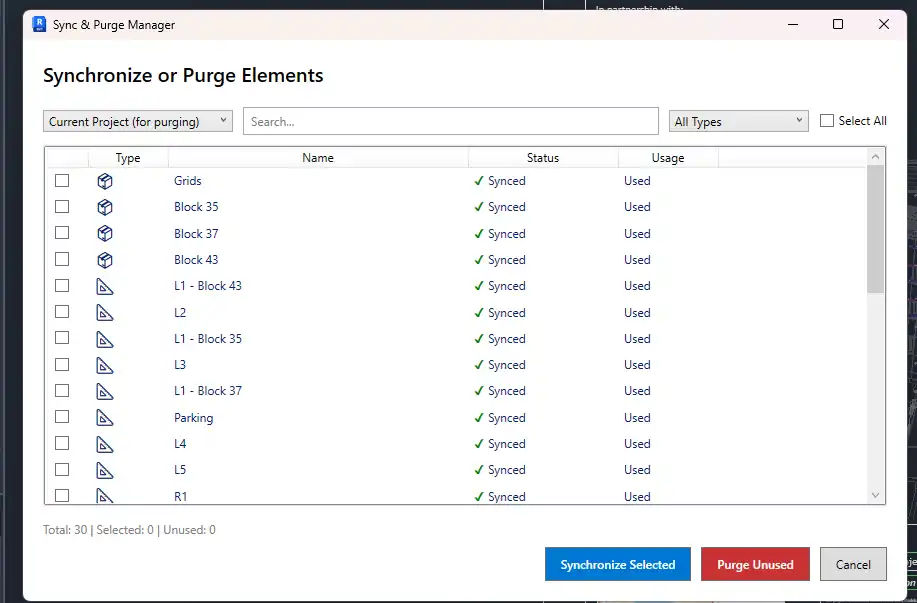
In addition to its advanced modeling and calculation tools, MEP Tools Pro offers a range of additional capabilities to enhance productivity and efficiency. From grid-based sprinkler system design to clash detection integration, batch family export, view synchronization, and scope box management, the plugin covers a wide range of essential MEP design tasks. With 8 specialized tool panels covering core operations, engineering calculations, electrical systems, fire protection, coordination, and more, MEP Tools Pro significantly accelerates MEP design productivity while maintaining system integrity and compliance with engineering standards.
(Image by: MEPToolsPro)
Conclusion
Overall, MEP Tools Pro is a must-have plugin for any MEP engineer working with Autodesk Revit. Its comprehensive toolset, advanced features, and support for engineering standards make it an invaluable asset for streamlining MEP modeling and engineering workflows. Whether you're looking to improve productivity, ensure system integrity, or simply simplify complex design tasks, MEP Tools Pro delivers on all fronts. Give it a try and experience the power of enhanced MEP modeling in Autodesk Revit.
(Image by: MEPToolsPro)
(Image by: MEPToolsPro)
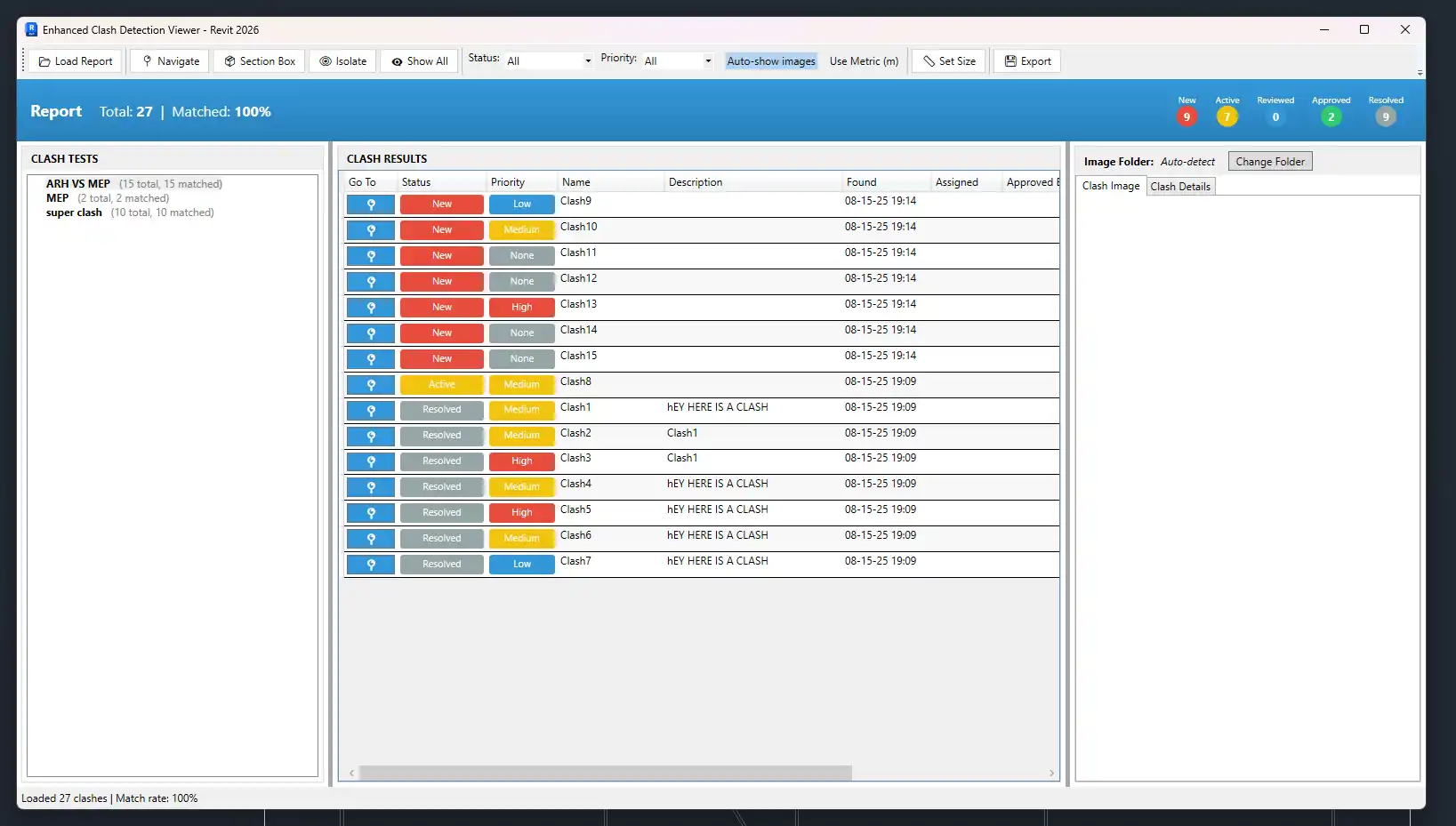
(Image by: MEPToolsPro)
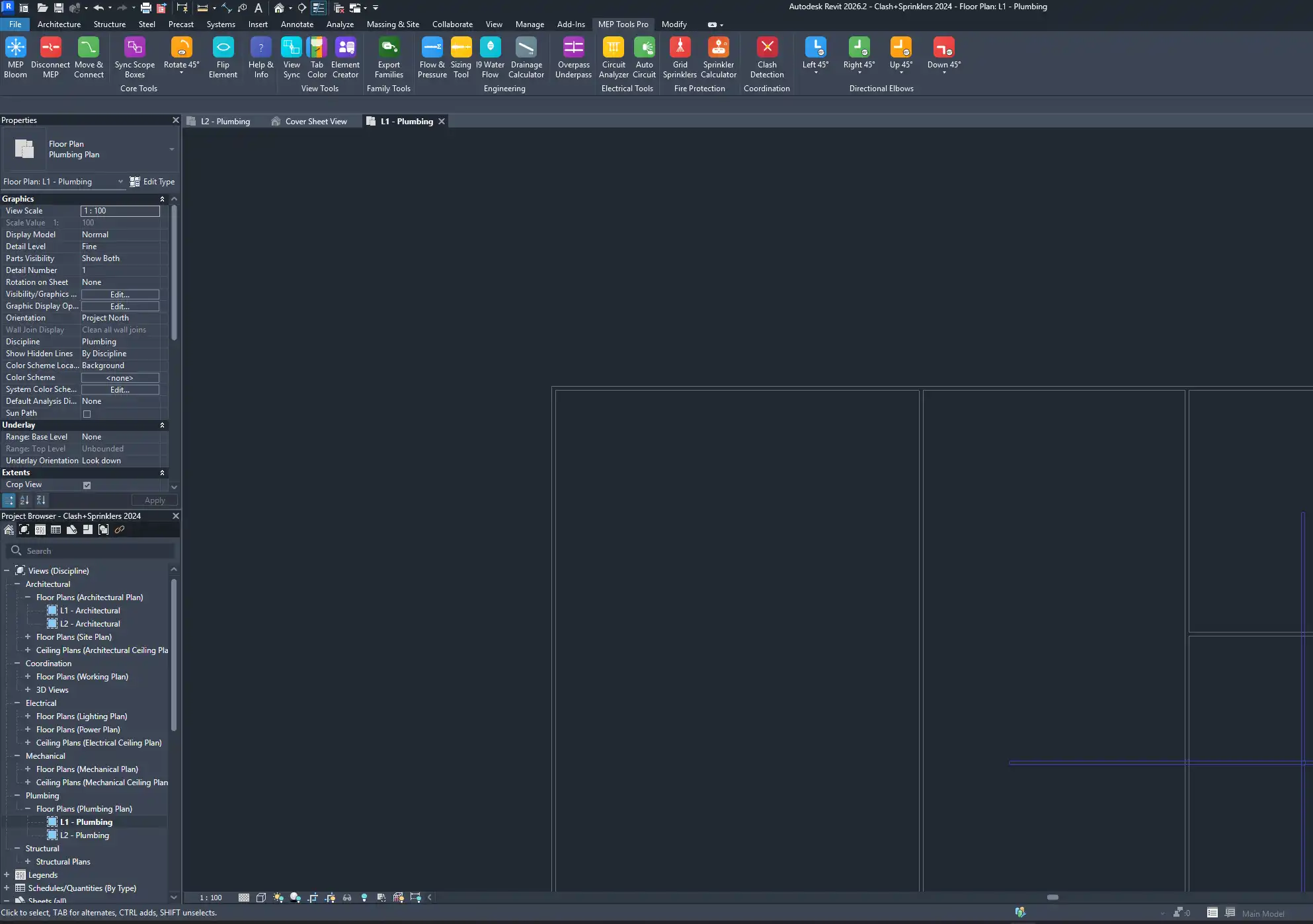
(Image by: MEPToolsPro)
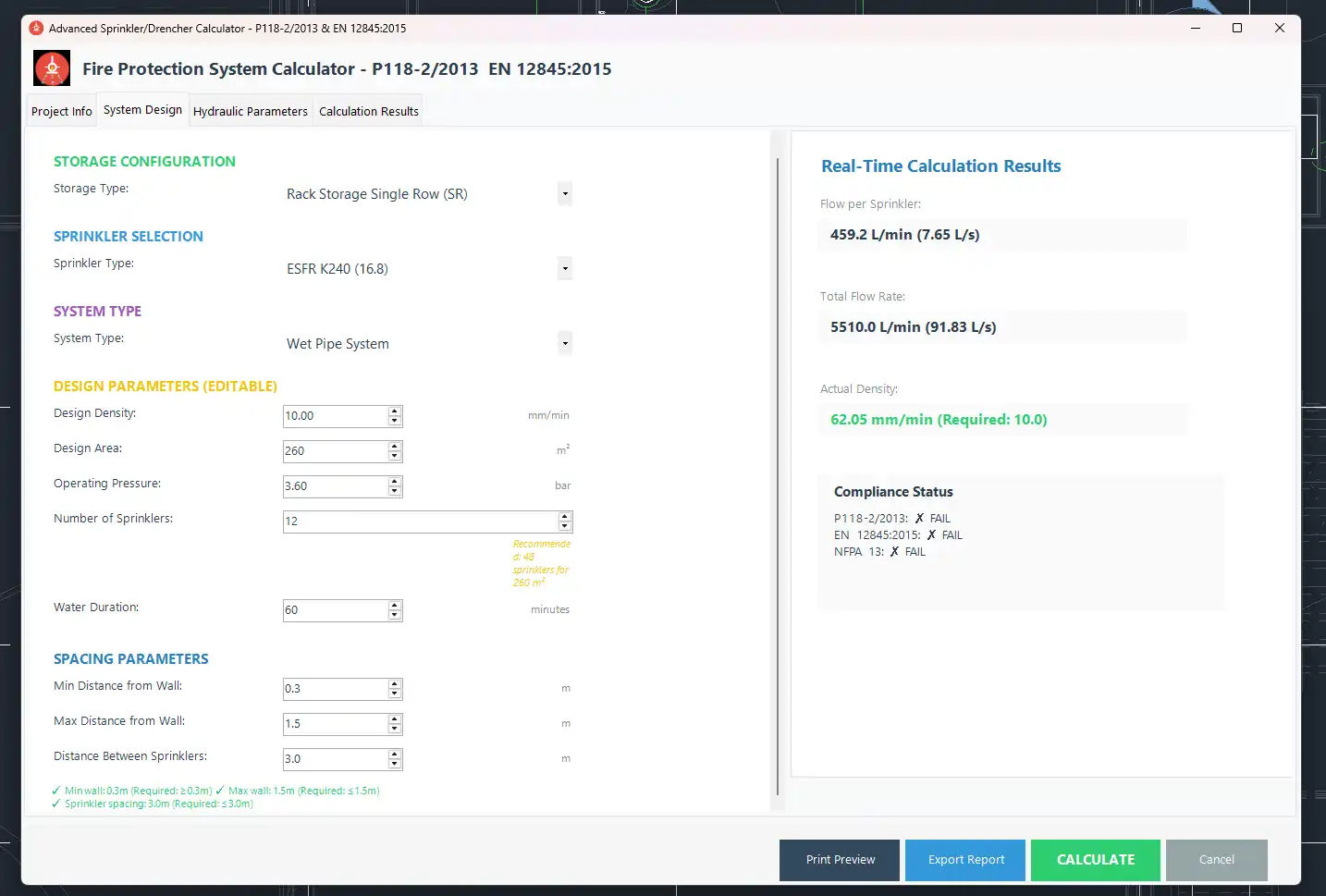
(Image by: MEPToolsPro)
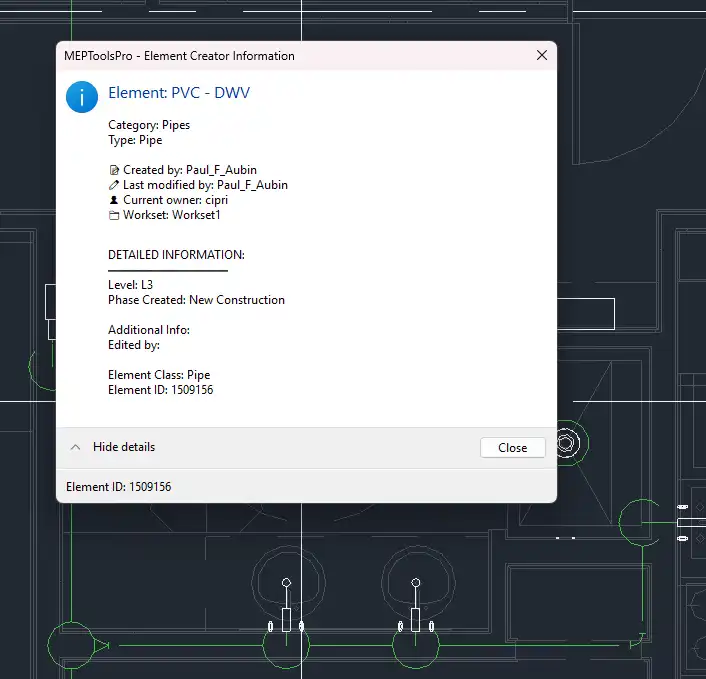
(Image by: MEPToolsPro)
(Image by: MEPToolsPro)
(Image by: MEPToolsPro)
(Image by: MEPToolsPro)
(Image by: MEPToolsPro)
(Image by: MEPToolsPro)
(Image by: MEPToolsPro)
(Image by: MEPToolsPro)

(Image by: MEPToolsPro)
Similar apps:
- Free
- Free
- Free
- $5
- $10/month
- Free