 1 / 5
1 / 5About this app
Introduction
The AG MEP 3D Router is an innovative Revit plugin designed to streamline the process of routing pipes, ducts, conduits, and cable trays in a 3D view. In the realm of Mechanical, Electrical, and Plumbing (MEP) design, efficiency and accuracy are paramount, and this tool promises to enhance both. By allowing users to effortlessly extend runs and maintain the integrity of their systems, the AG MEP 3D Router simplifies the often-complex task of 3D routing, making it an essential addition to any MEP engineer's toolkit.
(Image by: BIM Minutes)
Seamless Routing Made Easy
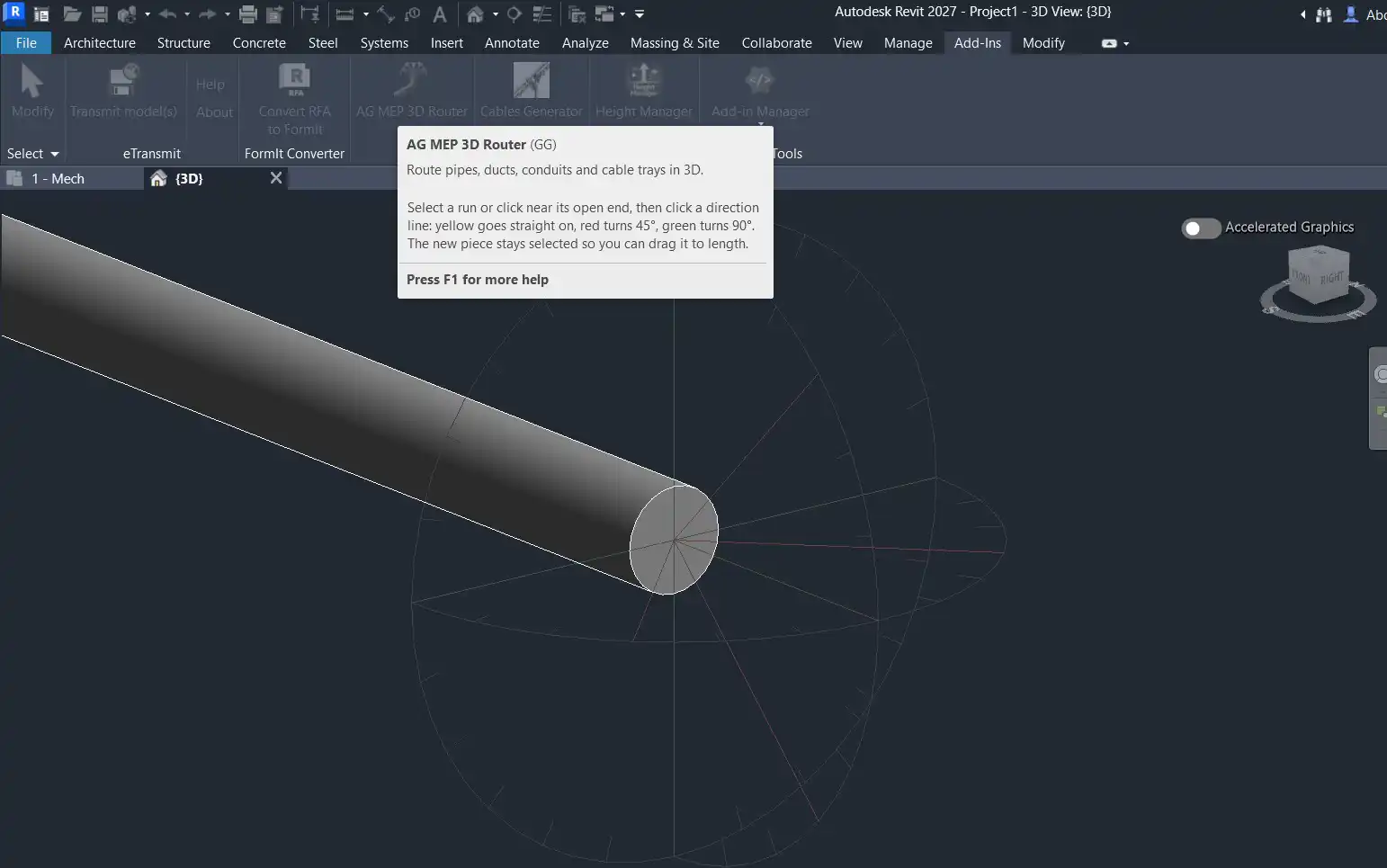
One of the standout features of the AG MEP 3D Router is its user-friendly interface. Once installed, the plugin can be accessed through the MEP panel on the Add-Ins tab in Revit. Users simply open a 3D view and click on the AG MEP 3D Router icon. The process of routing becomes intuitive: select the existing pipe, duct, conduit, or cable tray, and the plugin provides a visual guide using direction lines that appear at the open end of the run.
These direction lines are color-coded for convenience, with yellow indicating a straight extension, red for a 45° turn, and green for a 90° turn. This simple yet effective visual cue allows users to quickly make decisions about the direction of their routing. With just a click on the desired line, the next piece is automatically drawn in the chosen direction, complete with an elbow or bend as needed. This rapid-fire routing capability can significantly reduce the time spent on design tasks, allowing engineers to focus on other crucial aspects of their projects.
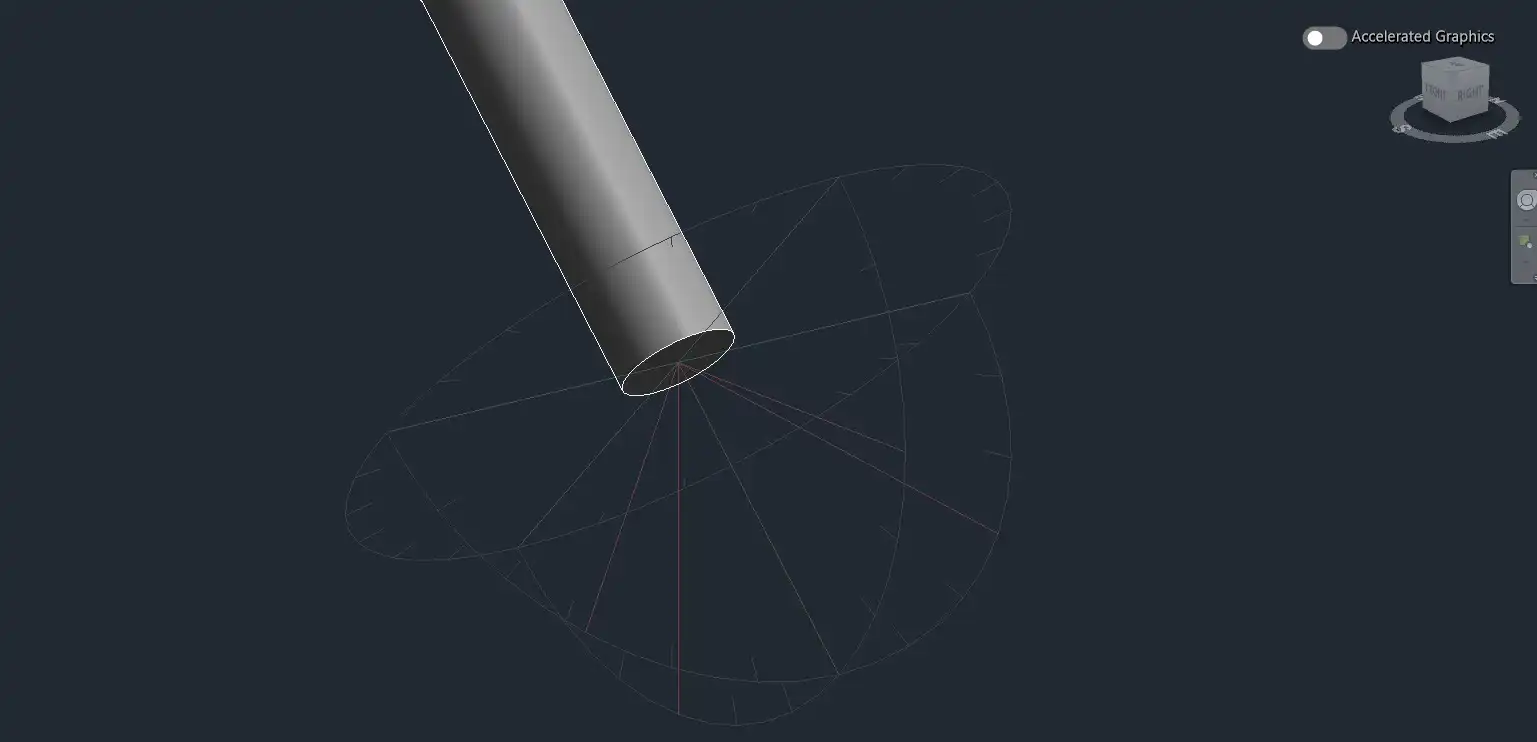
(Image by: BIM Minutes)
Smart Features That Enhance Workflow
The functionality of the AG MEP 3D Router goes beyond mere convenience; it is engineered to maintain the properties of the existing elements in your design. The newly added piece inherits the type, system, size, level, and parameters of the original run, ensuring that your design remains consistent and accurate throughout. This feature is particularly beneficial for maintaining compatibility with existing systems and avoiding workflow disruptions.
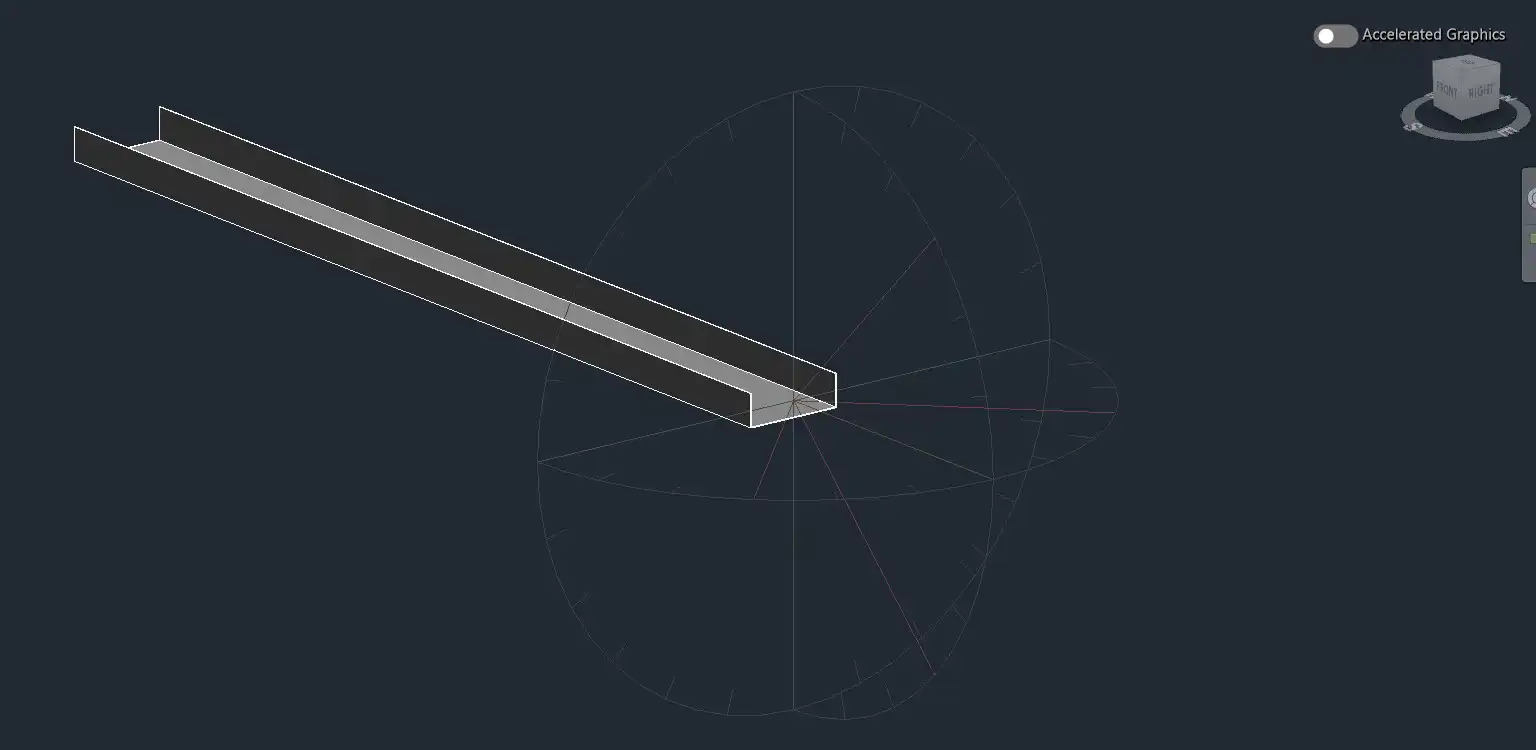
Moreover, the plugin is adept at handling both rectangular ducts and cable trays, making it versatile for various MEP applications. For rectangular ducts, the tool ensures that the cross-section remains square to the bend, while cable trays are designed to keep their open side facing correctly on vertical bends. This attention to detail not only enhances the realism of your design but also ensures that the physical constraints and characteristics of the materials being used are respected.
Another notable feature is the ability to drag the new piece to the desired length after it has been created. This dynamic manipulation allows users to fine-tune their designs on the fly, adapting to changes in project requirements or site conditions without the need for complex edits. For those looking to enhance their workflow even further, assigning a keyboard shortcut to the AG MEP 3D Router command can transform routing into a rapid process: shortcut, click a direction, drag to length, and repeat. This efficiency can make a significant difference, especially in fast-paced project environments.
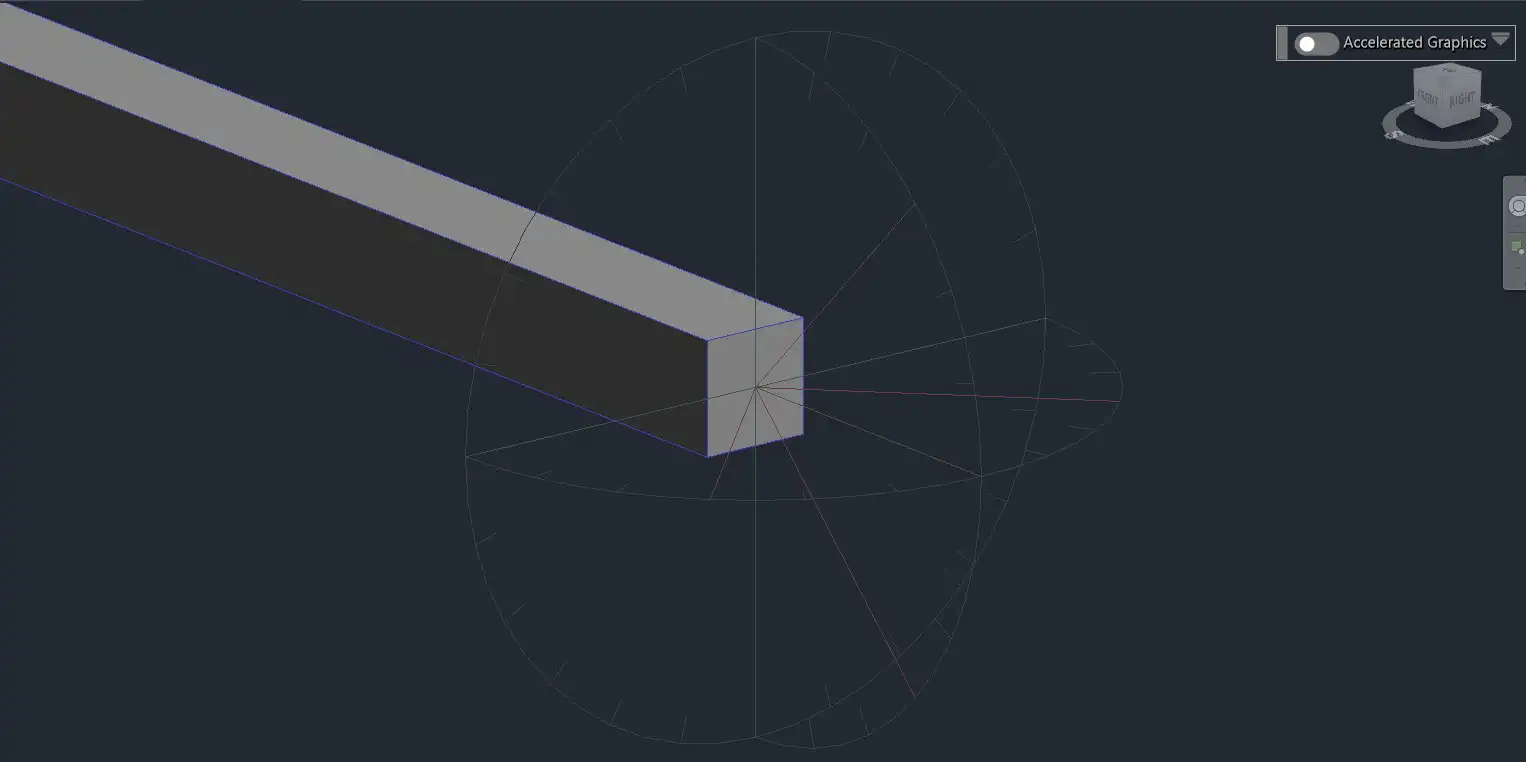
(Image by: BIM Minutes)
Why You Should Try AG MEP 3D Router
The AG MEP 3D Router is not just a tool; it's a game-changer for MEP professionals. Whether you're working on a small project or a large-scale design, the ability to quickly and accurately route systems in a 3D environment can lead to better outcomes and improved project timelines. By minimizing the time spent on routing tasks, you can allocate more resources to critical design decisions and collaboration with other disciplines.
Additionally, the plugin's commitment to maintaining the integrity of your systems and the logical flow of your designs means that you can work confidently, knowing that your outputs will be consistent and reliable. The intuitive design and the well-thought-out features make it accessible to users of all skill levels, from those just starting in MEP design to seasoned professionals looking for efficiency boosts.
In a market where precision and time are everything, AG MEP 3D Router stands out for its ability to save both. The feedback from users has been overwhelmingly positive, and many have noted a marked improvement in their workflow after integrating this tool into their design process. It’s a small investment that can lead to significant returns in productivity and design quality.
(Image by: BIM Minutes)
Summary
In conclusion, the AG MEP 3D Router is a must-have plugin for anyone engaged in MEP design within Revit. Its user-friendly interface, smart features, and efficiency improvements make it an invaluable asset for professionals looking to enhance their routing processes. With its ability to seamlessly extend pipes, ducts, conduits, and cable trays while maintaining essential properties, it reduces complexity and saves time. Whether you're a seasoned MEP engineer or just getting started, the AG MEP 3D Router is sure to elevate your design capabilities and help you achieve your project goals more effectively. Don't miss the opportunity to transform your workflow—give AG MEP 3D Router a try today!
Similar apps:
- Free
- Free
- Free
- Free
- $89
- Free