 1 / 7
1 / 7About this app
Every model that arrives for coordination needs the same tedious check. Are the units right? Do the worksets match the standard? Are the views named correctly? Is the survey point where it should be? BIM managers do this manually — setting by setting, model after model, project after project. Existing QC tools help find the problems. But finding isn't fixing. You still open each setting, compare it to the template, and correct it by hand. The report tells you what's wrong. You still do all the work.
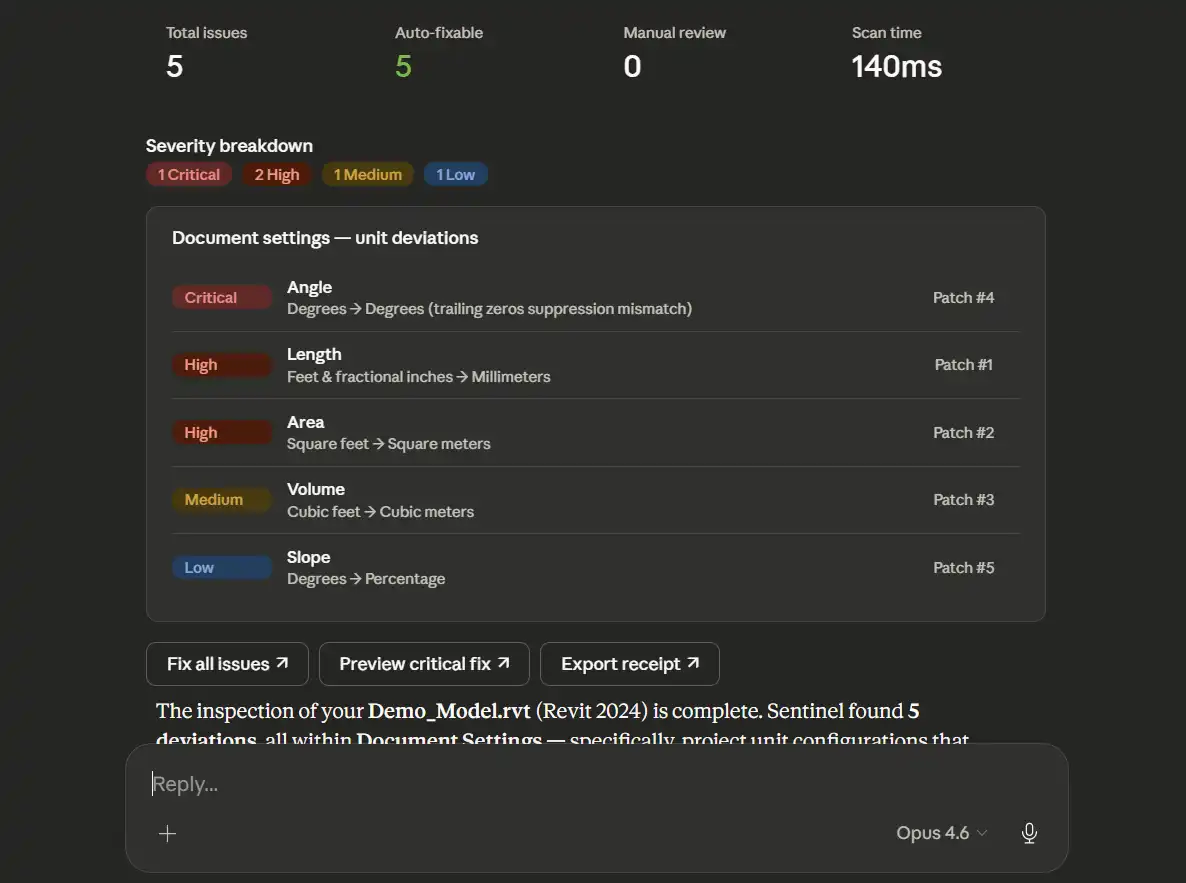
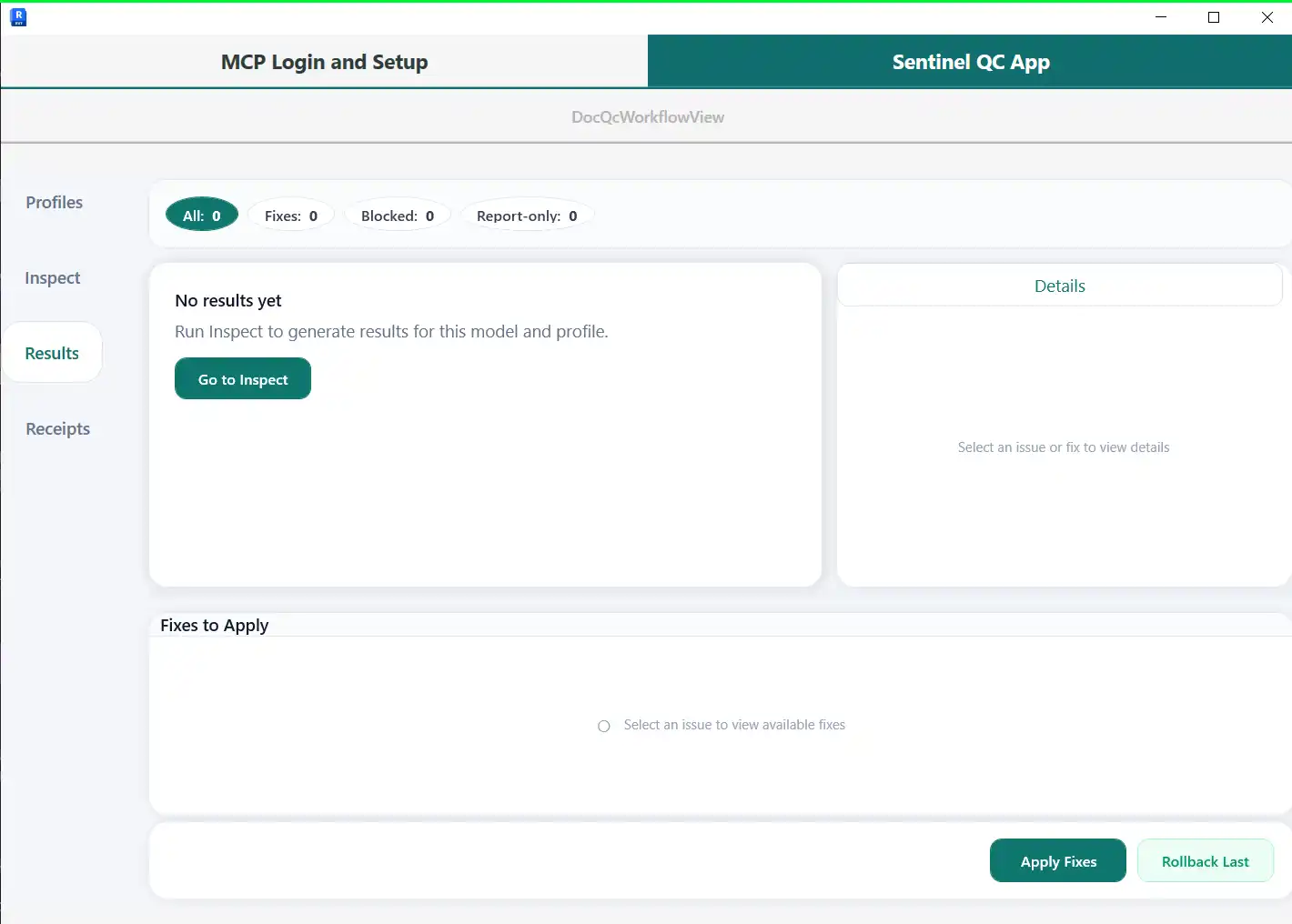
Sentinel QC with MCP AI Assistant for Revit® aims to change that. It goes beyond just flagging issues and offers targeted corrections that can be approved and applied with one click. This plugin streamlines the quality control process for Revit models, saving BIM teams hours of manual checking. Its integration with Claude Desktop or Cursor allows for AI-assisted conversation-based inspections, making QC faster and more natural.
Features and Capabilities
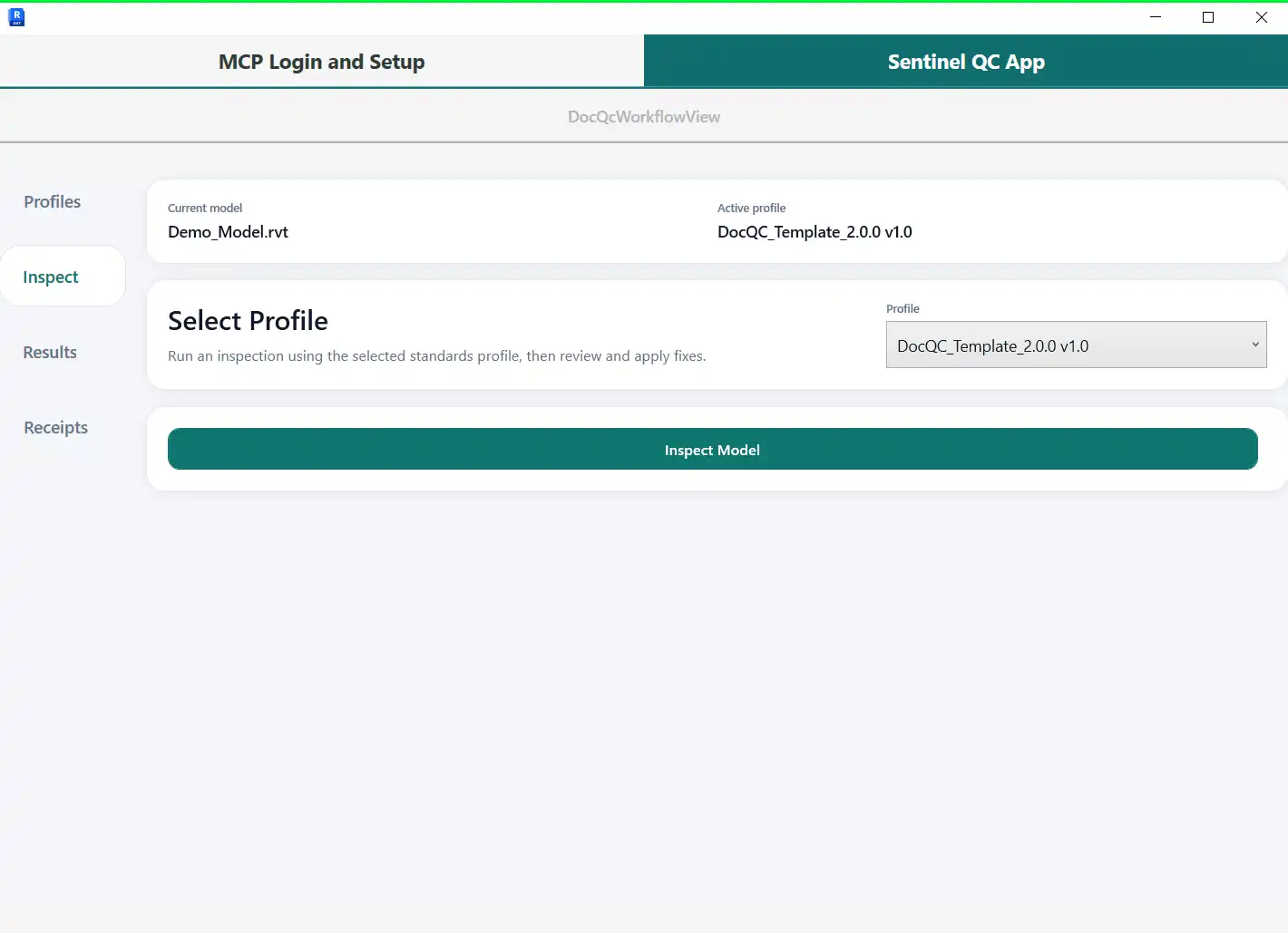
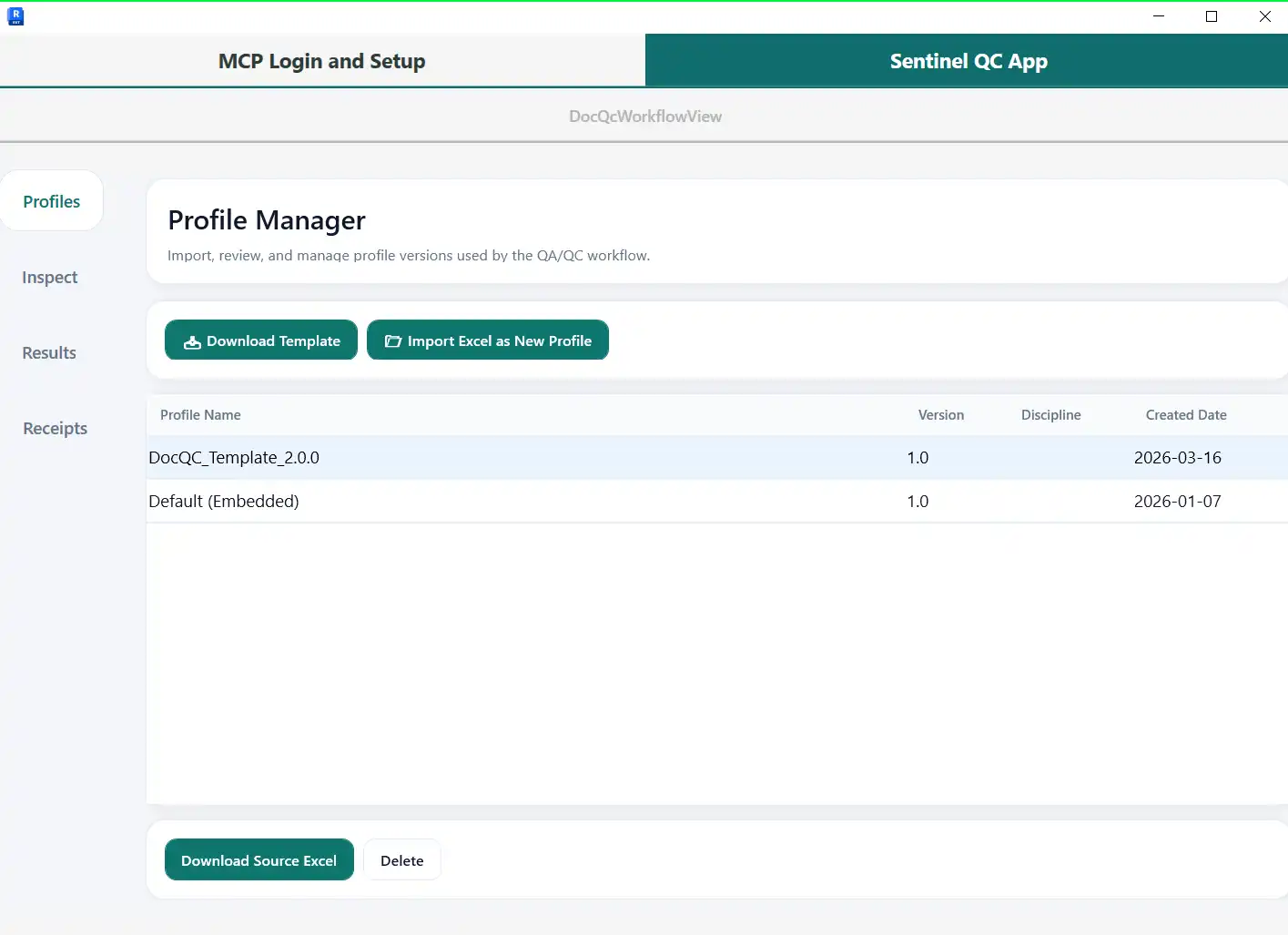
Sentinel QC with MCP AI Assistant for Revit® offers a range of features designed to enhance the QC process. Users can define their firm's standards in an Excel workbook and import it as a profile. The plugin can also automatically capture the configuration of a gold-standard project, tailoring the profile to match the firm's expectations.
At launch, the plugin includes capabilities focused on model intake and everyday project setup, with seventy-two document-level capabilities set to be released in the future. New capabilities plug into existing profiles seamlessly, with no new workflows to learn. The AI assistant feature allows users to interact with their Revit models through conversation, making inspections, findings review, fixes, and rollbacks a breeze.
(Image by: Terrascape AI | Trusted Find & Fix Tools for Revit QC)
Data Security and Transparency
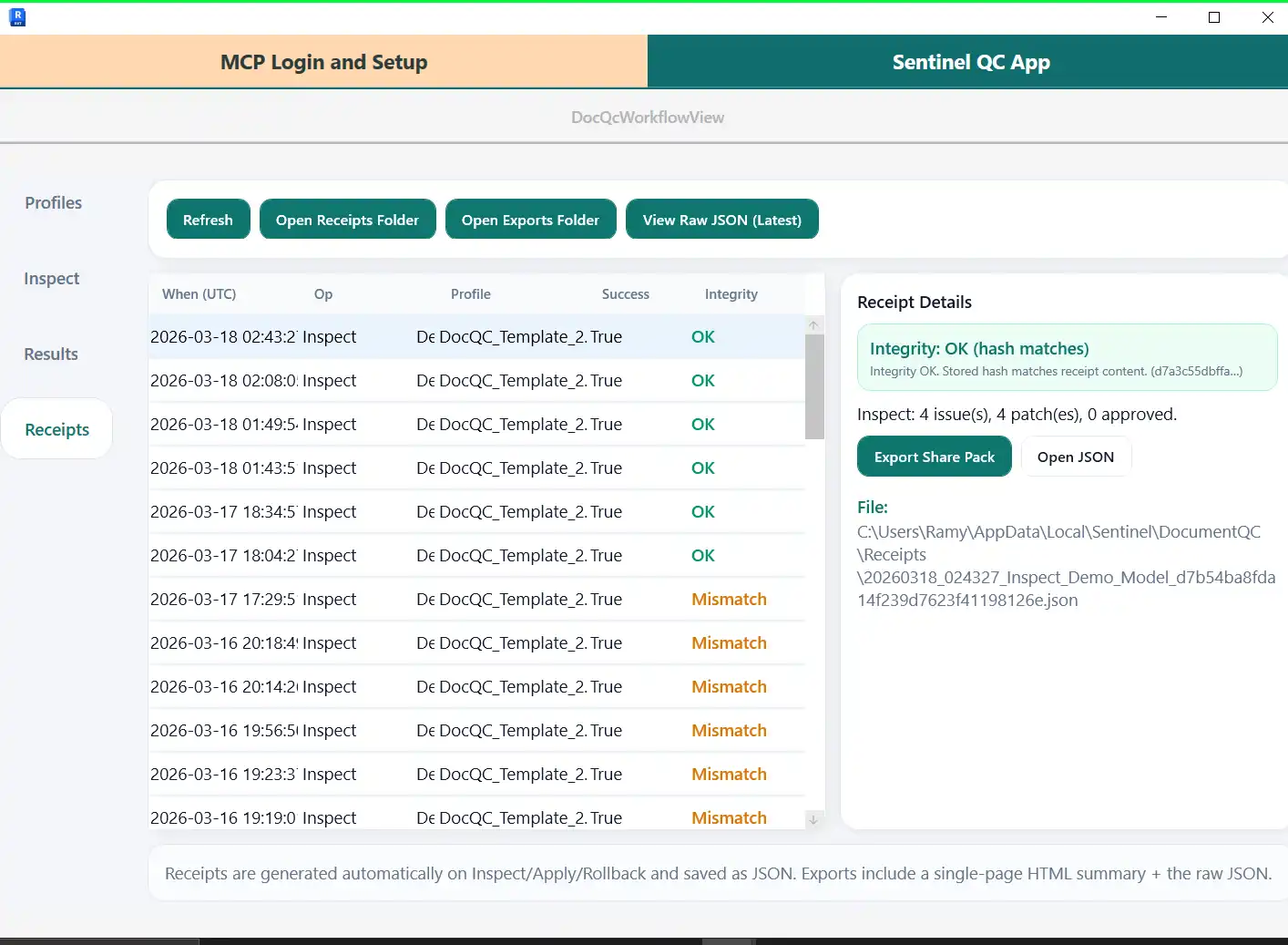
Sentinel QC with MCP AI Assistant for Revit® prioritizes data security and transparency. Profiles and receipts are retained locally until the user deletes them, and the QC module only exists in memory during the Revit session. All data access is local, with no Autodesk data sent to external services. The plugin does not communicate with undeclared URLs or external services, ensuring network transparency.
Conclusion
Sentinel QC with MCP AI Assistant for Revit® is a game-changer for BIM teams looking to streamline their QC process. Its intelligent capabilities, AI assistant feature, and focus on data security make it a valuable addition to any Revit workflow. By automating tedious checks and offering targeted corrections, Sentinel QC saves time and ensures that projects adhere to firm standards. Give it a try and experience the benefits of a confident, one-minute quality gate for your Revit models.
Similar apps:
- Free
- Free
- Free
- Free
- $4.99/month
- Free