 1 / 13
About this app
Introduction
BIM-IT Pipe is a powerful Autodesk® Revit® add-in that revolutionizes the way MEP engineers handle pipe modeling and documentation tasks. This innovative toolset is designed to simplify the often tedious and time-consuming process of creating and managing piping systems within Revit, leading to increased efficiency and accuracy in MEP workflows.
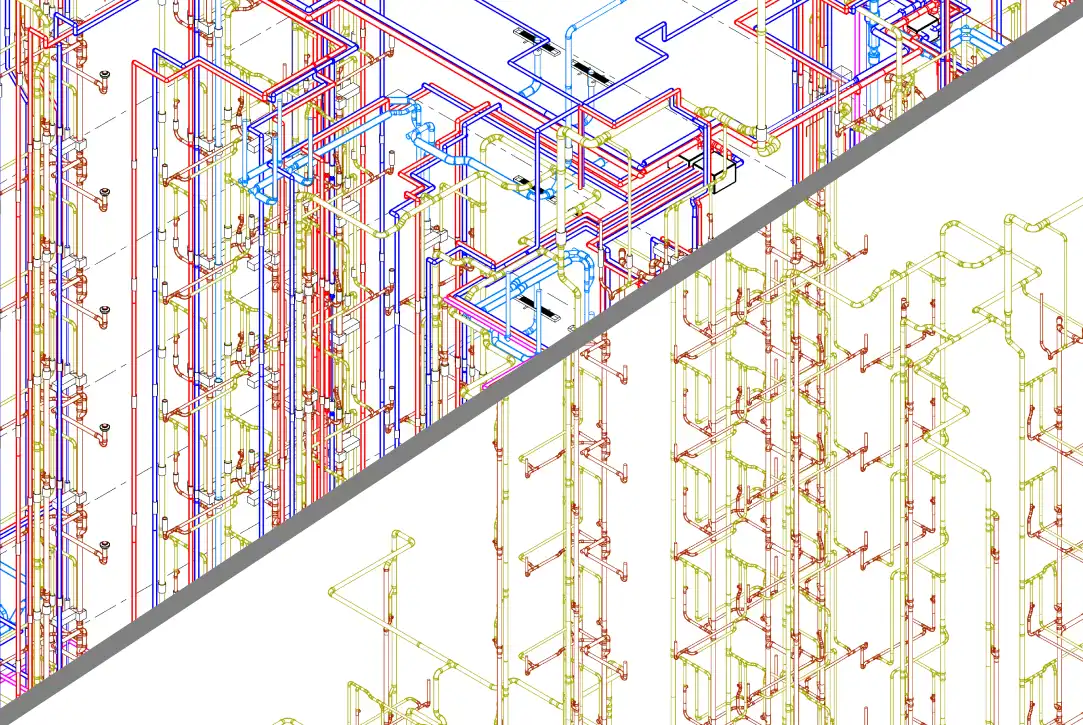
(Image by: BIM-IT)
Features and Benefits
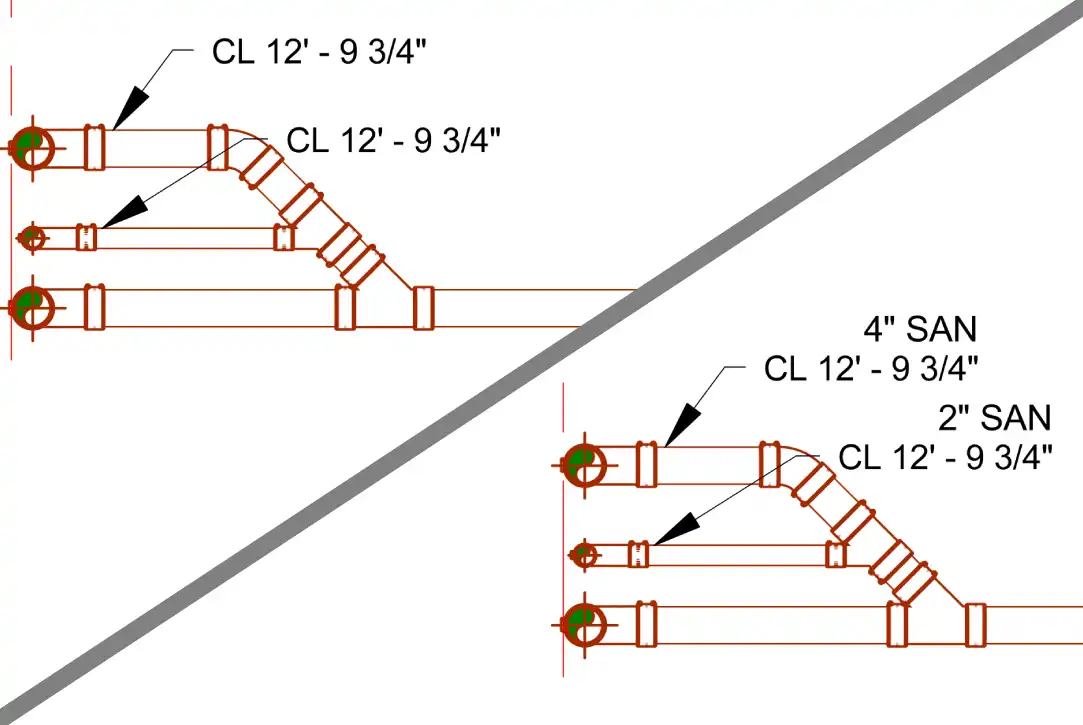
One of the key strengths of BIM-IT Pipe is its ability to automate repetitive tasks that are commonly encountered in piping design. This plugin eliminates the need for manual adjustments by providing fast and reliable tools that deliver precise results with just a few clicks. Whether it's aligning pipes, spacing branches, placing tags, or managing view visibility, BIM-IT Pipe streamlines these processes, allowing engineers to focus on the creative aspects of their projects.
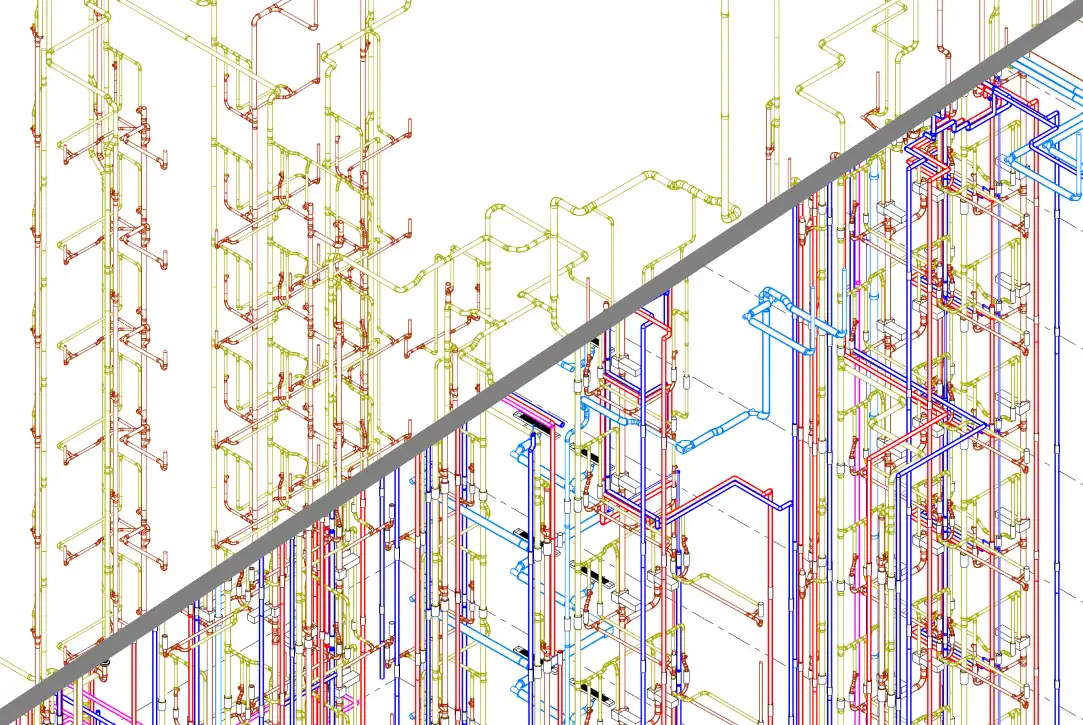
Integration with Revit is seamless, ensuring a smooth workflow for users. The toolset is optimized for practical, real-world use cases, making it suitable for projects of all scales and complexities. Even on large and intricate models, BIM-IT Pipe delivers consistent and clean drawings, maintaining a high level of accuracy throughout the design process.
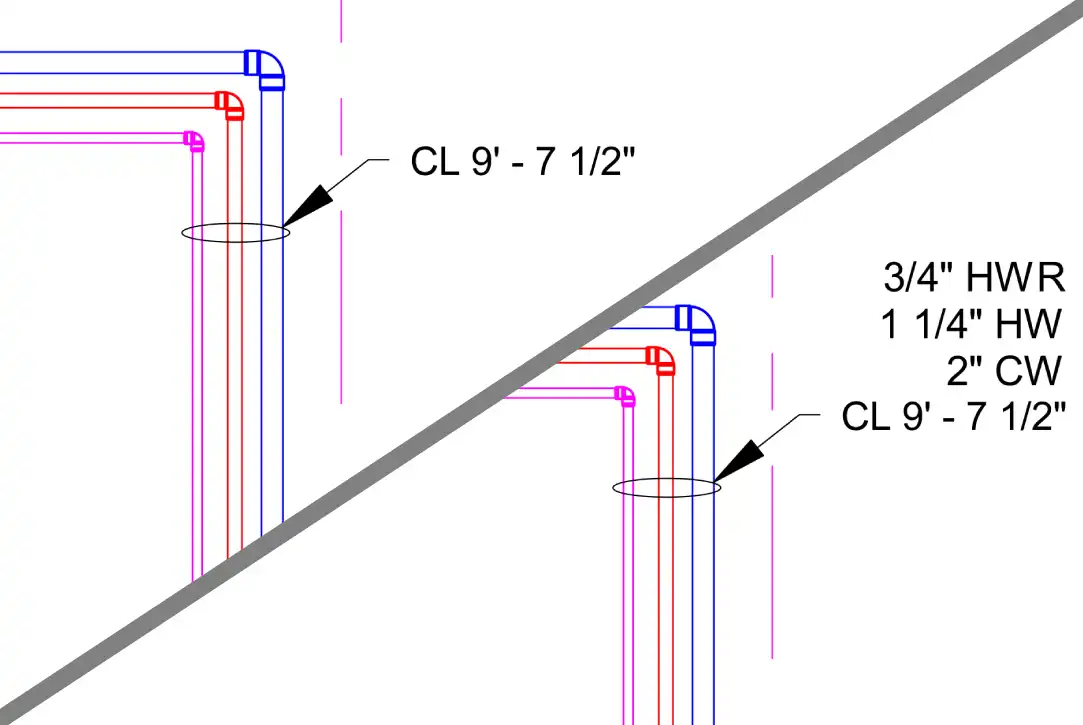
(Image by: BIM-IT)
Ease of Use and Efficiency
One of the standout features of BIM-IT Pipe is its user-friendly interface, which makes it easy for both novice and experienced Revit users to navigate the toolset. The intuitive design allows engineers to quickly grasp the functionalities of the plugin and start implementing them in their projects without the need for extensive training.
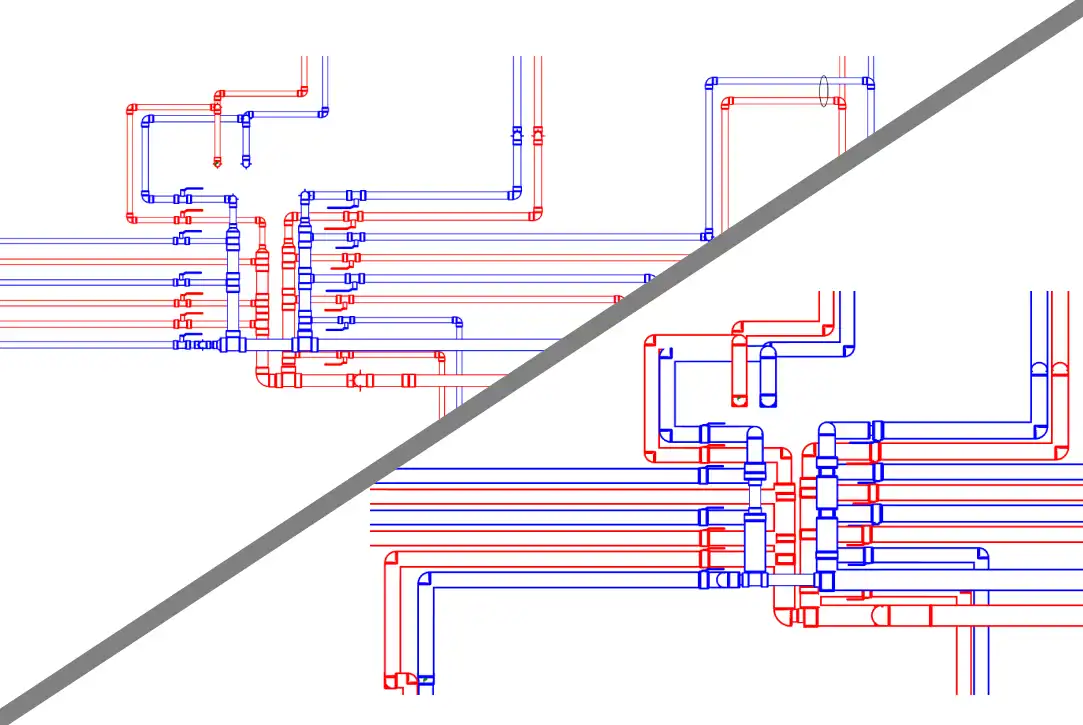
By automating time-consuming tasks, BIM-IT Pipe enables users to work faster and more efficiently, ultimately saving valuable time and resources. The plugin's ability to generate precise results in a fraction of the time required for manual adjustments makes it a valuable asset for MEP engineers looking to enhance their productivity.
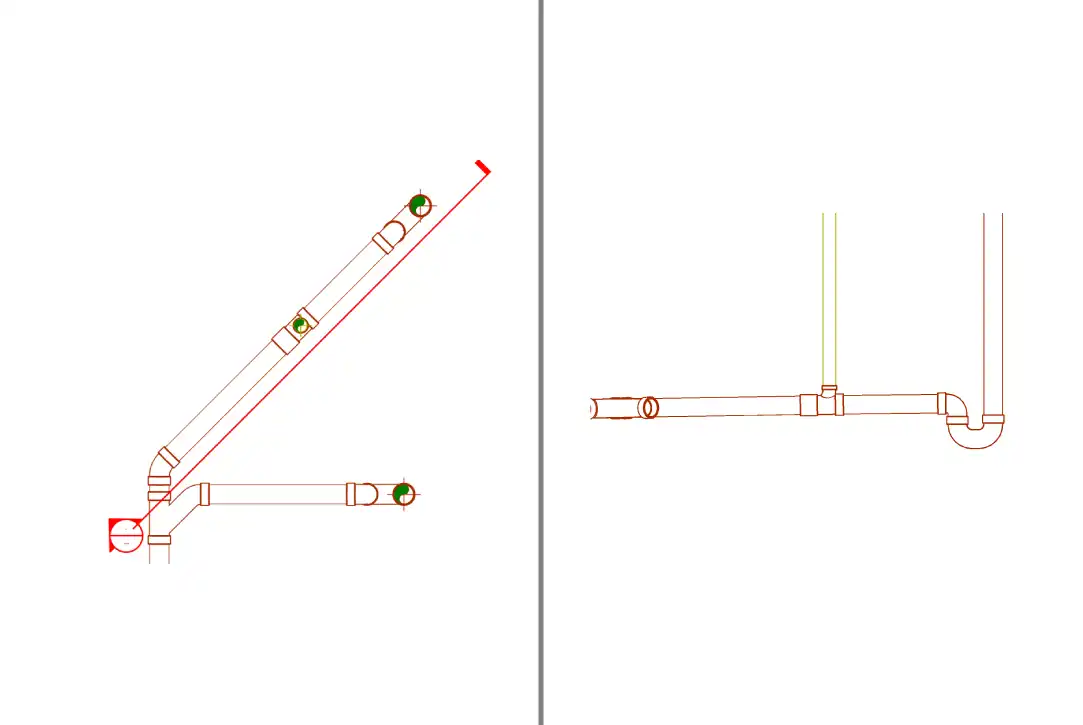
(Image by: BIM-IT)
Conclusion
BIM-IT Pipe is a game-changer for MEP engineers working in Revit, offering a comprehensive set of tools that simplify and enhance the piping design and documentation process. With its seamless integration, practical features, and focus on efficiency, this plugin has the potential to significantly improve the workflow of users, leading to increased productivity and better project outcomes. If you're looking to streamline your MEP workflows and achieve accurate results in less time, BIM-IT Pipe is definitely worth a try.
(Image by: BIM-IT)
(Image by: BIM-IT)
(Image by: BIM-IT)
Similar apps:
- Free
- $20
- Free
- $4.95/month
- Free
- $50