 1 / 36
About this app
Introduction
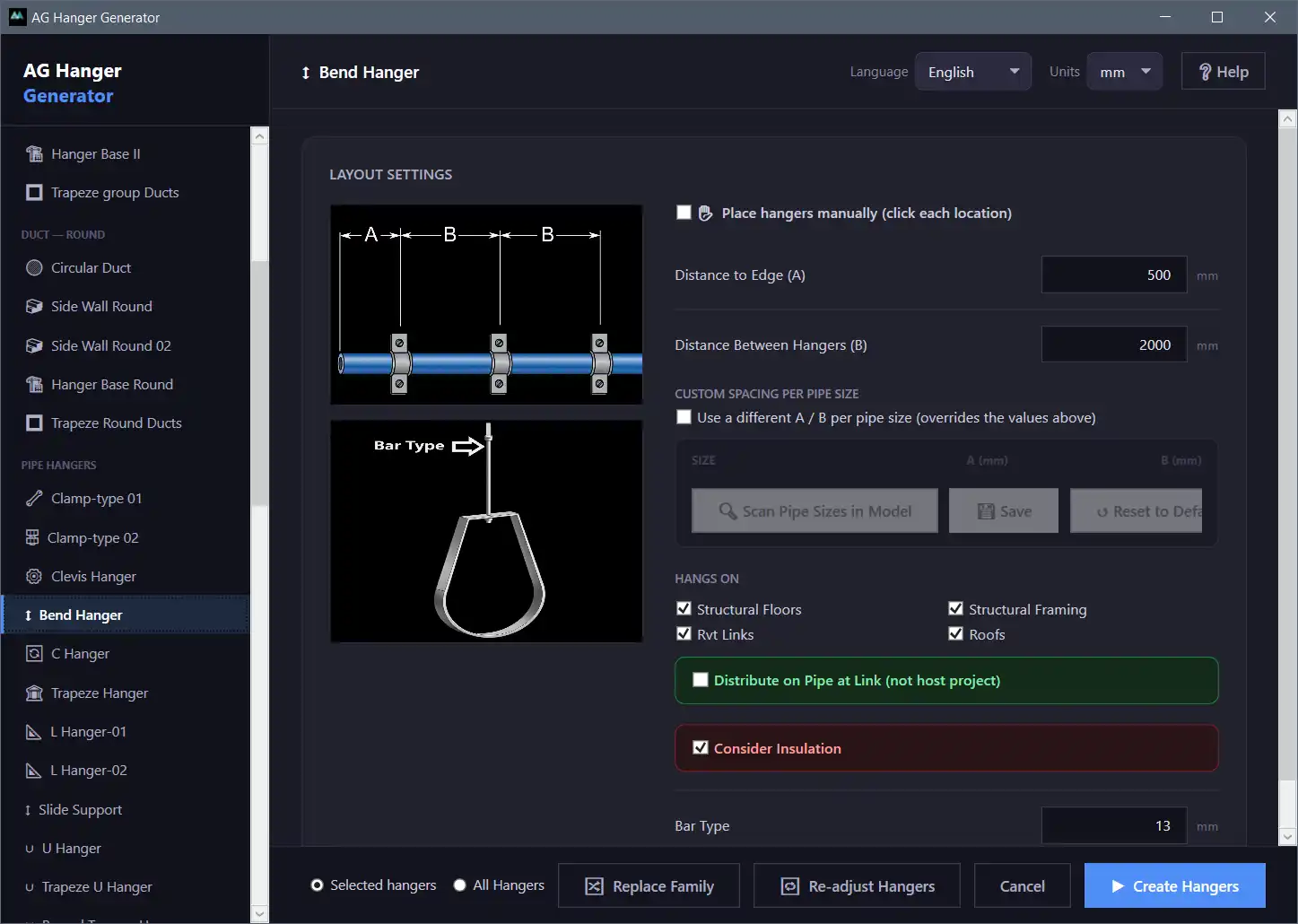
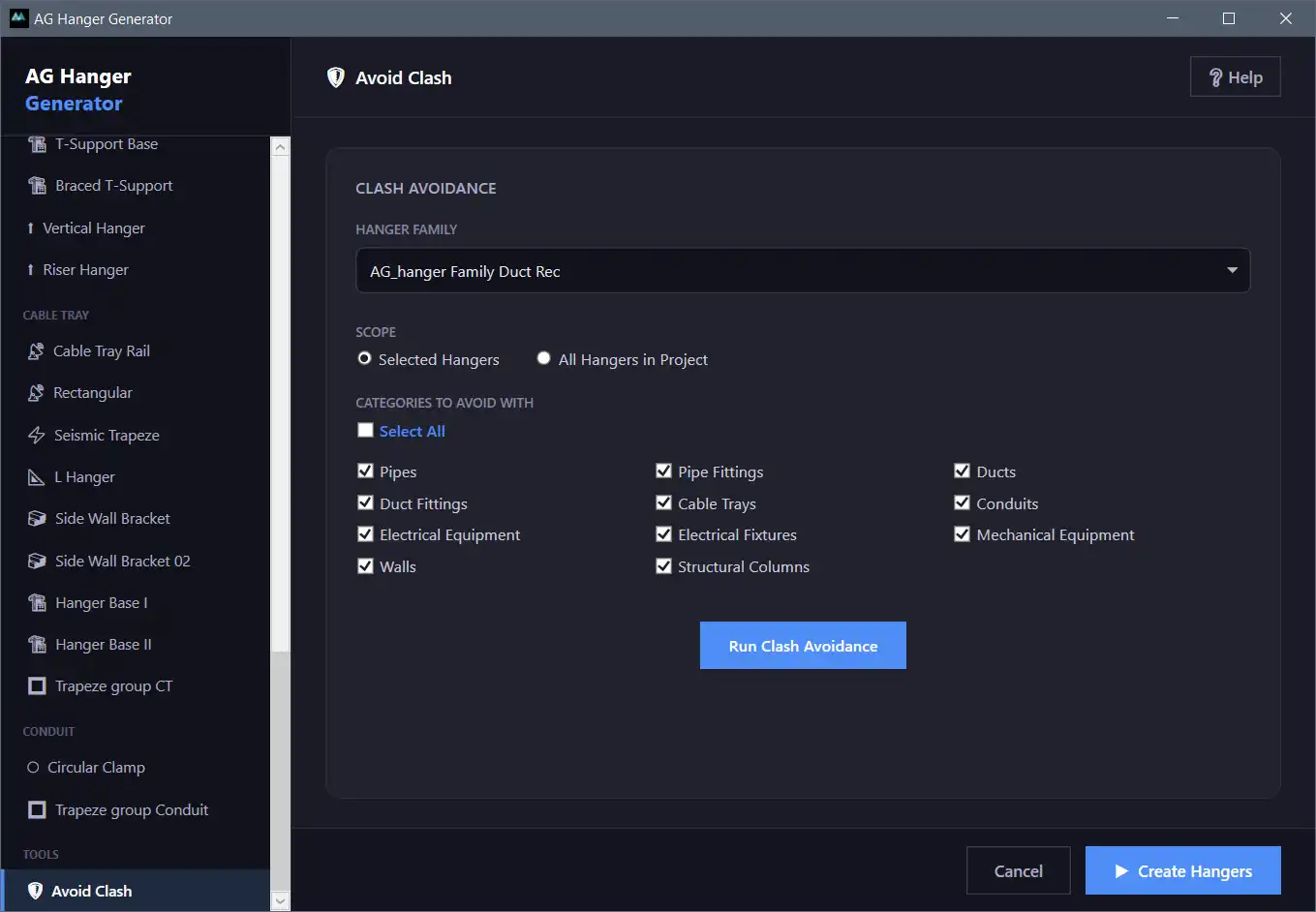
Revit users, rejoice! The AG Hanger Generator plugin is here to revolutionize the way you place hangers on MEP linear elements such as pipes, ducts, cable trays, and conduits. With its extensive library of 56 hanger models and smart structural detection feature, this plugin is a game-changer for MEP designers and engineers.
(Image by: BIM Minutes)
Exploring the Key Features
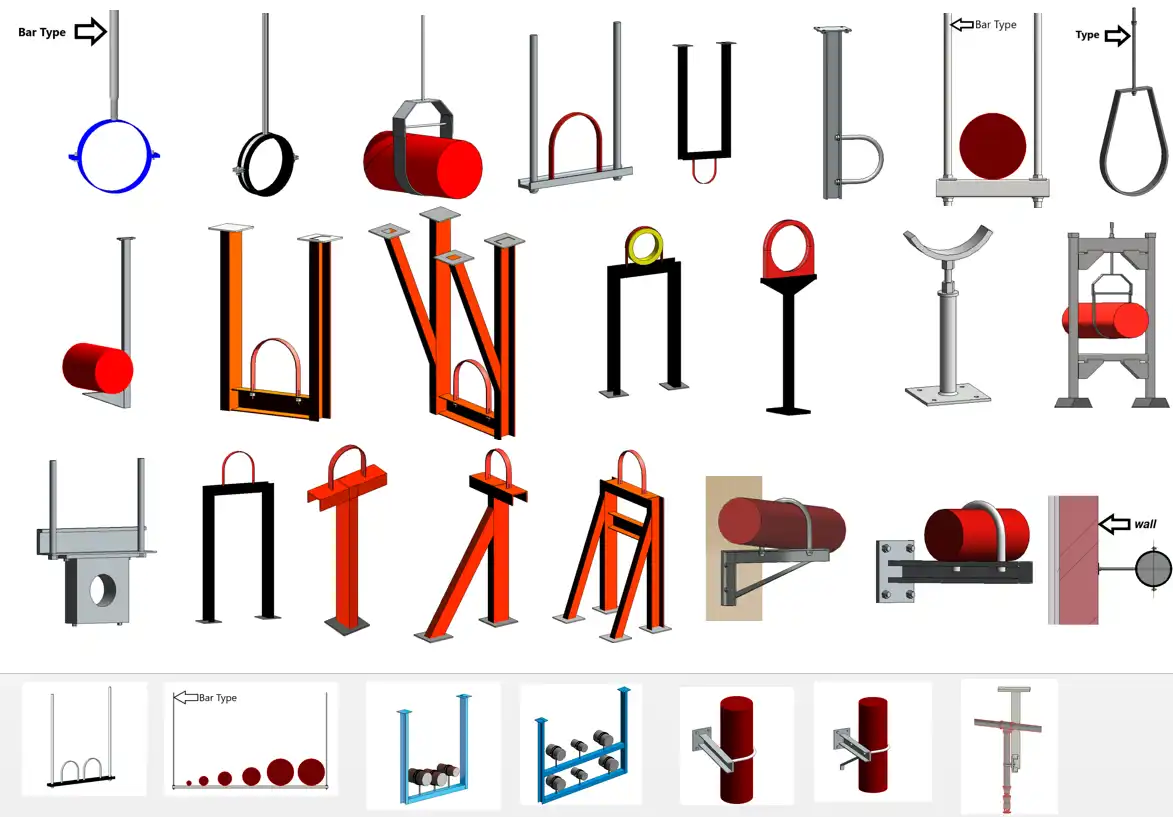
One of the standout features of the AG Hanger Generator is its extensive hanger library. With 56 different models to choose from, organized by application, users have a wide variety of options at their disposal. Whether you need duct hangers, pipe hangers, cable tray hangers, conduit hangers, or a mix of MEP hangers, this plugin has got you covered.
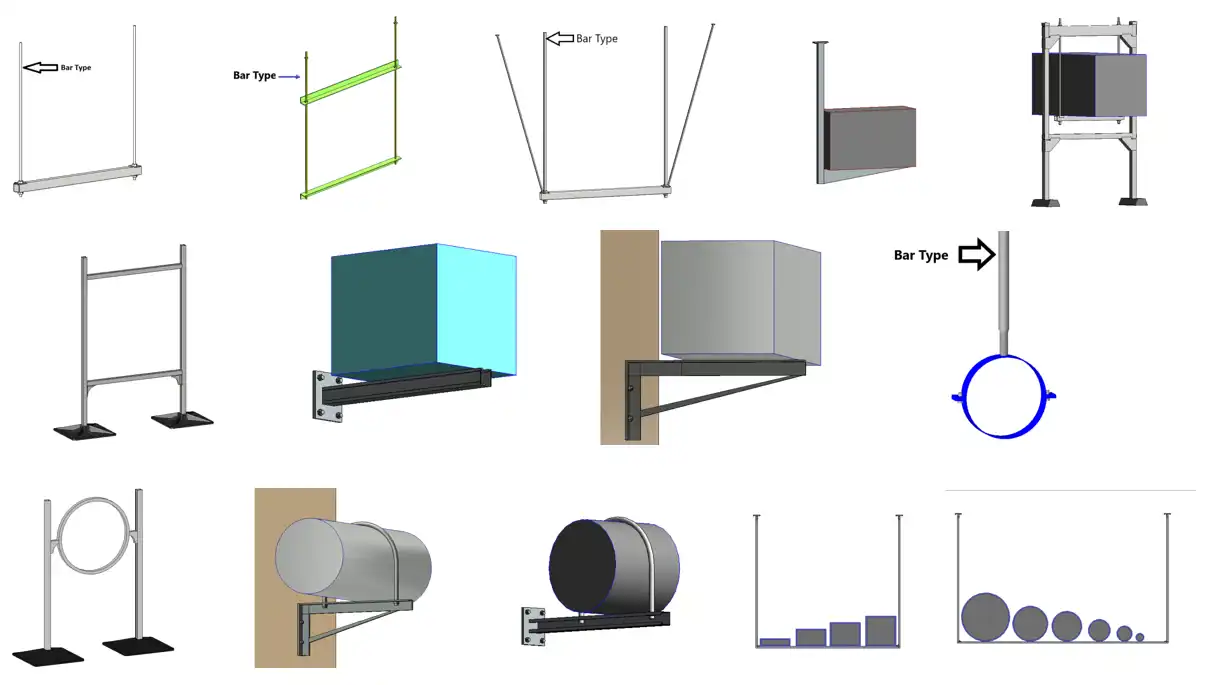
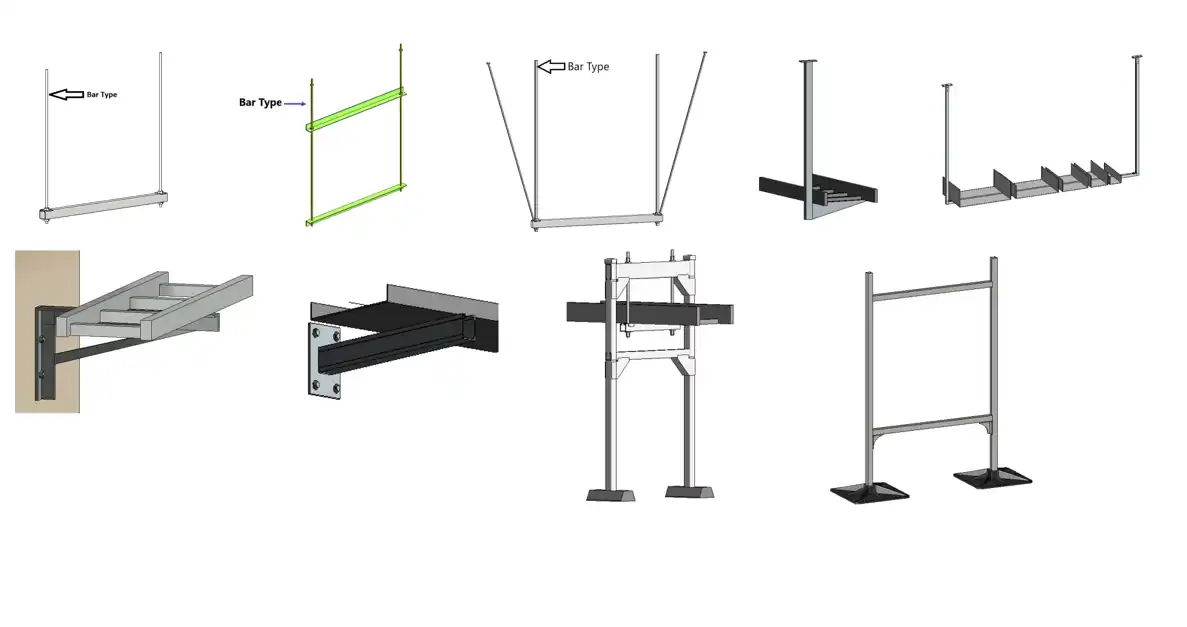
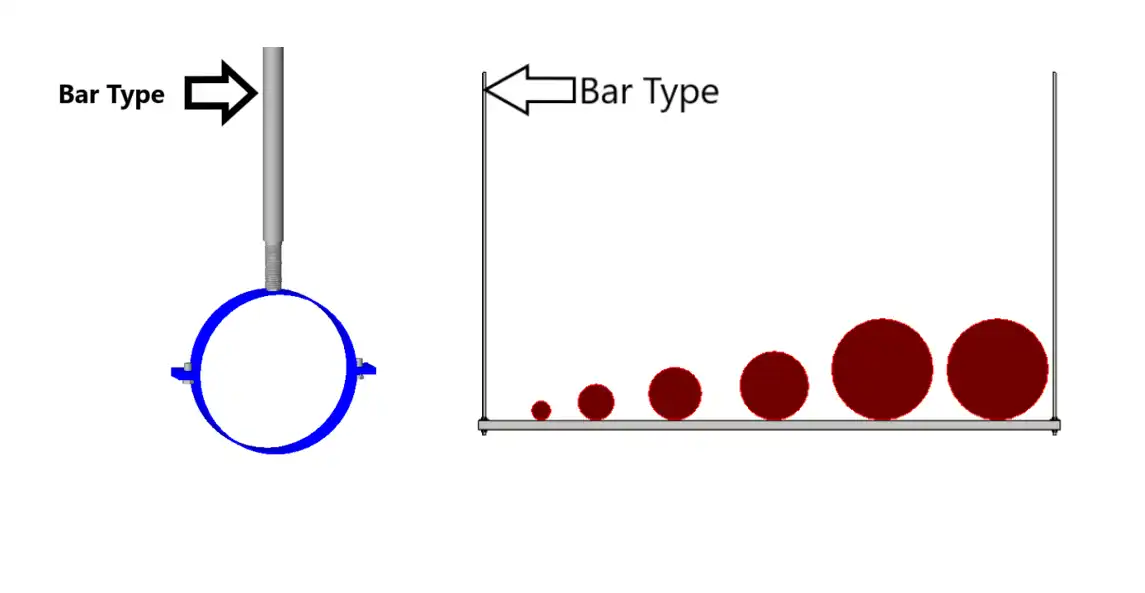
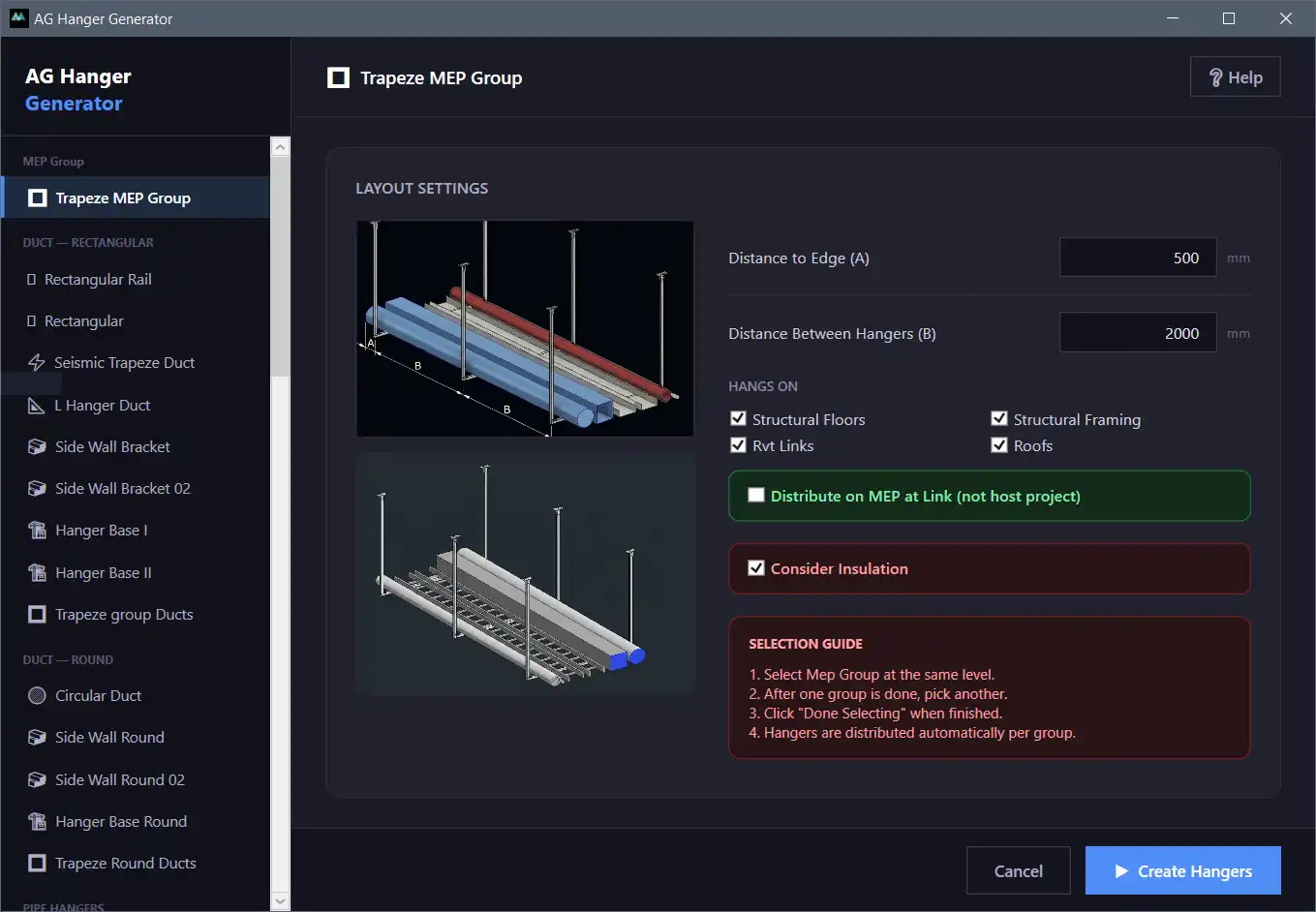
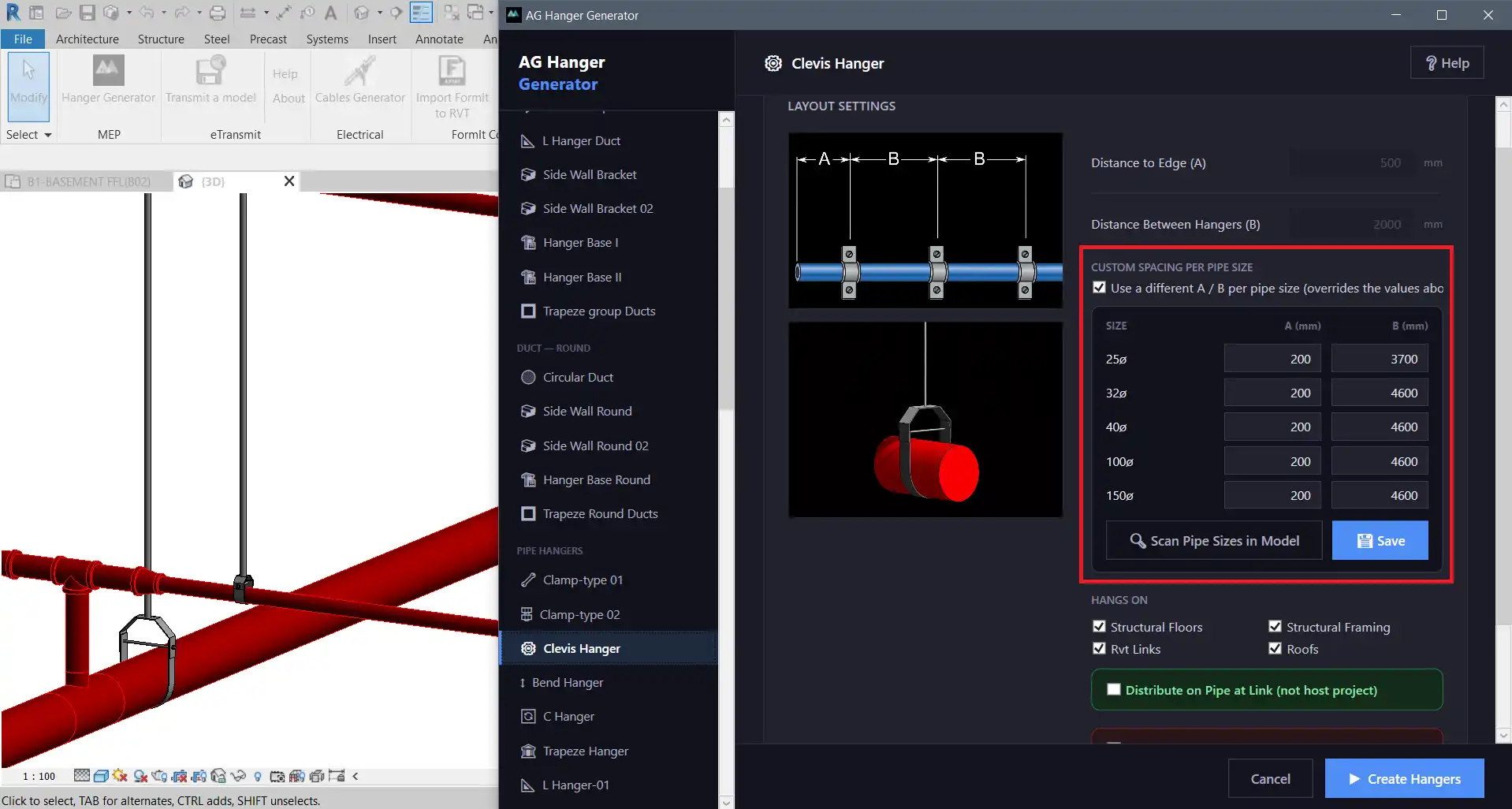
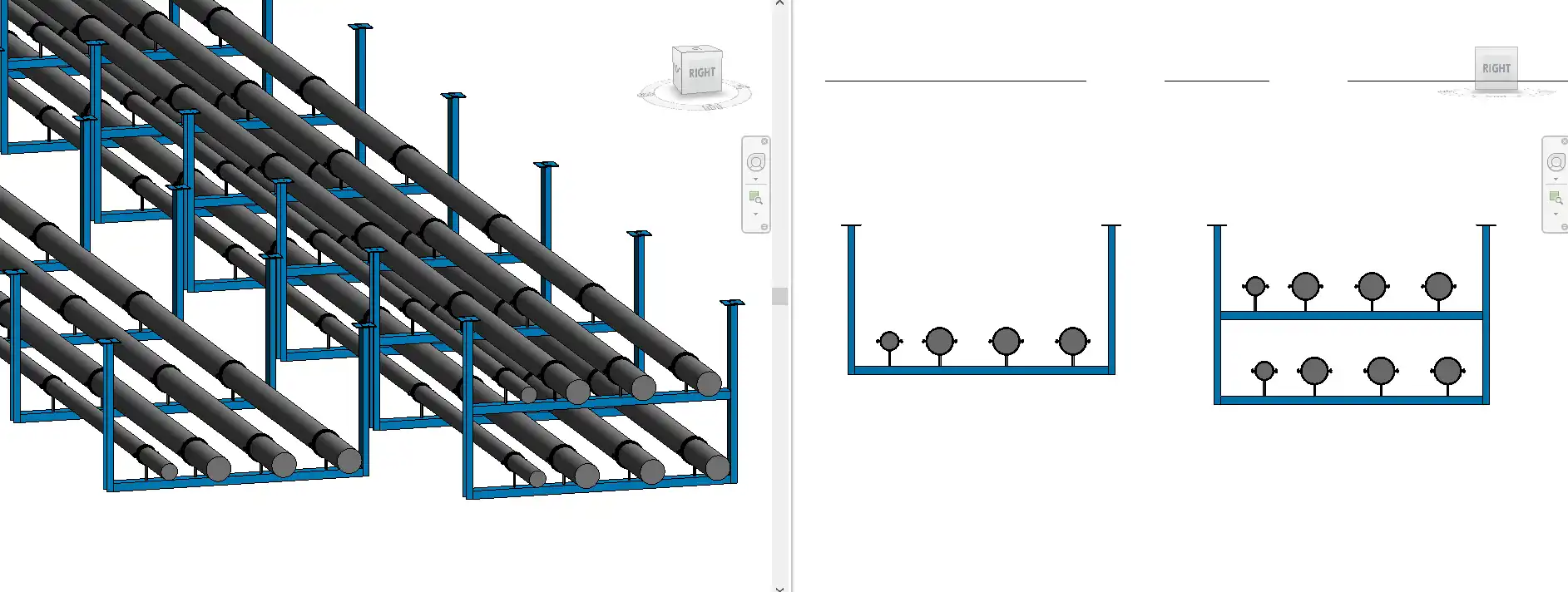
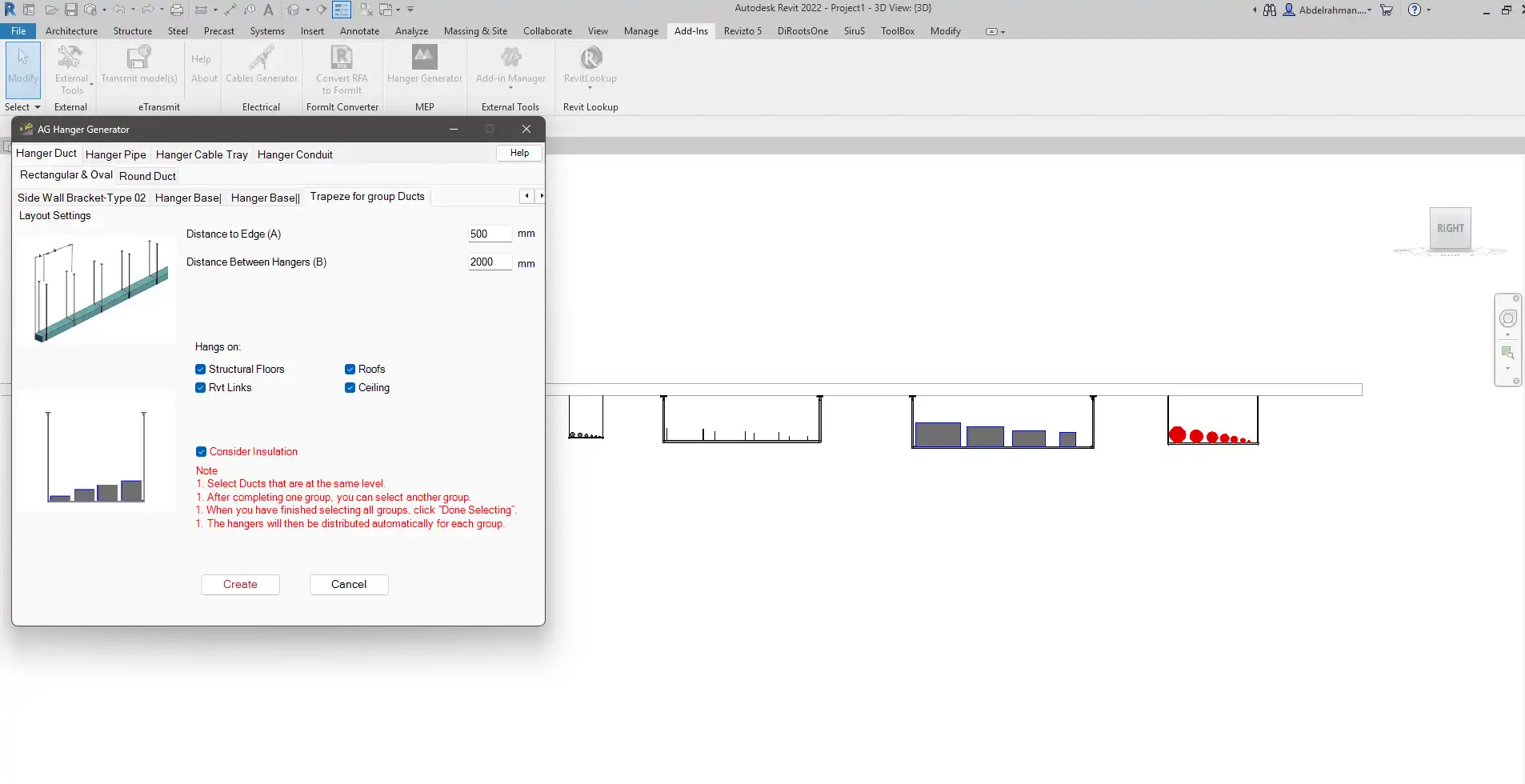
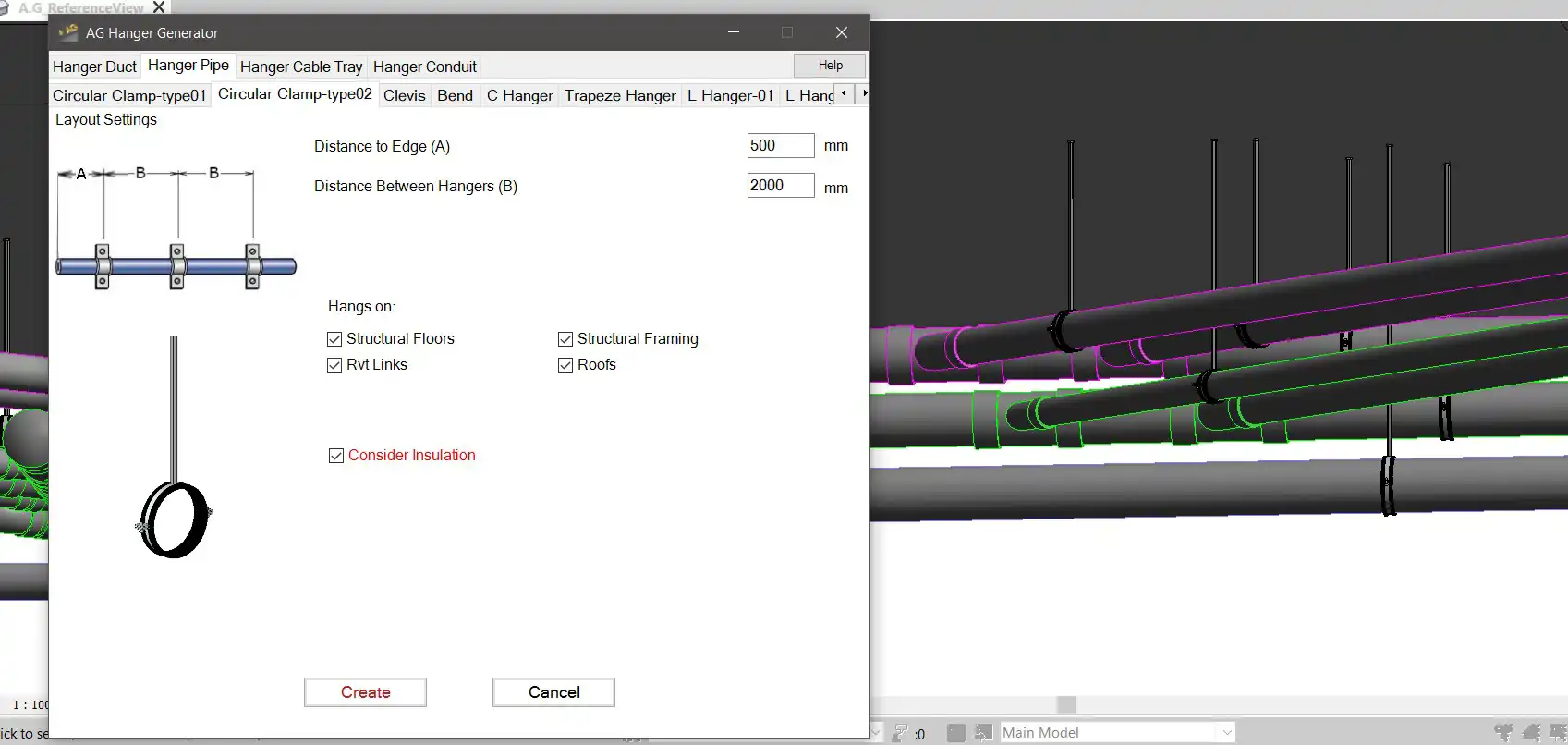
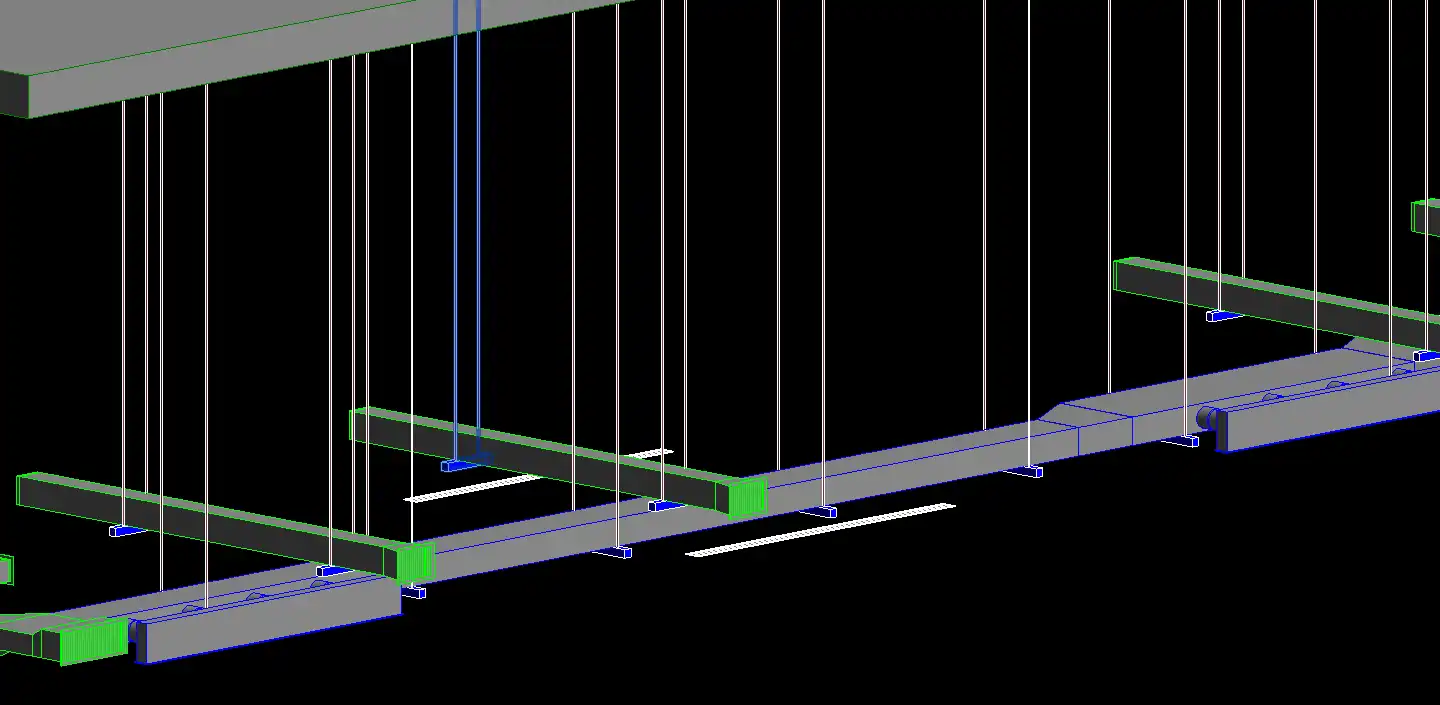
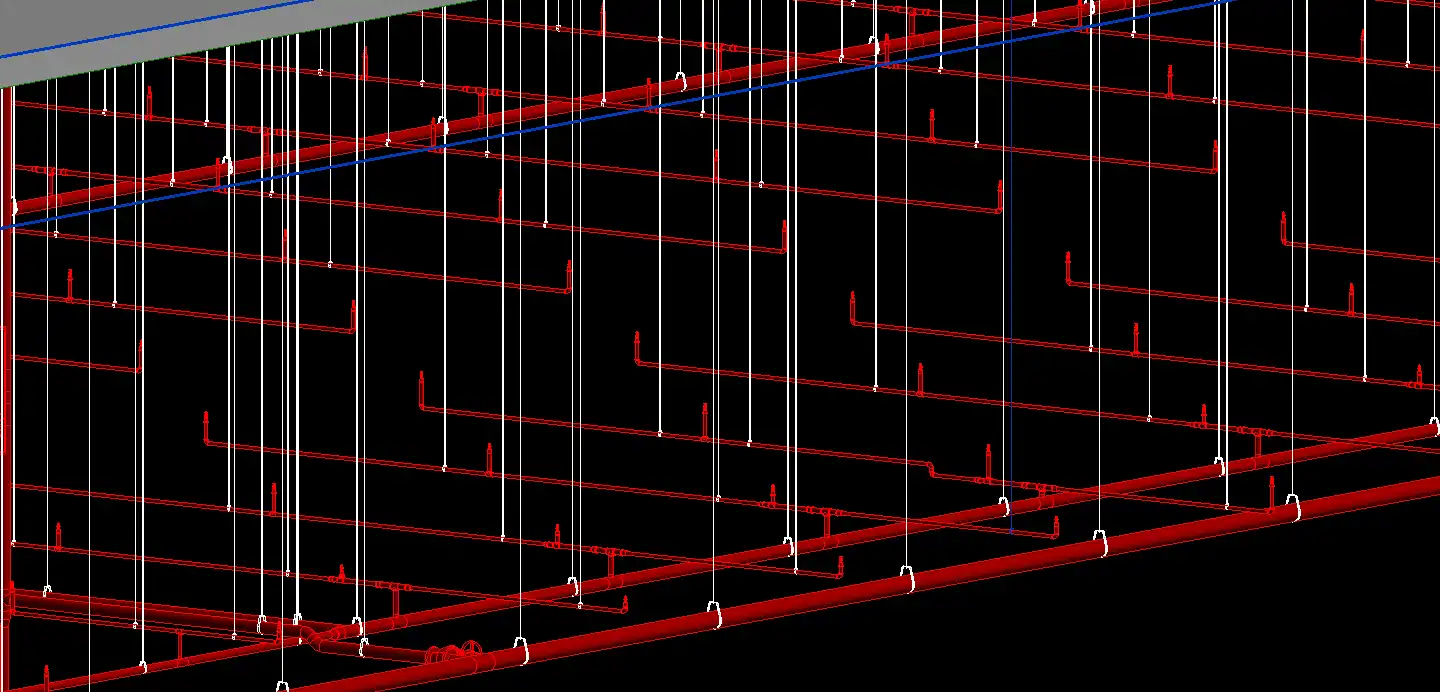
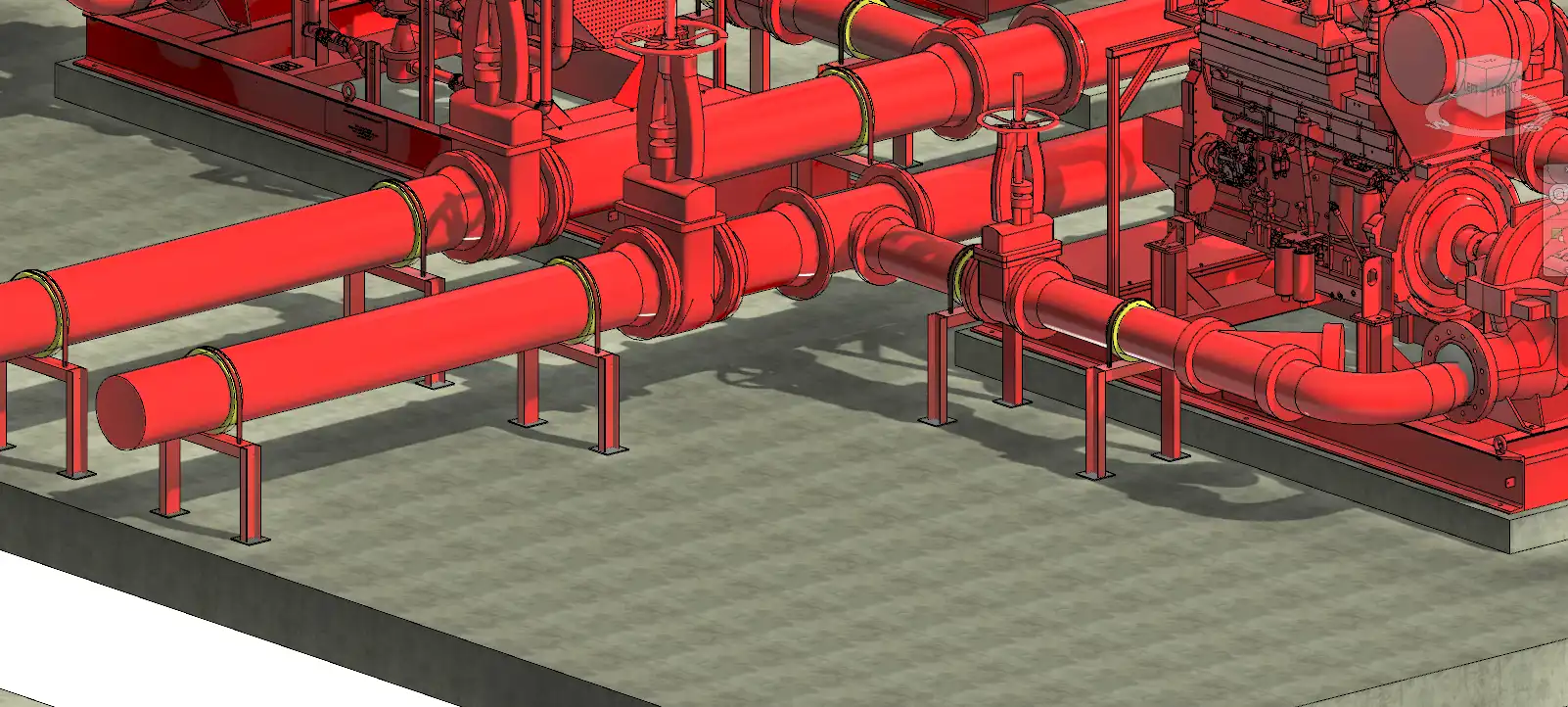
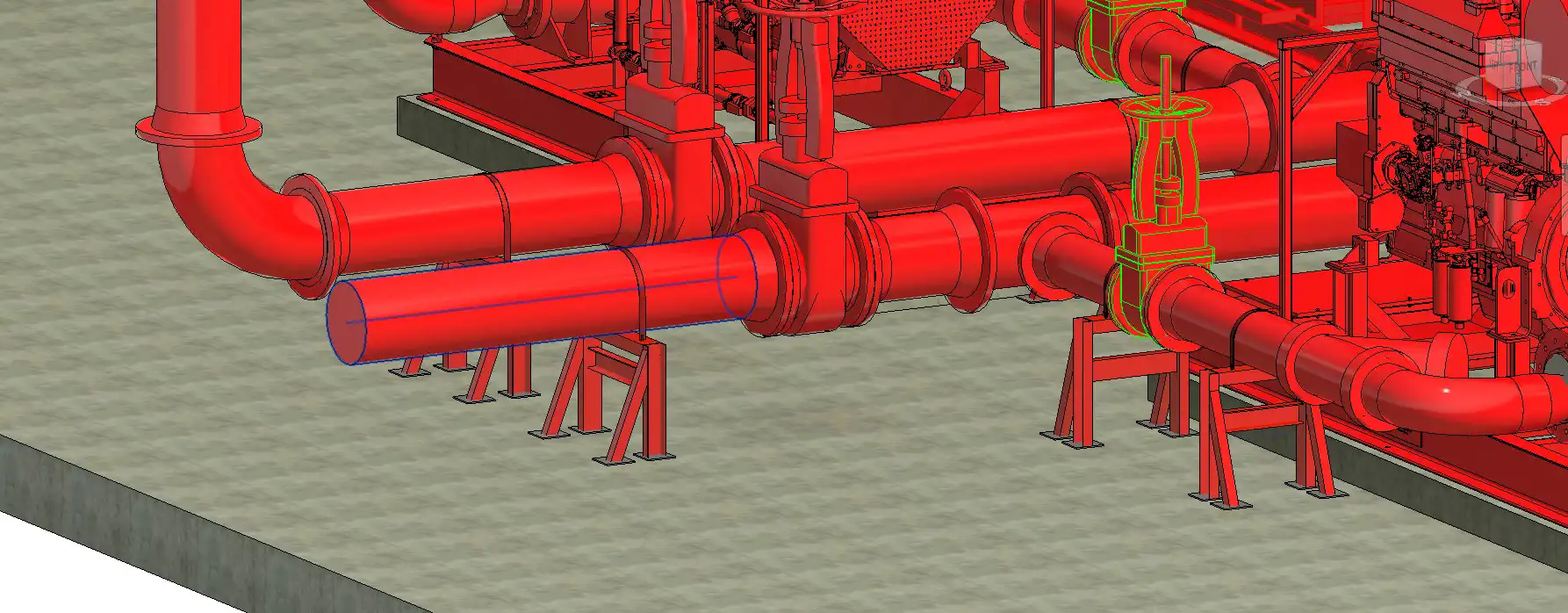
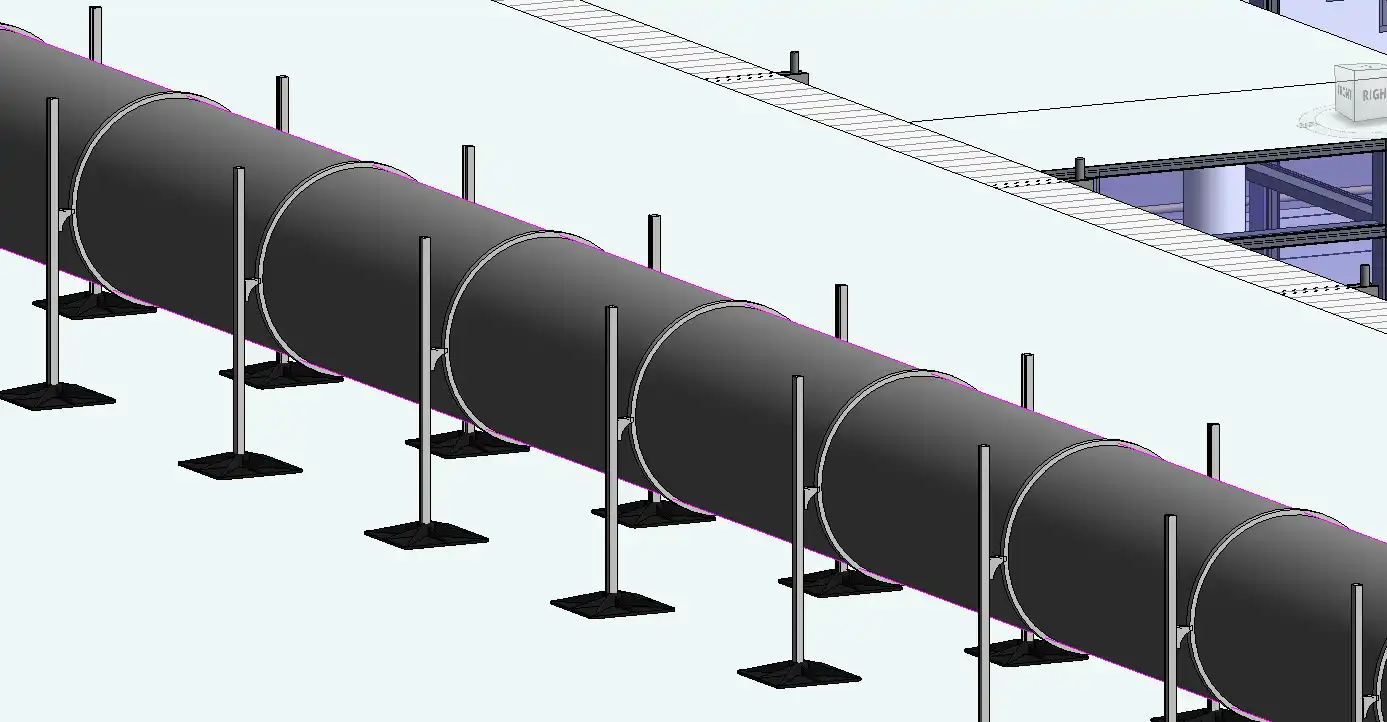
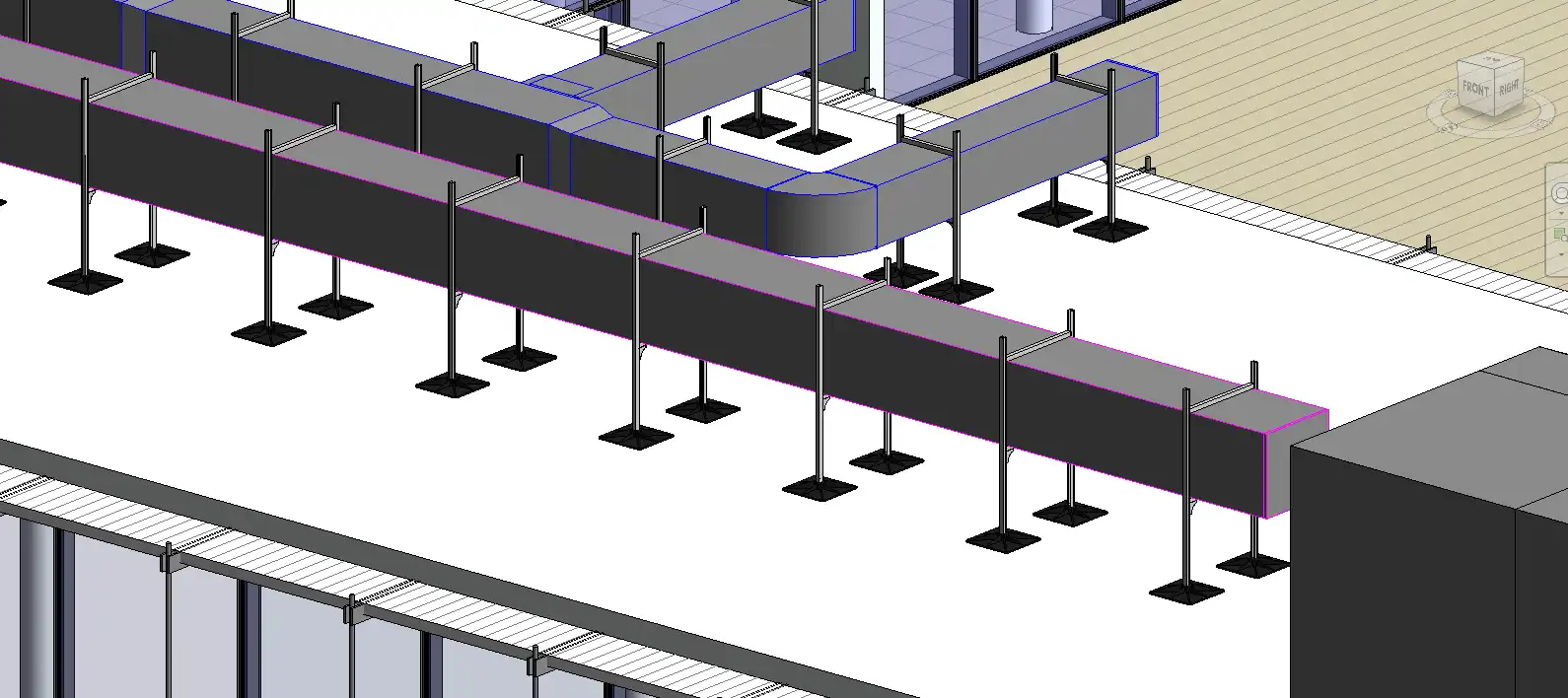
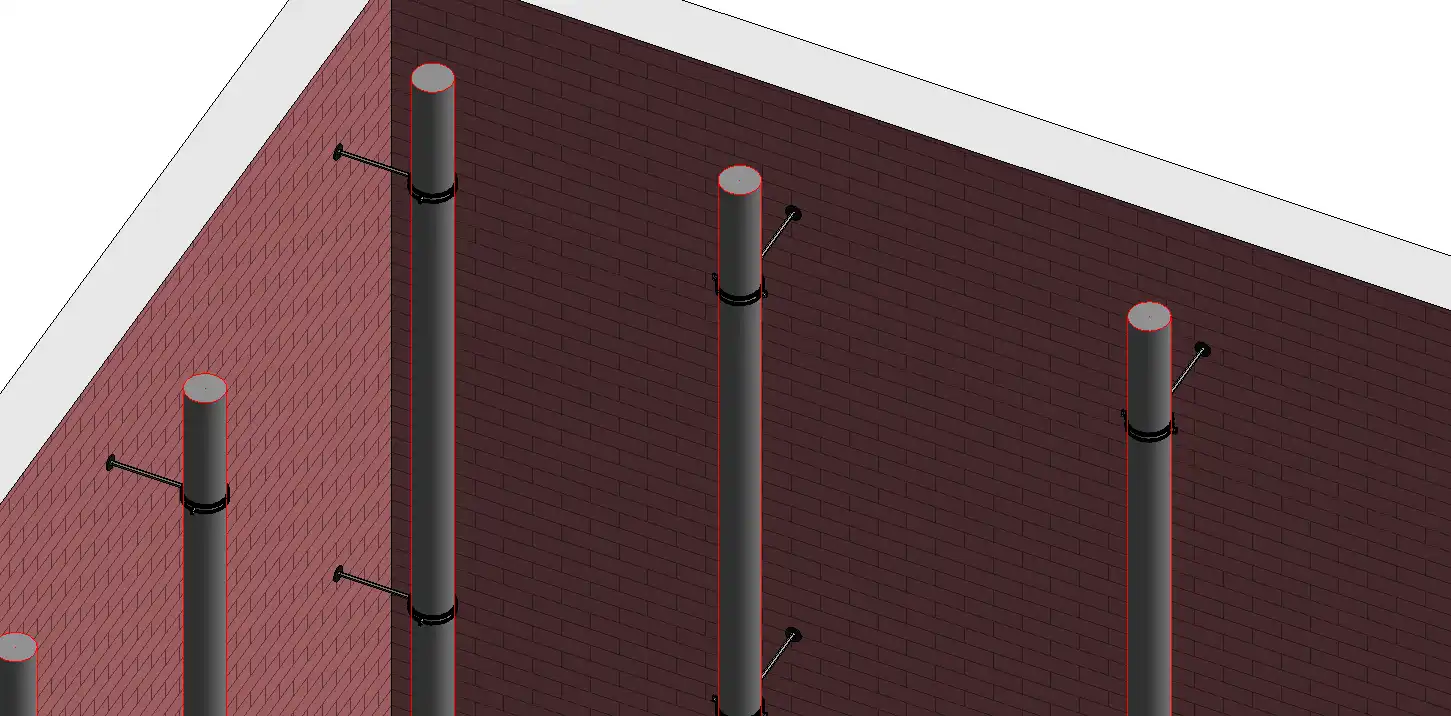
For duct hangers, the plugin offers models such as rectangular rail, rectangular, seismic trapeze, L hanger, trapeze hanger, and side wall hanger, among others. Round duct hangers include circular round duct, side wall hanger, and trapeze for group round duct. Pipe hangers range from circular clamp, clevis, and C hanger to slide support, double clamp, and riser bracket. Cable tray hangers, conduit hangers, and mixed MEP hangers are also included in the library.
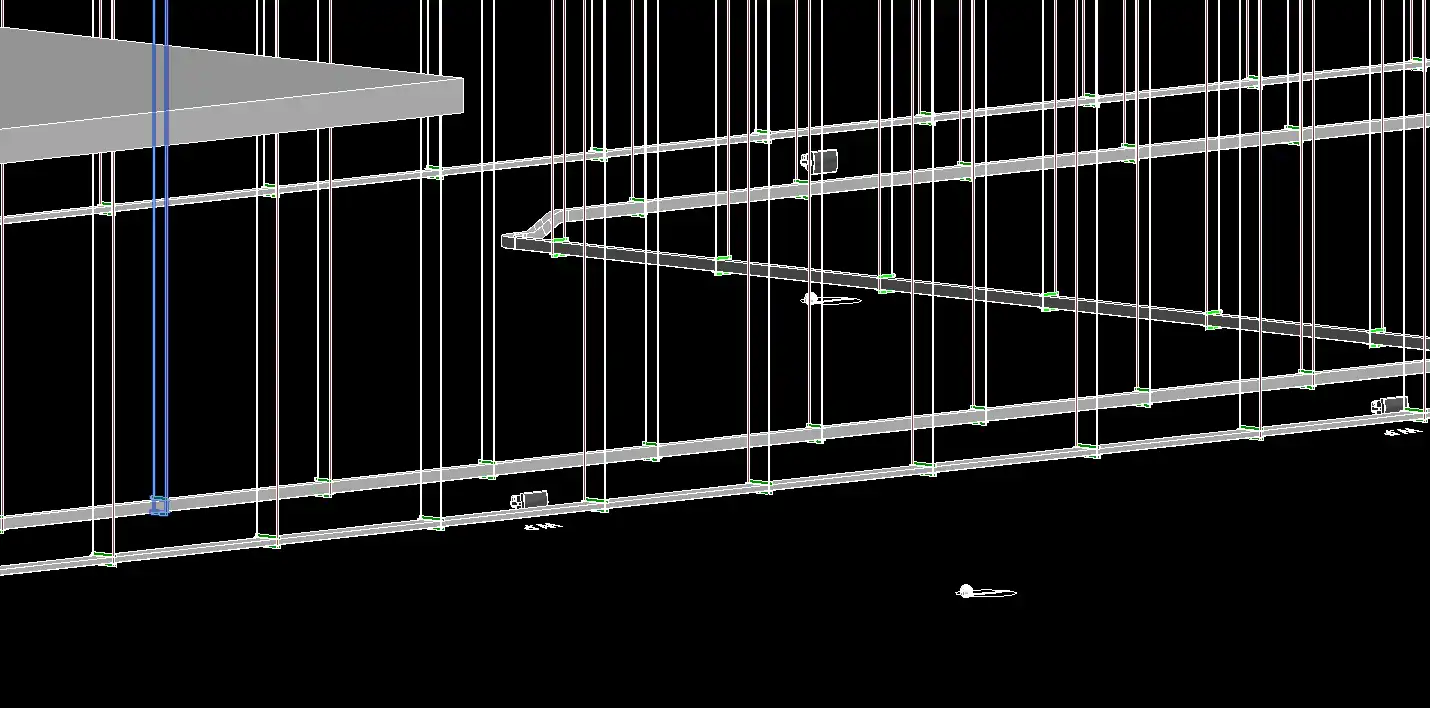
Another standout feature of the AG Hanger Generator is its smart structural detection capability. Hangers automatically detect and attach to structural elements, giving users the flexibility to choose from structural floors, framing, walls, or a combination of host elements and linked models. This feature saves time and improves accuracy in the placement of hangers, ensuring that they are securely attached to the necessary structural elements.
(Image by: BIM Minutes)
Enhancing Workflow Efficiency
By automating the process of placing hangers on MEP linear elements, the AG Hanger Generator plugin streamlines workflow efficiency for Revit users. Designers and engineers can save time and effort by quickly selecting hanger models from the extensive library and allowing the plugin to automatically place them on the designated elements. This automation not only speeds up the design process but also reduces the potential for errors in hanger placement.
Furthermore, the plugin's smart structural detection feature ensures that hangers are accurately attached to structural elements, eliminating the need for manual adjustments and ensuring a secure connection between the hangers and the supporting structure. This level of automation and accuracy enhances the overall quality of the design and construction documentation, leading to improved project outcomes.
(Image by: BIM Minutes)
Summary
The AG Hanger Generator plugin is a must-have tool for Revit users working on MEP projects. With its extensive hanger library, smart structural detection feature, and workflow efficiency enhancements, this plugin simplifies the process of placing hangers on linear elements and improves the accuracy of their attachment to structural elements. By incorporating the AG Hanger Generator into their workflow, designers and engineers can save time, reduce errors, and optimize the design process for better project outcomes. Try it out today and experience the difference it can make in your MEP design projects!
(Image by: BIM Minutes)
(Image by: BIM Minutes)
(Image by: BIM Minutes)
(Image by: BIM Minutes)
(Image by: BIM Minutes)
(Image by: BIM Minutes)
(Image by: BIM Minutes)
(Image by: BIM Minutes)
(Image by: BIM Minutes)
(Image by: BIM Minutes)
(Image by: BIM Minutes)
(Image by: BIM Minutes)
(Image by: BIM Minutes)
(Image by: BIM Minutes)
(Image by: BIM Minutes)
(Image by: BIM Minutes)
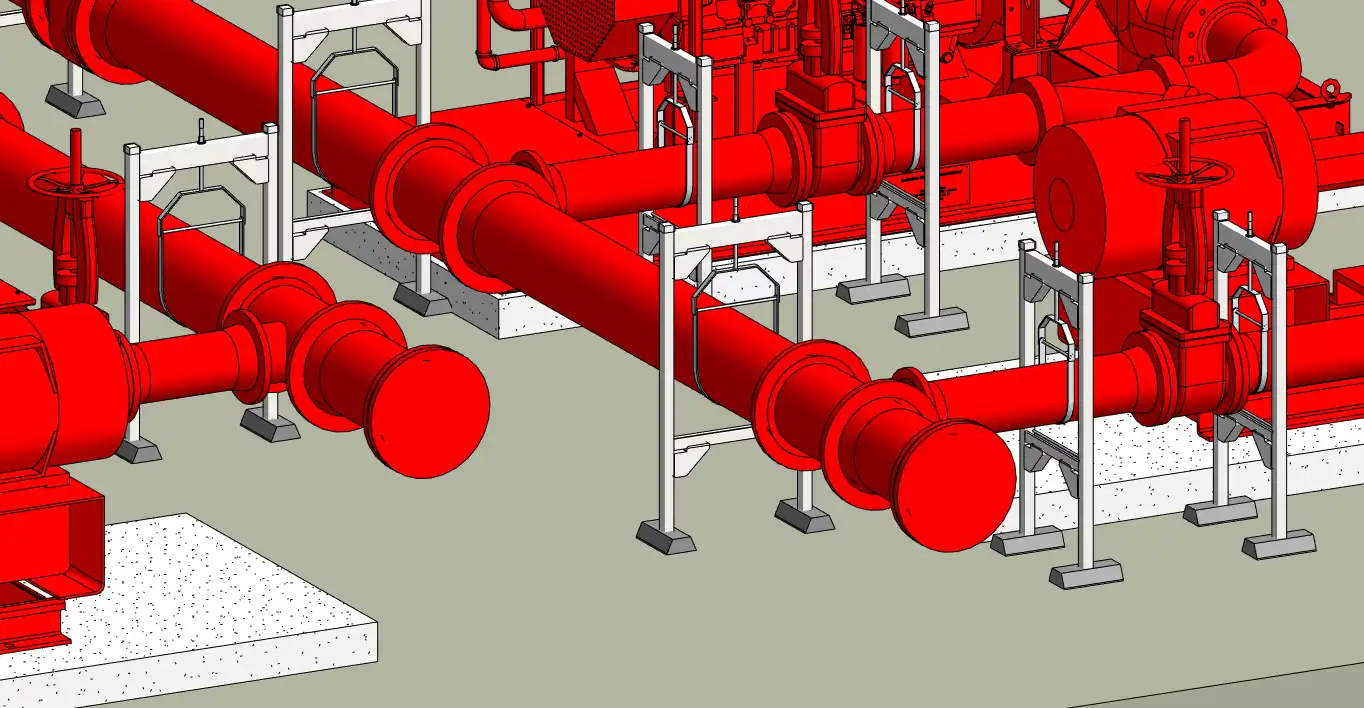
(Image by: BIM Minutes)
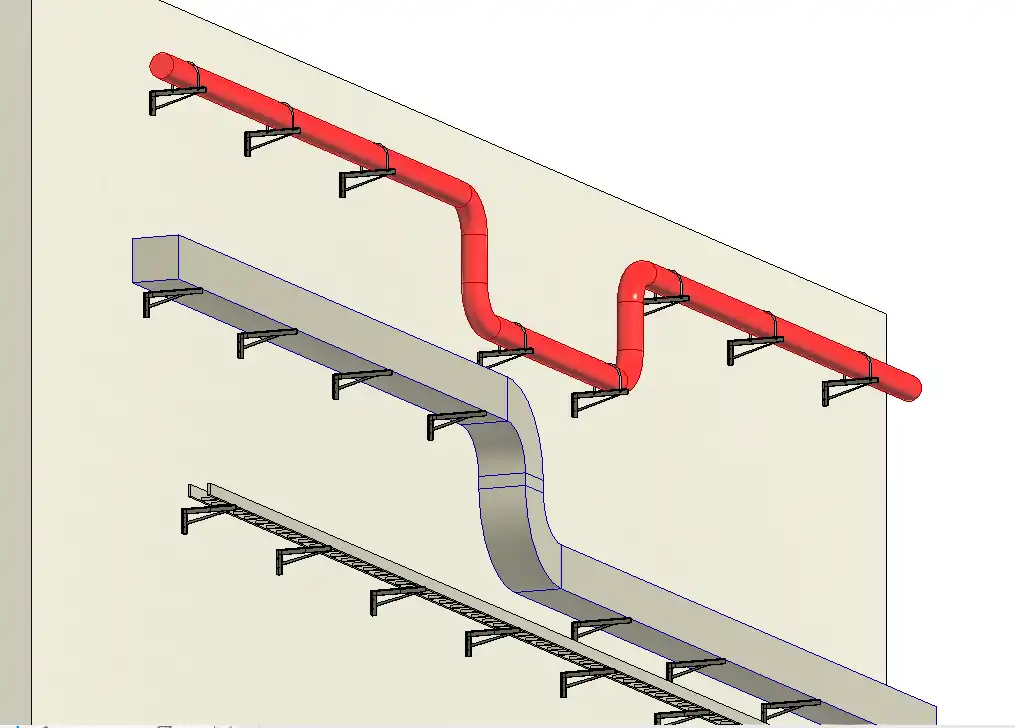
(Image by: BIM Minutes)
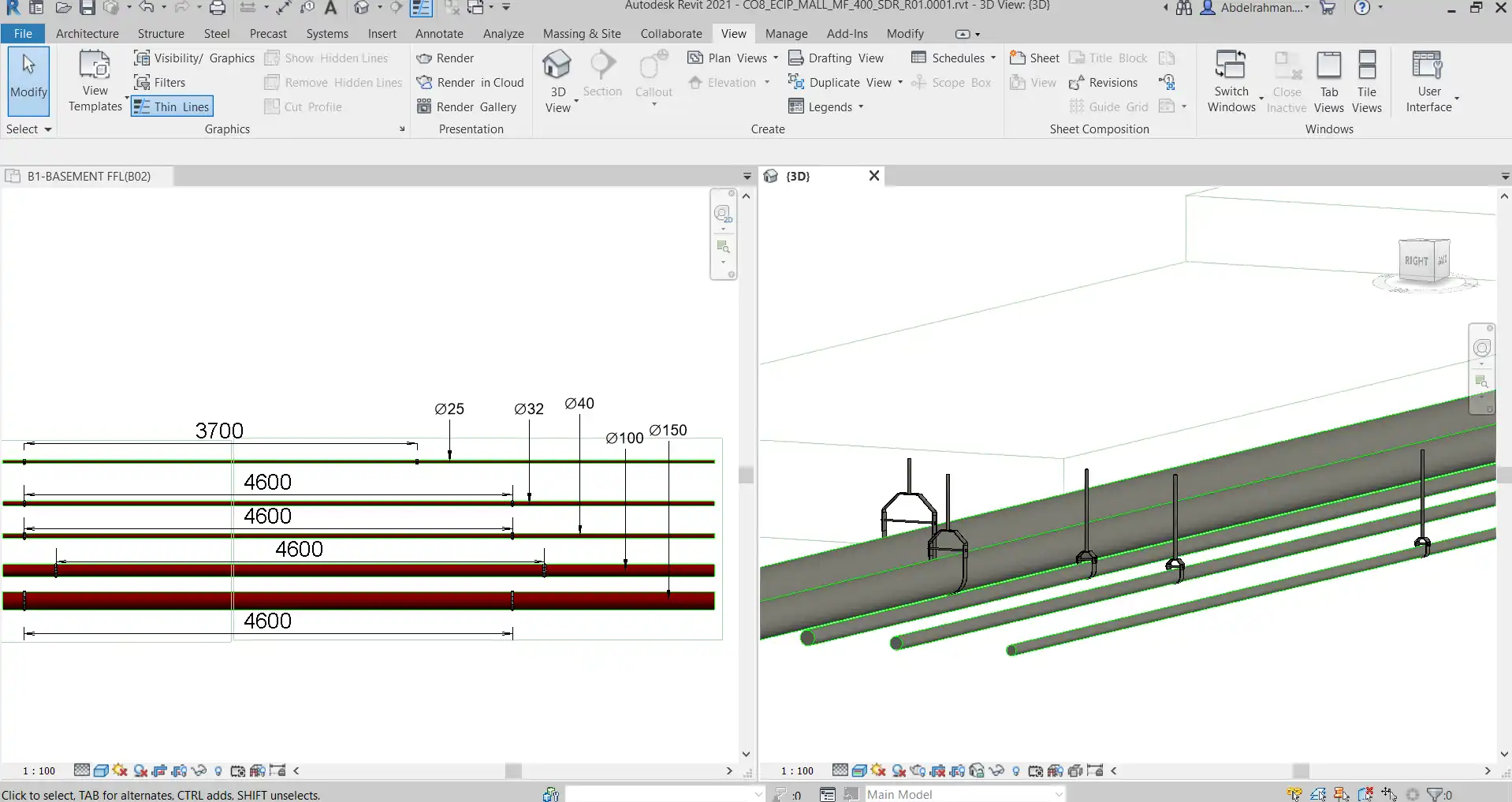
(Image by: BIM Minutes)
Similar apps:
- Free
- Free
- $99
- $19.8
- Free
- Free