 1 / 3
1 / 3About this app
Introduction
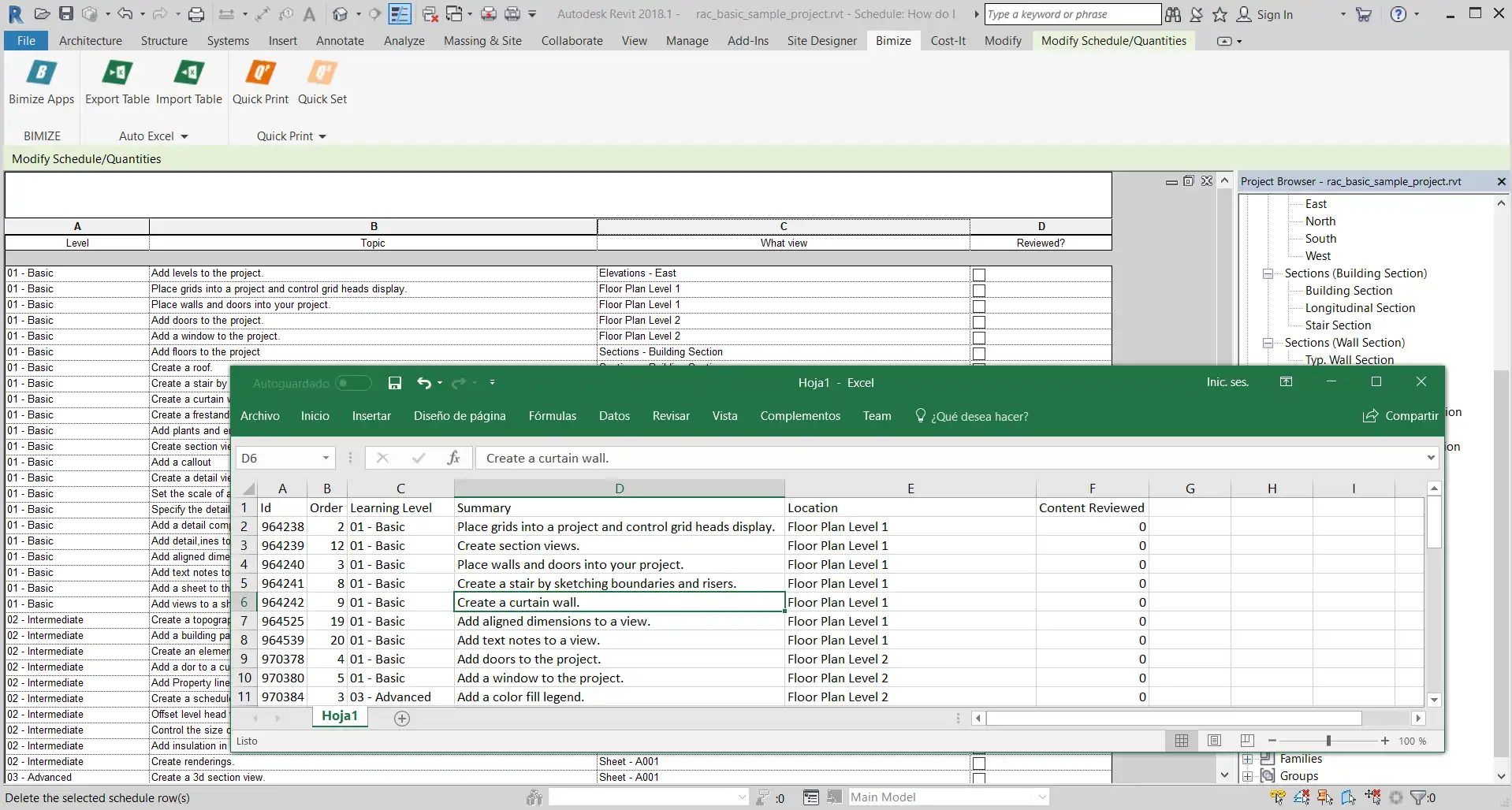
If you are looking for a seamless way to export and re-import your Autodesk Revit project schedules to Microsoft Excel, look no further than AutoExcel - One-click Excel Link! This Revit plugin is designed to simplify the process of modifying parameters in bulk, making your workflow more efficient and productive.
(Image by: BIMIZE)
Features
AutoExcel offers a one-click export and import solution that allows you to quickly transfer project schedules between Revit and Excel. The batch tool feature enables you to modify multiple parameters at once, saving you time and effort. Simply open a project schedule, click "export," make your changes in Excel, and then click "import" to update your Revit project with the modified parameters. This plugin is a game-changer for anyone who needs to organize data and parameters effectively.Benefits
One of the key benefits of AutoExcel is its user-friendly interface, which makes it easy for even beginners to navigate. The ability to work with Excel, a familiar tool for many professionals, allows for efficient organization and manipulation of data. By streamlining the process of exporting and importing project schedules, this plugin empowers users to make changes quickly and accurately, without the need for manual input.AutoExcel supports Excel versions from 2013 (v15.0) onwards, ensuring compatibility with a wide range of systems. The trial version offers a 30-day period for users to test out the plugin and see the benefits for themselves. To purchase the full version, simply visit the official website at shop.bimize.com.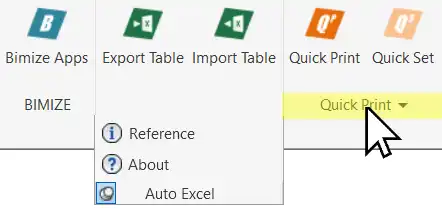
(Image by: BIMIZE)
Summary
In conclusion, AutoExcel - One-click Excel Link! 2025→2027 is a must-have plugin for anyone working with Autodesk Revit who needs to efficiently manage project schedules and parameters. Its seamless integration with Excel, batch editing capabilities, and user-friendly interface make it a valuable tool for streamlining workflows and increasing productivity. Give AutoExcel a try today and experience the convenience of one-click Excel linking for yourself.Similar apps:
- Free
- Free
- Free
- Free
- $10/month
- Free