 1 / 7
About this app
Introduction
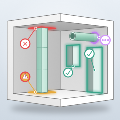
In the world of Building Information Modeling (BIM), the ability to streamline processes and enhance efficiency is paramount. One such innovation is the BIMtwin HUB for Revit, a powerful plugin that transforms your Revit model into a fully functional energy model in mere minutes. In comparison to conventional methods that require extensive manual rebuilding of energy models in separate software tools, BIMtwin HUB offers a remarkable shortcut. This review explores the features, benefits, and overall impact of BIMtwin HUB on the design process, demonstrating why it's a game-changer for architects, engineers, and energy specialists alike.
(Image by: BIMtwin s.r.o.)
Seamless Integration and User-Friendly Export Process
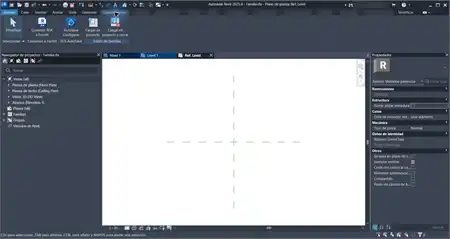
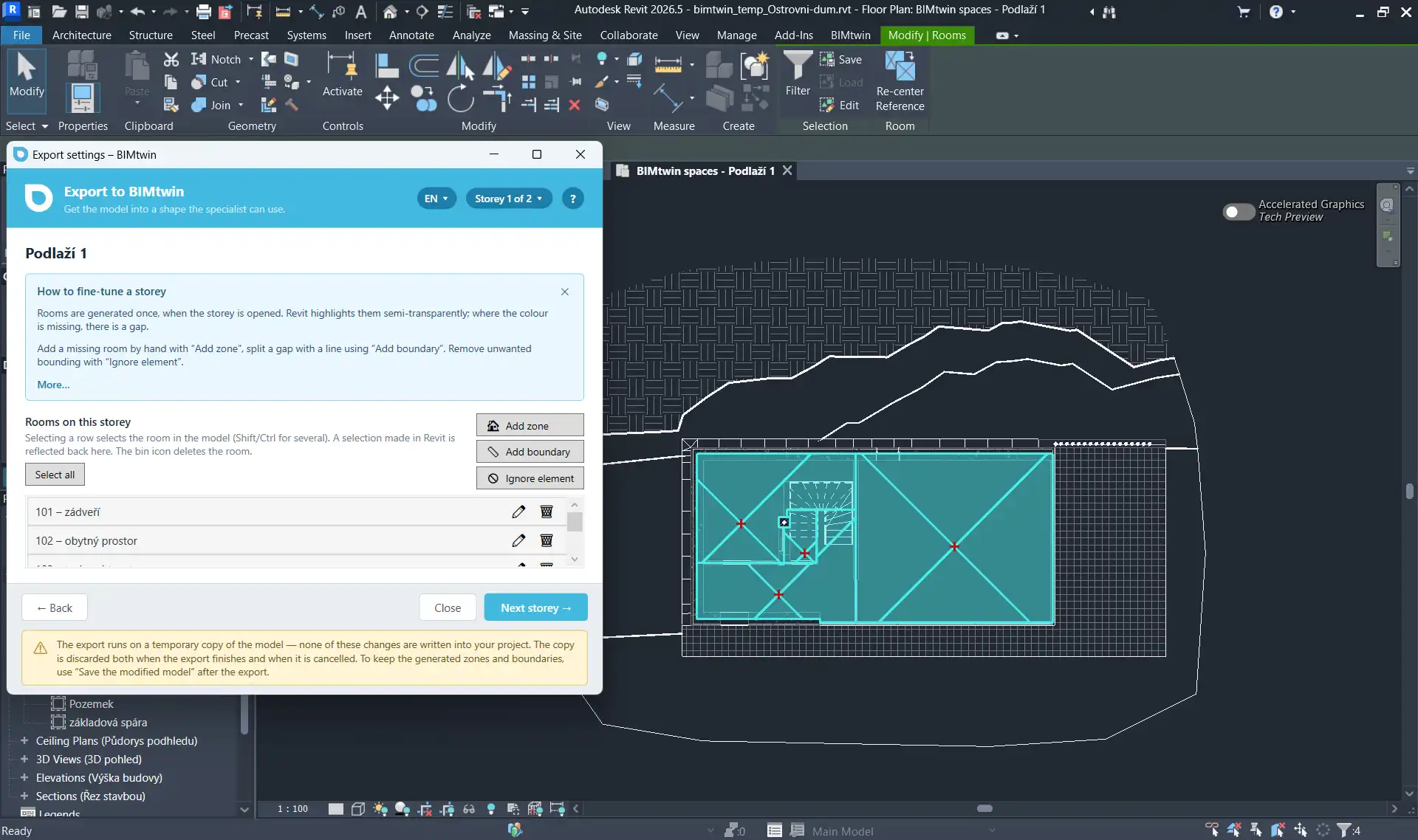
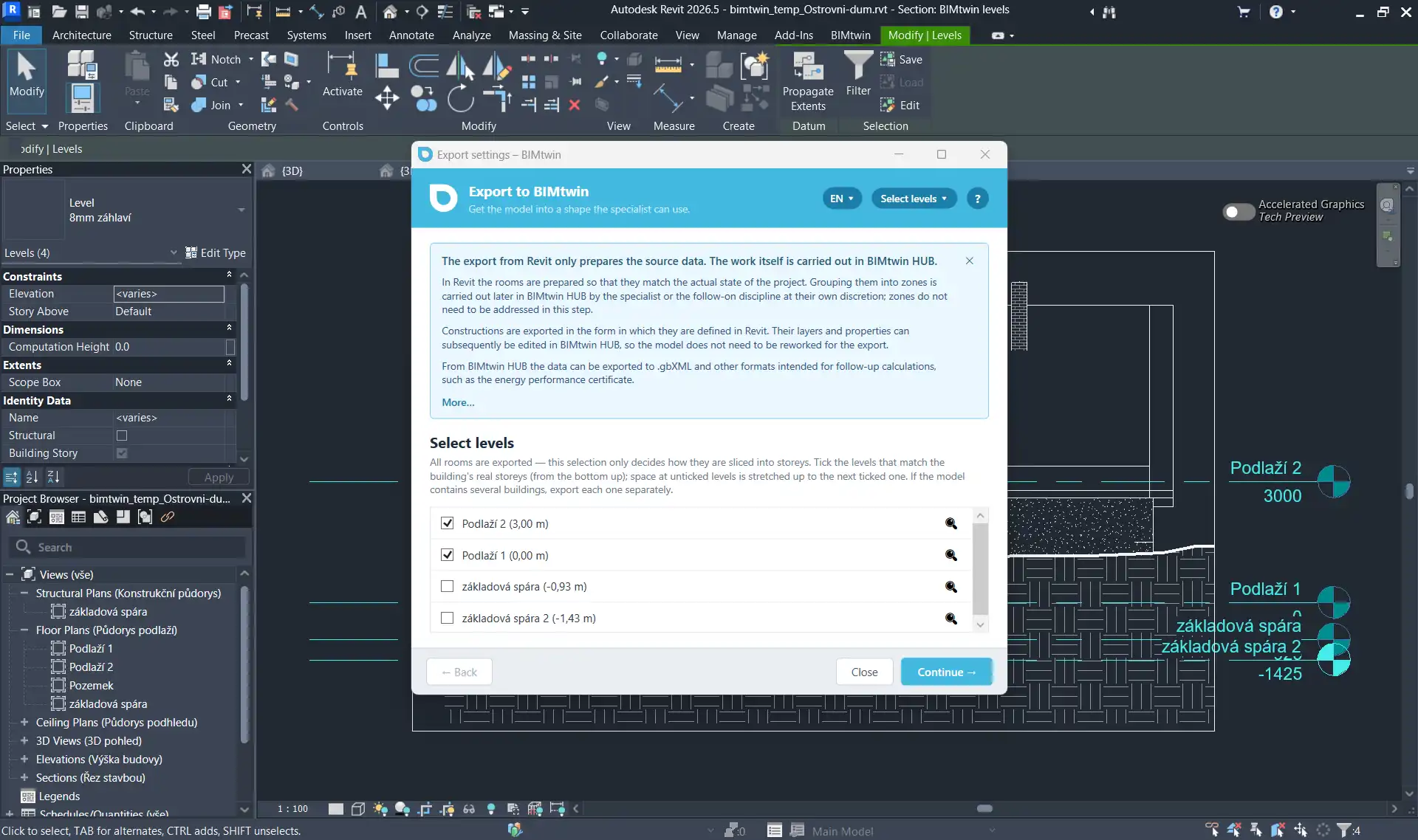
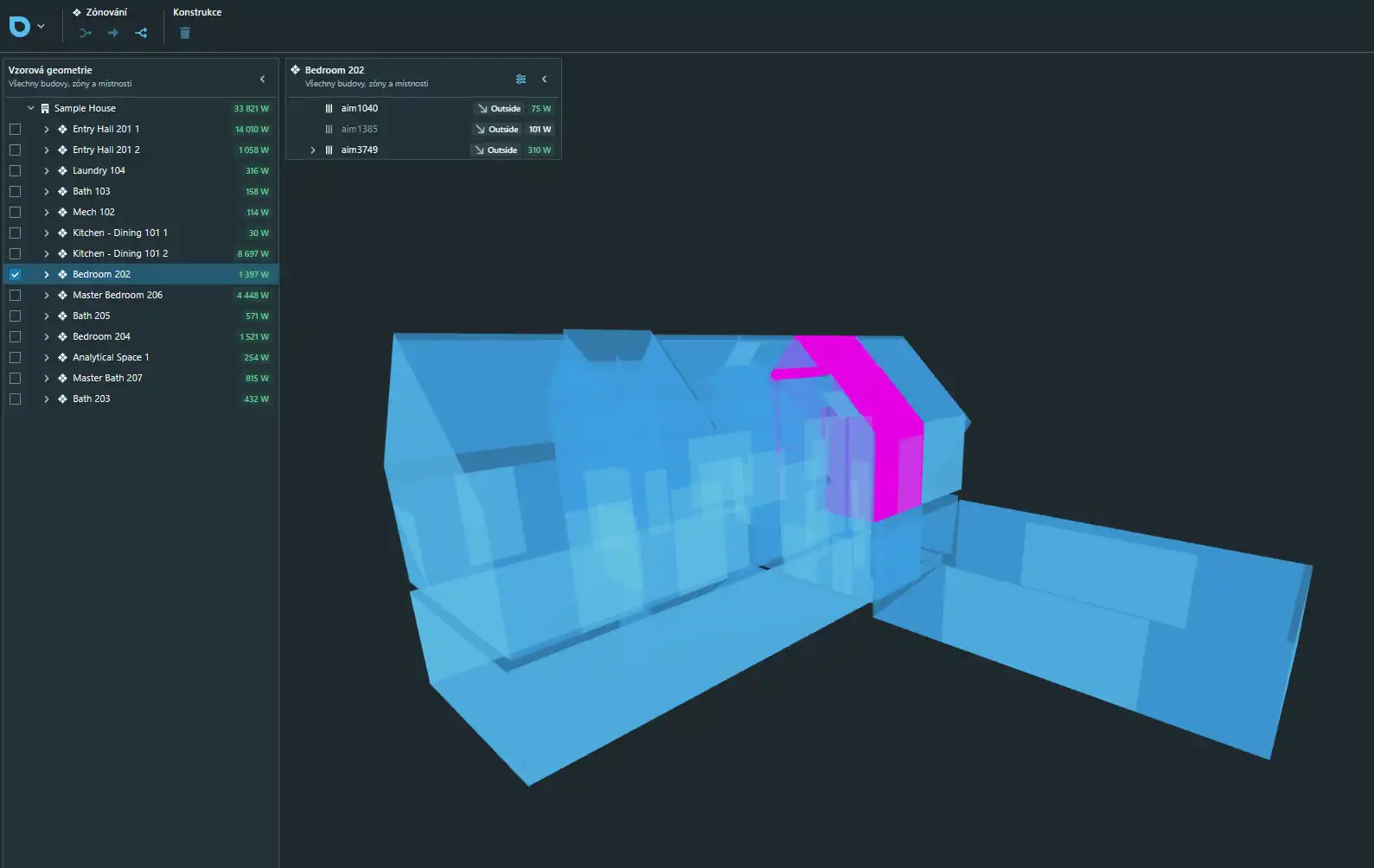
One of the most significant advantages of BIMtwin HUB is its seamless integration with Revit. The plugin guides users through an intuitive export process, allowing them to export energy models level by level. This means that designers can maintain control over zoning and the organization of their projects. As you navigate the wizard, each level and associated rooms are highlighted and synchronized both ways with Revit, ensuring accuracy and clarity.
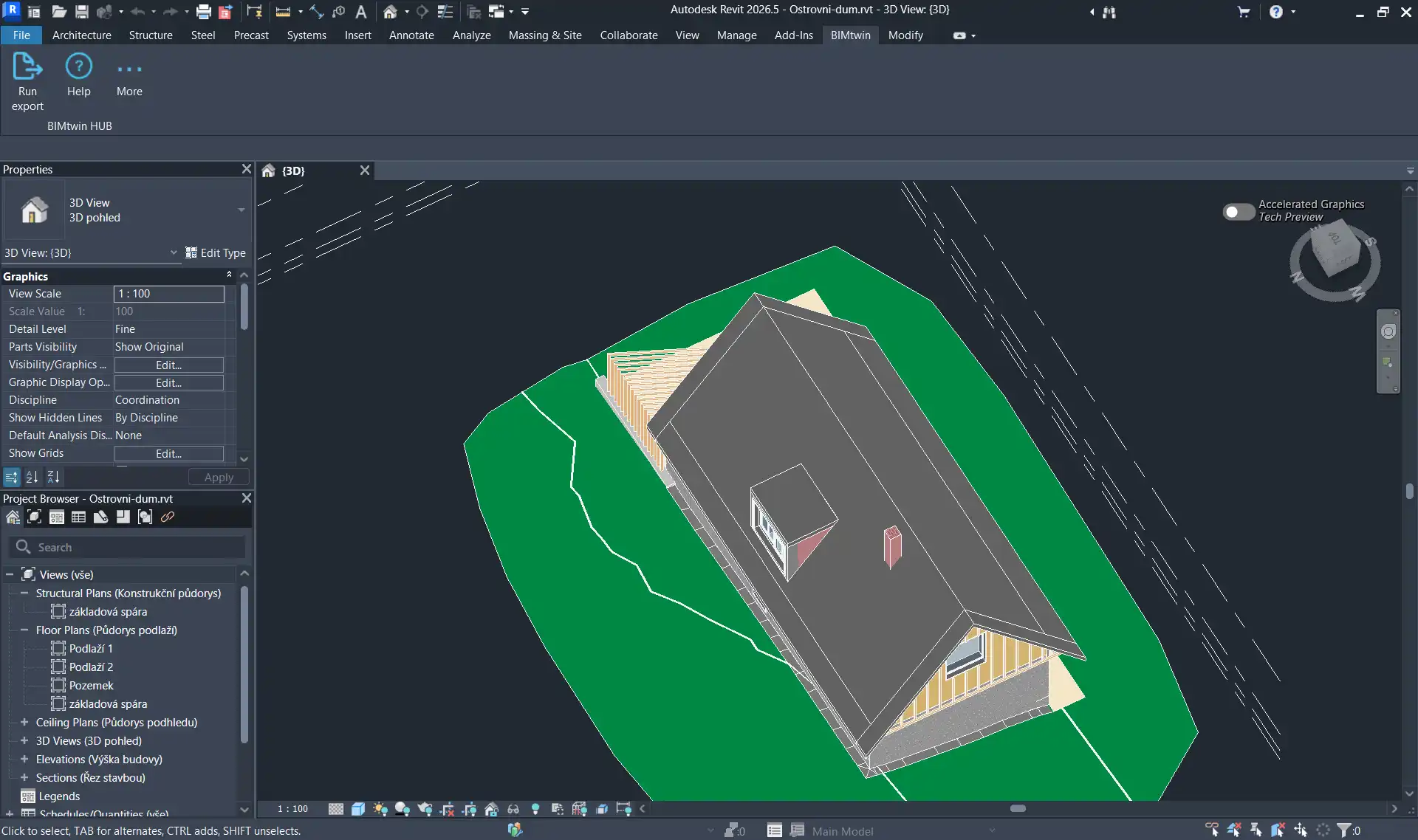
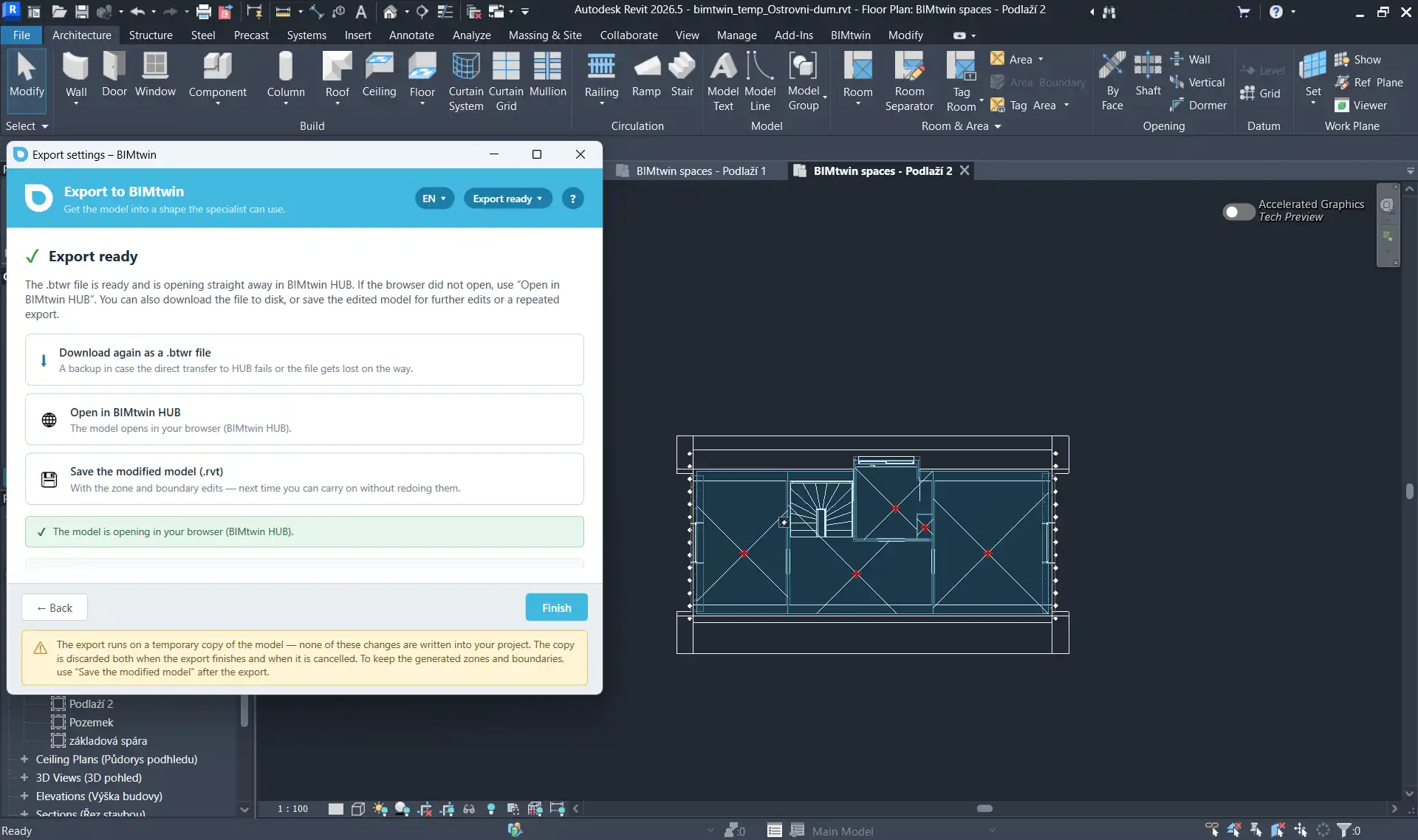
The export runs on a temporary copy of the Revit model, which means that the original .rvt file remains untouched. This feature provides peace of mind to designers, as they can explore energy modeling without the risk of inadvertently altering their primary project files. Furthermore, BIMtwin HUB is designed to handle the complexities of real-world models. It automatically excludes finishes and lining walls, transforms curtain walls into window openings, and accurately retains the geometry of walls cut by sloped roofs. This attention to detail ensures that the resulting energy model reflects the actual design intent, making it an invaluable tool for energy performance assessment.
(Image by: BIMtwin s.r.o.)
Efficient and Rapid Processing for Large Projects
Time is often of the essence in any design project, and BIMtwin HUB excels in this area. With its ability to export large projects significantly faster than traditional methods, designers can save valuable hours that can be redirected toward other critical tasks. For instance, a project that previously took about 11.5 minutes to export now can be completed in roughly 5 minutes. This time savings is crucial for architects and engineers working within tight deadlines or handling multiple projects simultaneously.
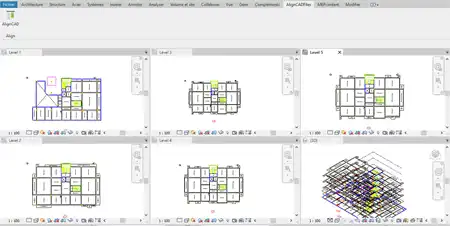
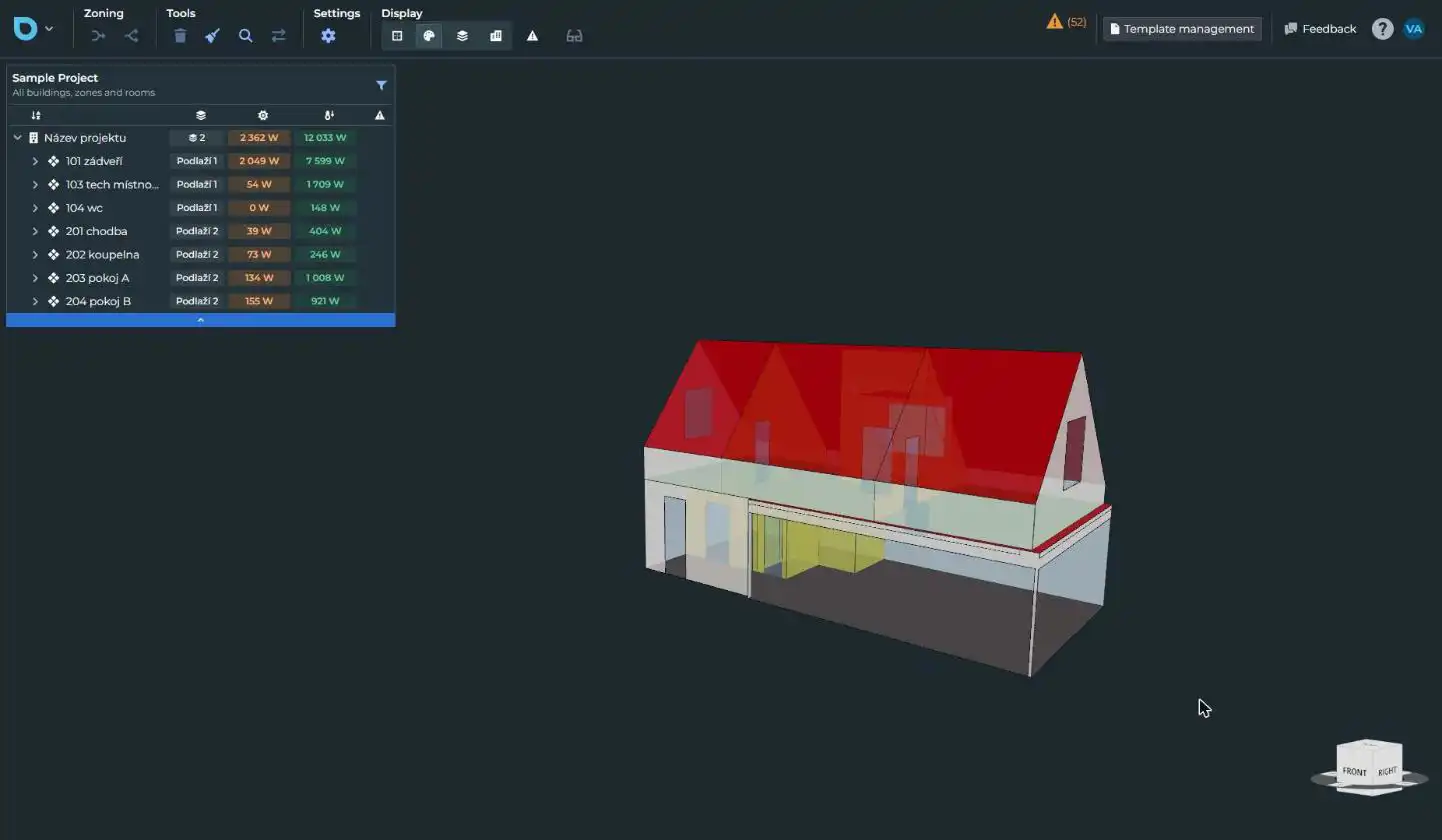
Moreover, the output generated by BIMtwin HUB is comprehensive and ready for handover to energy specialists. The .btwr file retains crucial elements such as geometry, adjacency, construction assemblies, and material layers, providing a complete package for detailed heat-loss calculations and energy performance assessments. This streamlined workflow allows for enhanced collaboration between design teams and energy analysts, ultimately leading to more efficient building designs and better sustainability outcomes.
(Image by: BIMtwin s.r.o.)
Why Designers are Embracing BIMtwin HUB
The reasons for the growing popularity of BIMtwin HUB among designers are manifold. First and foremost, the elimination of manual re-modeling is a massive benefit. By directly utilizing elements from the Revit model, designers save considerable time and effort that would otherwise be spent recreating building envelopes, spaces, and constructions in a separate energy tool.
Additionally, the plugin empowers designers with complete control over the zoning of their models. The interactive wizard allows users to easily add or remove rooms, draw missing space separation lines, or ignore walls as necessary. This flexibility is especially useful when dealing with complex designs or unexpected changes during the design process. Instead of being constrained by rigid software limitations, designers can adapt their models to reflect real-world conditions effectively.
Furthermore, BIMtwin HUB is designed to accommodate the messy reality of actual projects. By intelligently excluding irrelevant finishes and accurately processing the geometry of walls and windows, the plugin ensures that the exported model is both practical and precise. This level of detail enhances the quality of energy assessments, leading to more accurate predictions of energy performance and heat loss.
(Image by: BIMtwin s.r.o.)
Summary
BIMtwin HUB for Revit is undoubtedly a transformative tool for architects, engineers, and energy specialists seeking to streamline their workflows and enhance their design processes. With its user-friendly export system, rapid processing capabilities, and the ability to maintain the integrity of the original Revit model, this plugin represents a significant advancement in energy modeling technology.
The features of BIMtwin HUB not only save time but also improve collaboration between design and energy analysis teams, resulting in better building performance and sustainability outcomes. As the industry continues to evolve, tools like BIMtwin HUB will play a crucial role in helping professionals meet the growing demands for energy-efficient design. If you are looking for a way to simplify your energy modeling process while ensuring accuracy and efficiency, BIMtwin HUB is an investment worth considering. Give it a try and experience the difference it can make in your design workflow.
(Image by: BIMtwin s.r.o.)
(Image by: BIMtwin s.r.o.)
Similar apps:
- Free
- $10/month
- Free
- Free
- $15/month
- Free