 1 / 12
About this app
If you’re looking to streamline your MEP device placements in Autodesk Revit, look no further than the Endra plugin. This handy add-in connects directly to the Endra platform, allowing you to import MEP device placements with ease. In this review, we’ll take a closer look at how Endra works and why it’s a must-have tool for Revit users.
How Endra Works
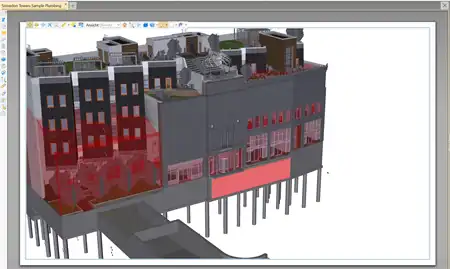
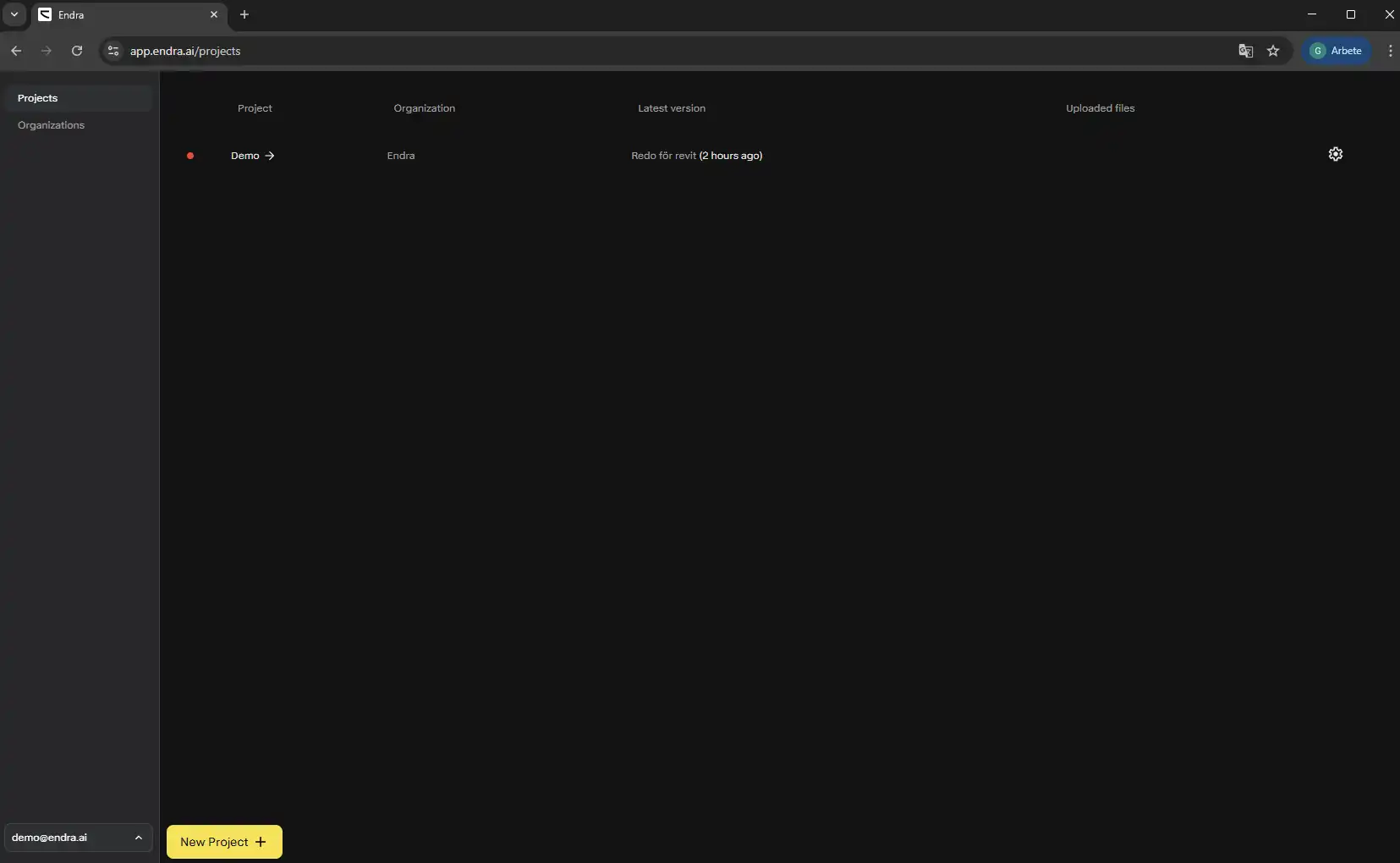
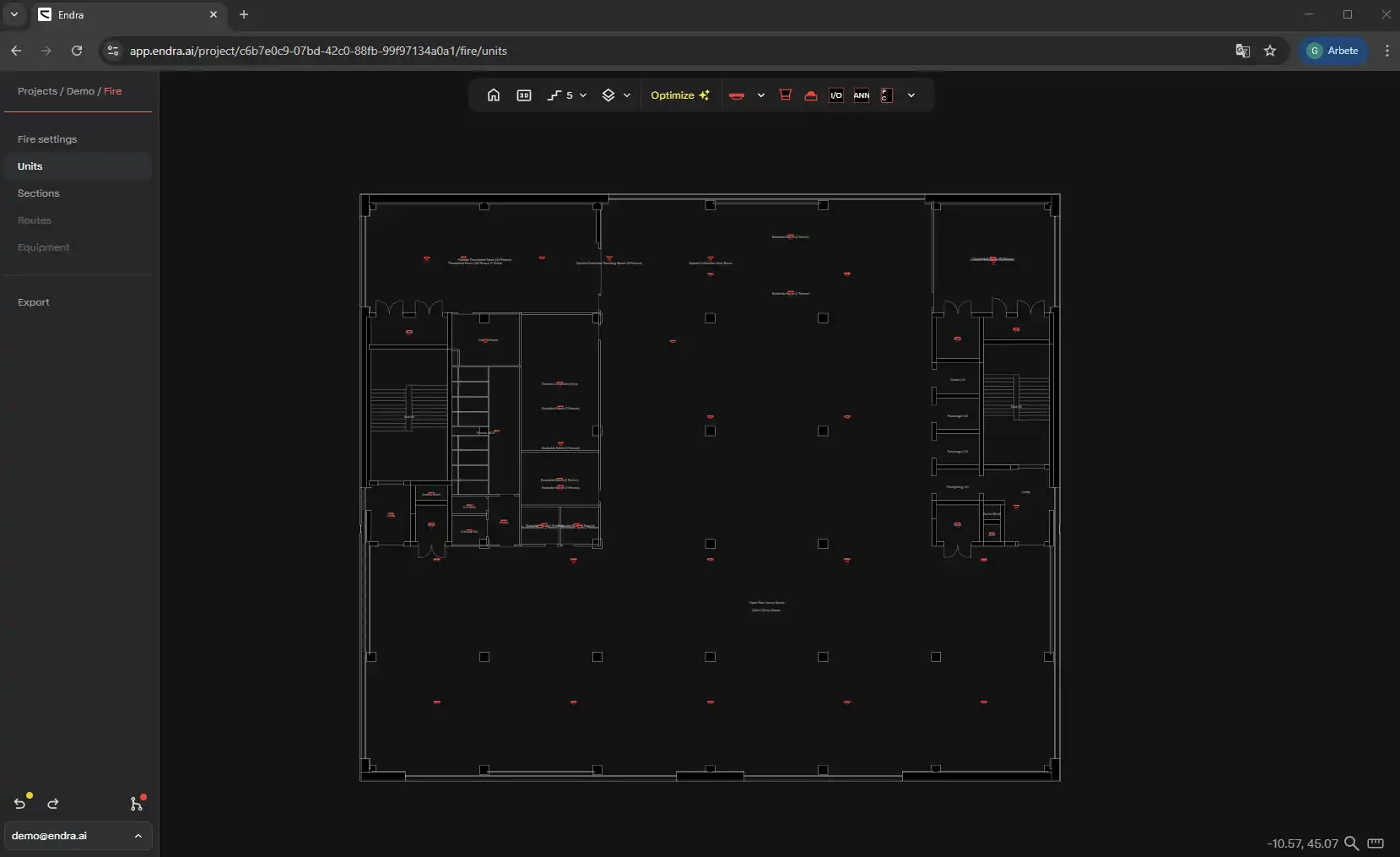
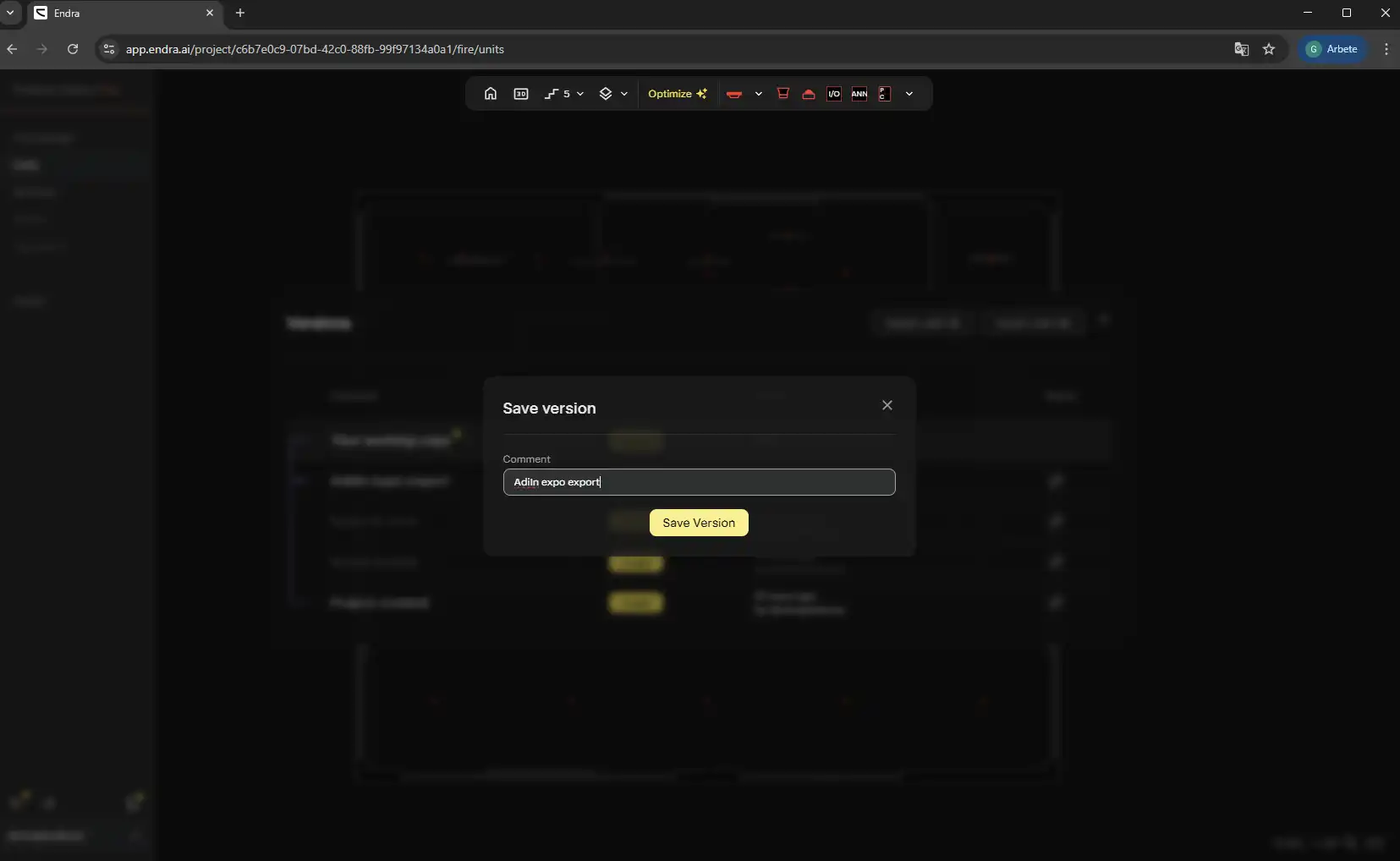
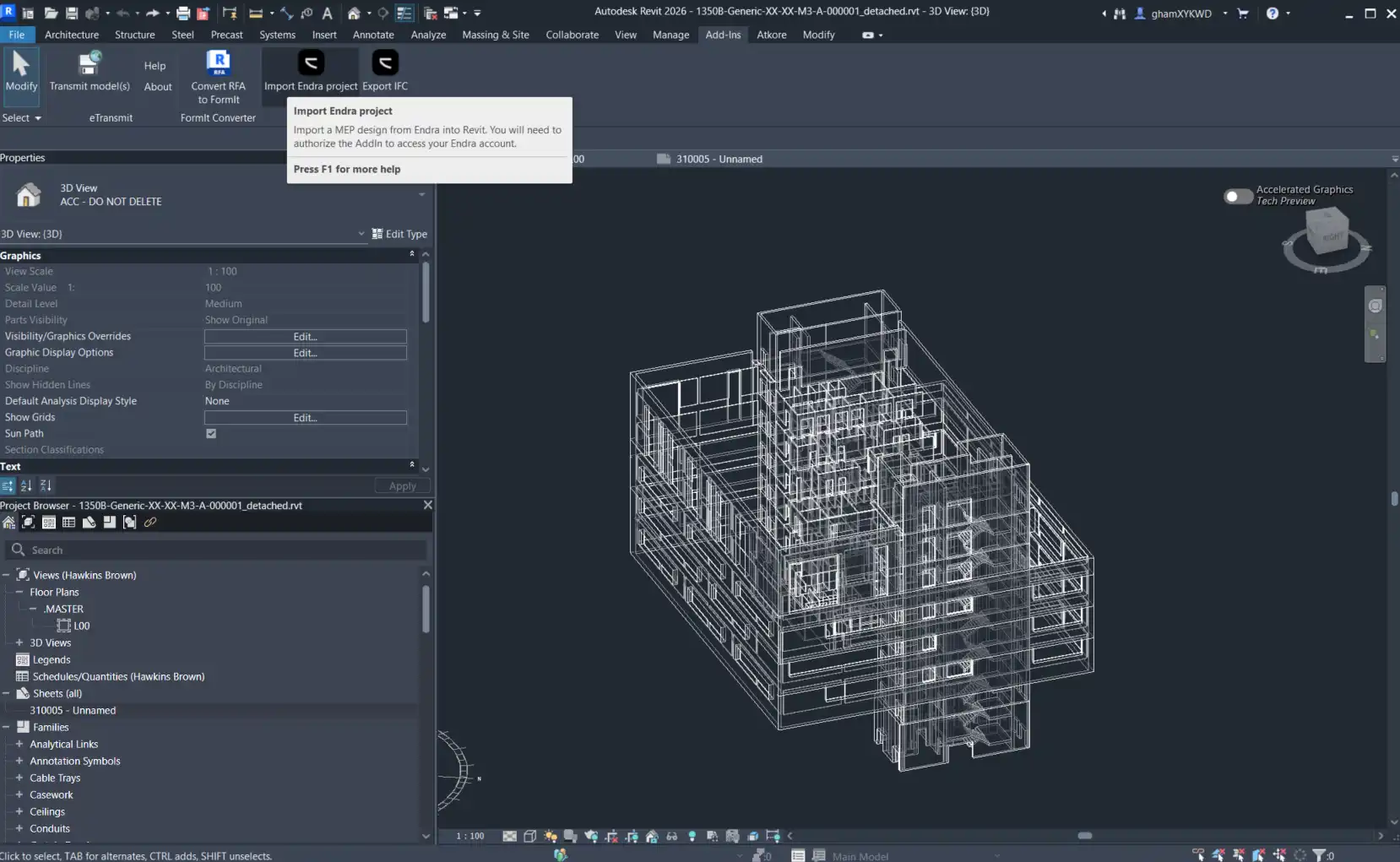
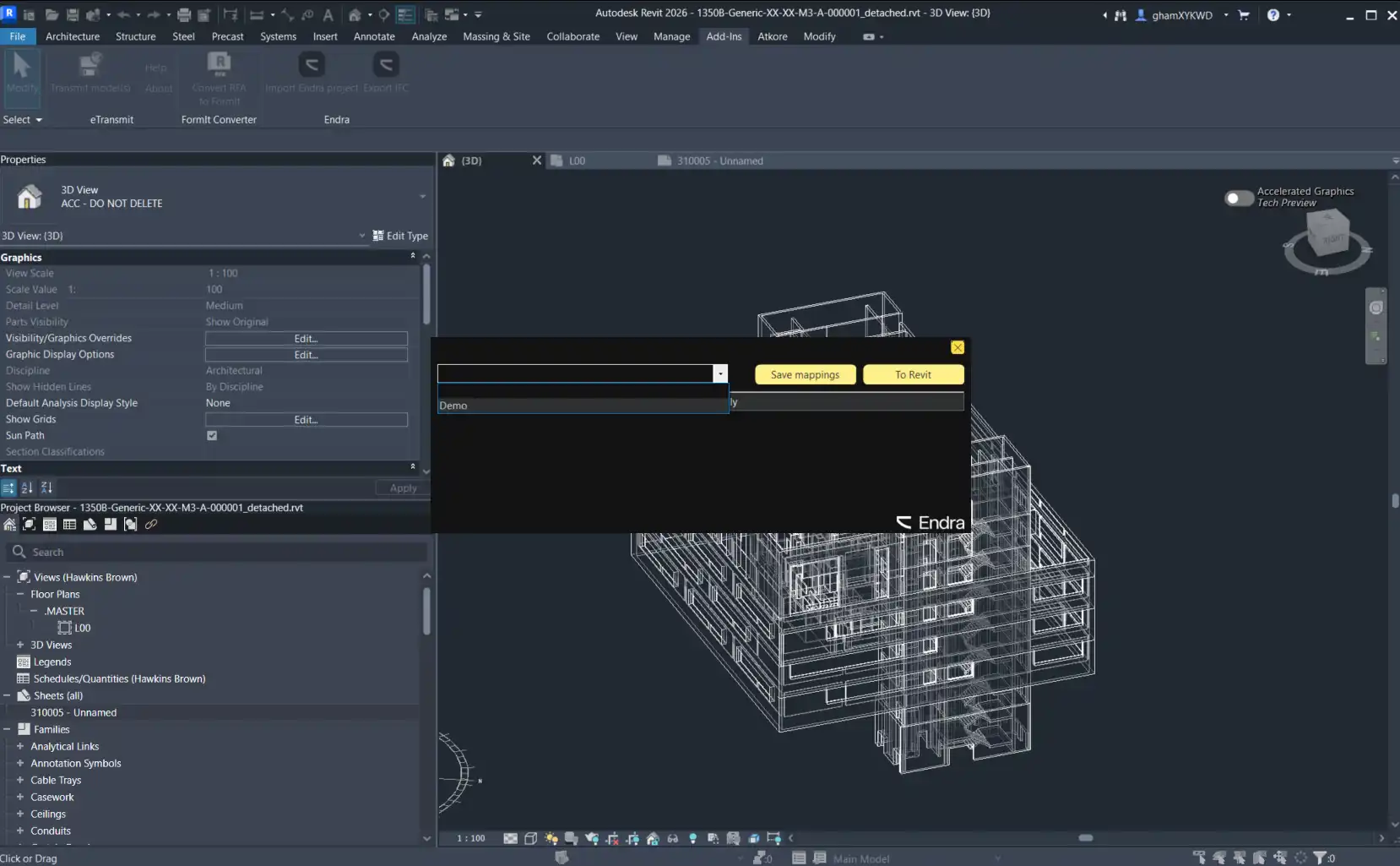
Endra seamlessly integrates with your Revit project, importing MEP device placements from the Endra platform. To get started, you’ll need an active Endra account and an active project to import MEP placements. Once you have everything set up, simply select the Endra project you want to import from, and the add-in will pull data from the latest snapshot.
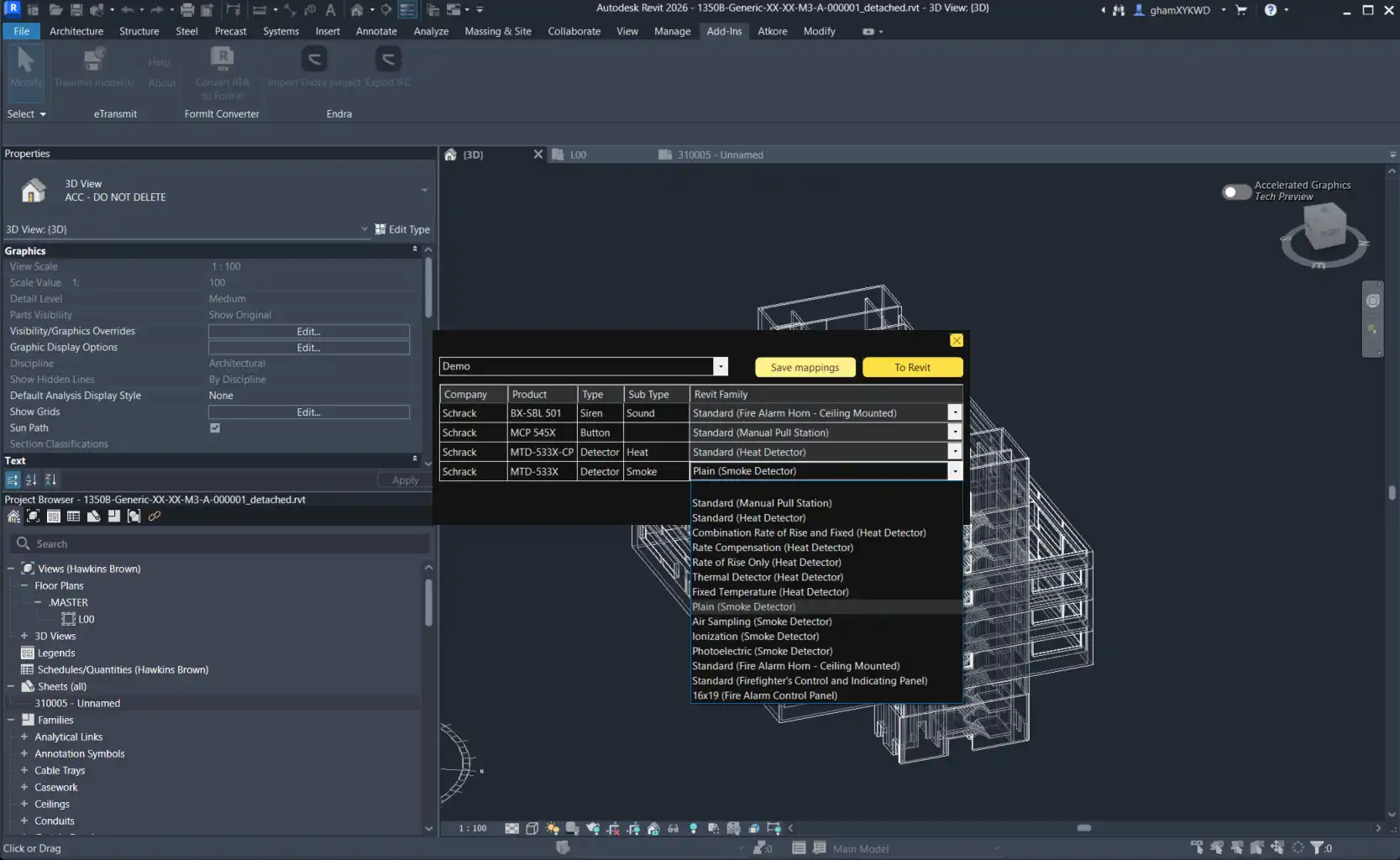
During the import process, you have the option to map the imported units to your existing Revit family types. This customization allows you to match Endra unit types to Revit family types, ensuring a smooth transition of data into your Revit model. You can even save mapping profiles for future use, making it easy to replicate import settings across projects.
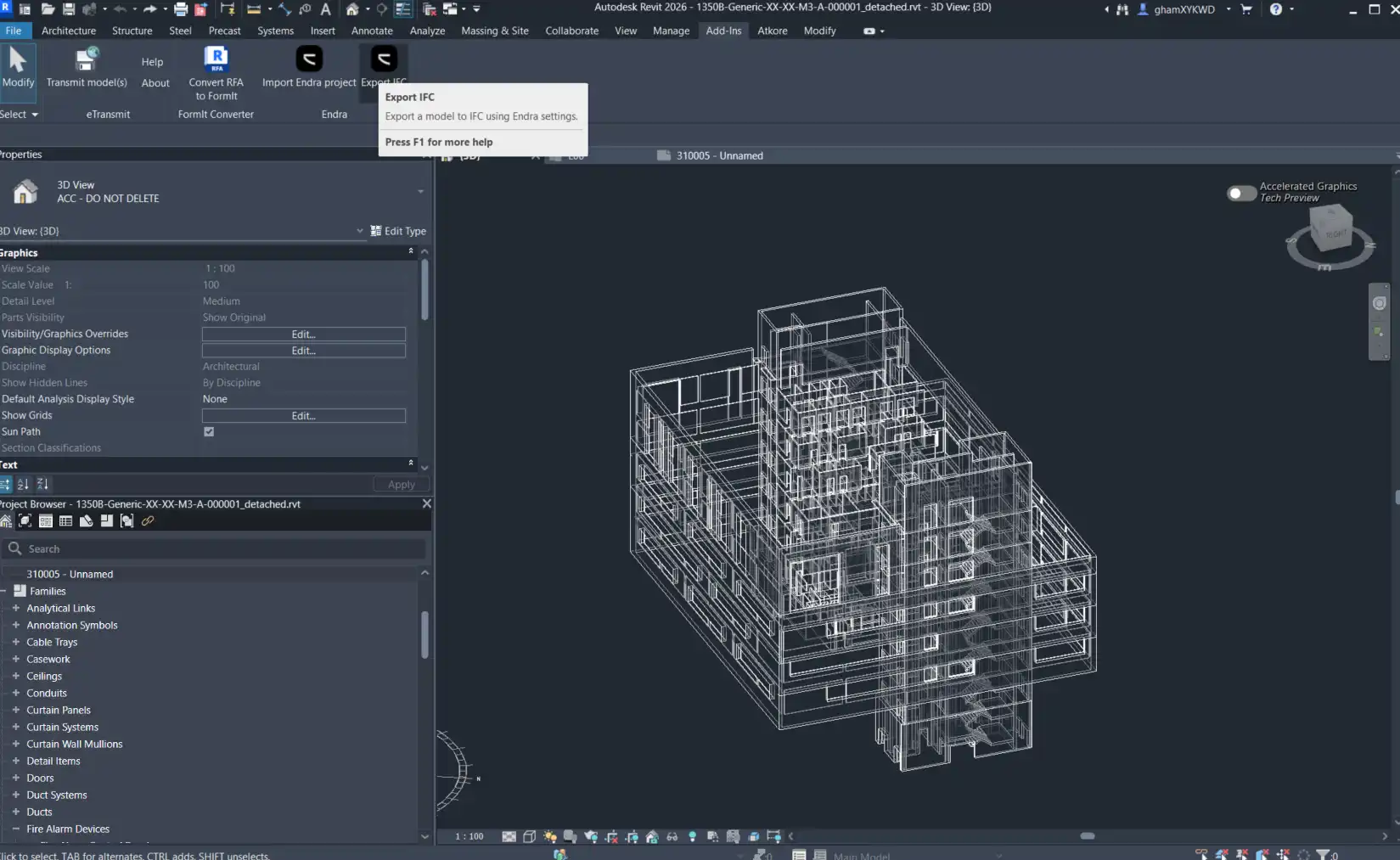
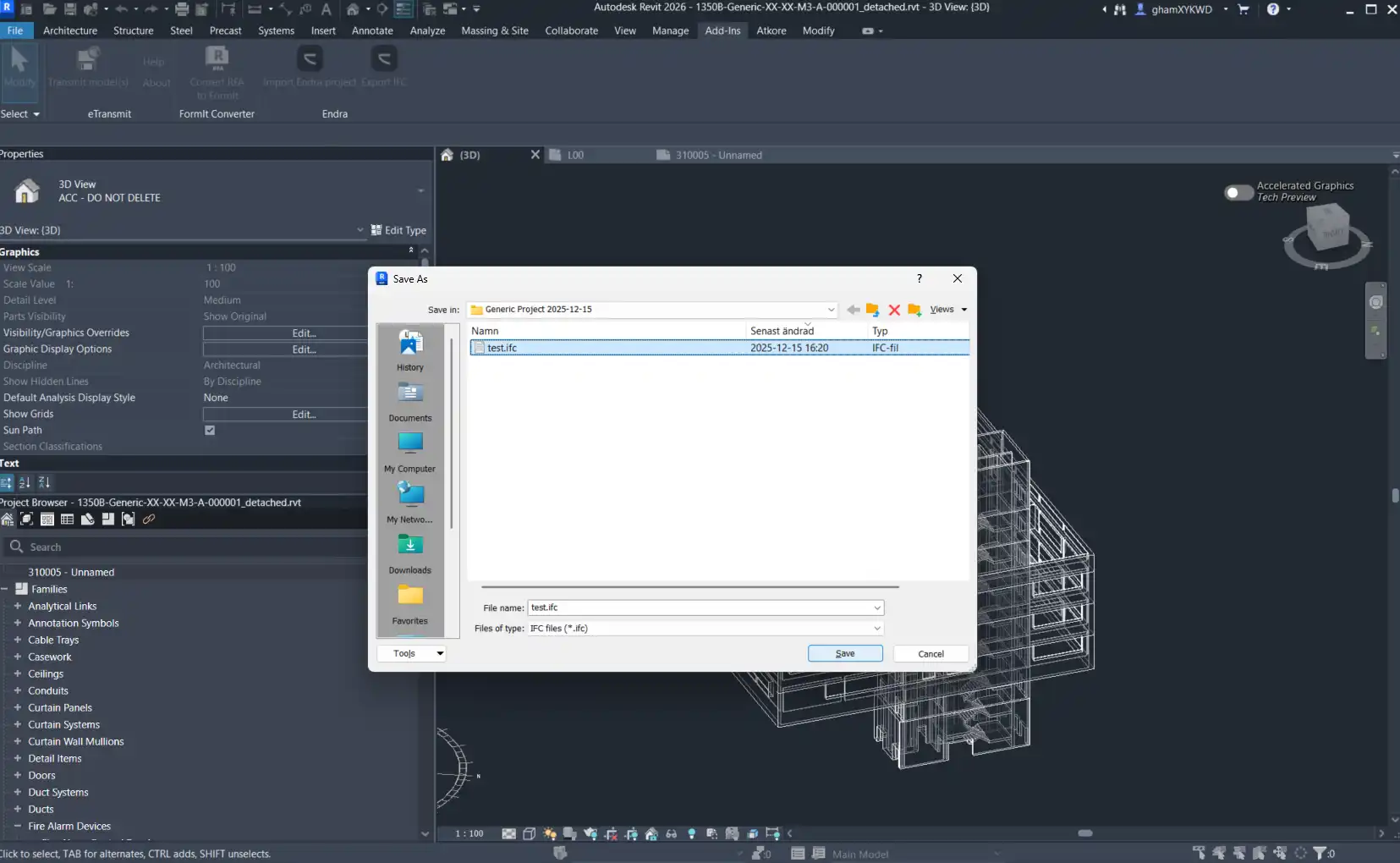
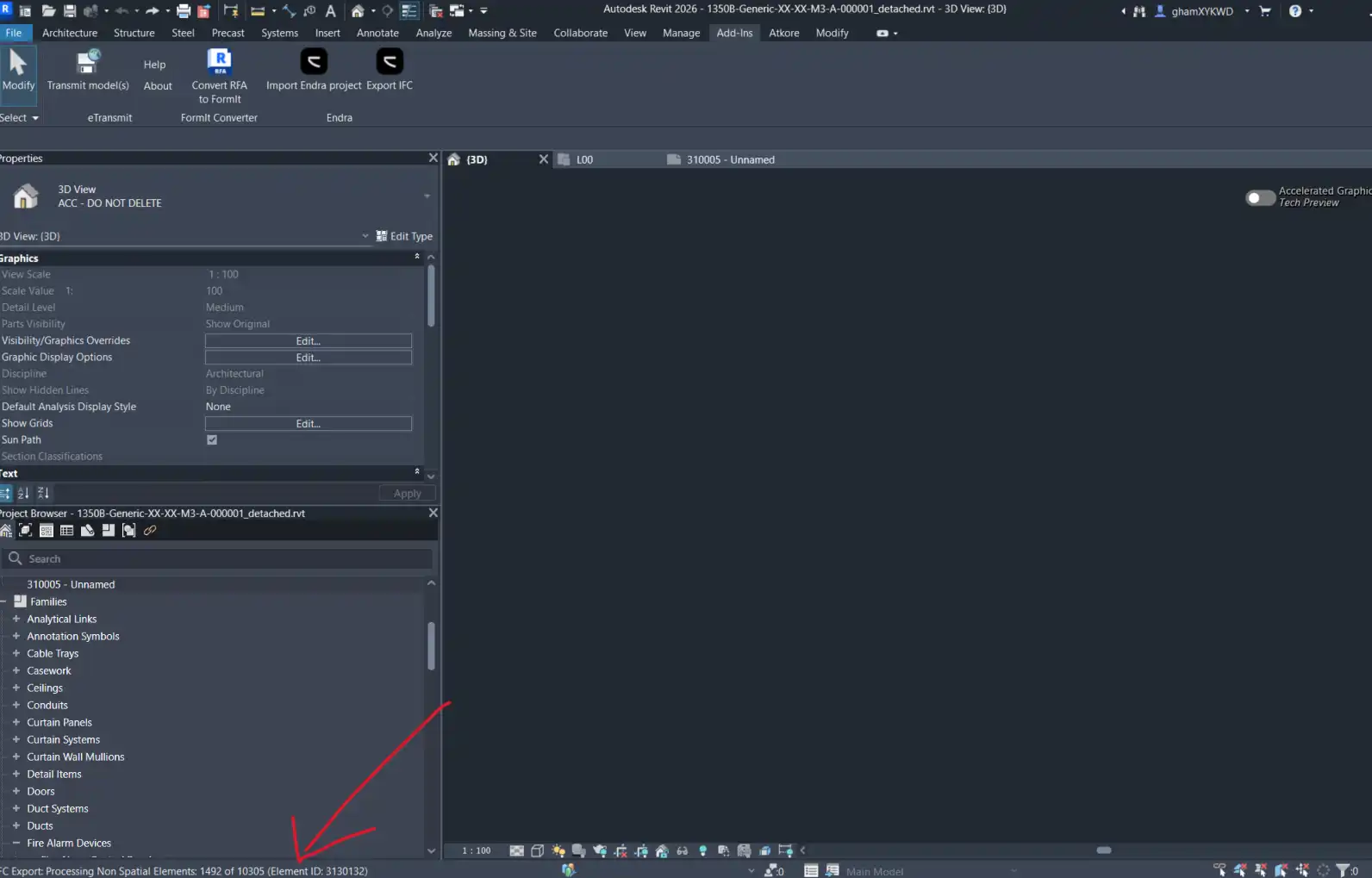
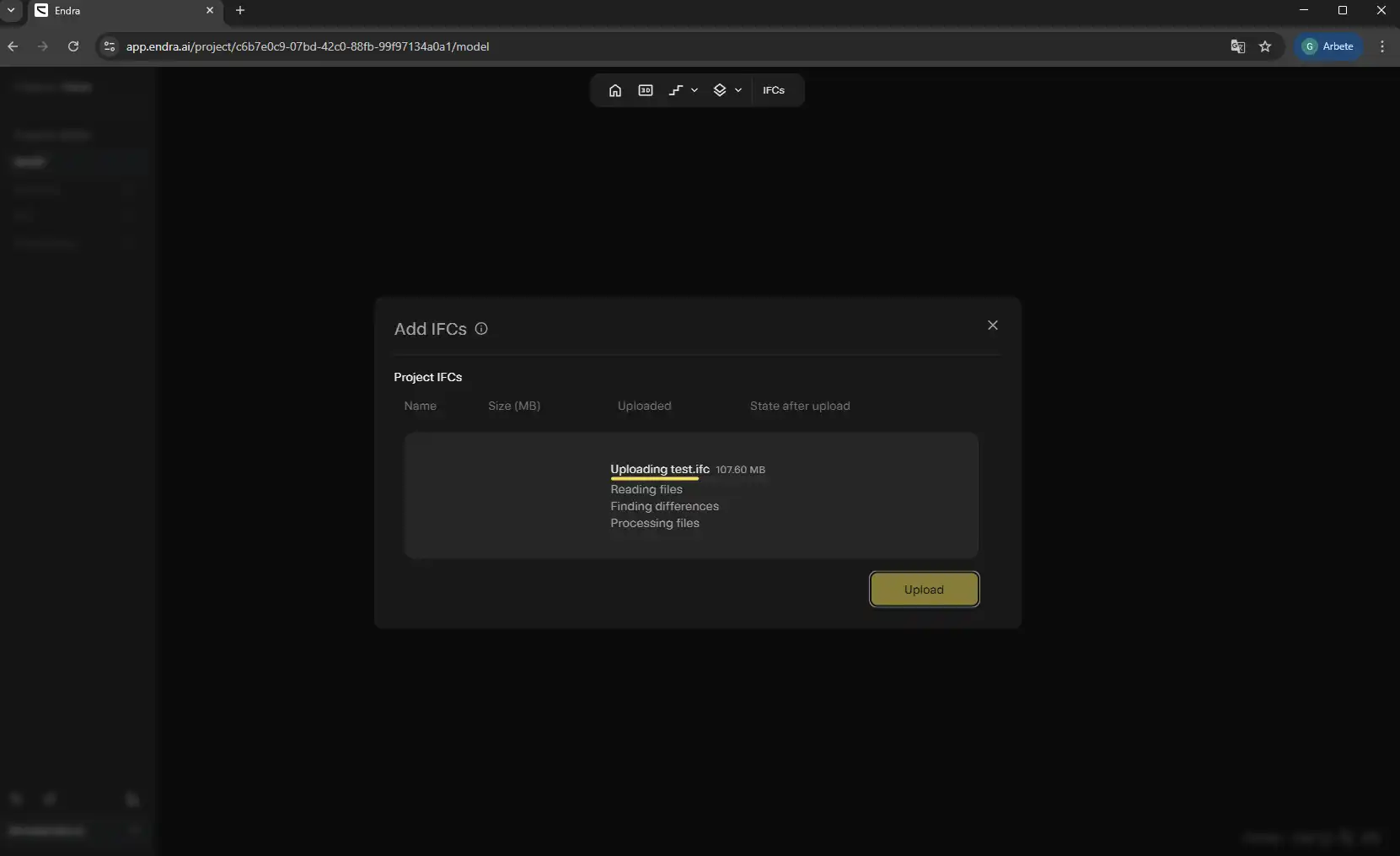
Once you’ve mapped your units, it’s time to import them into your Revit model. Endra will automatically snap units to faces within Revit, saving you time and ensuring accurate placement. Additionally, Endra offers a convenient IFC export option that allows you to export an IFC file using a configuration that works best with the platform.
(Image by: Endra)
Requirements and Support
Before using the Endra plugin, make sure you have a valid Endra account with access to the relevant projects. Internet connectivity is also required during sign-in and import to ensure a seamless experience. If you encounter any issues or need help setting up mapping profiles, Endra Support is readily available at support@endra.ai.
(Image by: Endra)
Why You Should Try Endra
Endra is a game-changer for Revit users looking to streamline their MEP device placements. With its seamless integration with the Endra platform and customizable import settings, Endra makes it easy to bring data from Endra into your Revit projects. The ability to snap units to faces within Revit and save mapping profiles for reuse further enhances the user experience.
Additionally, the IFC export option provides added flexibility for users who need to export projects to other platforms. Endra’s commitment to user support ensures that help is always available when needed, giving users peace of mind as they navigate the plugin’s features.
(Image by: Endra)
Conclusion
In conclusion, the Endra plugin is a valuable tool for Revit users looking to optimize their MEP device placements. With its seamless integration, customizable import settings, and user-friendly interface, Endra simplifies the process of importing MEP placements from the Endra platform into your Revit projects. Whether you’re a seasoned Revit user or just getting started, Endra is a plugin worth trying out for its efficiency and convenience.
(Image by: Endra)
(Image by: Endra)
(Image by: Endra)
(Image by: Endra)
(Image by: Endra)
(Image by: Endra)
(Image by: Endra)
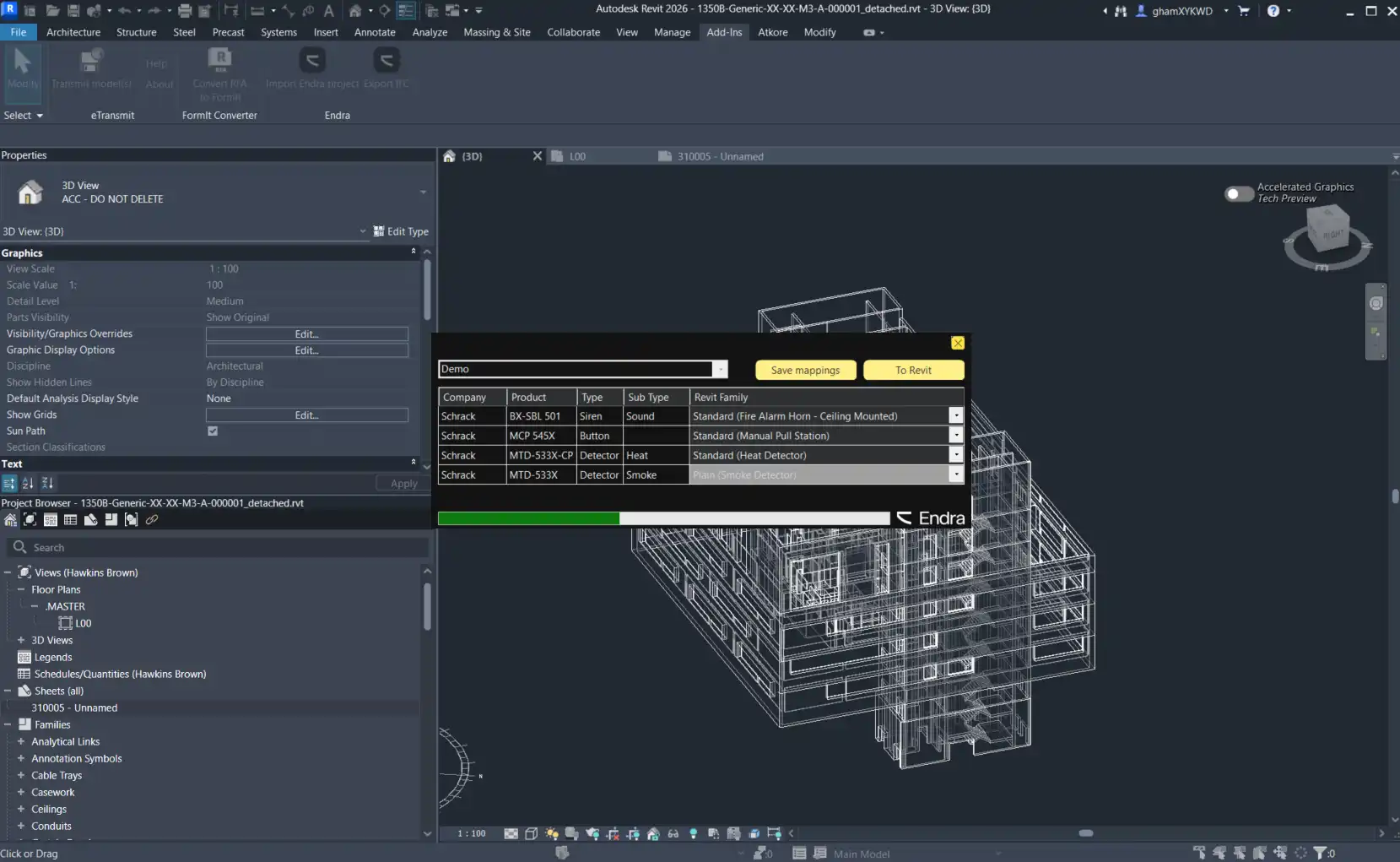
(Image by: Endra)
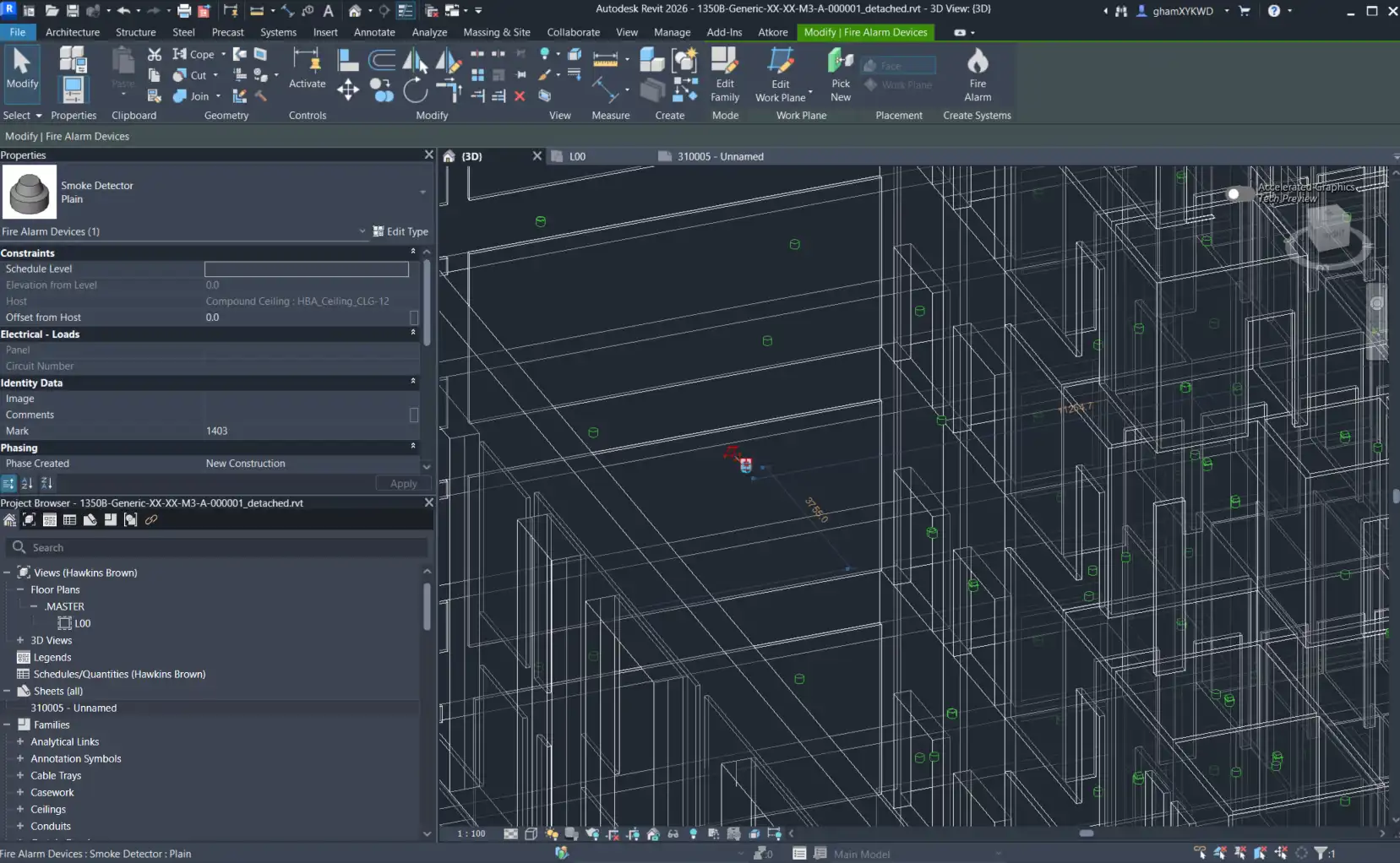
(Image by: Endra)
Similar apps:
- Free
- $25/month
- Free
- Free
- Free
- $89