About this app
INFINITY Suite is a comprehensive productivity plugin tailored to enhance your daily Autodesk® Revit® tasks. This all-in-one solution is designed to streamline your workflows, boost efficiency, and ultimately save you valuable time. Whether you are a seasoned BIM professional or a beginner navigating the world of Revit, the INFINITY Suite offers a range of powerful tools to meet your needs.
The Essential Tools You Need
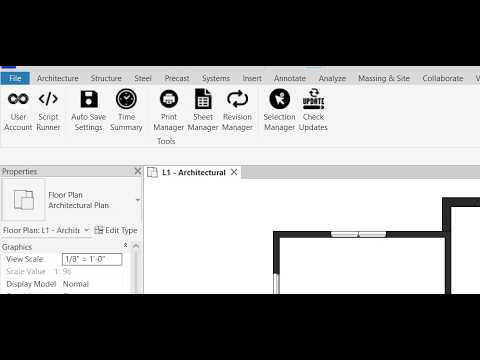
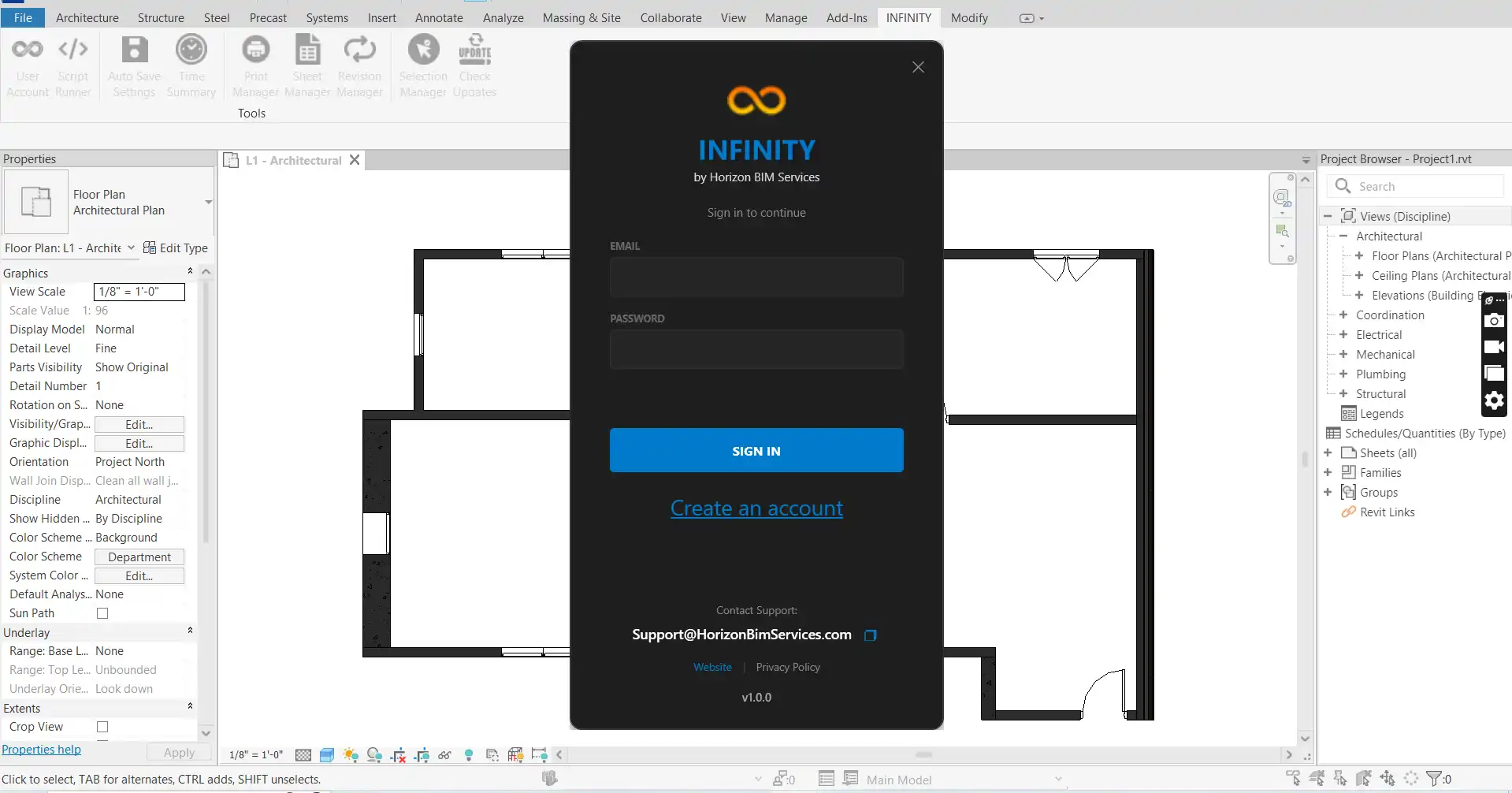
Upon installation, the plugin seamlessly integrates into your Revit interface, adding a dedicated INFINITY tab to your Ribbon. This tab houses a variety of essential tools that are designed to simplify and optimize your daily tasks. Let's explore some of the key features:
(Image by: Horizon BIM Services)
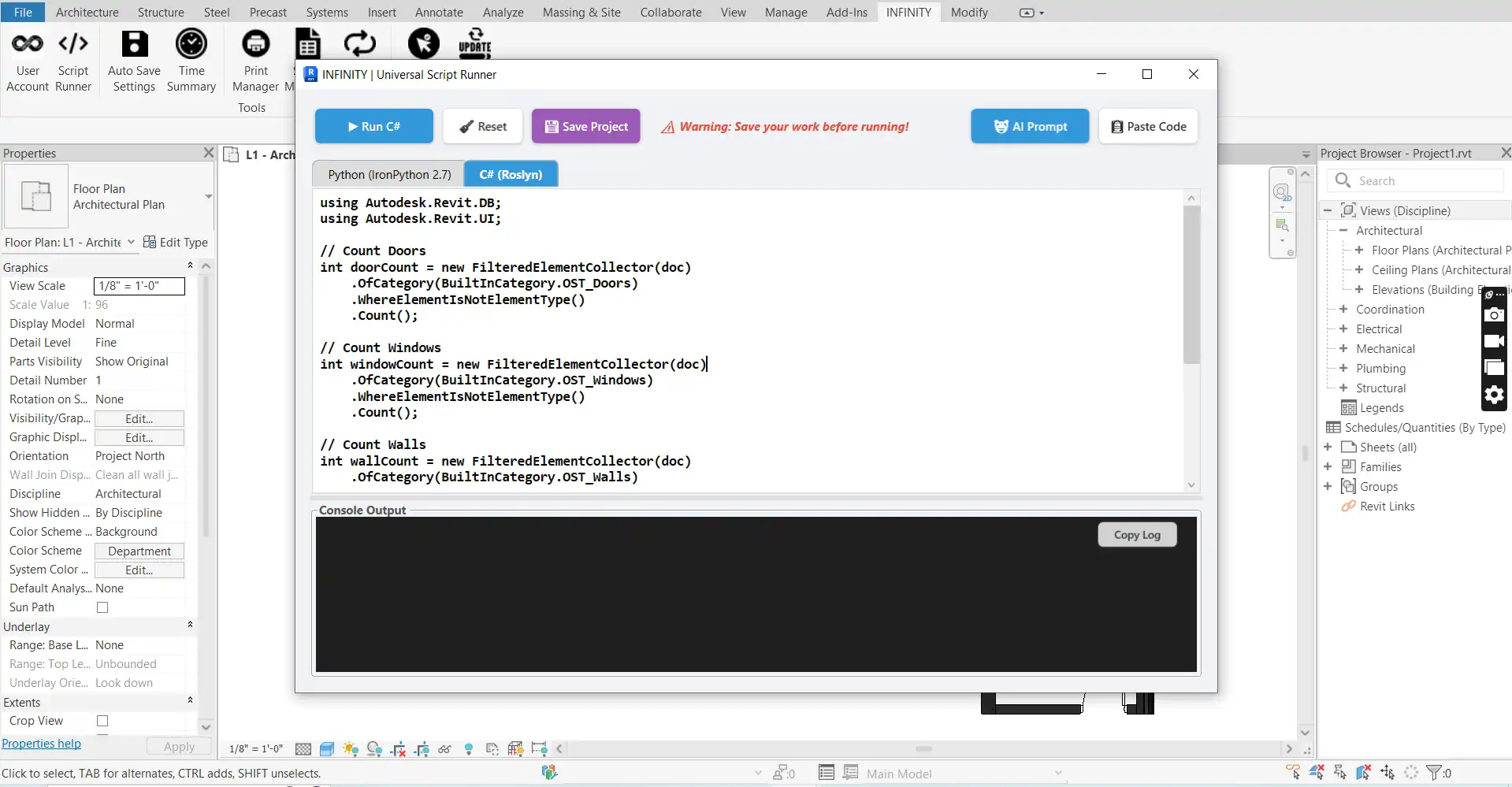
Script Runner (Python & C#)
The Script Runner tool allows you to execute custom automation scripts directly within Revit, eliminating the need for external editors or complex setups. With support for both IronPython and C#, you can run scripts on the fly without the hassle of compilation. This feature provides full access to the Revit API and standard .NET libraries, empowering you to test and deploy code snippets instantly.
(Image by: Horizon BIM Services)
Auto Save & Protection
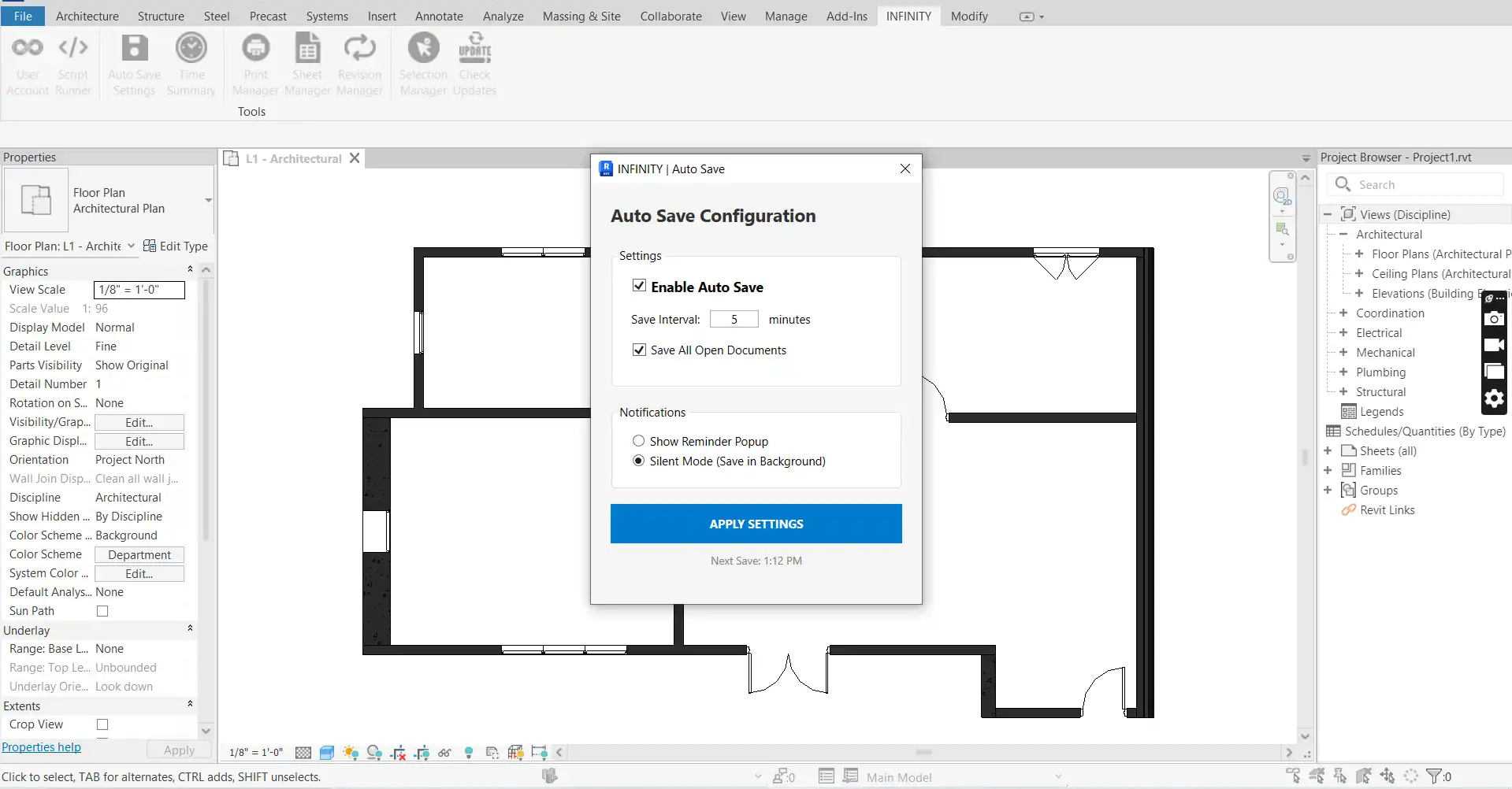
Never again worry about losing your work with the Auto Save & Protection tool. This intelligent background feature ensures that your project is always safe and secure. Set custom intervals for reminders to save, enable silent mode to save in the background without interruptions, and benefit from idle detection that pauses the timer when you are not actively working in Revit.
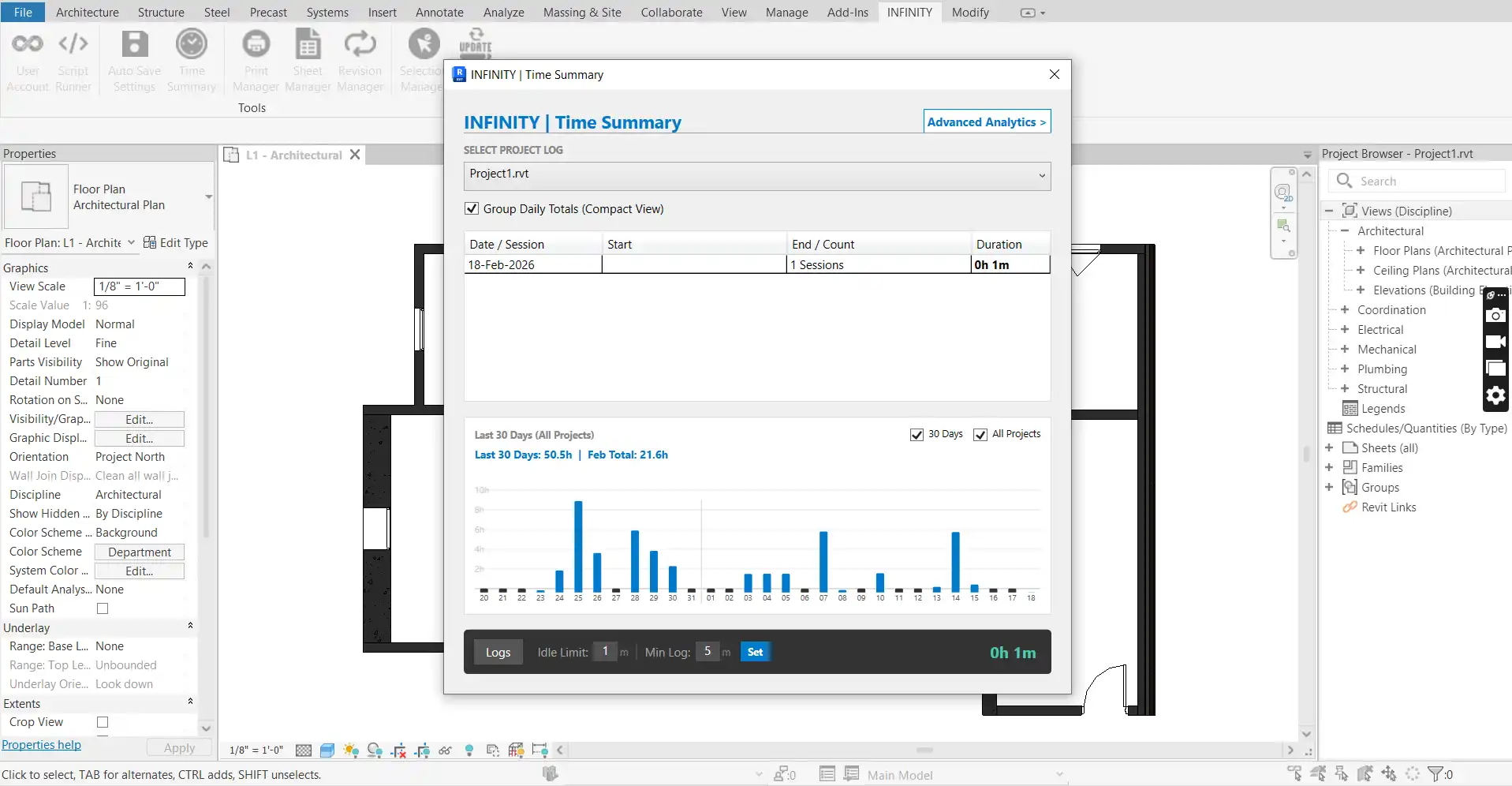
Most notably, the Time Summary tool automatically calculates the actual time spent working on a project, tracking active time only and providing detailed reporting for enhanced project management and billing.
(Image by: Horizon BIM Services)
Print Manager (Revit 2022+)
For users on Revit 2022 and beyond, the Print Manager offers a powerful batch printing solution for documentation sets. Batch export multiple sheets to PDF or DWG in just one click, with smart naming functionality that automatically assigns file names based on sheet parameters. The auto-size detection feature ensures that the correct paper size is used for every sheet, simplifying the printing process.
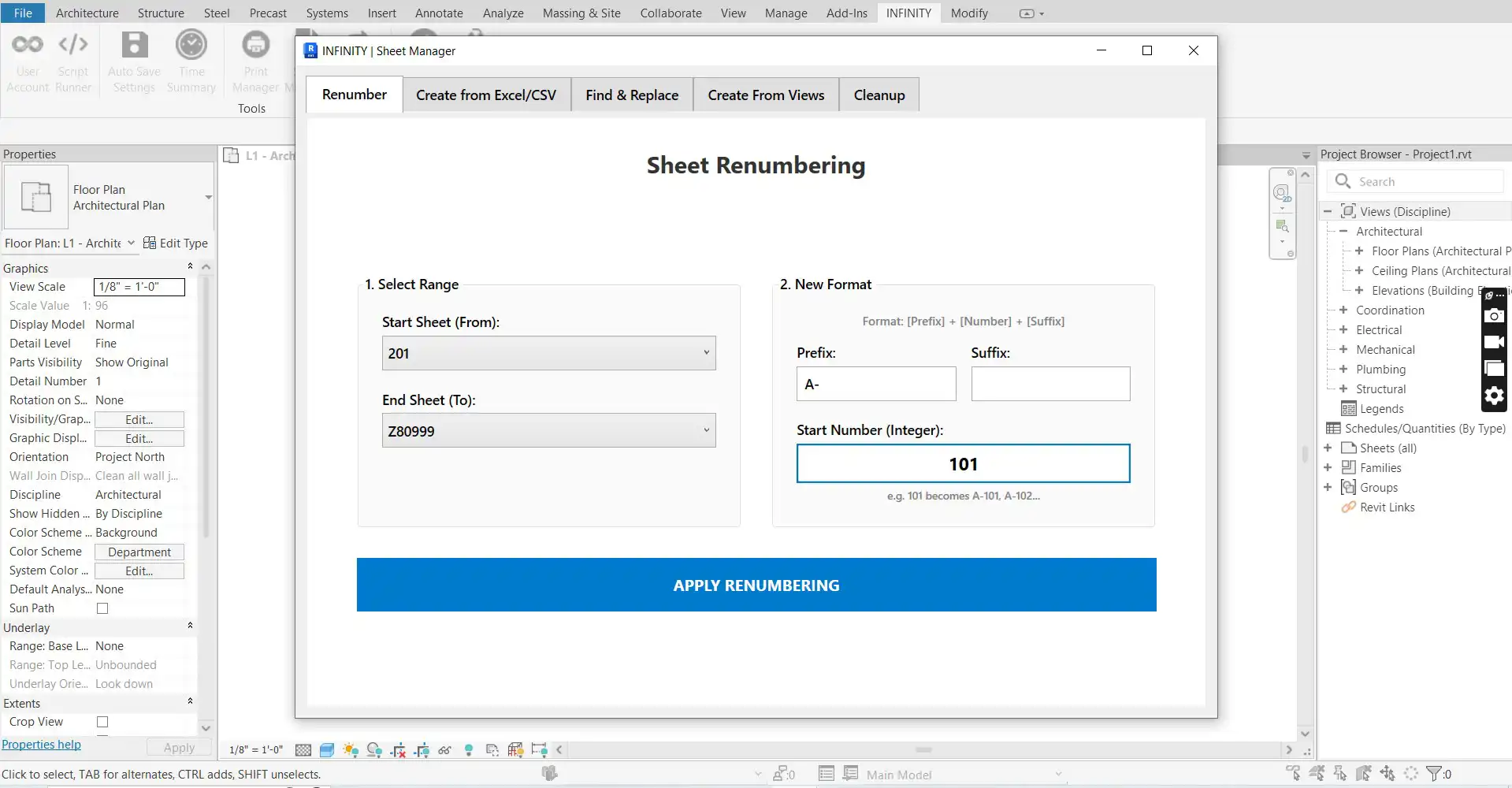
The Sheet Manager tool eliminates the manual work associated with setting up drawing sets, allowing you to create hundreds of sheets instantly from an Excel list, duplicate existing sheets with placed views and viewports, and perform bulk renumbering with custom prefixes and suffixes.
(Image by: Horizon BIM Services)
Revision Manager
Effortlessly manage revisions across your entire project with the Revision Manager tool. Add or remove revisions from multiple sheets at once, quickly identify cloud revisions versus information updates, and streamline the revision process for enhanced project coordination.
The Selection Manager tool enables you to save complex selection sets for future use, offering advanced filtering options to select elements by category, family, type, or parameter value. Save your selection filters for future sessions, enhancing your productivity and efficiency in Revit.
(Image by: Horizon BIM Services)
User Account & Licensing
With a 30-day free trial, you can experience the full range of features that the INFINITY Suite has to offer immediately upon installation. Cloud licensing allows you to access your subscription from any machine, ensuring flexibility and convenience. The plugin is compatible with a range of Revit versions and operating systems, providing a seamless experience for users.
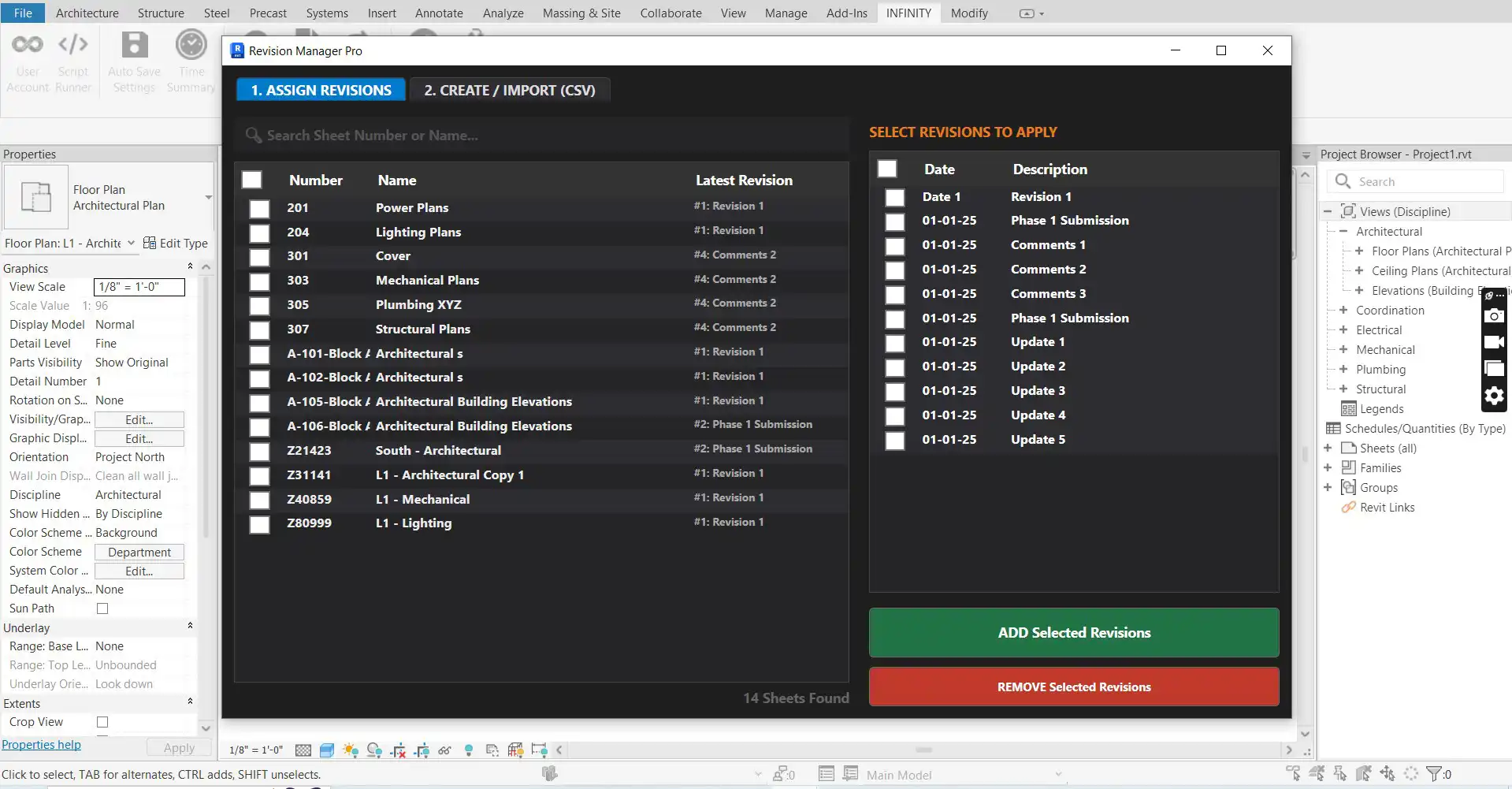
(Image by: Horizon BIM Services)
Conclusion
INFINITY Suite is a game-changer for BIM professionals looking to optimize their Revit workflows. With a comprehensive set of tools designed to enhance productivity, streamline tasks, and improve project management, this plugin is a valuable addition to any Revit user's toolkit. Whether you are a seasoned expert or new to the world of BIM, the INFINITY Suite offers a user-friendly interface and powerful features to help you work faster and smarter. Give it a try and experience the difference for yourself!
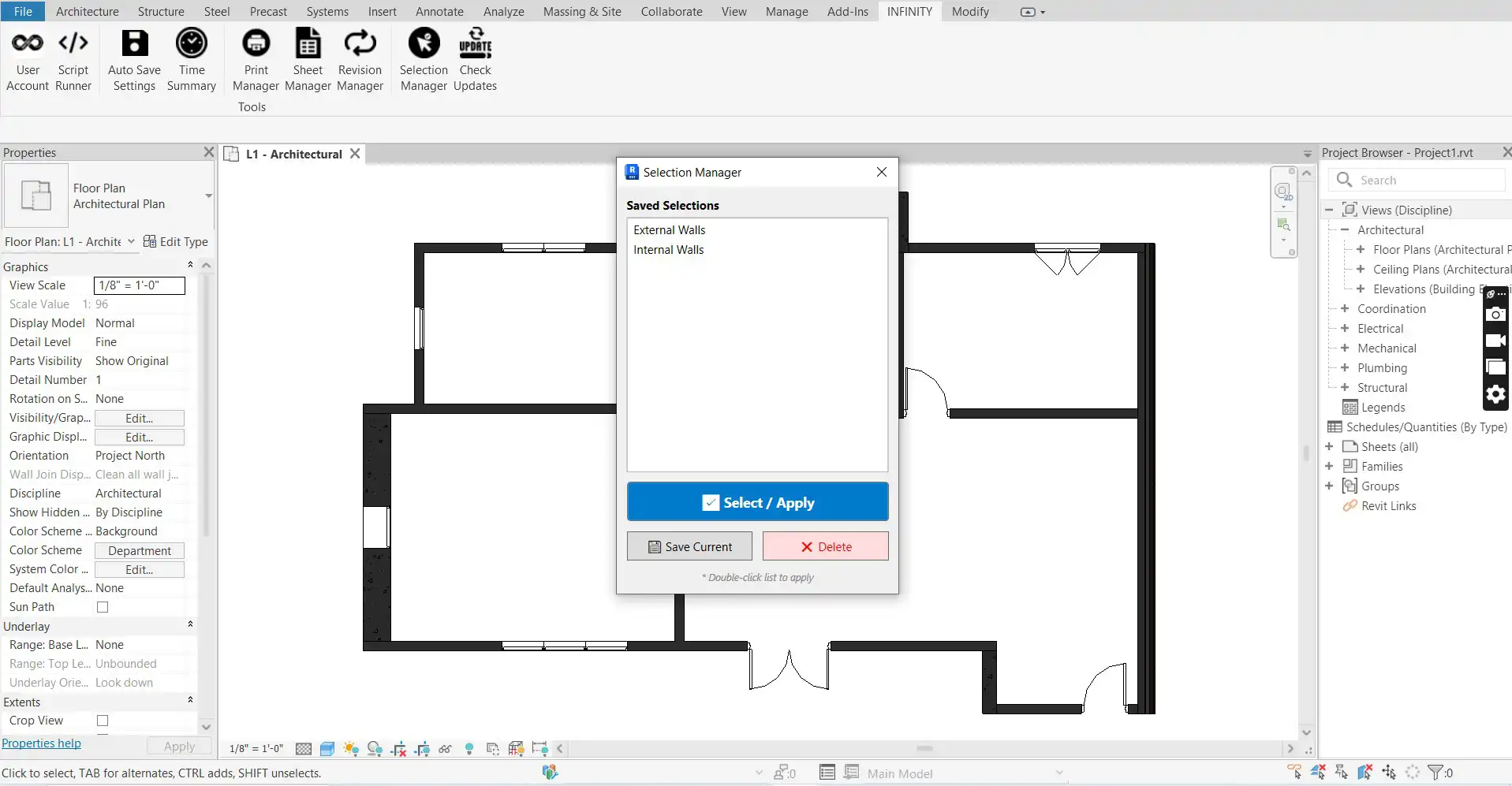
(Image by: Horizon BIM Services)
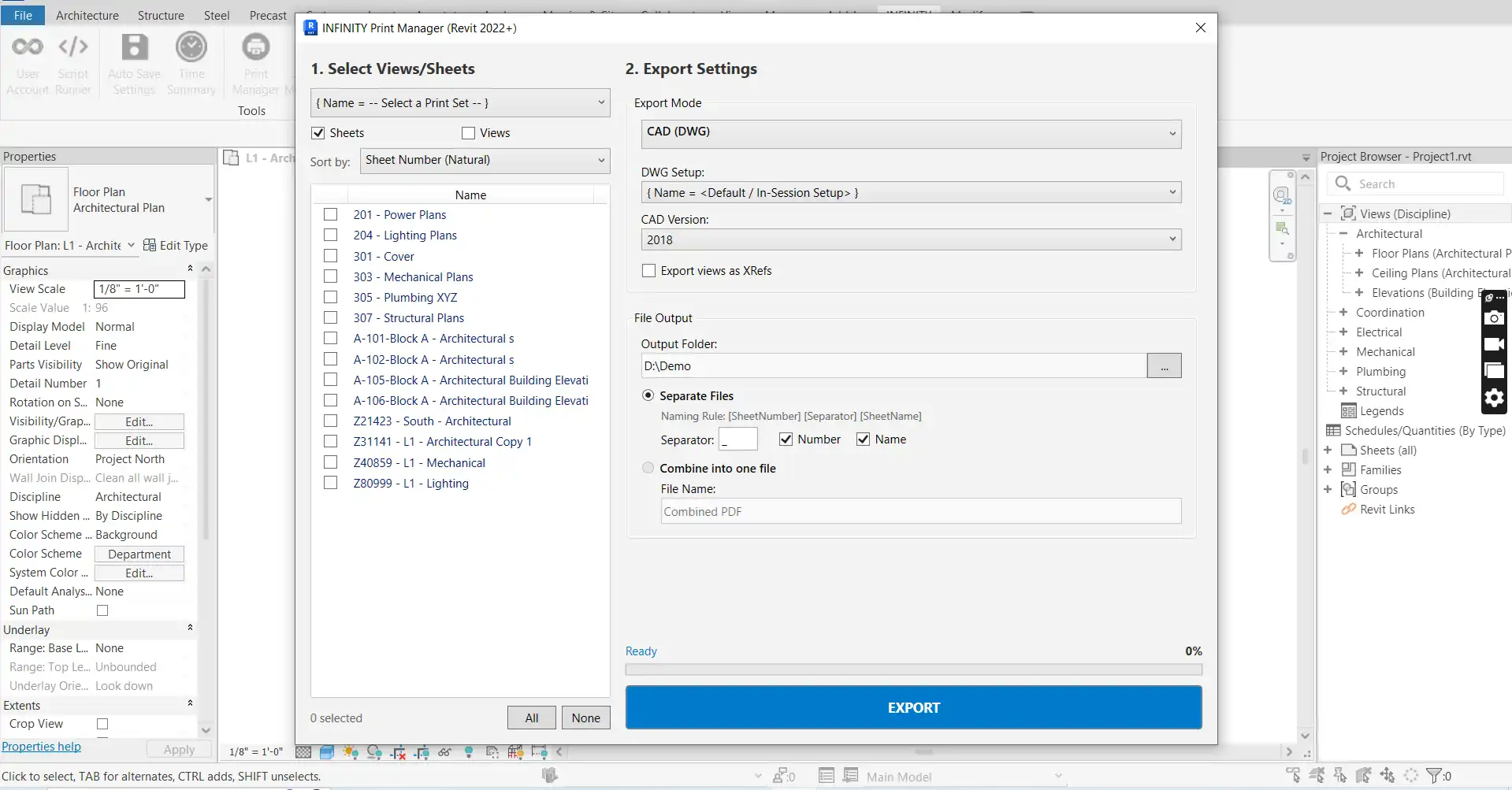
(Image by: Horizon BIM Services)
Similar apps:
- Free
- Free
- Free
- $15/month
- Free
- Free