 1 / 8
About this app
Introduction
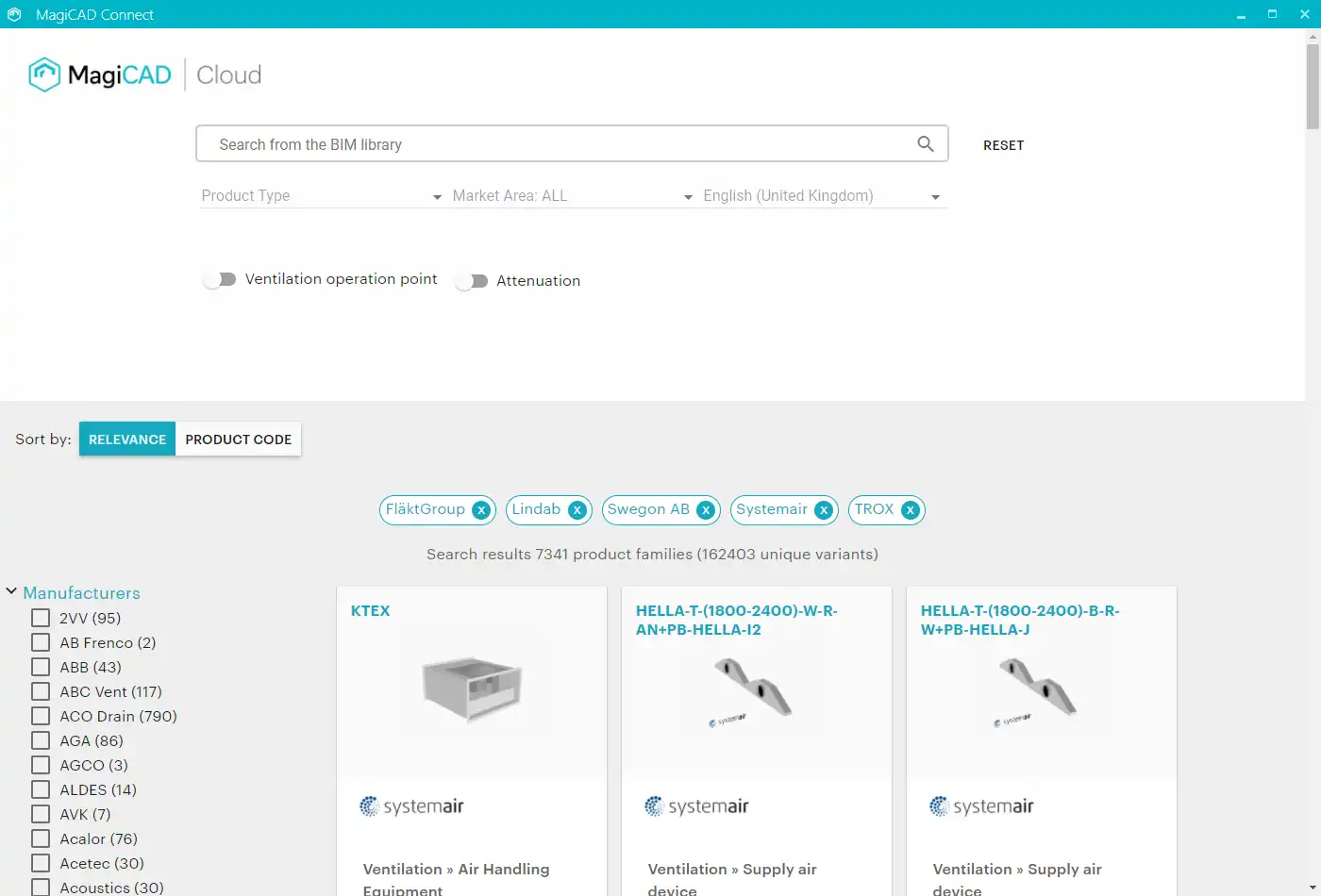
In the ever-evolving world of Building Information Modeling (BIM), efficiency and accuracy are paramount, particularly for Mechanical, Electrical, and Plumbing (MEP) designers. The MagiCAD Connect for Autodesk® Revit® 2023 - 2027 plugin emerges as a game-changer by bridging the gap between Autodesk Revit and MagiCAD Cloud, offering users an enhanced experience in selecting and configuring MEP products. This review will delve into the features, benefits, and user experience of this innovative plugin, showcasing why it deserves a place in your design toolkit.
(Image by: MagiCAD Group)
Seamless Integration with Autodesk Revit
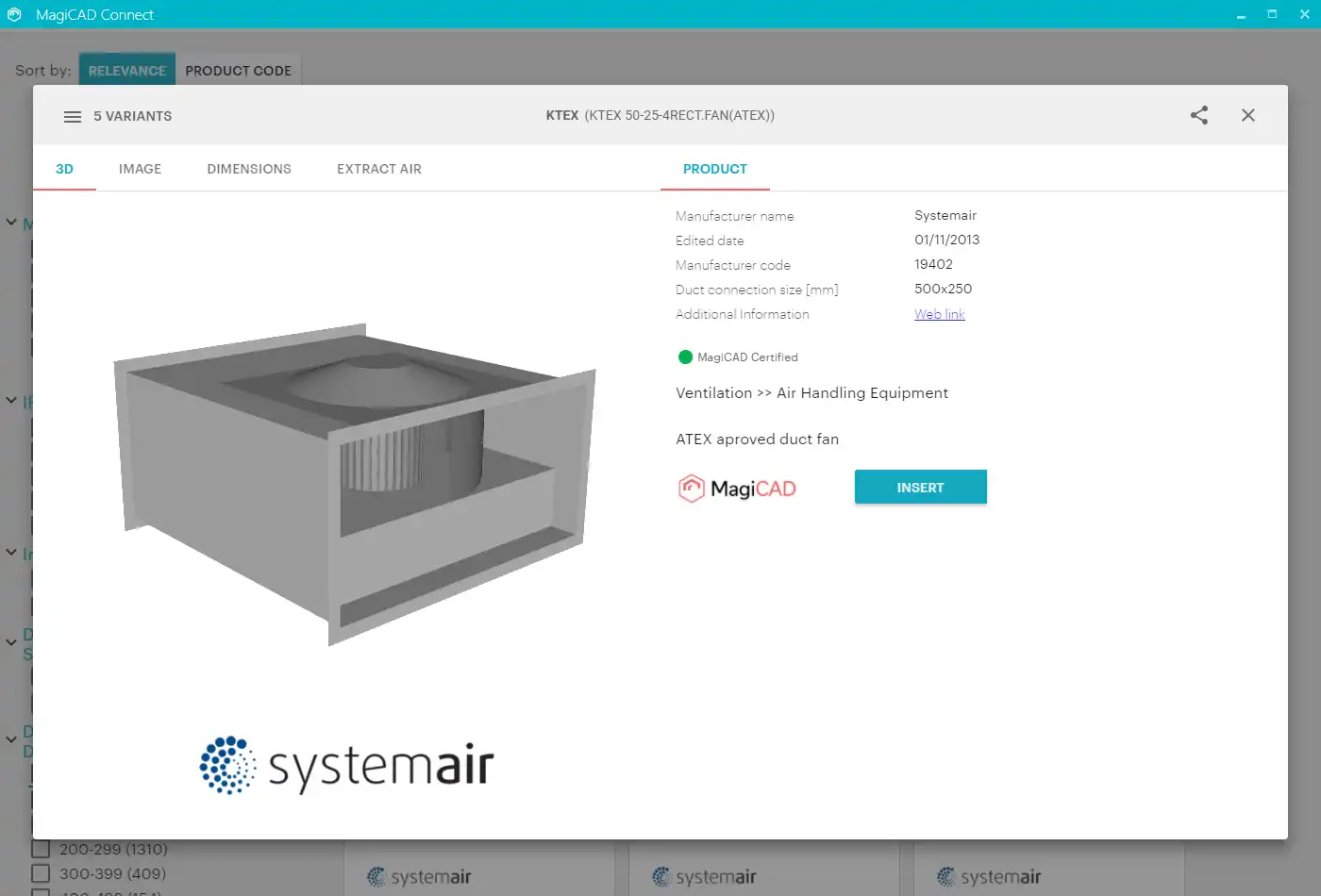
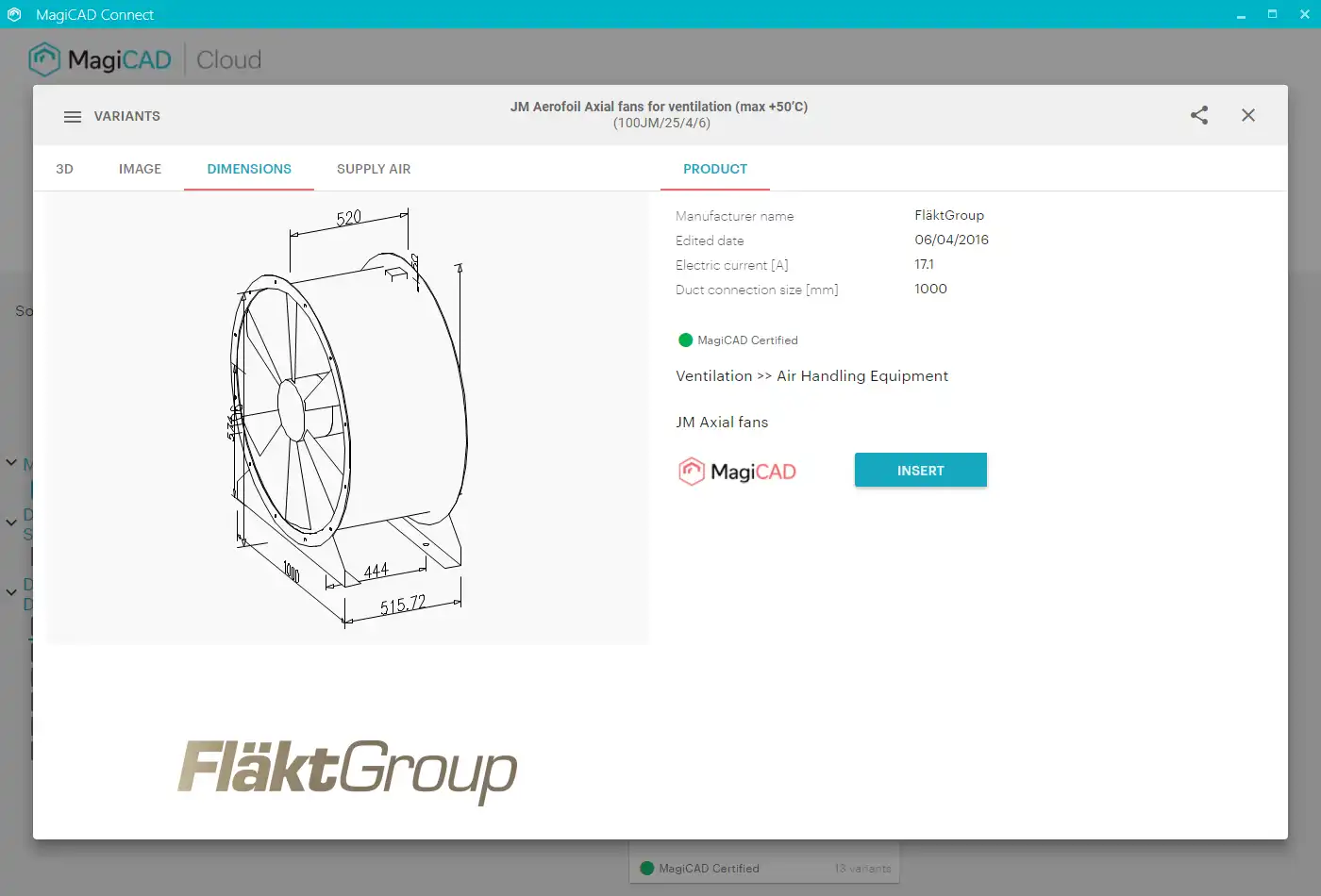
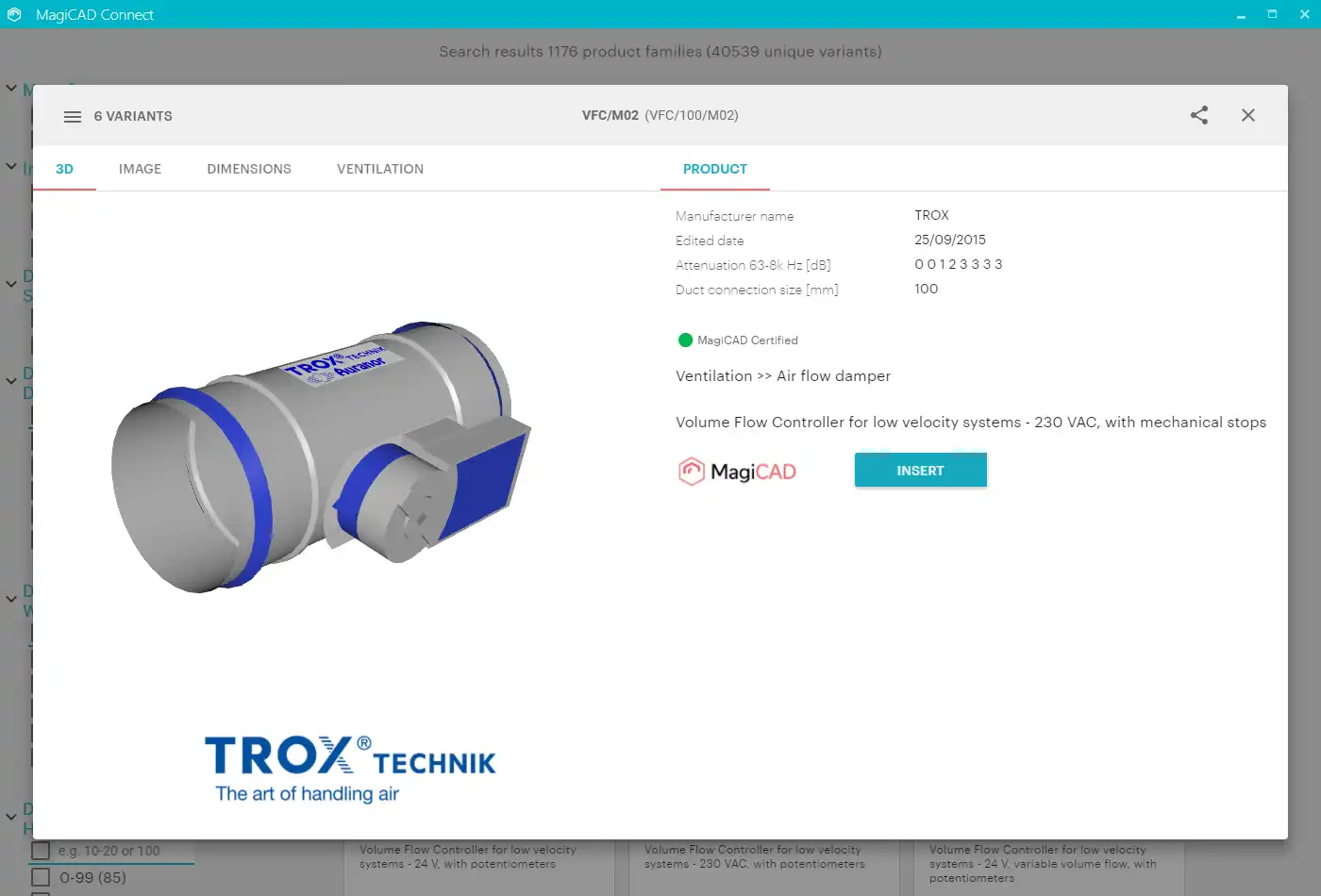
MagiCAD Connect excels in its seamless integration with Autodesk Revit, enabling users to download a curated selection of MagiCAD Cloud's BIM objects directly into their native Revit projects. The plugin's ability to provide these objects in RFA format means users can easily incorporate them without the hassle of conversion or compatibility issues. This feature alone streamlines the workflow significantly, allowing designers to focus on the creative aspects of their projects rather than getting bogged down by technicalities.
Furthermore, MagiCAD Connect is free of charge for this selected portion, making it an attractive option for firms looking to enhance their capabilities without incurring additional costs. The ease of use and accessibility provided by the plugin make it a must-try for any MEP designer utilizing Revit.
(Image by: MagiCAD Group)
Access to Comprehensive Online Tools
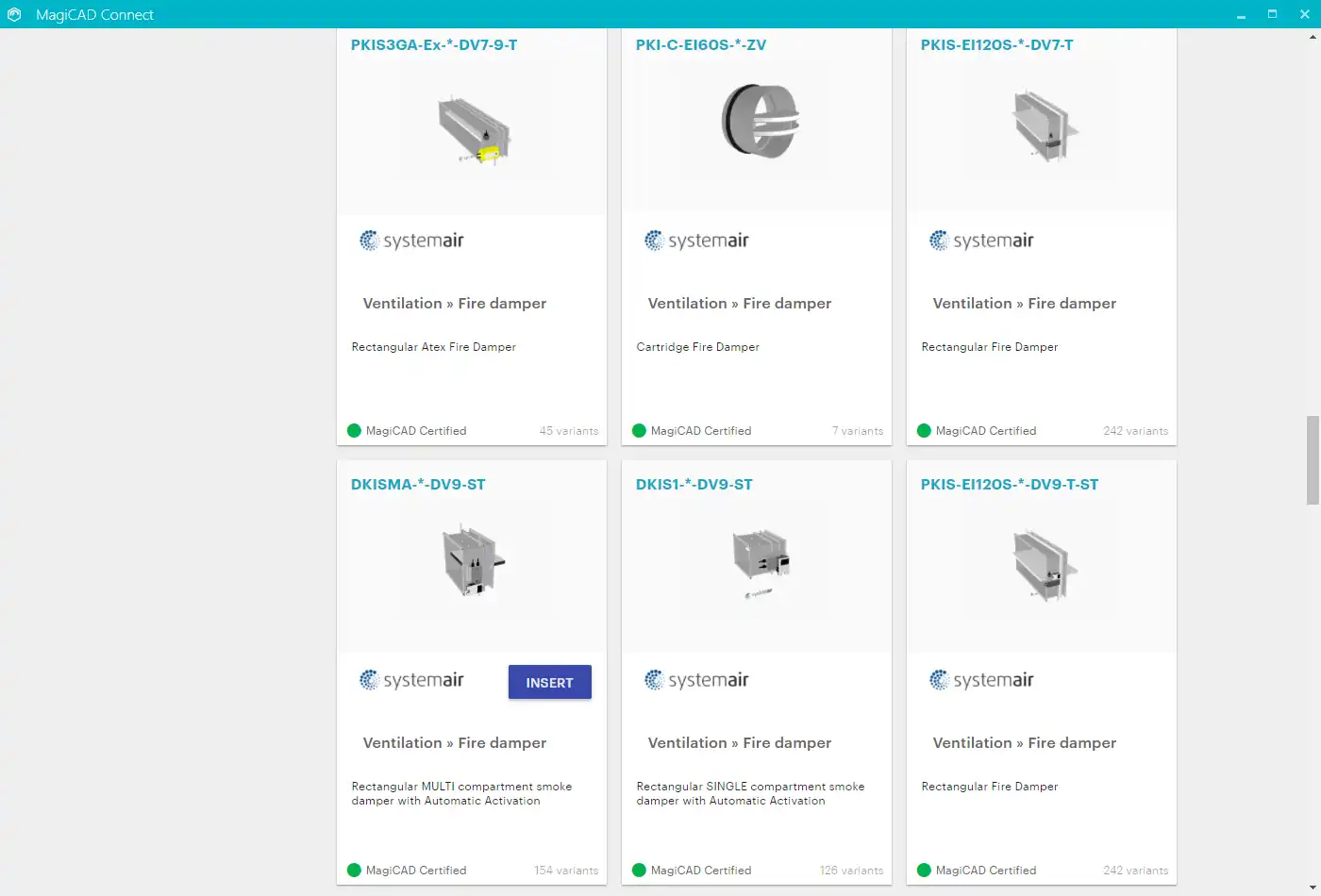
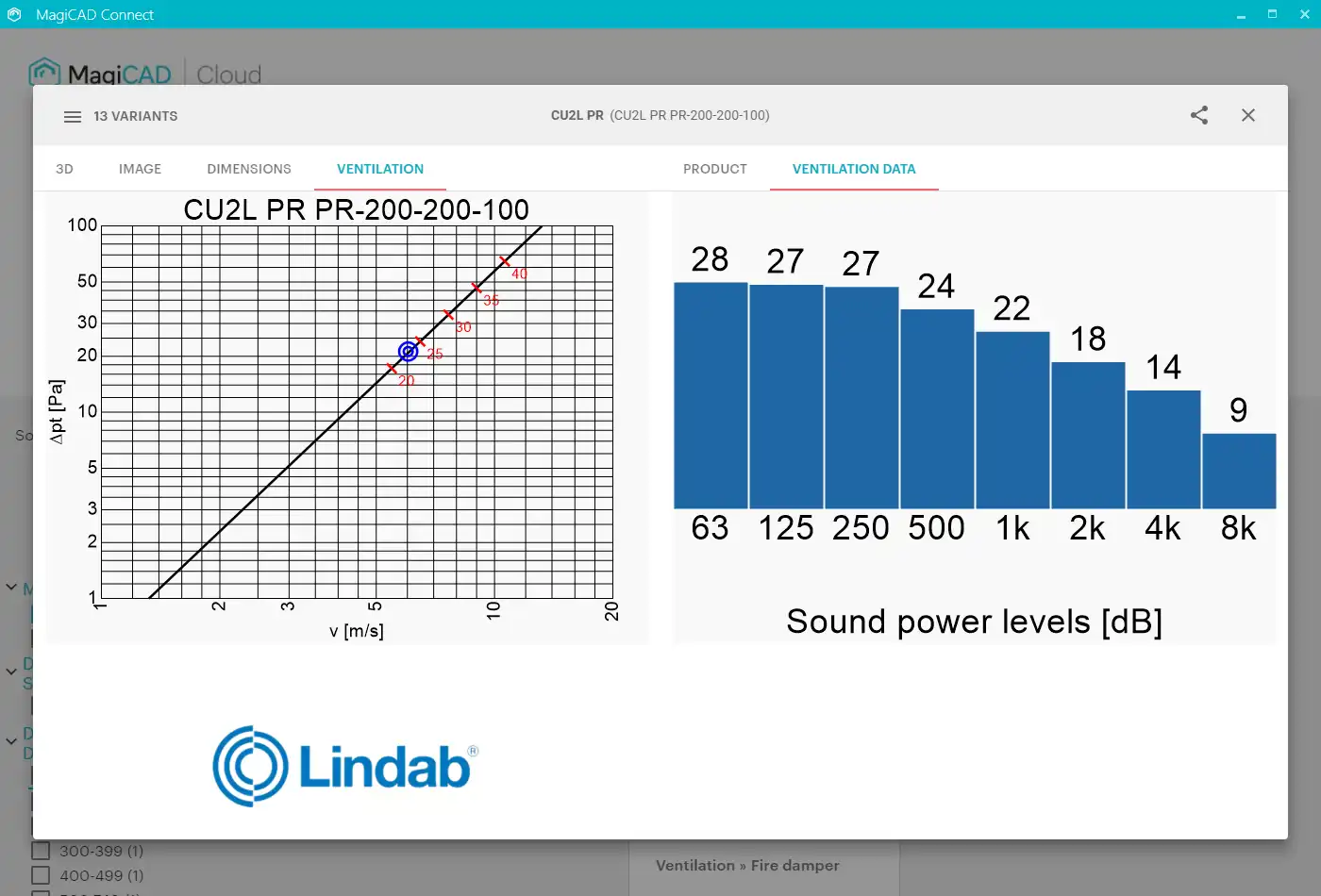
One of the standout features of MagiCAD Connect is its access to a range of online selection and configuration tools for manufacturer-specific MEP products. The plugin offers tools that cater to various needs, including HVAC systems, domestic water systems, and electrical design. Some notable manufacturers featured in MagiCAD Connect include:
- Vallox: Ideal for selecting air handling units.
- Purus: Enables detailed configuration of floor drains.
- Tovenco: Provides options for selecting kitchen hoods.
- Blücher: Specializes in drainage products.
- Wide: Offers air grille selections.
- ETS Nord: Focuses on kitchen hoods.
- Furhoffs: A go-to for floor drain products.
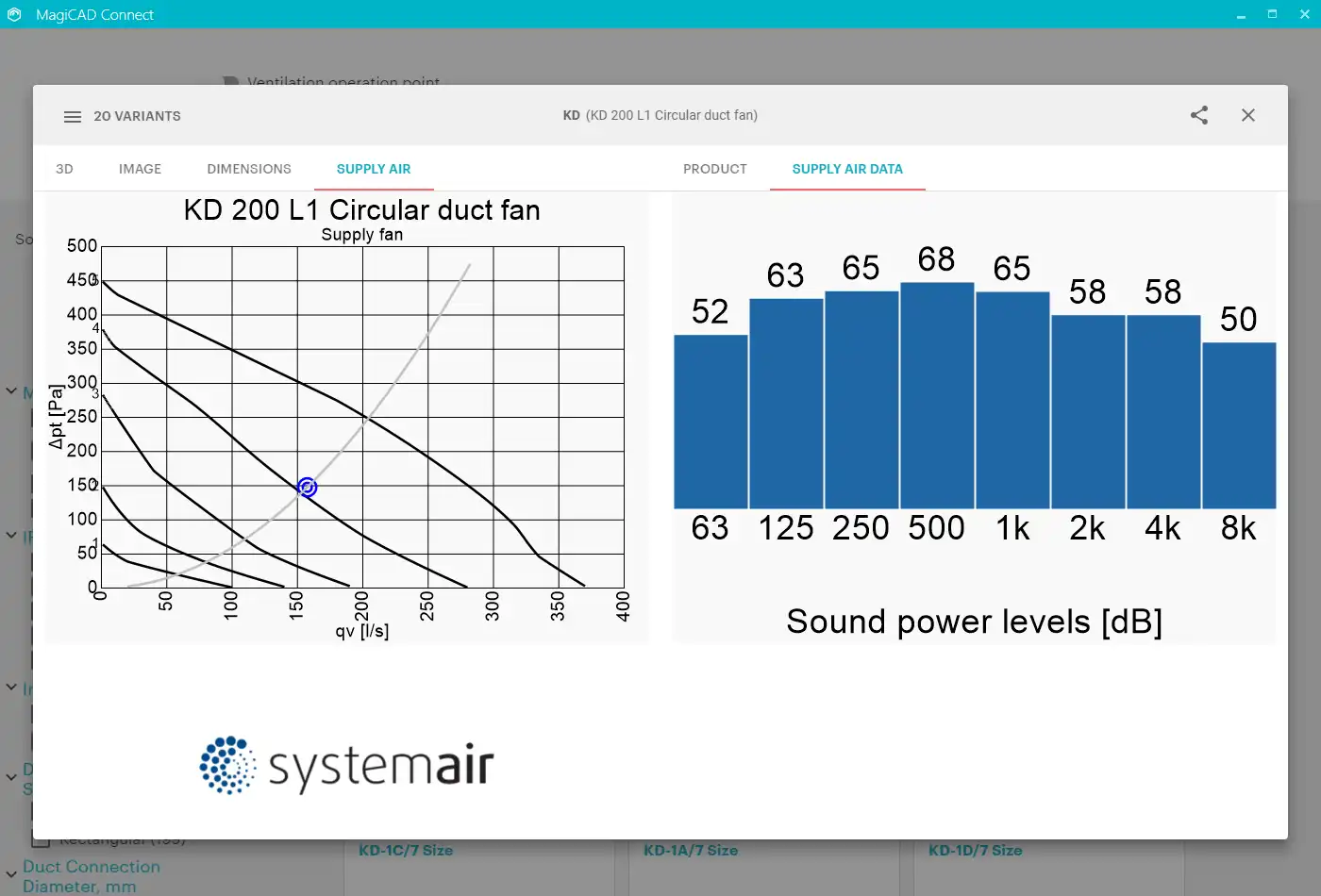
These tools empower users to select and configure products to their specifications directly within the Revit environment. The convenience of inserting selected products in user-defined sizes and dimensions enhances precision and eliminates potential errors, making the design process smoother and more efficient.
(Image by: MagiCAD Group)
Exclusive Features and Manufacturer-Specific Tools
For users who have also installed MagiCAD for Revit, the plugin offers exclusive access to additional selection tools, such as Hilti Firestop, which provides firestop solutions for provisions. While this feature is currently only available in Finnish, it highlights the plugin's commitment to catering to the diverse needs of MEP professionals. The ability to access manufacturer-specific tools not only aids in compliance with industry standards but also ensures that the products selected meet the specific requirements of a project.
The user-friendly interface of MagiCAD Connect simplifies the selection process, allowing even those new to MEP design to navigate through options effortlessly. With a focus on enhancing user experience, the plugin’s intuitive design encourages experimentation and adaptability, making it suitable for both seasoned professionals and newcomers alike.
(Image by: MagiCAD Group)
Key Benefits
MagiCAD Connect for Autodesk Revit is filled with remarkable benefits that make it an indispensable tool for MEP designers:
- Cost-Effective: The ability to access a portion of MagiCAD Cloud's BIM objects free of charge makes it an economical solution for firms looking to enhance their design capabilities.
- Time-Saving: The seamless integration with Revit and direct insertion of configured products dramatically reduces the time spent on sourcing and implementing MEP components.
- Accuracy: By utilizing manufacturer-specific tools, designers can ensure that their selections meet precise specifications, thus minimizing errors in the design process.
- Enhanced Collaboration: The plugin facilitates better teamwork among MEP professionals by offering a shared platform for product selection and design integration.
(Image by: MagiCAD Group)
Summary
MagiCAD Connect for Autodesk® Revit® 2023 - 2027 is a powerful plugin that offers MEP designers an innovative solution for accessing and utilizing BIM objects. Its free access to a selected portion of MagiCAD Cloud's resources, combined with comprehensive online tools for MEP product selection, positions it as a must-have for any design firm. With its seamless integration, efficiency-boosting features, and focus on user experience, MagiCAD Connect is not just a plugin; it's an essential tool that can transform your MEP design workflow. If you're looking to enhance your Revit experience and streamline your design process, MagiCAD Connect is worth exploring. Check out more about this remarkable plugin on the official website at MagiCAD.
(Image by: MagiCAD Group)
(Image by: MagiCAD Group)
Similar apps:
- Free
- Free
- $1.99/month
- $100
- $89
- $4.99/month