 1 / 6
1 / 6About this app
Introduction
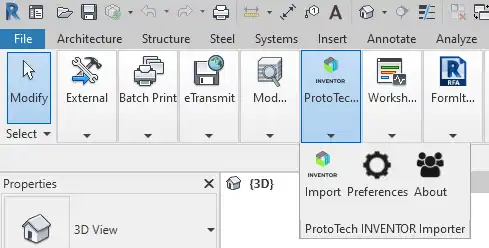
Are you tired of the tedious process of manually importing IPT/IAM files into Autodesk® Revit®? Look no further than the IPT/IAM Importer for Revit, a powerful plugin that simplifies the workflow by allowing you to seamlessly import IPT/IAM files directly into Revit. With its impressive features and seamless integration, this plugin is a game-changer for architects, engineers, and designers looking to streamline their design process.
(Image by: ProtoTech Solutions and Services Pvt. Ltd )
Seamless Importing with Impressive Features
The IPT/IAM Importer for Autodesk® Revit® is packed with features that make importing IPT/IAM files a breeze. One of the standout features of this plugin is its support for Revit 2020 through 2026, ensuring compatibility with the latest versions of the software. This means you can confidently import your IPT/IAM files into Revit without worrying about compatibility issues.
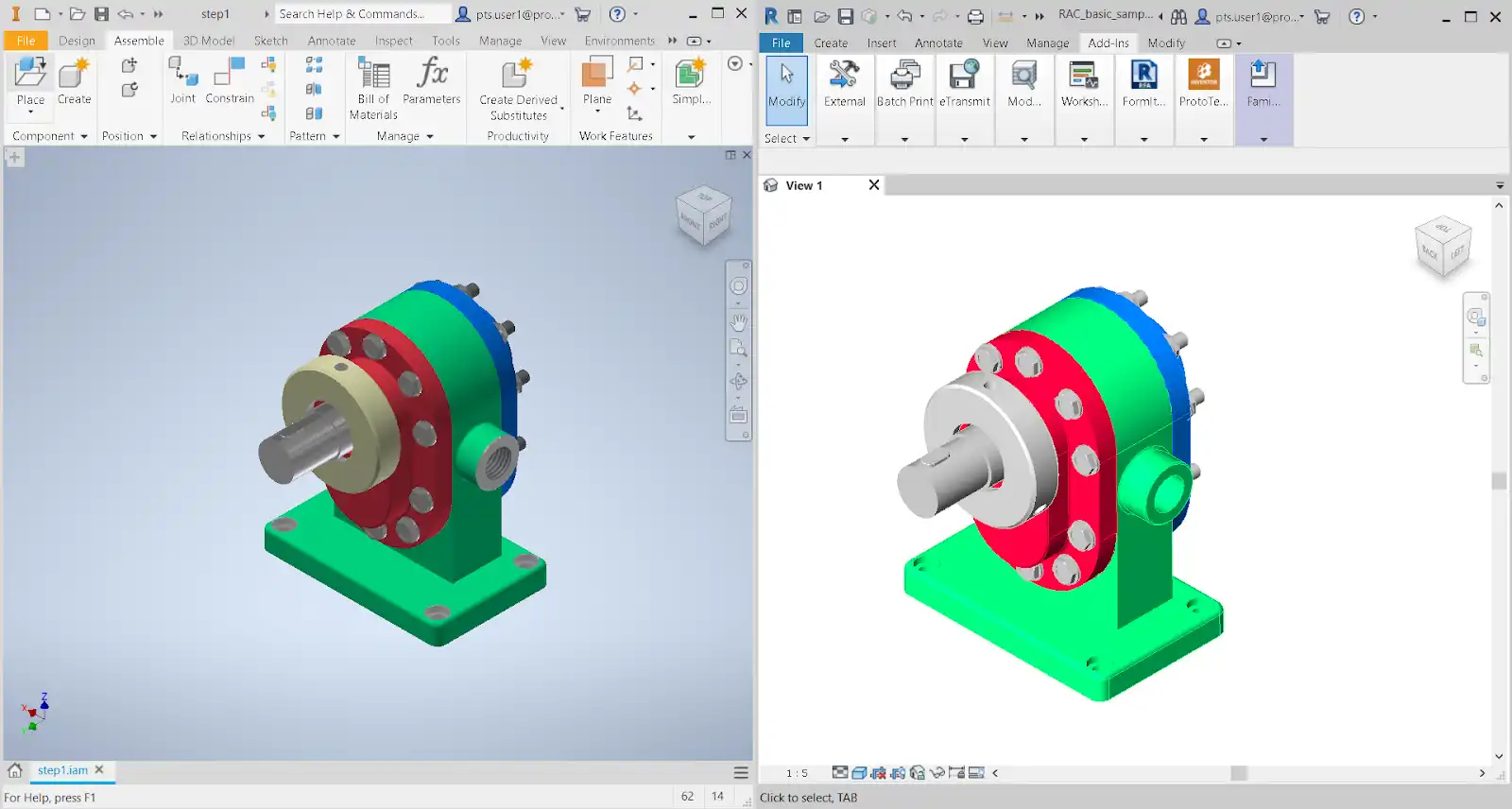
Another key feature of this plugin is its Triangular Mesh Support, which allows you to import IPT/IAM models with accurate triangular mesh data. This ensures that your imported models retain their geometry, scale, and textures for accurate design representation. Whether you're working with triangulated, quad, or other IPT/IAM formats, this plugin has you covered.
Furthermore, the IPT/IAM Importer for Revit is optimized for low-size imports, ensuring that your models are brought into Revit without bloating the file size. This is crucial for maintaining the performance of your Revit project while still preserving the integrity of your IPT/IAM files.
Texture and color import are also key features of this plugin, allowing you to retain and apply textures from IPT/IAM files for realistic visualization. By preserving the original colors during import, you can ensure that your design presentations are accurate and visually appealing.
(Image by: ProtoTech Solutions and Services Pvt. Ltd )
Unlock the Full Potential with the Paid Version
While the trial version of the IPT/IAM Importer for Autodesk® Revit® offers a taste of its capabilities, the paid version unlocks the full potential of this powerful plugin. For just 199 USD, users can purchase the paid version and enjoy seamless importing of IPT/IAM files with all the advanced features and functionalities.
In addition to the paid version, the IPT/IAM Importer for Revit also offers a floating license option for 699 USD, allowing multiple users to access the plugin across different devices. For standalone PCs, an automation license is available for 599 USD, enabling users to export files without requiring user intervention.
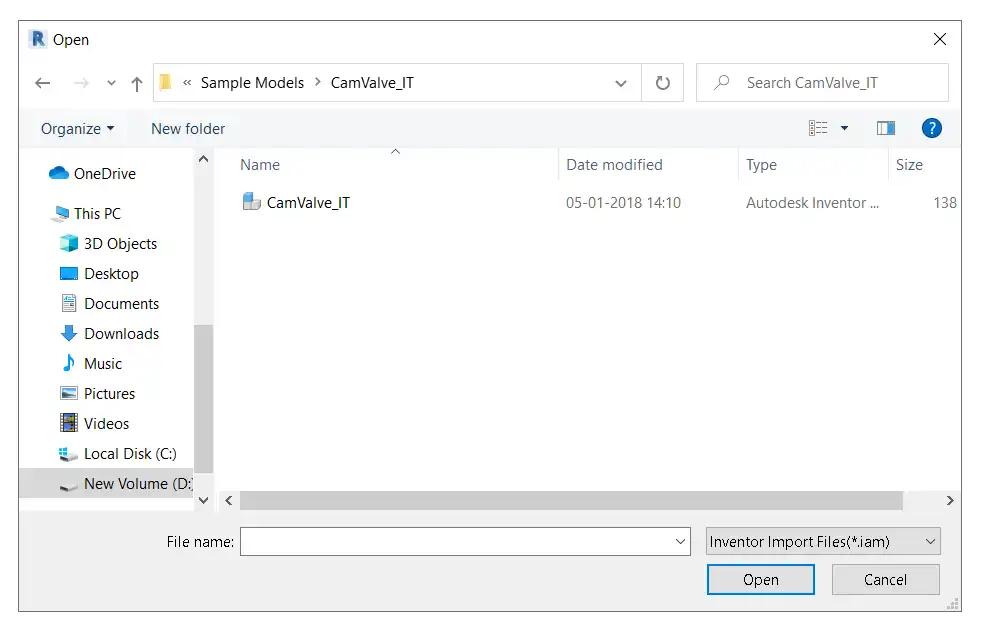
(Image by: ProtoTech Solutions and Services Pvt. Ltd )
Conclusion
The IPT/IAM Importer for Autodesk® Revit® is a must-have plugin for architects, engineers, and designers looking to streamline their workflow and enhance collaboration. With its seamless importing capabilities, advanced features, and affordable pricing options, this plugin is a game-changer for anyone working with IPT/IAM files in Revit. Try it out today and experience the convenience and efficiency of seamless file importing.
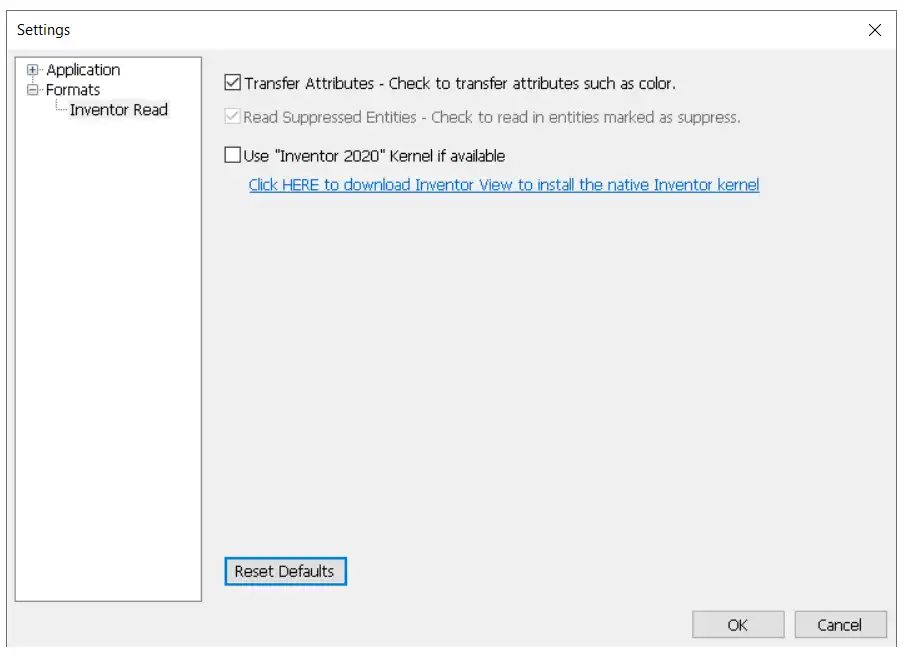
(Image by: ProtoTech Solutions and Services Pvt. Ltd )
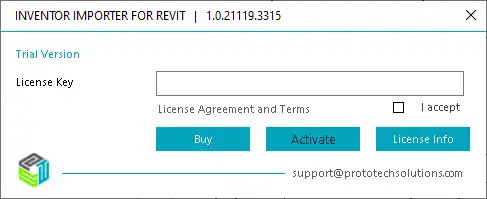
(Image by: ProtoTech Solutions and Services Pvt. Ltd )
Similar apps:
- Free
- Free
- $10/month
- Free
- $89
- Free