 1 / 9
1 / 9About this app
Introduction
When it comes to efficient documentation workflow in Revit, having the right tools can make all the difference. That's where SheetEX comes in - a powerful, all-in-one batch export add-in that simplifies the process of exporting sheets and views to multiple formats simultaneously. With its impressive array of features, SheetEX is a game-changer for architects, engineers, and designers looking to streamline their project documentation.
(Image by: Revix)
Features Overview
SheetEX offers a wide range of features that set it apart from other batch export tools available for Revit. Here are some of the key features that make SheetEX a must-have plugin for anyone working in Revit:
(Image by: Revix)
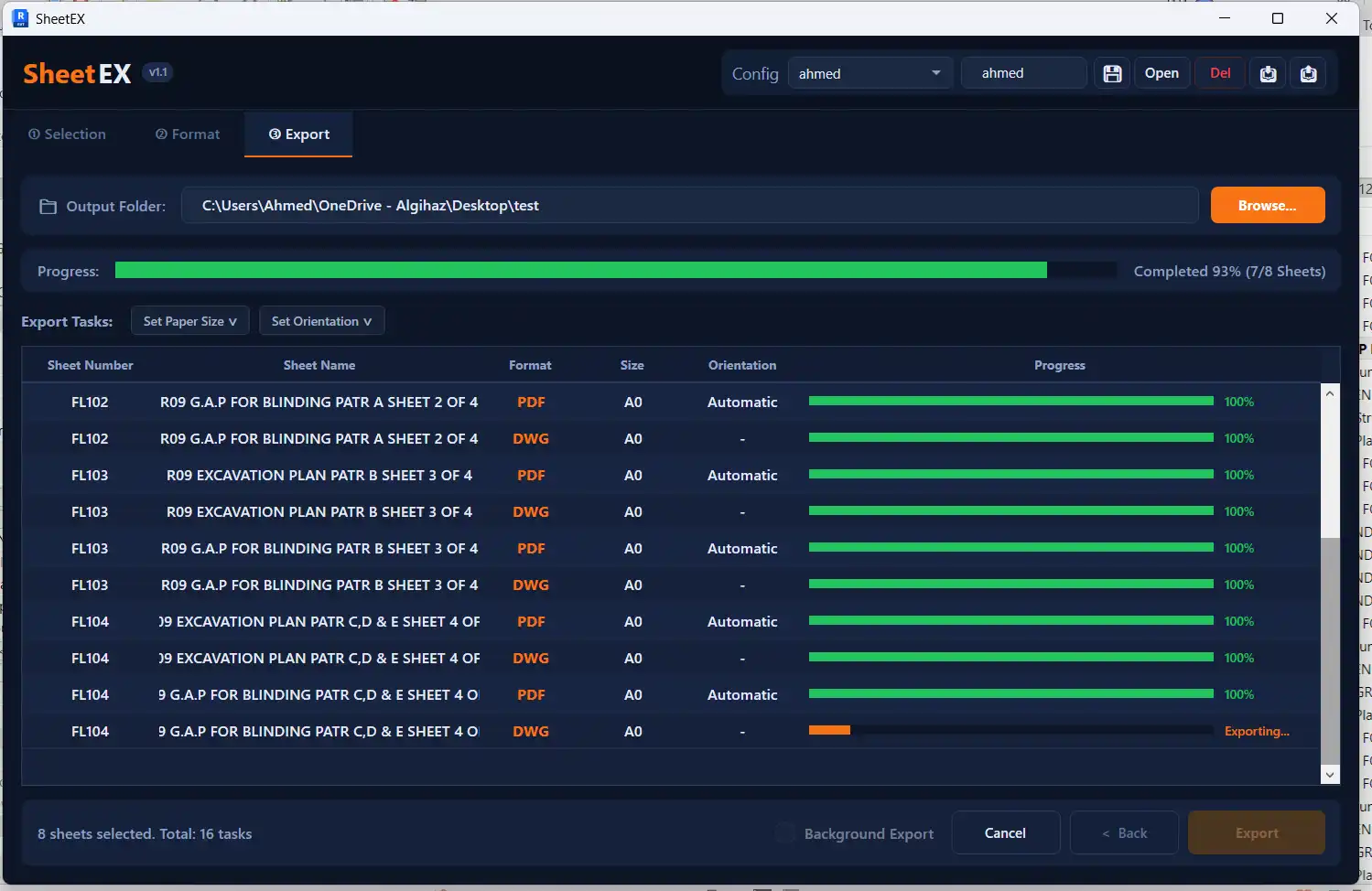
Multi-Format Export
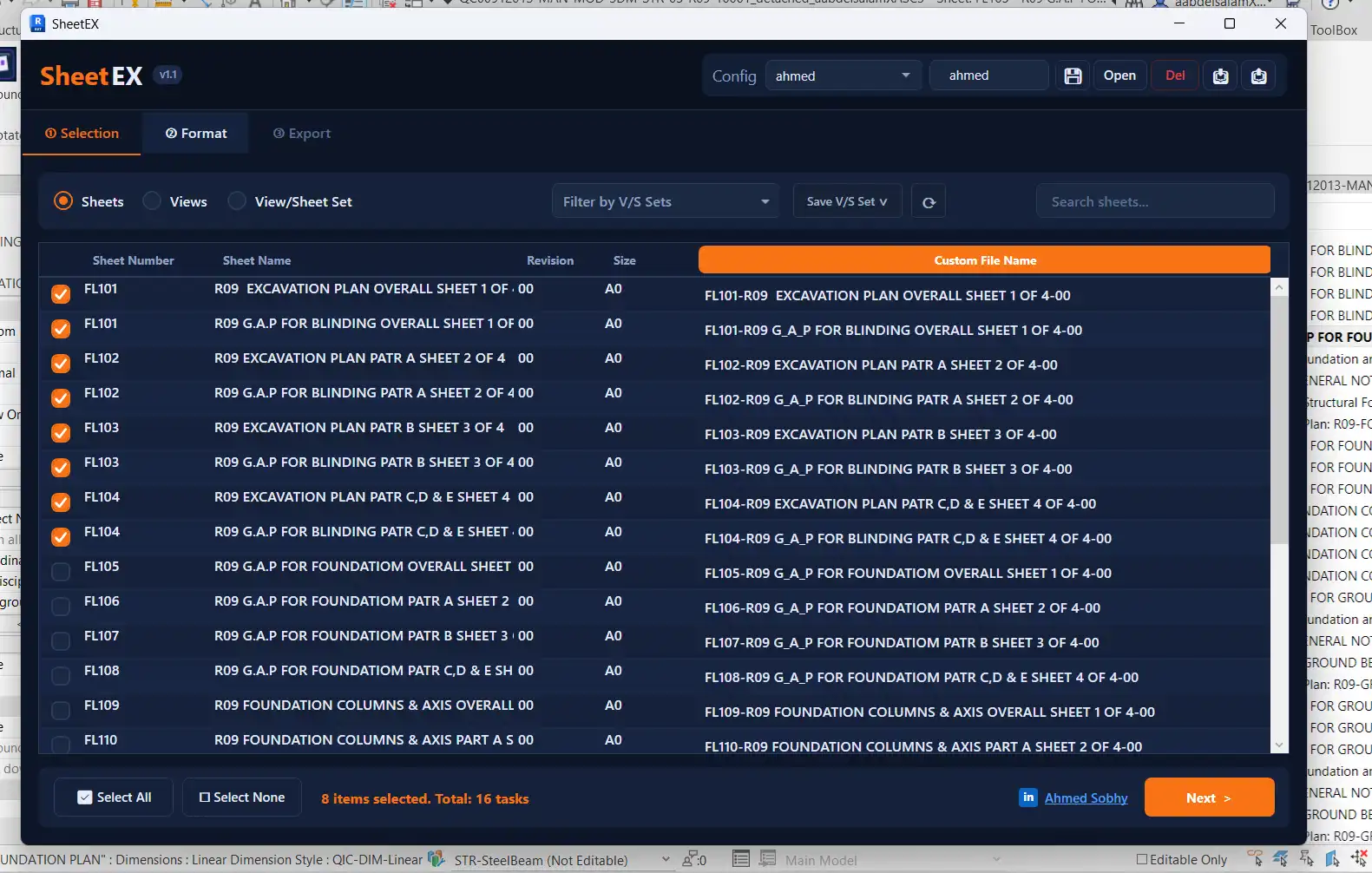
With SheetEX, you can export sheets and views to PDF, DWG, DWF/DWFx, IFC, NWC, and raster images in a single batch operation. This versatility allows you to create a variety of output formats without the hassle of exporting each file individually.
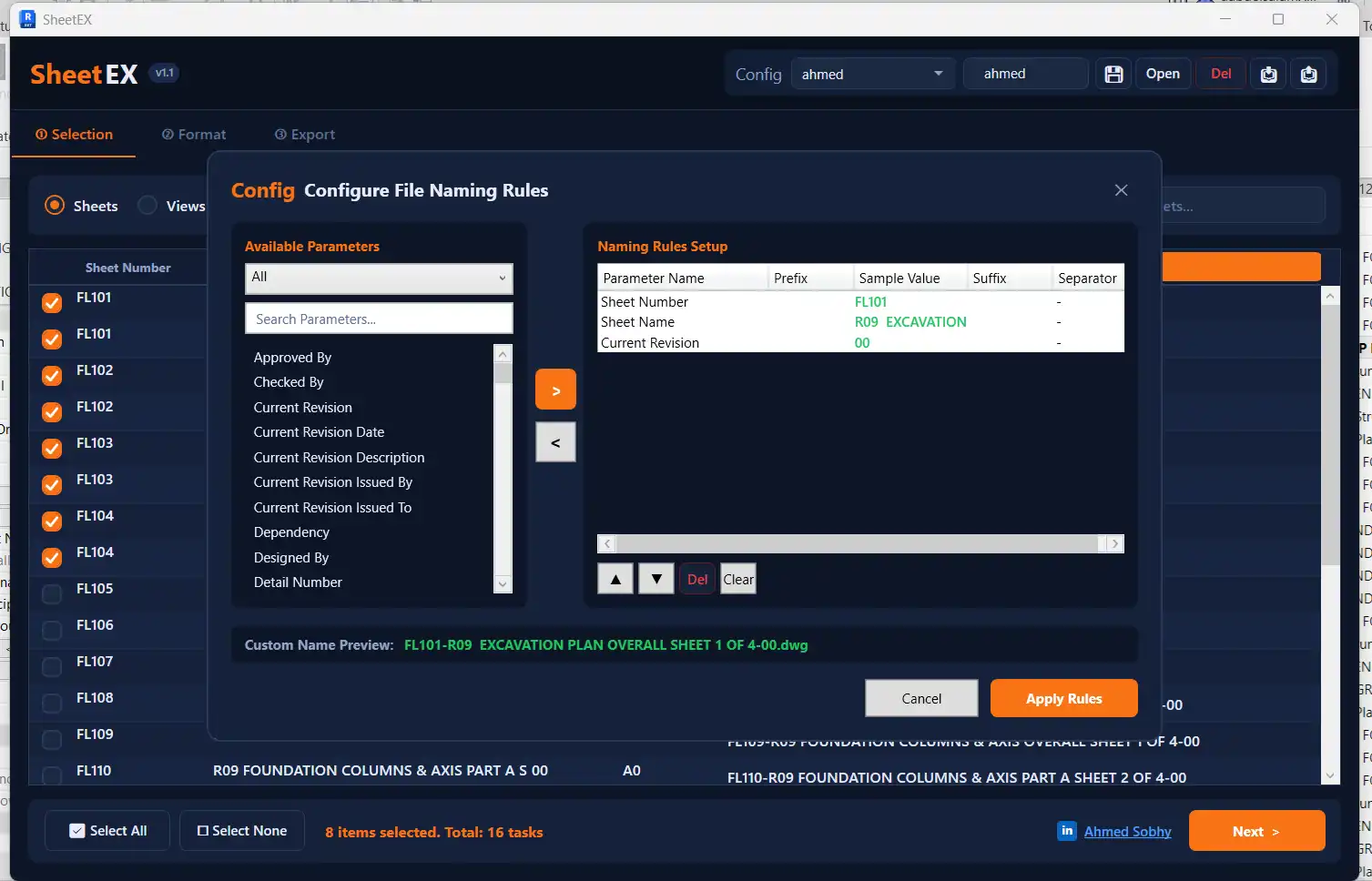
Smart File Naming
One of the standout features of SheetEX is its ability to construct dynamic file names by combining sheet, view, and project parameters with custom prefixes, suffixes, and separators. This makes it easy to organize and identify exported files, saving you time and effort in the long run.
View/Sheet Sets Support
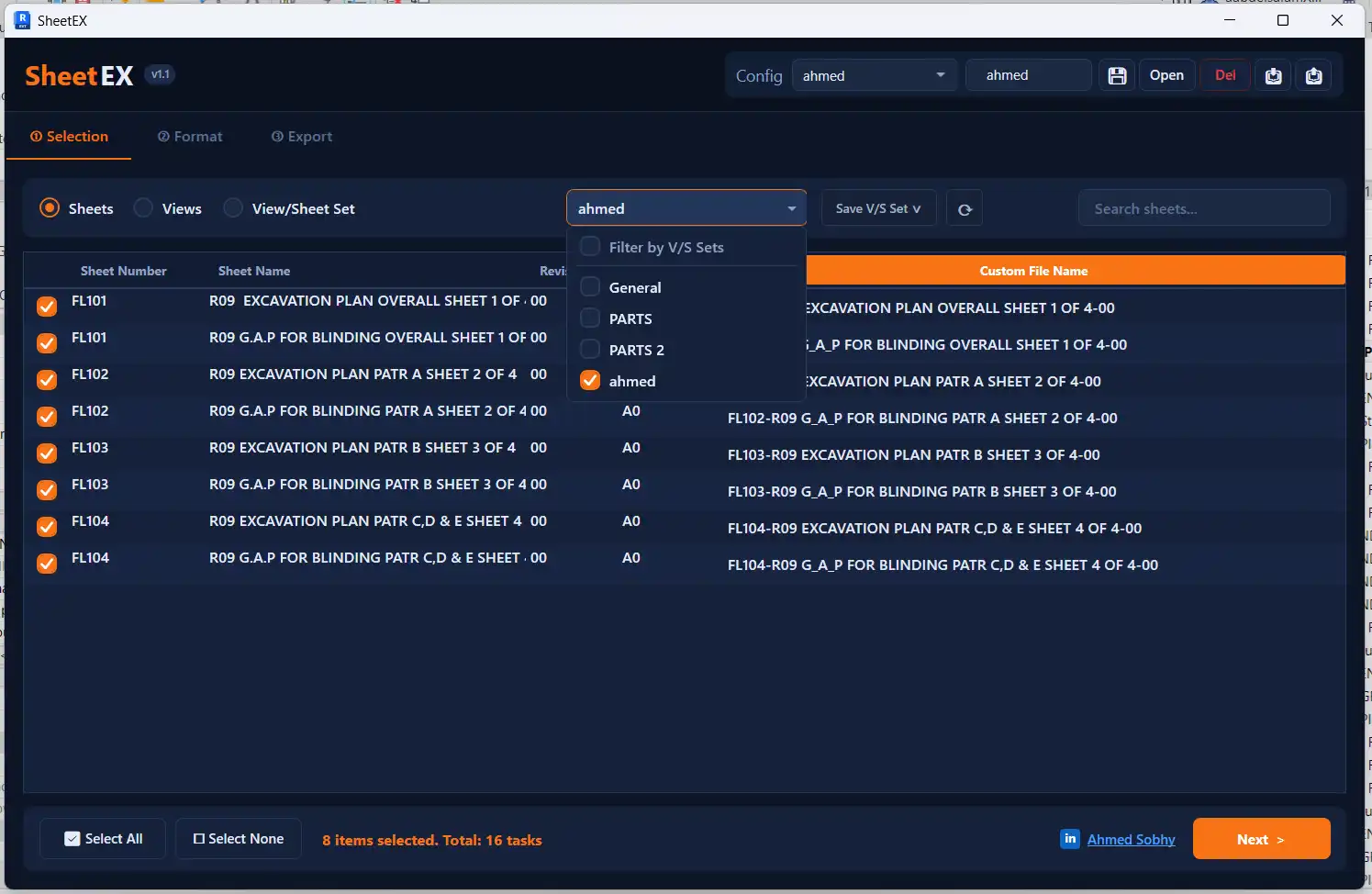
SheetEX allows you to directly load saved Revit View/Sheet Sets and organize output files into folders named after each set. This feature is particularly useful for maintaining project organization and keeping track of exported files.
Export Profiles
Save, manage, and reuse your custom export configurations with SheetEX's export profiles. This feature ensures consistent team standards and allows for seamless collaboration on projects.
Flexible Output Organization
Choose to export all files into one folder or automatically create structured subfolders per format (PDF/, DWG/, etc.) with SheetEX. This flexibility makes it easy to manage and access exported files according to your preferences.
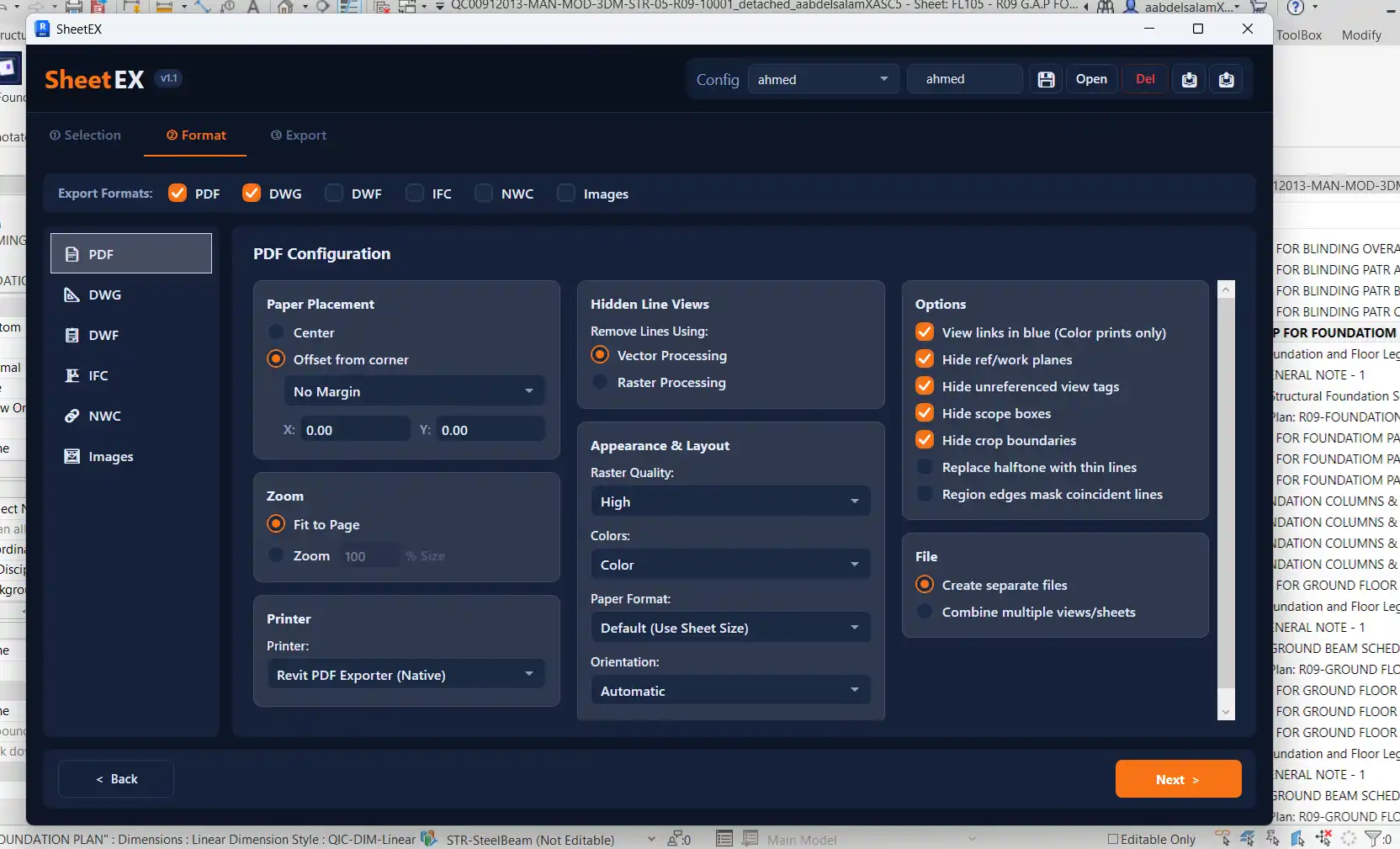
Advanced PDF Controls
Customize your PDF exports with SheetEX's advanced controls, including selecting printer, automatic paper sizing, orientation, color modes (Color, Grayscale, Black Line), and paper placement. These options give you full control over the appearance and layout of your PDF files.
DWG Sheet Merging
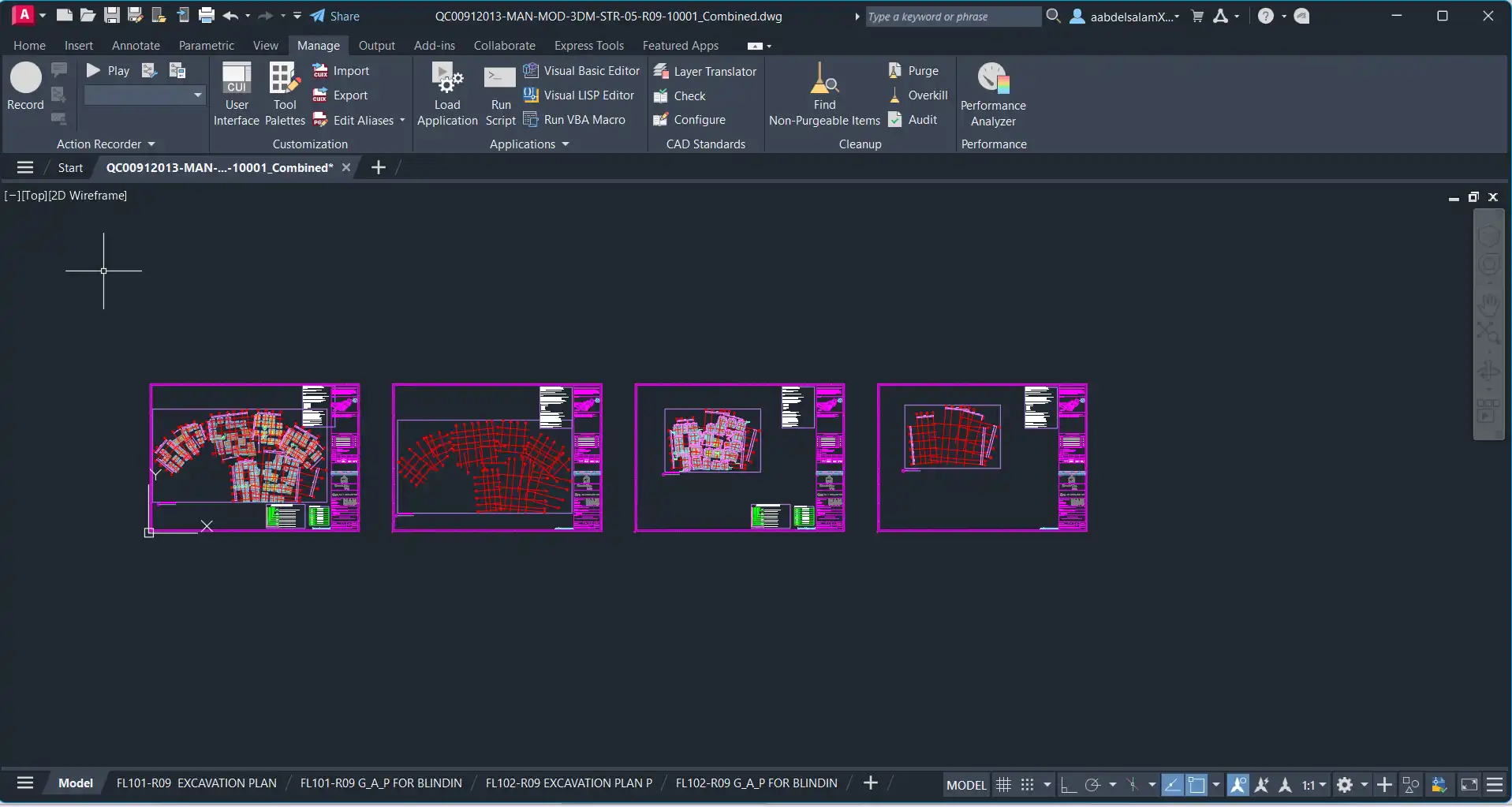
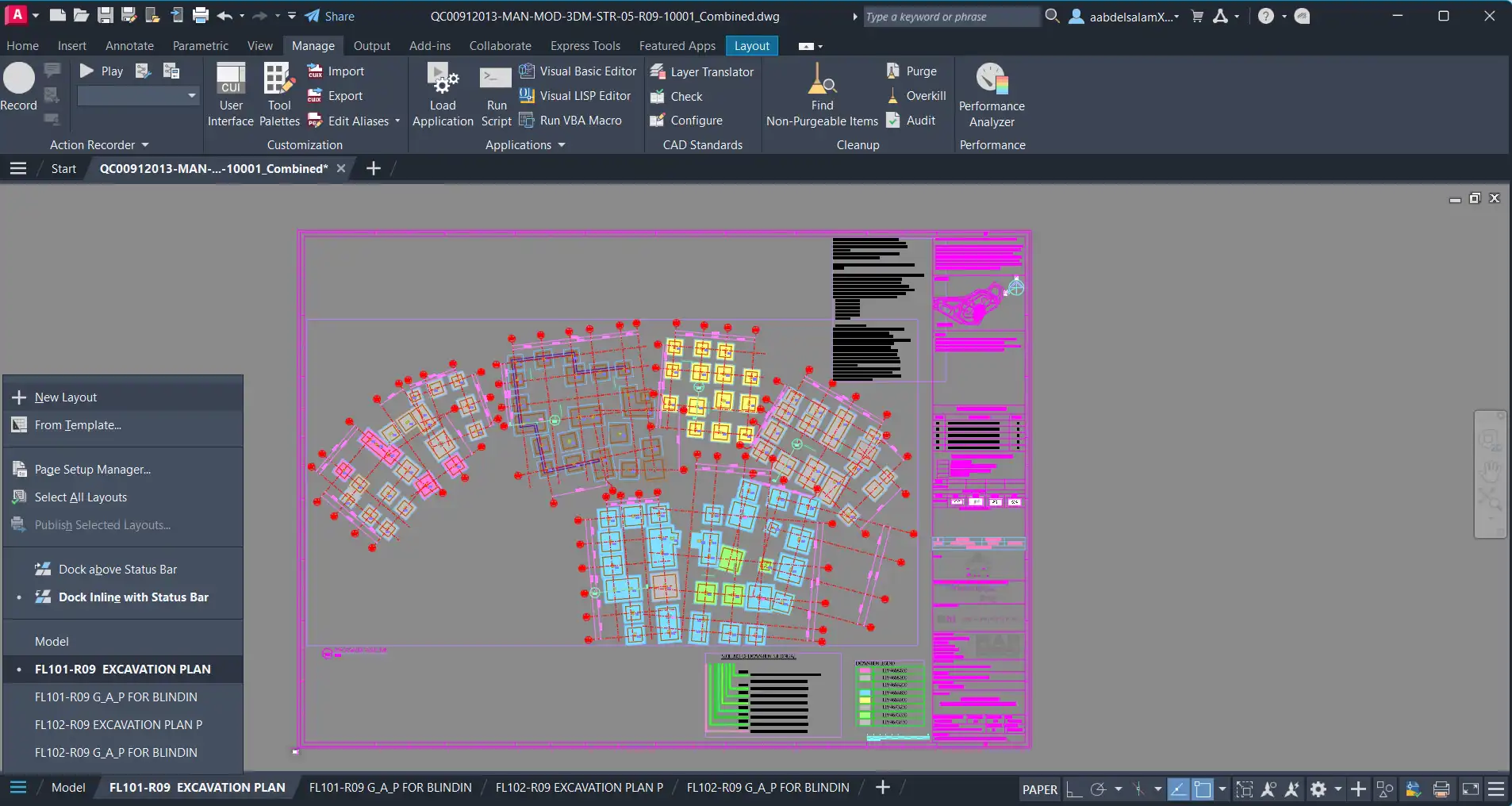
SheetEX can automatically merge multiple exported DWG sheets into a single unified drawing file, saving you time and effort when working with multiple DWG files.
OLE Image Binding
Embed exported raster images directly into separate or merged DWG files as permanent OLE objects. This feature ensures that your images are seamlessly integrated into your DWG files for easy viewing and editing.
(Image by: Revix)
Summary
SheetEX is a must-have plugin for anyone looking to streamline their documentation workflow in Revit. With its powerful batch export capabilities, smart file naming options, and advanced controls, SheetEX simplifies the process of exporting sheets and views to multiple formats simultaneously. Whether you're an architect, engineer, or designer, SheetEX is sure to revolutionize the way you work in Revit. Give it a try today and experience the difference for yourself!
(Image by: Revix)
(Image by: Revix)
(Image by: Revix)
(Image by: Revix)
(Image by: Revix)
Similar apps:
- Free
- Free
- Free
- Free
- Free
- Free