 1 / 12
About this app
Introduction
In the fast-paced world of architectural design, presenting ideas and concepts in an engaging and visually appealing manner is vital. Autodesk Revit has long been a cornerstone for architects and designers, but its inherent capabilities for creating dynamic presentations have often been limited. Enter CutScene - a revolutionary Revit plugin that transforms your static 3D views into stunning animations with just a few clicks. This article delves into the features, benefits, and usability of CutScene, showcasing how it can enhance your design presentations and project walkthroughs.
(Image by: ScanBIM)
Transforming Static Views into Engaging Animations
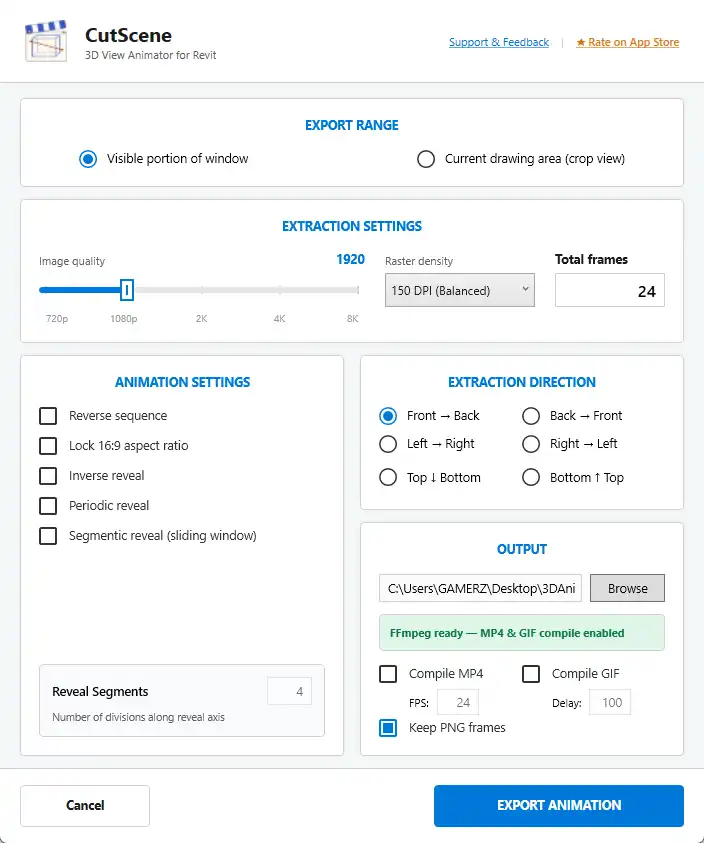
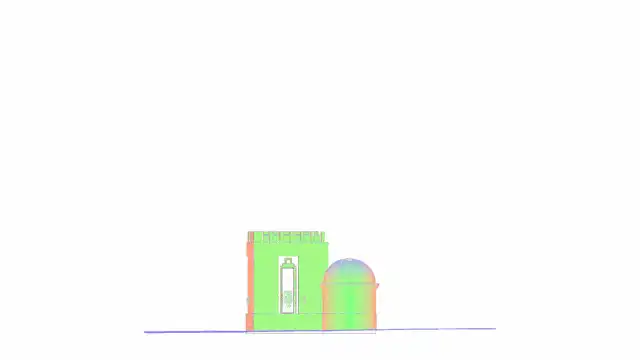
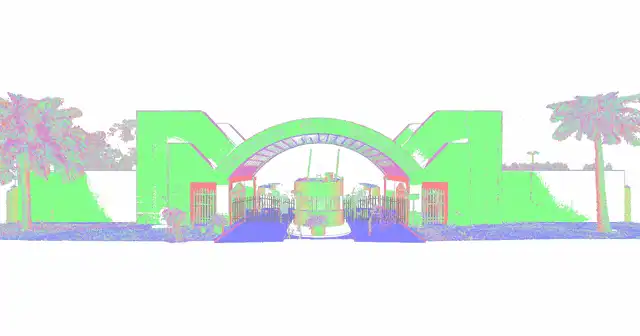
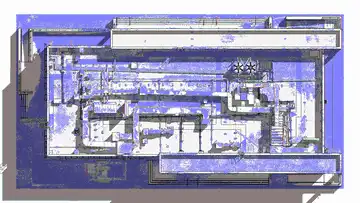
One of the standout features of CutScene is its ability to animate a Revit Section Box, enabling a cinematic reveal of your design. Gone are the days of relying on complex rendering software or cumbersome export pipelines. With CutScene, you can set the reveal direction and style directly within Revit, making the process incredibly intuitive. Whether you're aiming for a linear reveal or a more dramatic sliding window effect, CutScene provides several reveal styles to suit your needs. The plugin supports six extraction directions, including Front-to-Back and Top-to-Bottom, allowing you to tailor the animation to effectively highlight specific aspects of your project.
The ease of export is another major advantage. CutScene allows you to output your animations directly as MP4 videos, GIFs, or PNG frame sequences without needing to leave the Revit environment. This seamless integration means you can quickly incorporate animations into presentations, emails, or project walkthroughs. Plus, with resolution support up to 8K, your visuals can be as impressive as they are informative. The adjustable frame count and frames per second (FPS) options further enhance the customization, giving you control over the final output quality.
(Image by: ScanBIM)
A User-Friendly Experience
Designed for speed and simplicity, CutScene is user-friendly, making it accessible to both novice and experienced Revit users. The plugin’s workflow is straightforward; users can go from a static view to a shareable animation in mere minutes, significantly reducing the time spent on presentation preparation. Additionally, CutScene is 100% non-destructive. This means that your Section Box, Crop Box, and visibility settings are fully restored after export, ensuring that your original Revit model remains intact and unaltered.
The built-in FFmpeg compile pipeline is a game-changer, as it eliminates the need for external software, further streamlining the animation process. This feature ensures that users can produce high-quality animations without the hassle of additional installation or learning curves associated with traditional rendering software. The convenience of having everything integrated within a single installer that works across seven Revit versions (from 2021 to 2027) is particularly noteworthy. This compatibility means that no matter which version of Revit you are using, CutScene can seamlessly fit into your existing workflow.
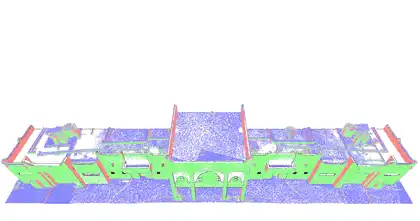
(Image by: ScanBIM)
Perfect for Every Presentation Scenario
Whether you're presenting design intent to a client, documenting a walkthrough for the project team, or simply sharing a quick visual update, CutScene serves as an invaluable tool. The plugin's ability to create engaging animations makes it easier to communicate complex ideas and designs effectively. By adding movement and tempo to your presentations, you can captivate your audience, ensuring that your project stands out amidst the sea of static images and drawings.
Moreover, the versatility of CutScene means it's not limited to architectural presentations. Urban planners, landscape architects, and engineers can also leverage the animation capabilities to showcase their designs in a more compelling manner. As design professionals continue to look for innovative ways to communicate their vision, CutScene provides a modern solution that aligns perfectly with the demands of the industry.

(Image by: ScanBIM)
Summary
CutScene - 3D View Animator is a groundbreaking Revit plugin that enables users to create stunning animations effortlessly, breathing new life into static designs. Its intuitive interface, coupled with powerful features like various reveal styles, high-resolution exports, and non-destructive editing, makes it an essential tool for anyone looking to enhance their presentation capabilities. Whether you're a seasoned architect or a newcomer to the field, CutScene simplifies the animation process while delivering impressive results. If you're seeking a way to elevate your Revit projects and captivate your audience, CutScene is definitely worth trying. Experience the ease and creativity that CutScene brings to your design workflow today!
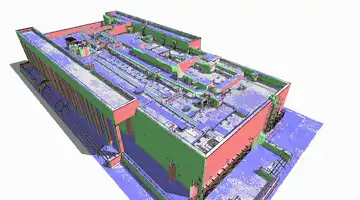
(Image by: ScanBIM)
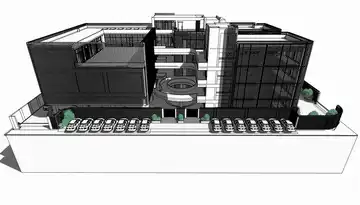
(Image by: ScanBIM)

(Image by: ScanBIM)

(Image by: ScanBIM)

(Image by: ScanBIM)
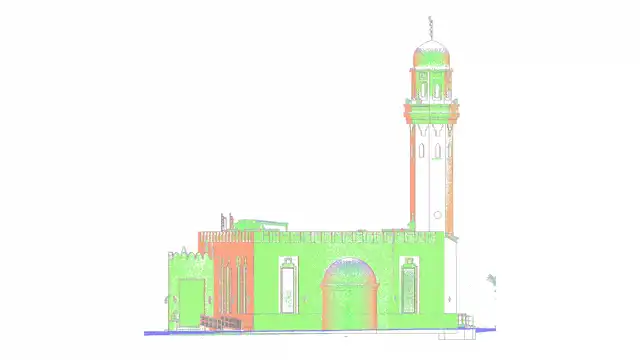
(Image by: ScanBIM)
(Image by: ScanBIM)
(Image by: ScanBIM)
Similar apps:
- Free
- Free
- Free
- Free
- Free
- Free