1 / 9
1 / 9About this app
Introduction
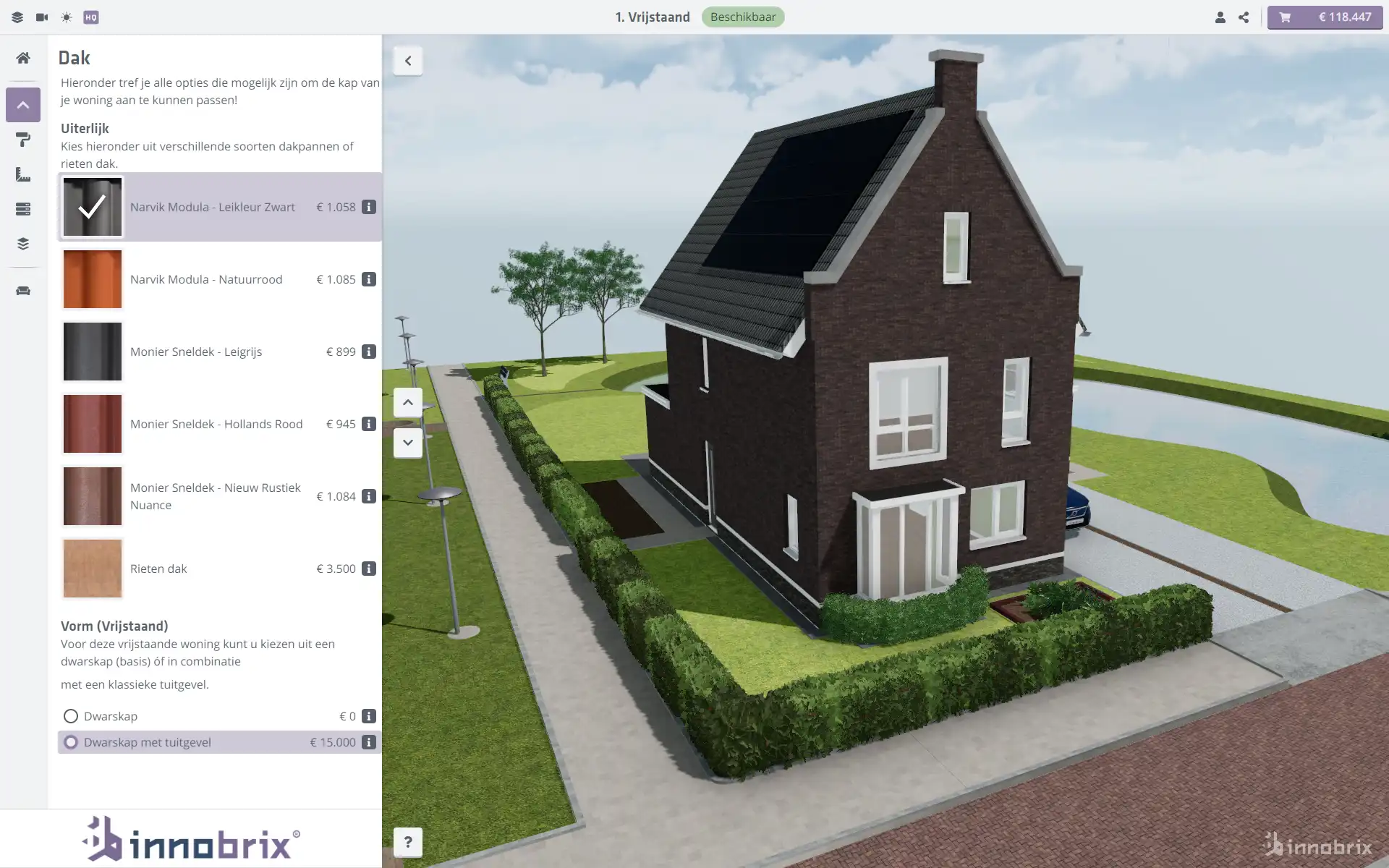
If you are involved in the construction or 3D product industry, you understand the importance of offering an immersive and interactive experience to your clients. The Innobrix Add-in for Autodesk Revit provides a seamless integration with the Innobrix platform, allowing you to create a rich and engaging 3D configurator experience for your customers. With the ability to export Revit models into lightweight, web-optimized geometry, this plugin simplifies the process of configuring, pricing, and quoting projects with just a few clicks.
(Image by: Smart2IT)
Seamless Integration for Enhanced Visualization
The Innobrix Add-in offers a streamlined workflow for exporting Revit models into the Innobrix platform, where clients can interact with their future homes or products in a dynamic 3D environment. This web-based solution eliminates the need for complex coding and technical expertise, making it easy for users to create customized configurations in a matter of minutes. Whether you are designing individual houses or entire building blocks, this plugin ensures that your Revit models stay in sync with the choices made by end-users, keeping your designs up-to-date and accurate.

(Image by: Smart2IT)
Enhanced Features for Precise Configurations
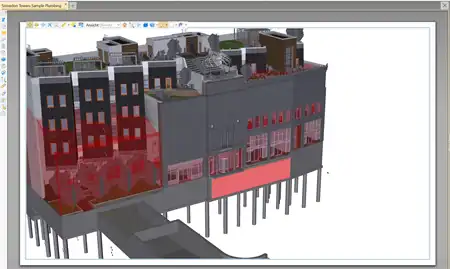
In addition to the basic export functionality, the Innobrix Add-in offers advanced features to enhance the configurator experience. Users can now export any 3D contextual model directly from Revit in a lightweight .glb format, optimized for web use. This allows for seamless integration into any Innobrix project, providing enhanced visualization and interactivity. The configuration import feature has also been improved to support rotation settings and reference level adjustments, enabling precise placement of configurable elements within complex, multi-level projects. From individual apartment units to high-rise buildings, this plugin ensures accurate context alignment within the Revit environment.

(Image by: Smart2IT)
Conclusion
The Innobrix Add-in for Autodesk Revit is a valuable tool for construction and 3D product companies looking to offer an immersive and interactive experience to their clients. By seamlessly integrating with the Innobrix platform, this plugin simplifies the process of configuring, pricing, and quoting projects, saving you time and effort. With enhanced features for precise configurations and seamless visualization, the Innobrix Add-in is a must-have for anyone looking to elevate their 3D configurator experience. Visit innobrix.net to learn more and start using this powerful plugin today!

(Image by: Smart2IT)

(Image by: Smart2IT)
(Image by: Smart2IT)
Similar apps:
- Free
- Free
- $89
- Free
- Free
- Free