 1 / 8
1 / 8About this app
Introduction
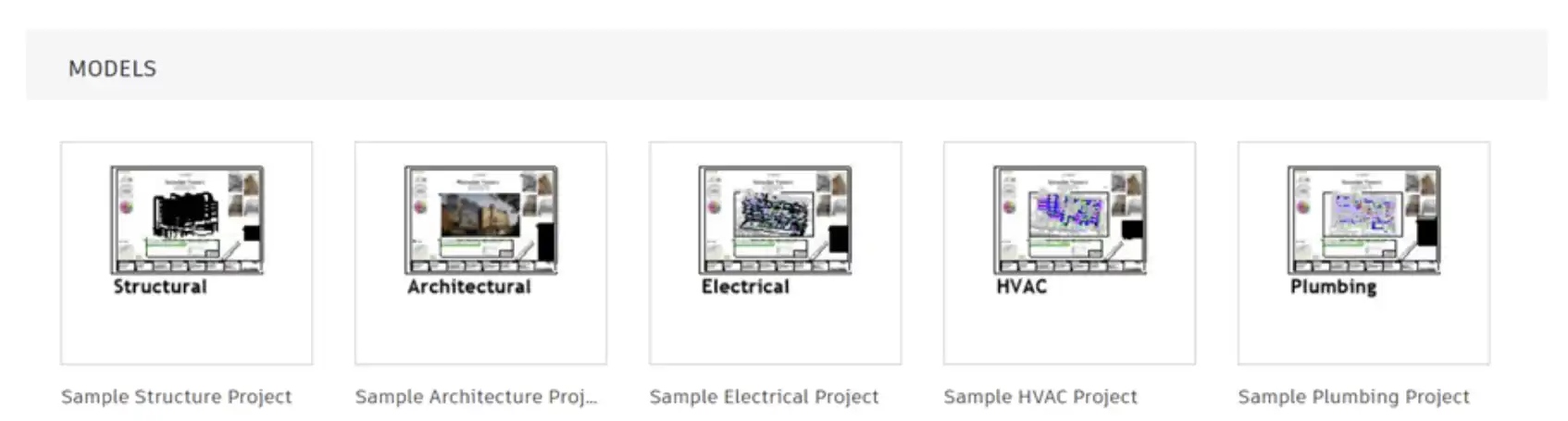
For project teams looking to streamline the creation and management of project information, the MDx Revit® plugin offers a powerful solution. Developed by Autodesk Consulting, this tool is designed to enhance the capabilities of Autodesk® Revit® by enabling users to automate processes and drive efficiencies in project workflows. In this review, we will explore the features and benefits of the MDx Revit® plugin and how it can help project teams achieve their goals more effectively.
(Image by: Autodesk Consulting)
Features and Functionality
The Model Development Next Generation (MDx) tool is accessible with a Workflow Advisor subscription, which can be obtained by contacting wa-support@autodesk.com for subscription details. It requires Consulting Implementation Services for delivery and deployment, also available through wa-support@autodesk.com. MDx is a solution that leverages the Connected Data Platform and Datum Class Library on the Autodesk Datum platform to assist project teams in creating and managing project or asset information.
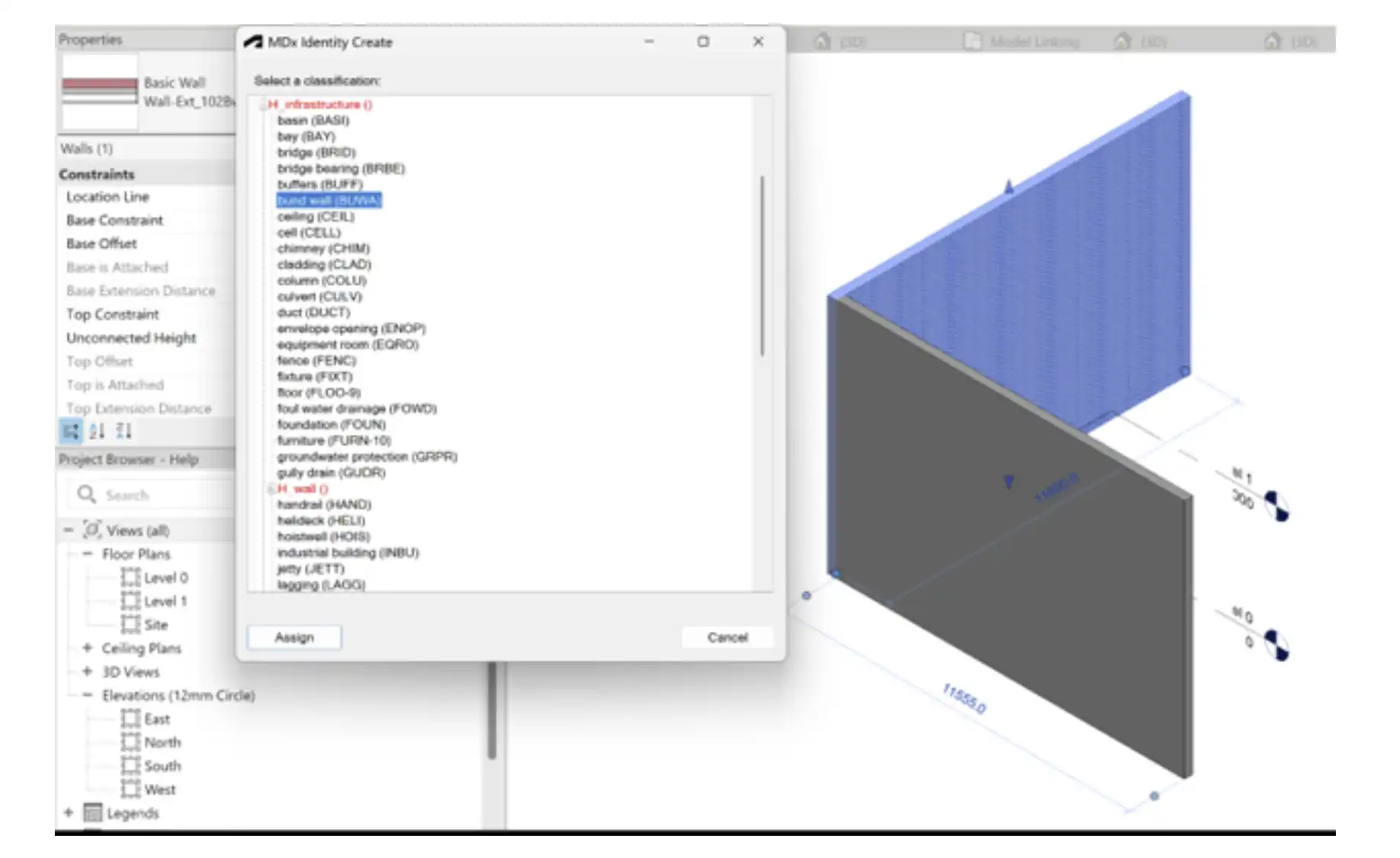
One of the key features of MDx is its ability to automate the production of attribute values based on 3D models in Autodesk design software. This includes properties such as coordinates, start/end chainage, and other information derived from the model. By using MDx, project teams can ensure that asset information is consistently classified and attributed according to project standards, regardless of the user.
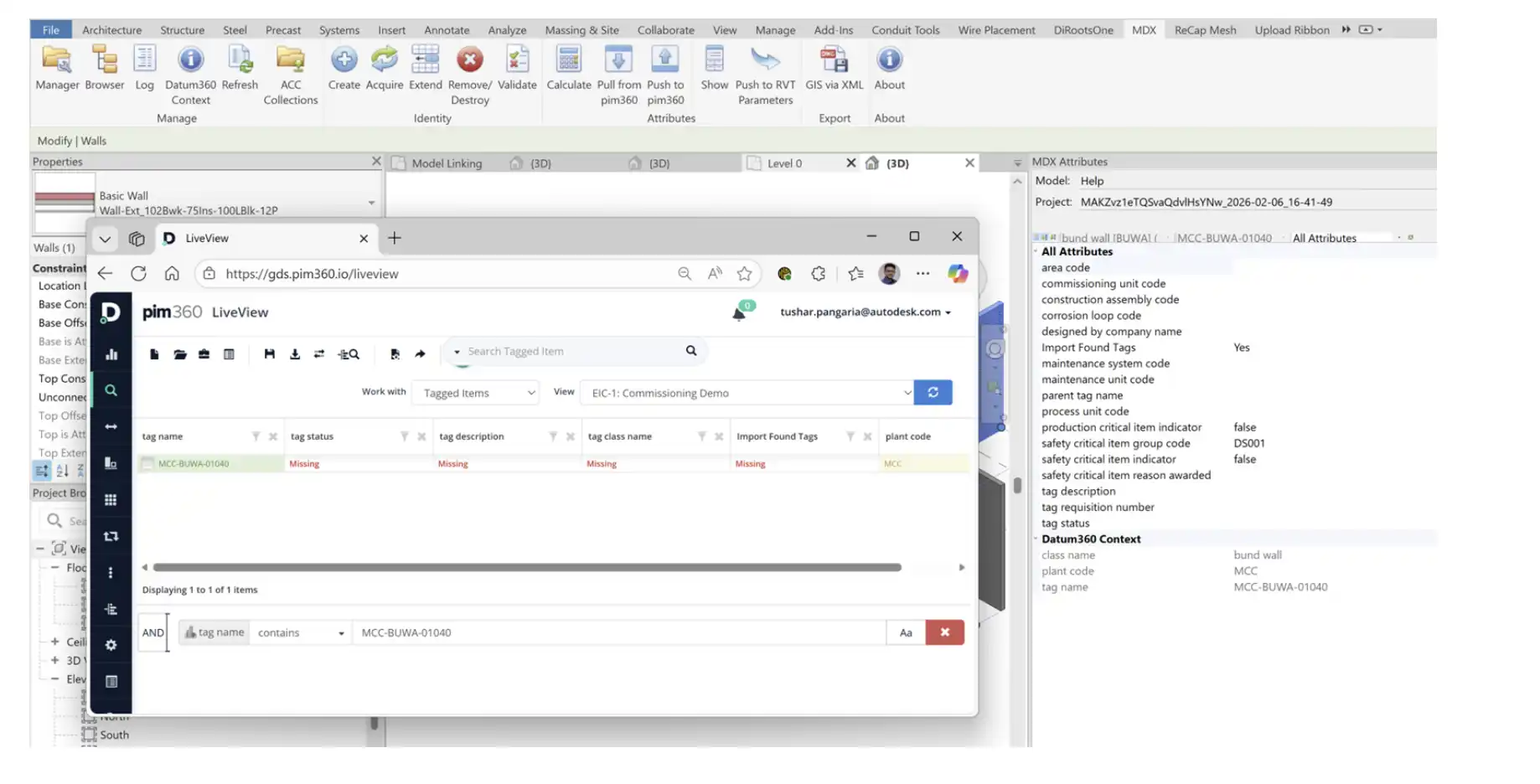
MDx Revit® is one of the MDx Clients available for Autodesk software, along with Autodesk® Civil 3D® and Autodesk® Plant 3D®. This plugin allows users to populate asset information directly in Revit, making it easier to manage and track project data within the software. With MDx Revit®, users can configure business rules using native entity properties in Revit to capture information accurately and efficiently.

(Image by: Autodesk Consulting)
Ease of Use and Integration
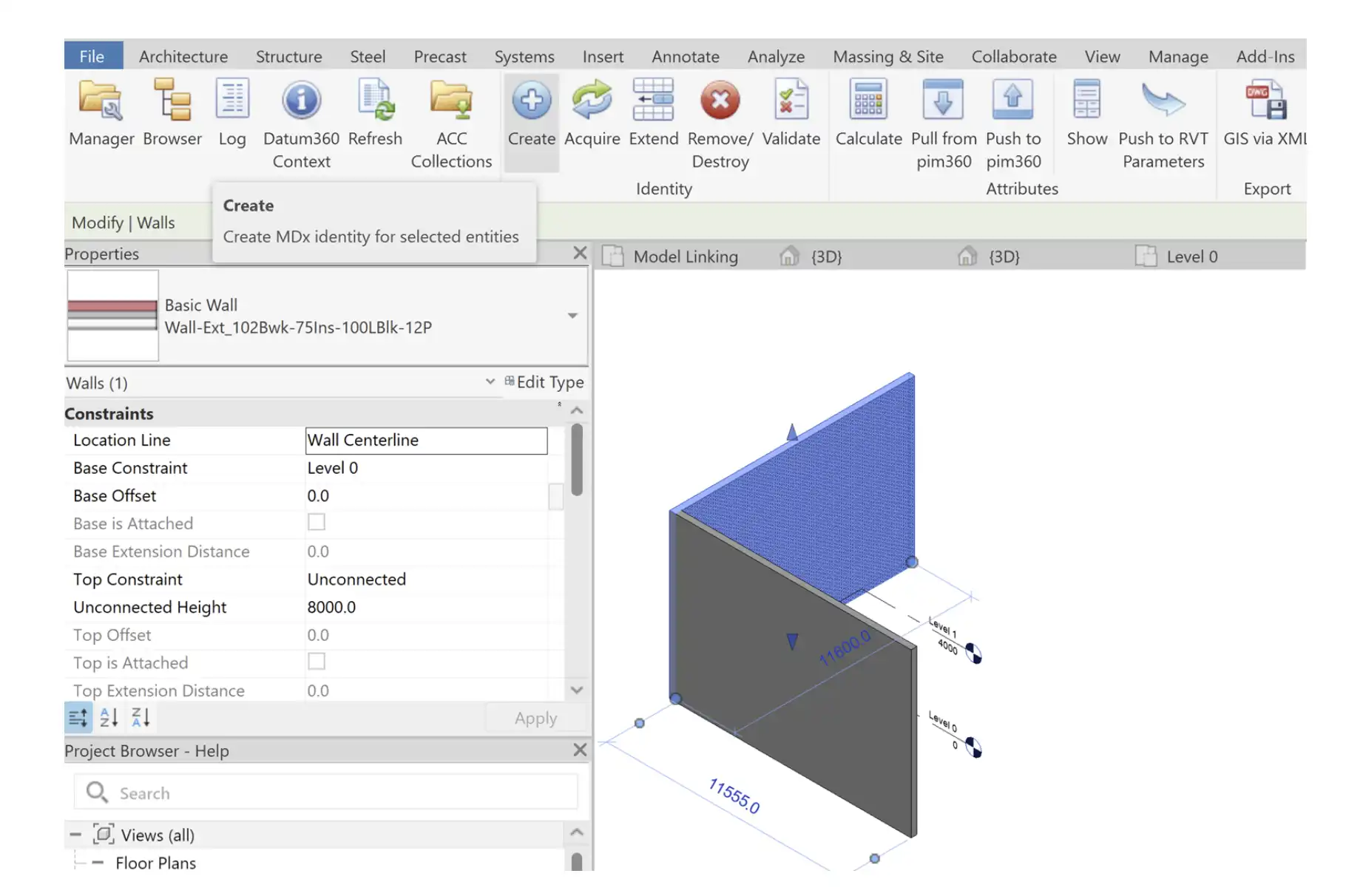
One of the strengths of the MDx Revit® plugin is its seamless integration with Autodesk Revit. The plugin is designed to work with the existing functionality of Revit, making it easy for users to incorporate MDx into their existing workflows. The user interface is intuitive and user-friendly, allowing users to quickly get up to speed with the plugin's capabilities.
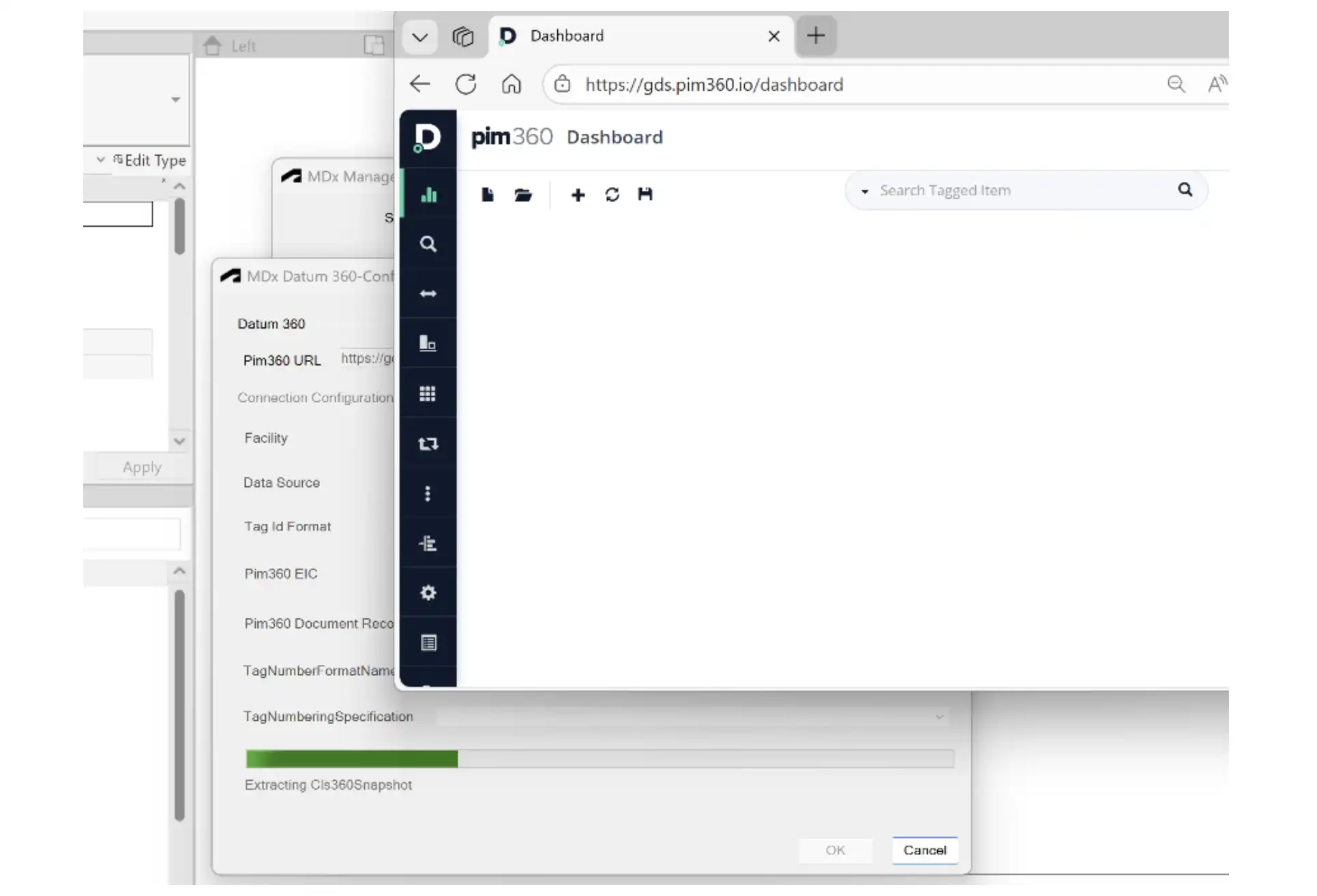
Additionally, MDx Revit® leverages the power of the Autodesk Datum platform to store and manage project information. This ensures that data is stored securely and can be accessed by project teams wherever they are working. By using MDx Revit®, users can take advantage of the collaborative features of the Autodesk Datum platform to enhance communication and coordination within their project teams.
(Image by: Autodesk Consulting)
Conclusion
The MDx Revit® plugin offers a comprehensive solution for project teams looking to enhance their project management capabilities with Autodesk Revit. By automating processes and streamlining workflows, MDx Revit® can help project teams achieve greater efficiency and accuracy in their project delivery. With its seamless integration with Revit and intuitive user interface, MDx Revit® is a valuable tool for project teams working in a collaborative environment. We highly recommend trying out the MDx Revit® plugin to see how it can improve your project management workflows.
(Image by: Autodesk Consulting)
(Image by: Autodesk Consulting)
(Image by: Autodesk Consulting)
(Image by: Autodesk Consulting)
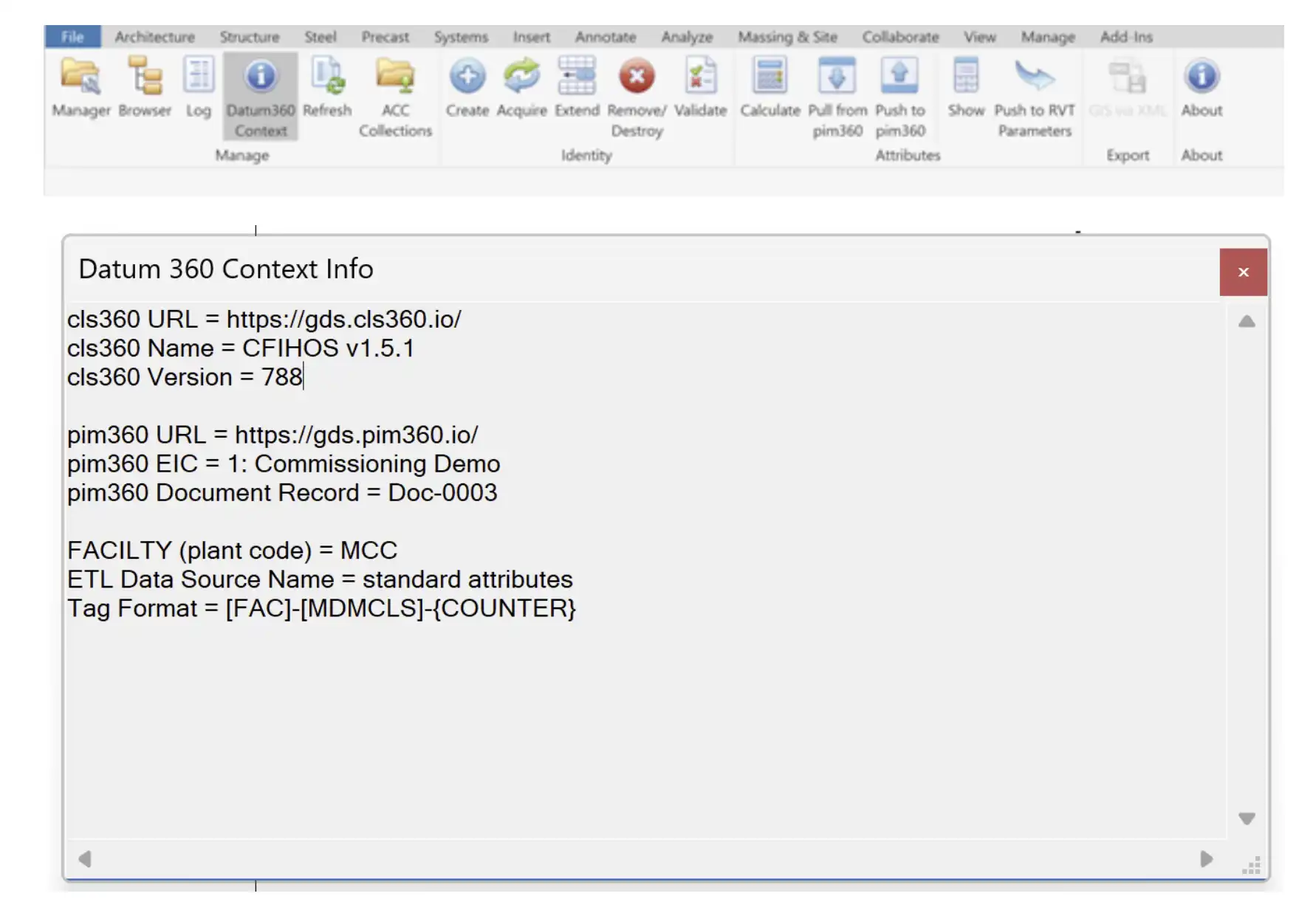
(Image by: Autodesk Consulting)
Similar apps:
- Free
- Free
- $100
- $1.99/month
- Free
- $19.99/month