 1 / 7
1 / 7About this app
Introduction
Revit users often encounter challenges when managing composite families within their projects. The process of combining multiple components into a single composite family or disassembling a composite family back into individual components can be time-consuming and cumbersome. However, with the Famiglia Revit plugin, these tasks are streamlined and automated, saving users valuable time and enhancing their workflow efficiency.
(Image by: AvantLeap)
Automating Composite Family Management
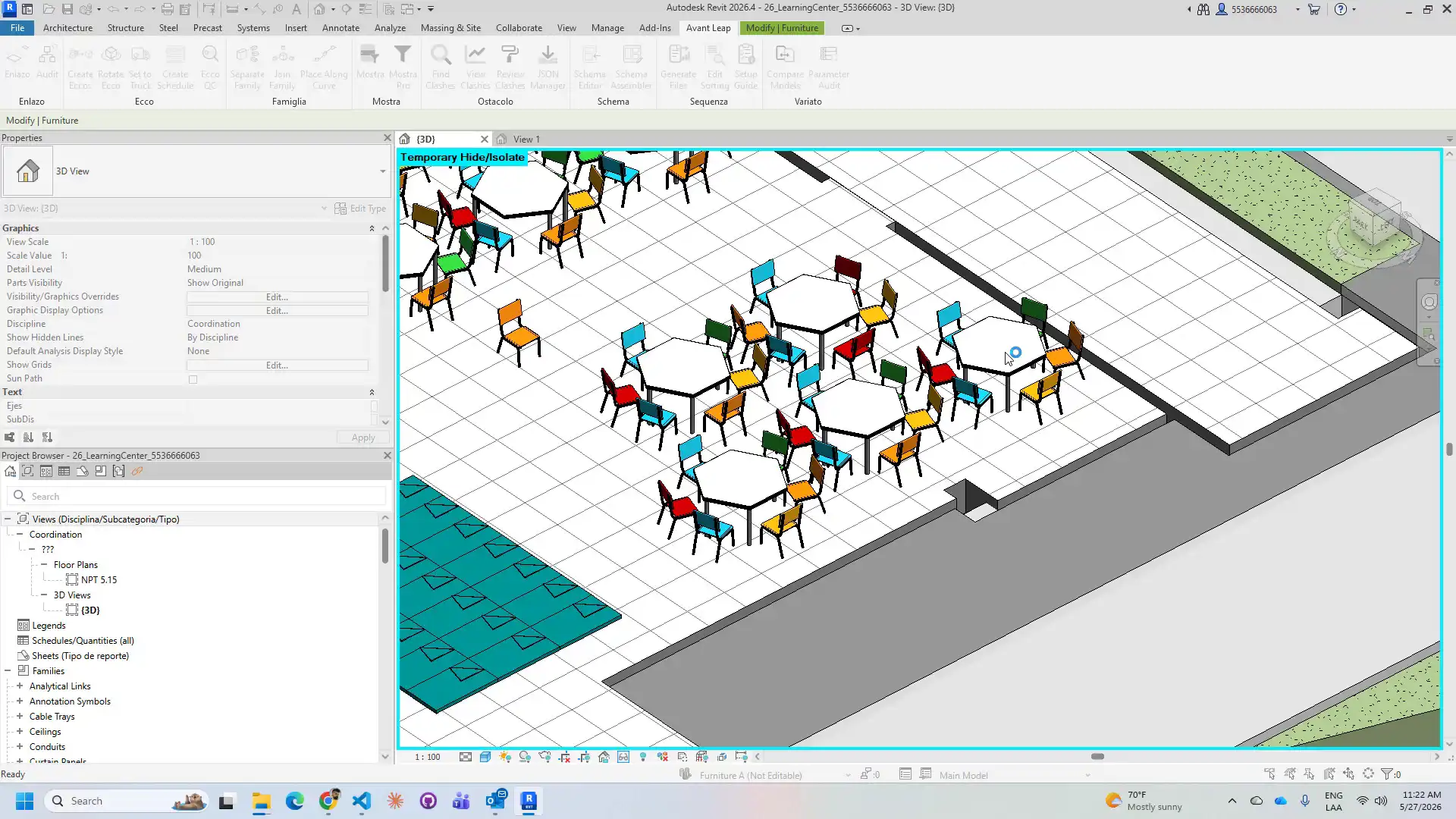
Famiglia is an Autodesk Revit add-in that simplifies the complete round-trip workflow for composite family management through three ribbon buttons. With Famiglia, users can seamlessly join multiple project instances into a new composite family (RFA) with just a few clicks. The tool creates the family document, loads each component, preserves world positions and rotations relative to the group centroid, saves the RFA to a temporary location, and reloads it back into the project at the centroid of the original selection.
This automated process typically takes under 30 seconds, a significant improvement over the 30 to 60 minutes it would take to perform the same tasks manually in the Family Editor. Famiglia eliminates the need for scripting or manual Family Editor work, allowing users to focus on their design work without getting bogged down by tedious administrative tasks.
(Image by: AvantLeap)
Effortless Separation and Placement
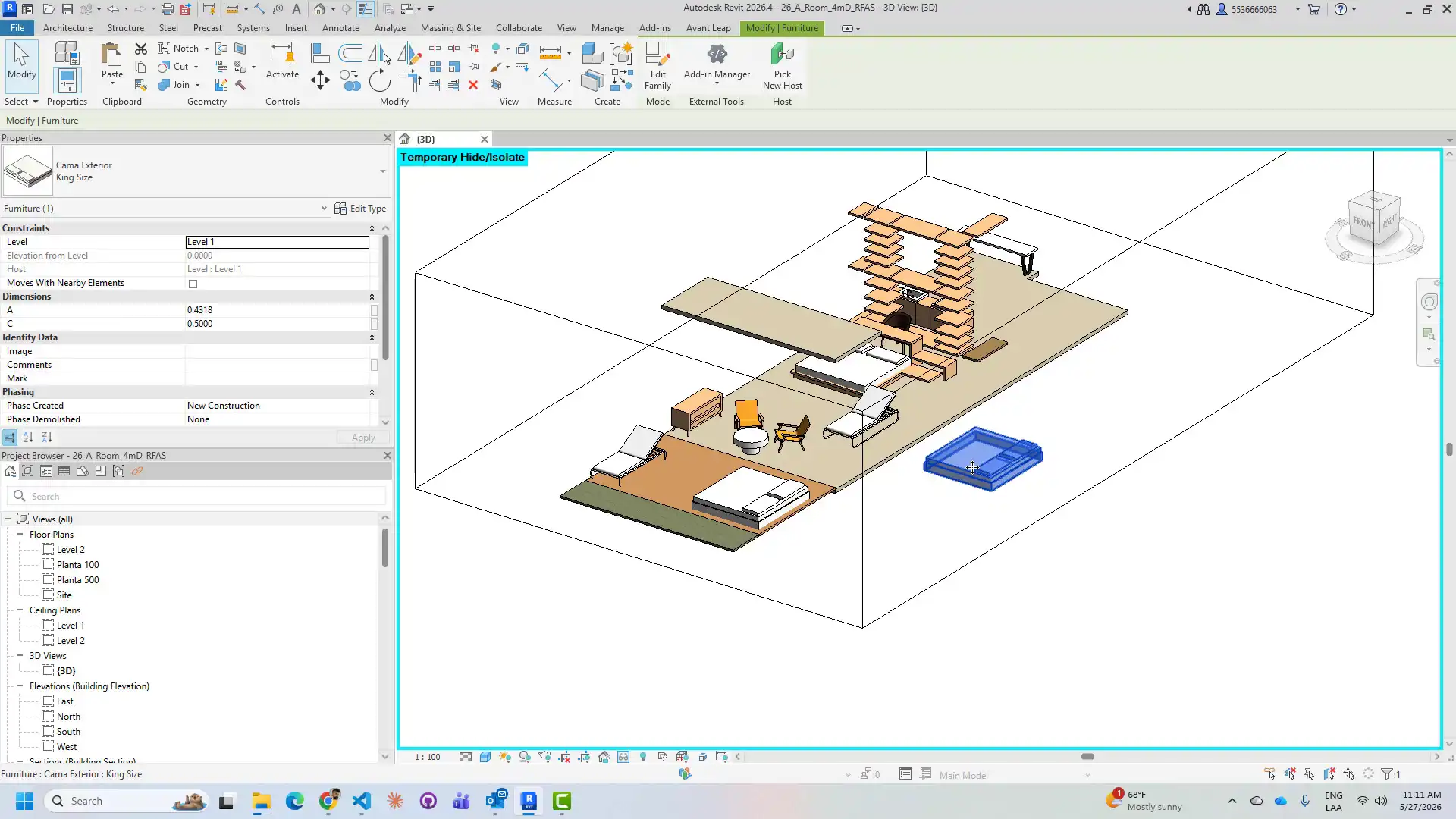
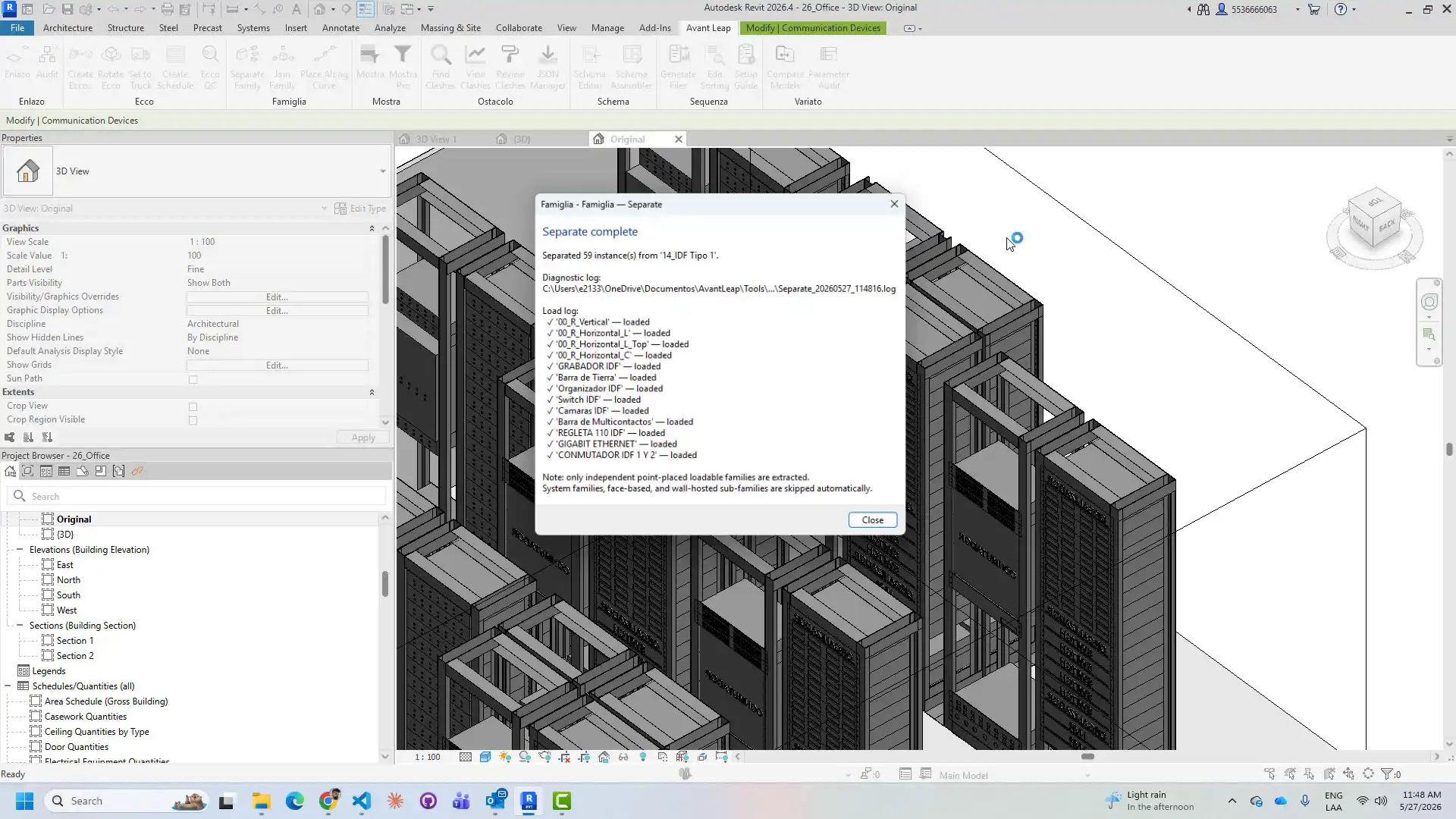
In addition to joining composite families, Famiglia also simplifies the process of separating them back into individual component instances. By selecting a composite family instance in the project, users can use Famiglia to disassemble it into its original components, preserving their world positions, horizontal rotations, and Z elevations.
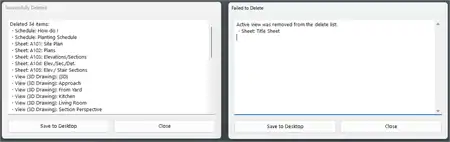
The tool removes the composite family instance once all components have been successfully placed, streamlining the cleanup process and ensuring that the project remains organized and efficient. Face-based components that cannot be placed by coordinate are skipped, with a warning reported for each one, allowing users to address any issues promptly.
(Image by: AvantLeap)
Enhanced Placement Functionality
With the Place Along Curve feature, Famiglia enables users to select a model curve in the active view, choose a family type from a list, and specify a spacing value in millimeters. The plugin then automatically places instances of the selected family at equal intervals along the entire length of the curve, saving users time and effort while ensuring precise placement.
Key Features of Famiglia include its round-trip composite family workflow, combining Join and Separate operations in a single tool. The plugin preserves world position, rotation, and Z elevation during both Join and Separate operations, ensuring the accuracy and integrity of the project models. Additionally, Famiglia automatically discovers Generic Model templates, eliminating the need for manual template selection and simplifying the user experience.
(Image by: AvantLeap)
Summary
The Famiglia Revit plugin offers a comprehensive solution for managing composite families in Autodesk Revit, streamlining the workflow and automating time-consuming tasks. By simplifying the process of joining, separating, and placing composite family instances, Famiglia enables users to focus on their design work and maximize their productivity. With its intuitive interface and powerful features, Famiglia is a valuable addition to any Revit user's toolkit, offering a seamless and efficient solution for composite family management.
Similar apps:
- Free
- Free
- Free
- Free
- $20/month
- Free