 1 / 8
1 / 8About this app
Introduction
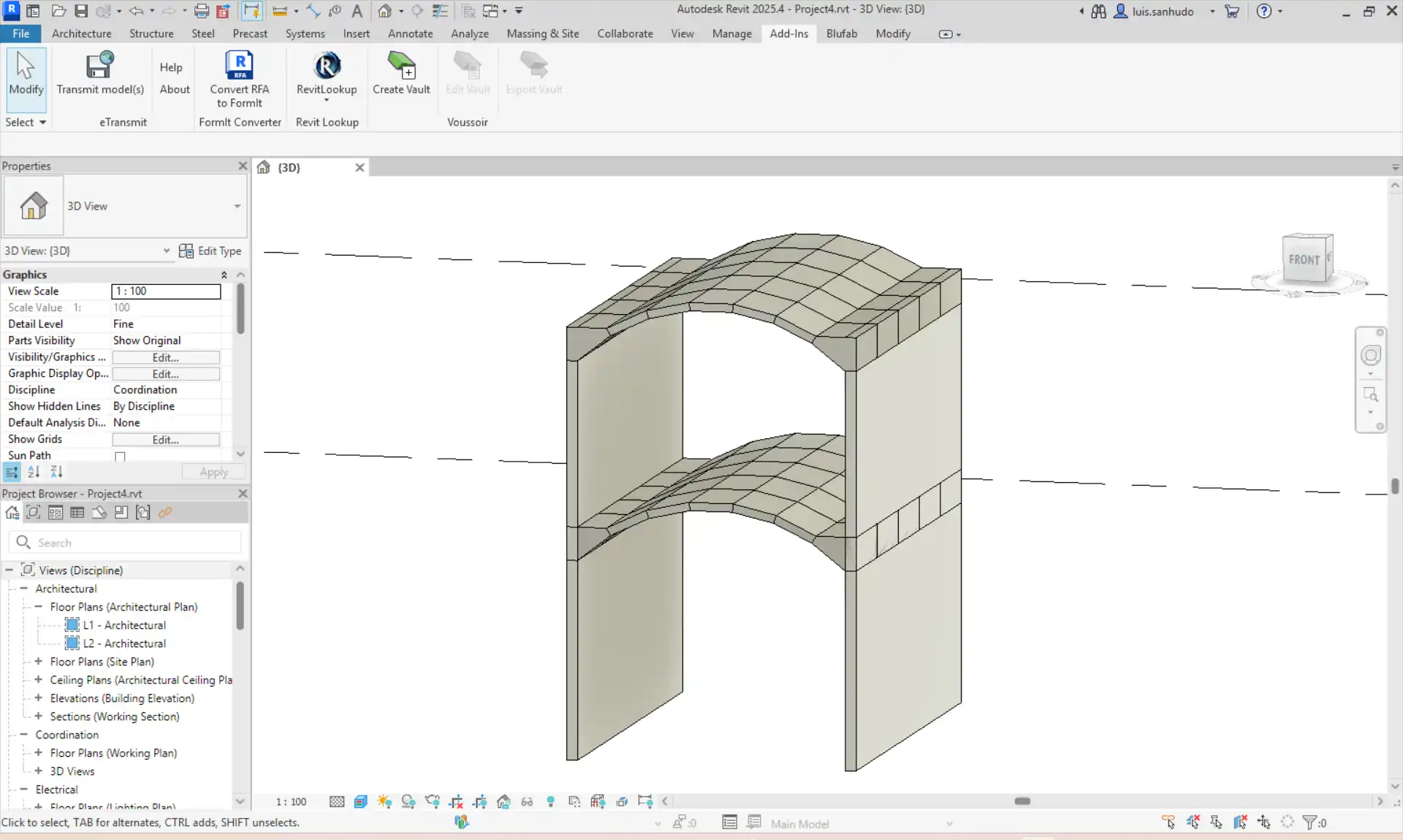
The Voussoir for Autodesk® Revit® plugin is a revolutionary tool designed to streamline the creation of stereotomic vaults directly within the BIM environment. By combining advanced geometric logic with traditional masonry construction principles, this plugin empowers users to generate, edit, and export intricate vault systems with ease. In this review, we will explore the key features and benefits of the Voussoir plugin, highlighting its seamless integration into the Revit workflow and its potential applications in advanced BIM modeling, geometric analysis, and digital fabrication workflows.
(Image by: BUILT CoLAB)
Parametric Vault Generation
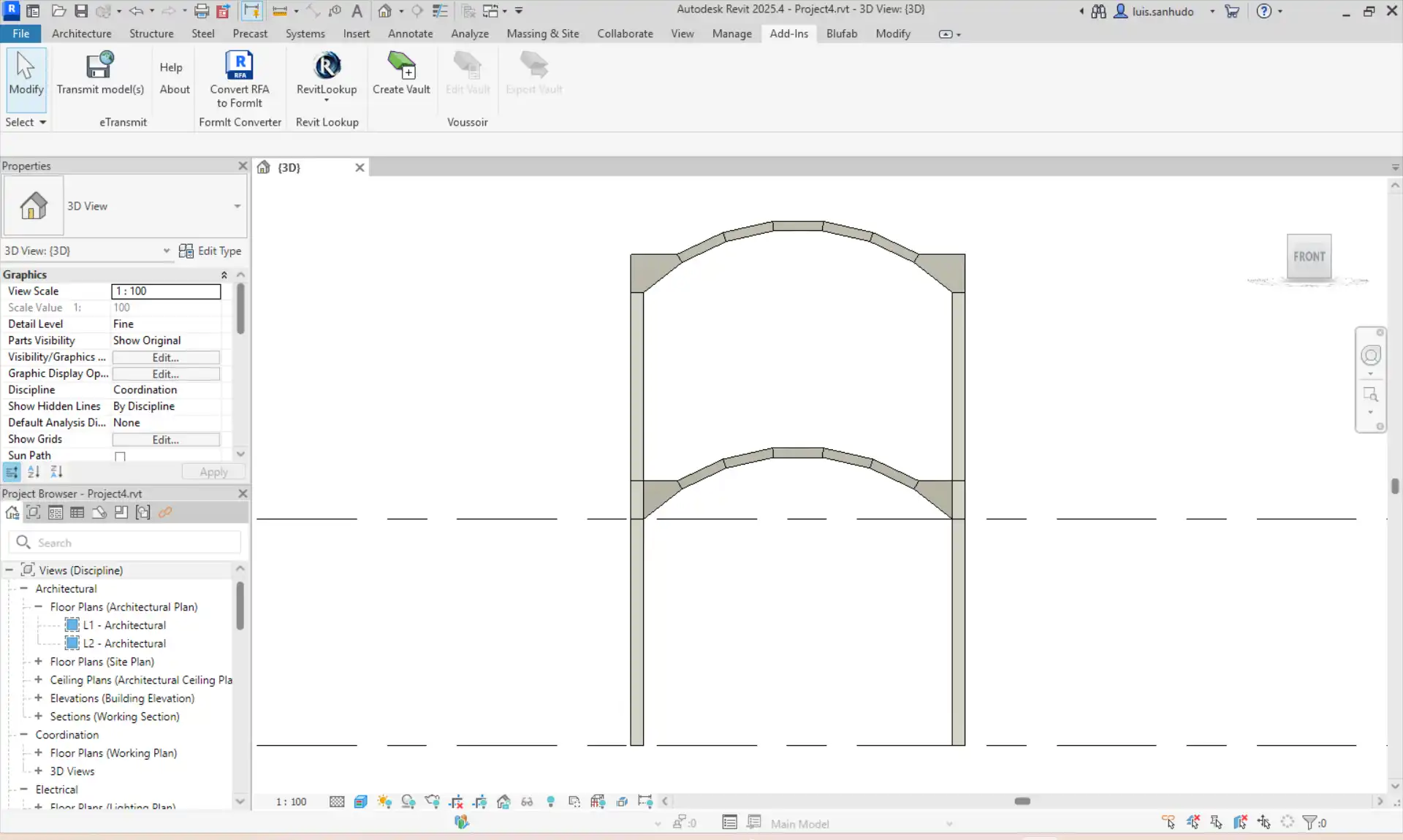
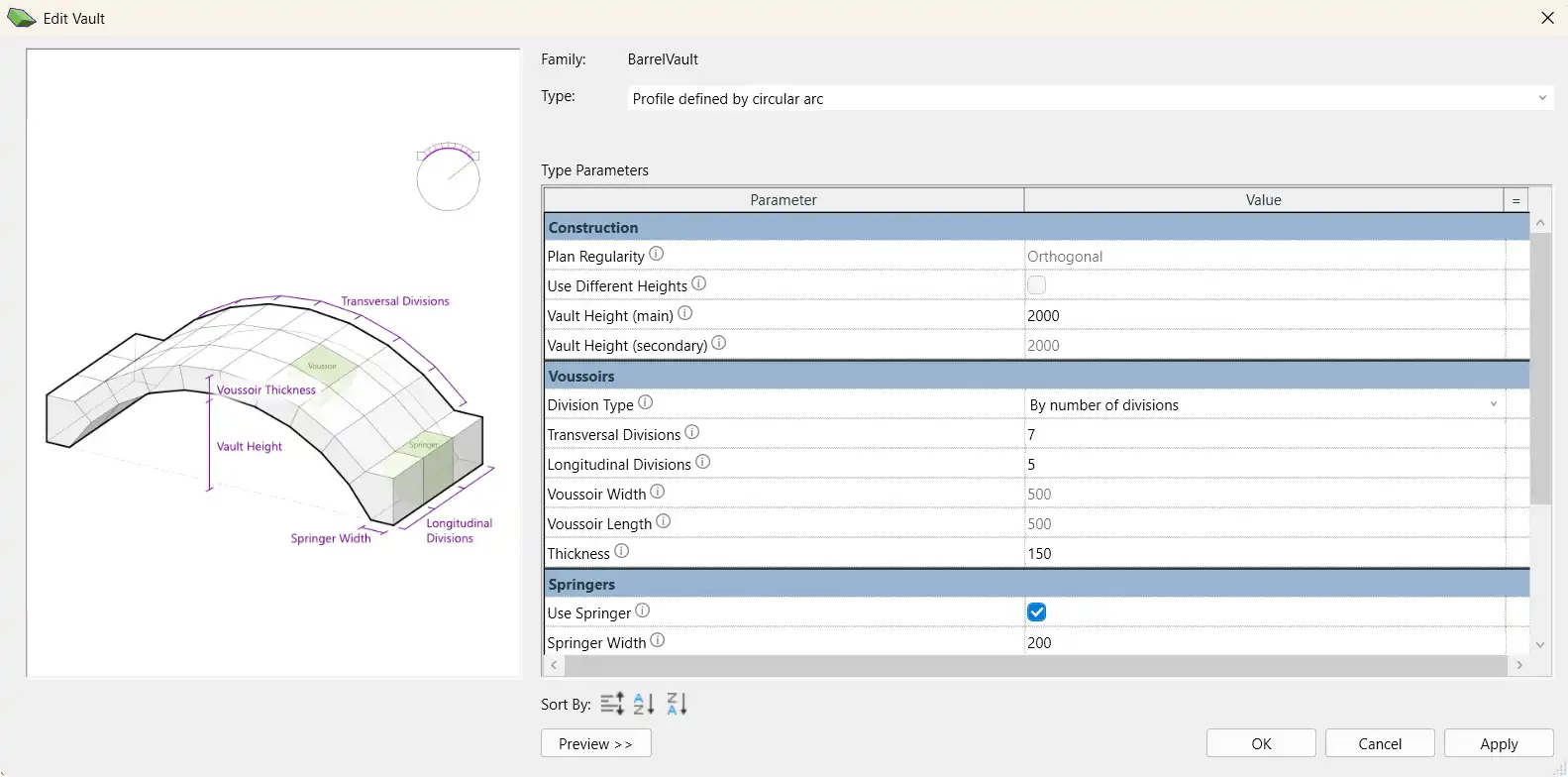
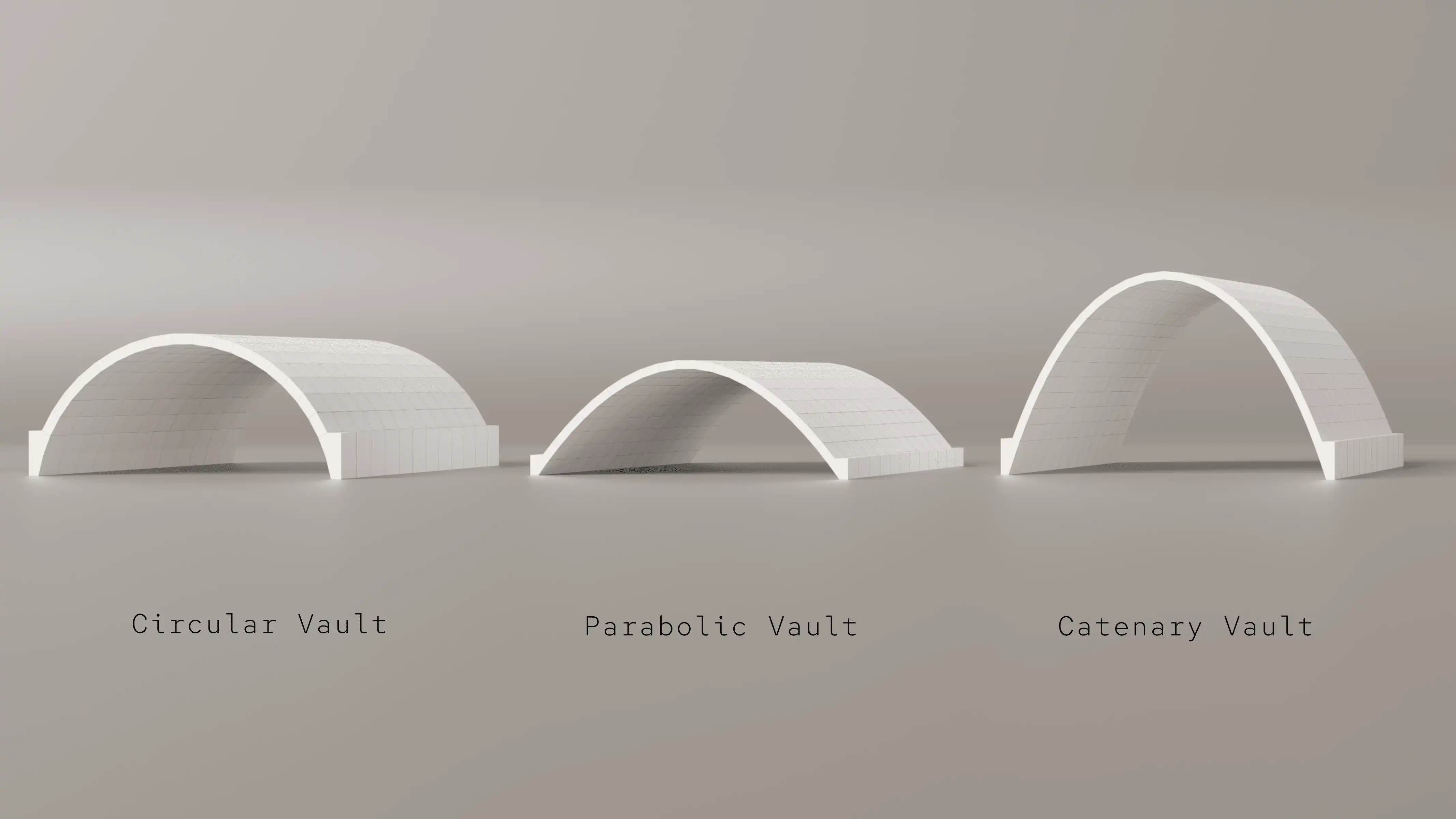
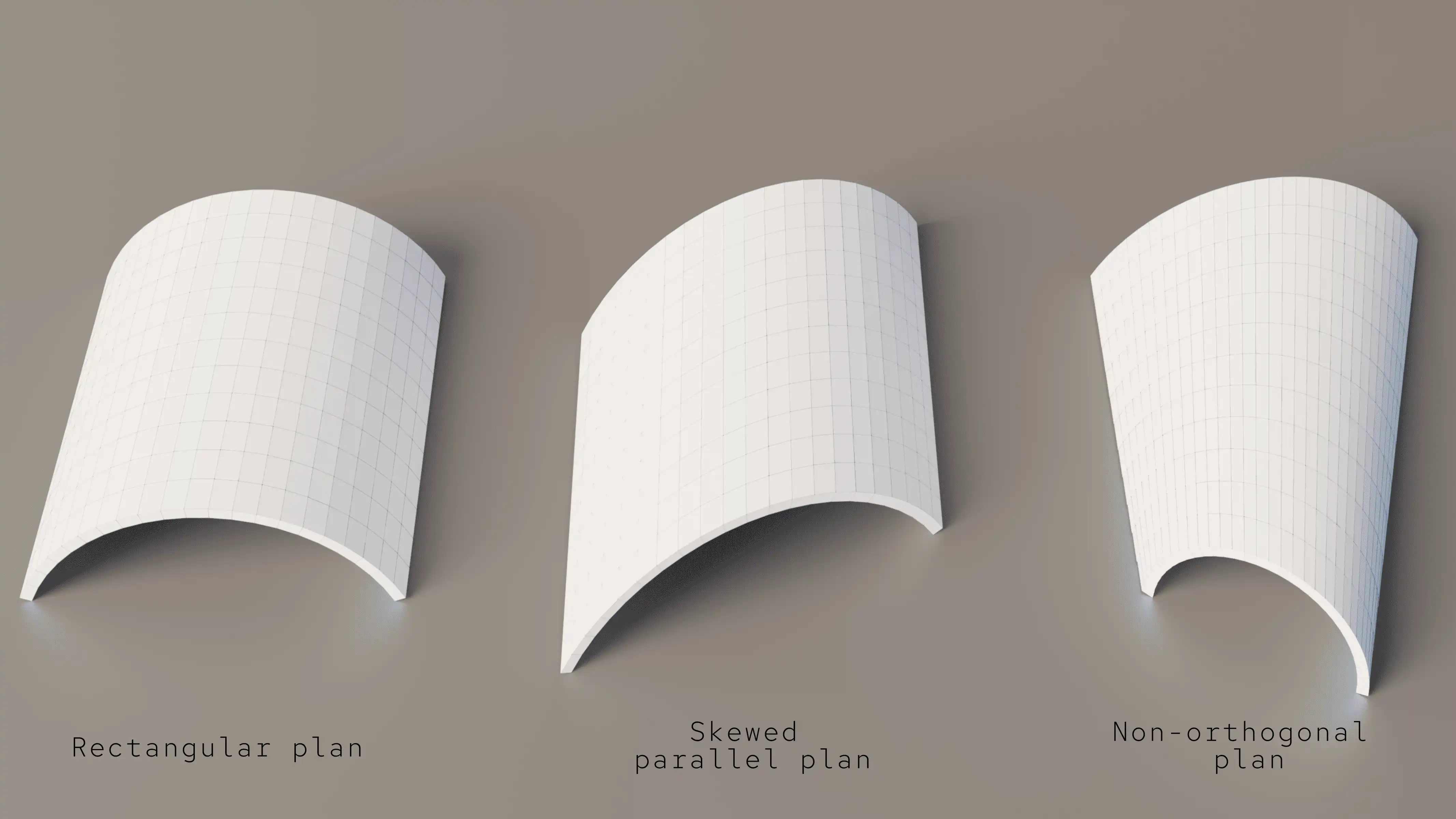
One of the standout features of the Voussoir plugin is its ability to generate stereotomic vaults parametrically. Users can simply select two opposite walls within their Revit model, and the plugin will automatically create a vault using default parameters. From there, all geometric properties such as profile type, height, thickness, and subdivision patterns can be fully customized through the Edit functionality. This level of flexibility allows for the creation of highly customized vault designs tailored to specific project requirements.
(Image by: BUILT CoLAB)
Native Revit Workflow Integration
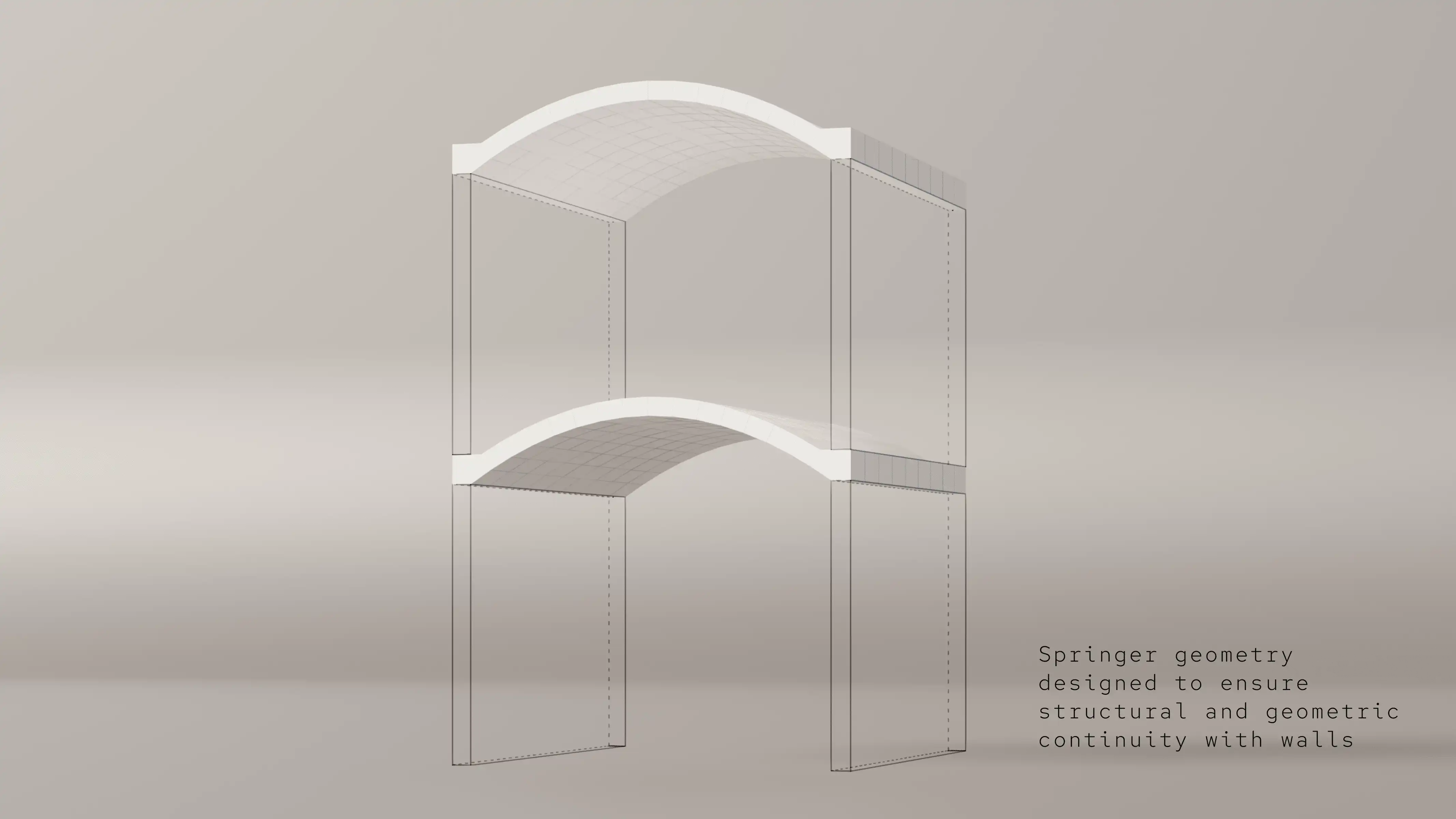
The Voussoir plugin seamlessly integrates into the Revit workflow by utilizing dedicated voussoir and springer families. These preconfigured families ensure geometric consistency and compatibility with standard Revit modeling practices. By automatically instantiating and organizing these families into model groups, the plugin simplifies the process of creating stereotomic vaults within a BIM environment. This seamless integration enhances productivity and enables AEC professionals to focus on design rather than technical challenges.
(Image by: BUILT CoLAB)
Export Functionality
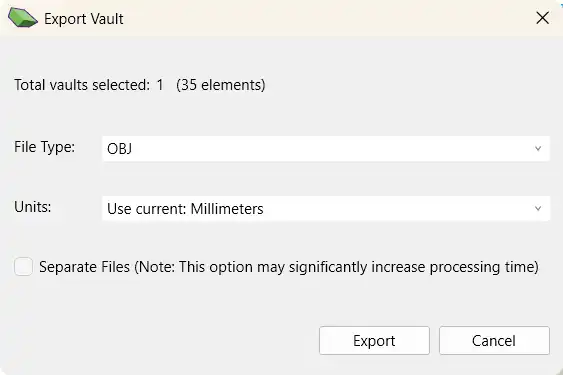
In addition to creating stereotomic vaults within Revit, the Voussoir plugin also offers robust export functionality. Users can export the resulting vault geometry to external file formats such as OBJ, STL, and others. This capability enables downstream workflows such as analysis, fabrication, or visualization. Whether preparing models for structural assessment or digital fabrication, the export functionality of the Voussoir plugin streamlines the process of transitioning from BIM to other design and analysis tools.
(Image by: BUILT CoLAB)
Applications
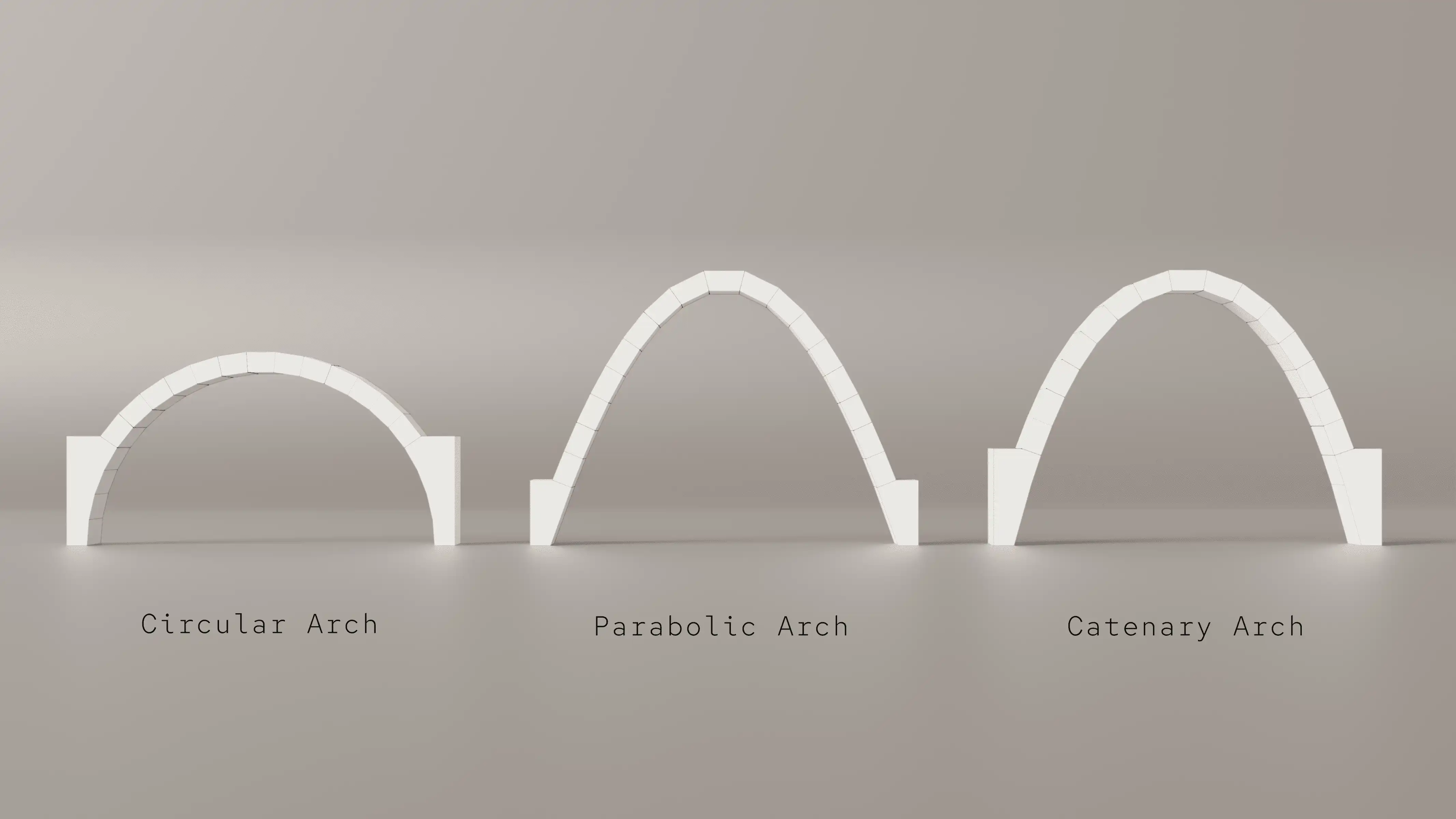
The Voussoir plugin has a wide range of applications across various disciplines within the AEC industry. From advanced BIM modeling to geometric and structural analysis, this tool empowers users to incorporate parametric stereotomic vaults directly into their Revit projects. By exporting detailed vault geometry, users can leverage external simulation, optimization, or structural assessment tools to further enhance their design process. Additionally, the plugin supports digital fabrication workflows by preparing voussoir models for CNC cutting, 3D printing, documentation, or visualization.
(Image by: BUILT CoLAB)
Conclusion
In conclusion, the Voussoir plugin for Revit offers AEC professionals an intuitive, efficient, and powerful tool for creating stereotomic vault systems within a BIM environment. By seamlessly integrating into the Revit workflow, this plugin simplifies the process of generating, editing, and exporting intricate vault designs. Whether for advanced BIM modeling, geometric analysis, or digital fabrication workflows, the Voussoir plugin provides a valuable asset for architects, engineers, and designers seeking to push the boundaries of digital design. To learn more about this innovative plugin and its ongoing research project, visit the official website at https://stbim.arq.up.pt/.
(Image by: BUILT CoLAB)
(Image by: BUILT CoLAB)
(Image by: BUILT CoLAB)
Similar apps:
- Free
- Free
- Free
- Free
- Free
- Free