 1 / 14
About this app
Introduction
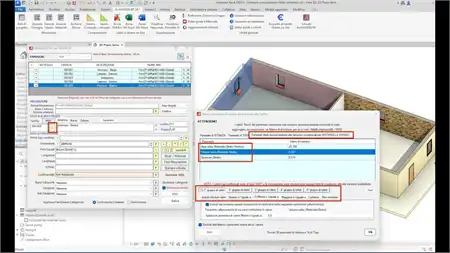
Buildings AI is a revolutionary Revit plugin that harnesses the power of artificial intelligence to streamline whole-building performance modeling, HVAC design, load calculations, energy simulation, and engineering documentation. This cloud-based platform is designed to assist architects, HVAC consultants, energy analysts, and building design teams in making better design decisions, optimizing building performance, and ultimately moving towards achieving Net Zero Energy Buildings (NZEB).
(Image by: Centre for Computational Technologies (CCTech))
Key Features
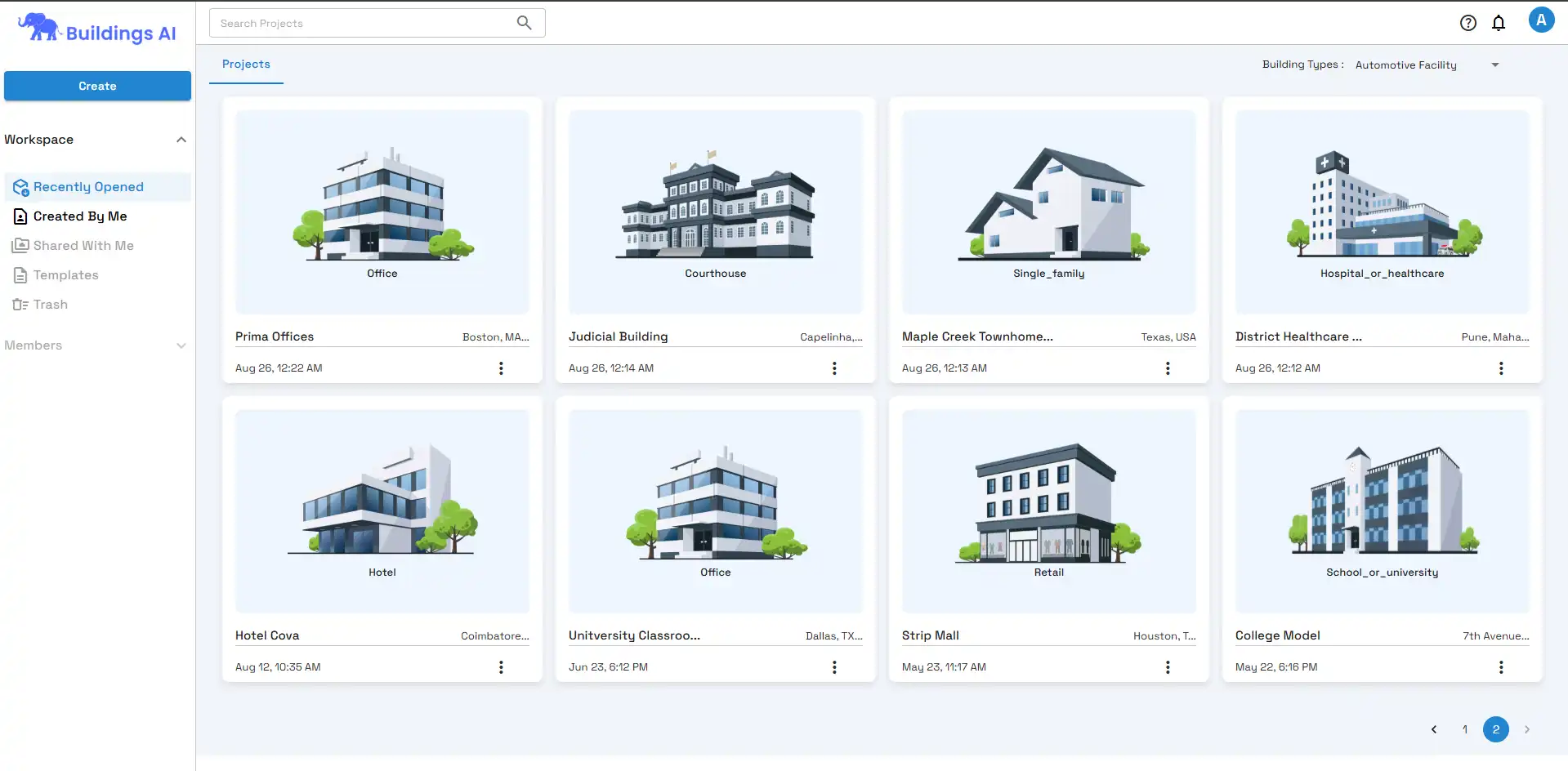
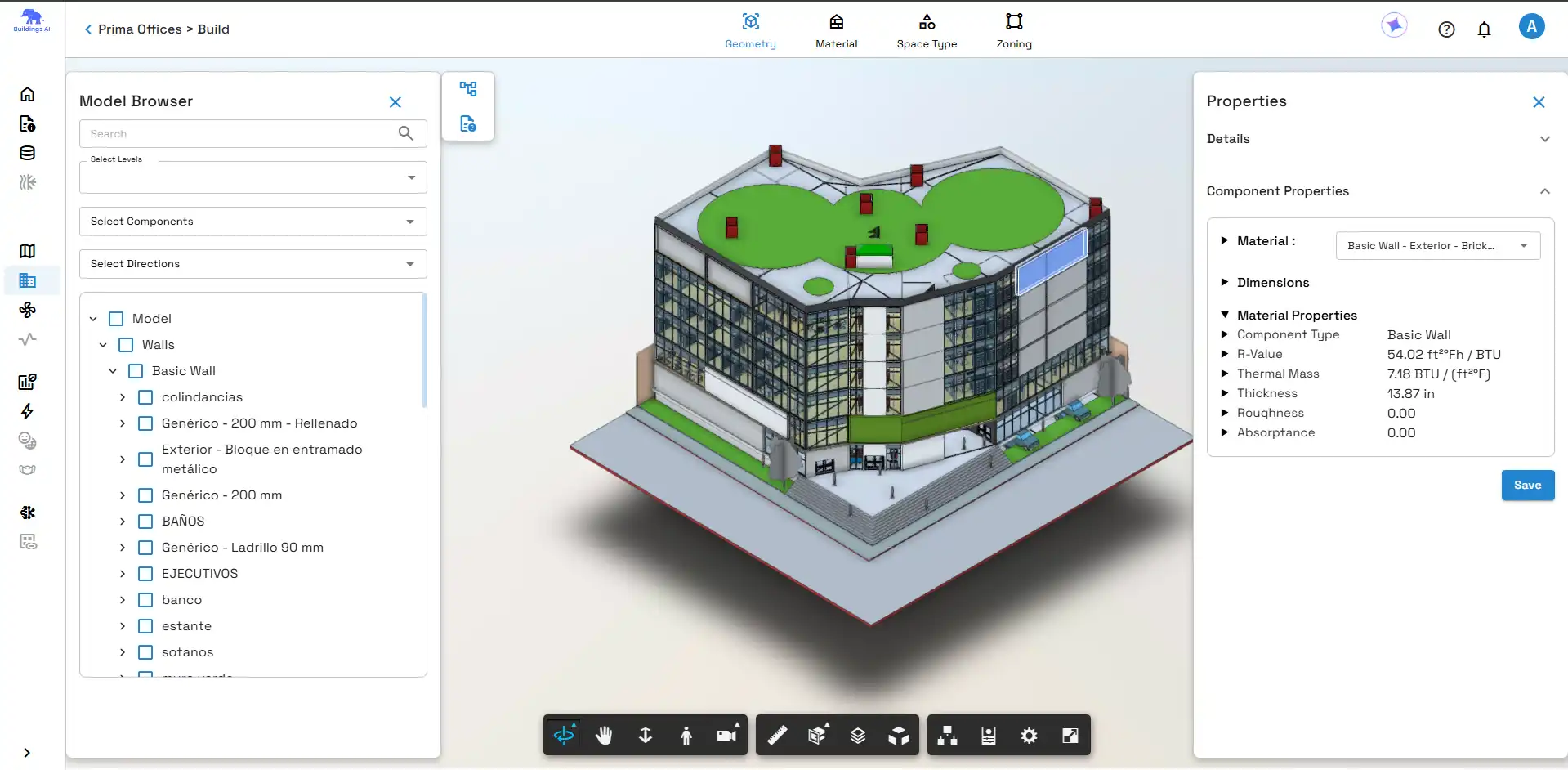
One of the standout features of Buildings AI is its ability to seamlessly convert Autodesk® Revit® models, architectural drawings through PDF2BIM, or early concepts created with Sketcher into simulation-ready building models with minimal manual effort. This not only saves time but also ensures that the design is accurately translated into performance insights for further analysis.
Furthermore, Buildings AI offers reliable HVAC sizing outcomes by performing ASHRAE/ACCA Standard 183-compliant heating and cooling load calculations. This is crucial for supporting accurate system sizing and design validation, ultimately leading to more efficient HVAC systems within buildings.
Another highlight of Buildings AI is its flexibility in HVAC modeling. From early ideal-load studies to schematic and detailed system modeling, this plugin allows design teams to evaluate HVAC strategies at different design stages, ensuring that the right level of detail is used to optimize building performance.
(Image by: Centre for Computational Technologies (CCTech))
Energy and Performance Optimization
Buildings AI excels in generating whole-building energy insights, 8760-hour load profiles, and annual performance results. This enables design teams to compare various design alternatives and improve energy efficiency. By providing detailed data on energy consumption and performance, Buildings AI empowers users to make informed decisions that can lead to significant energy savings over time.
(Image by: Centre for Computational Technologies (CCTech))
Agentic AI Assistance
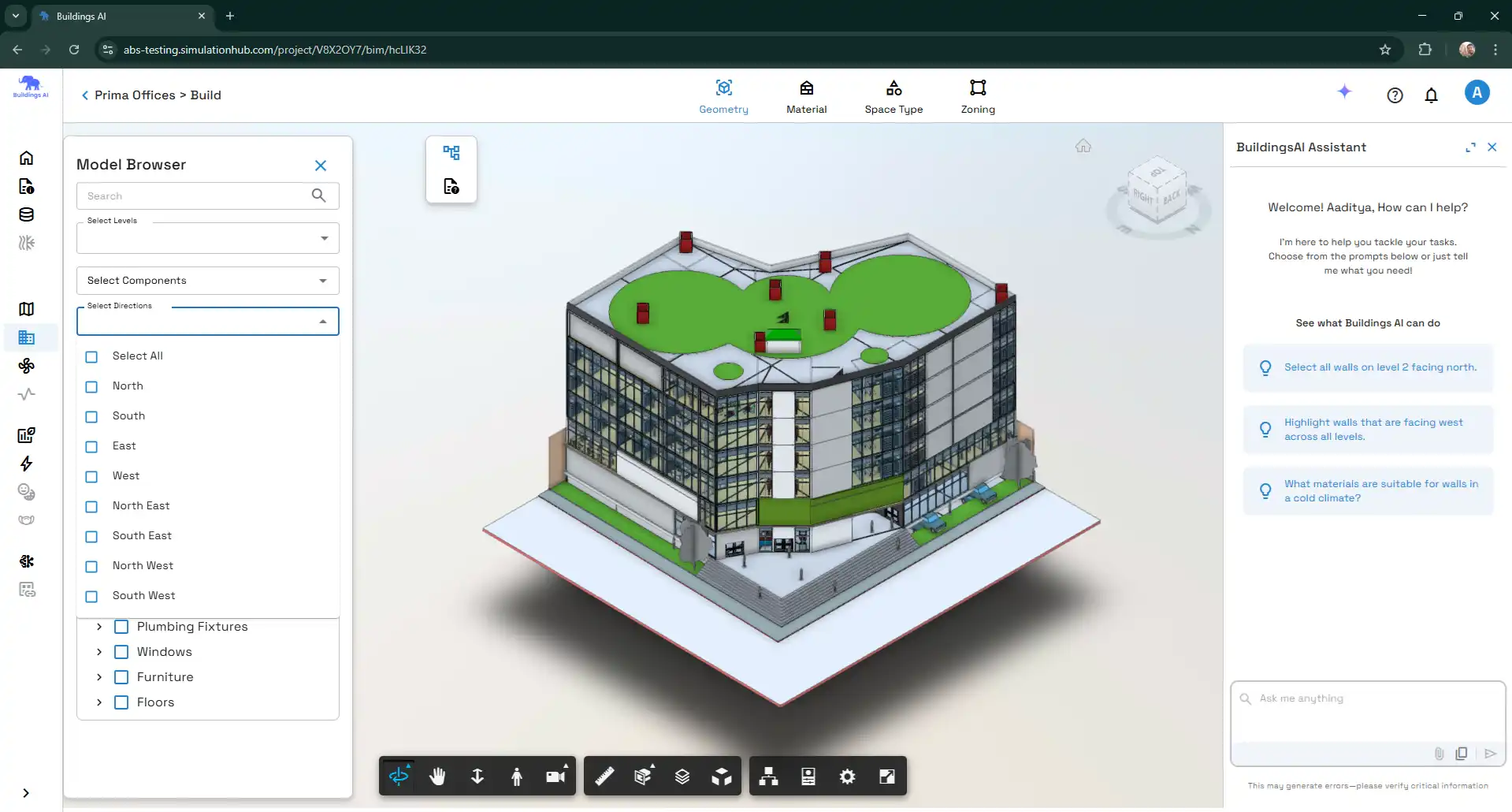
One of the most impressive aspects of Buildings AI is its use of Agentic AI, which actively supports the workflow from model setup and data preparation to simulation readiness and reporting. This AI assistance helps reduce repetitive tasks and modeling errors, allowing design teams to focus on more critical aspects of the project. By automating time-consuming tasks and providing intelligent insights, Agentic AI enhances the overall efficiency and accuracy of the design process.
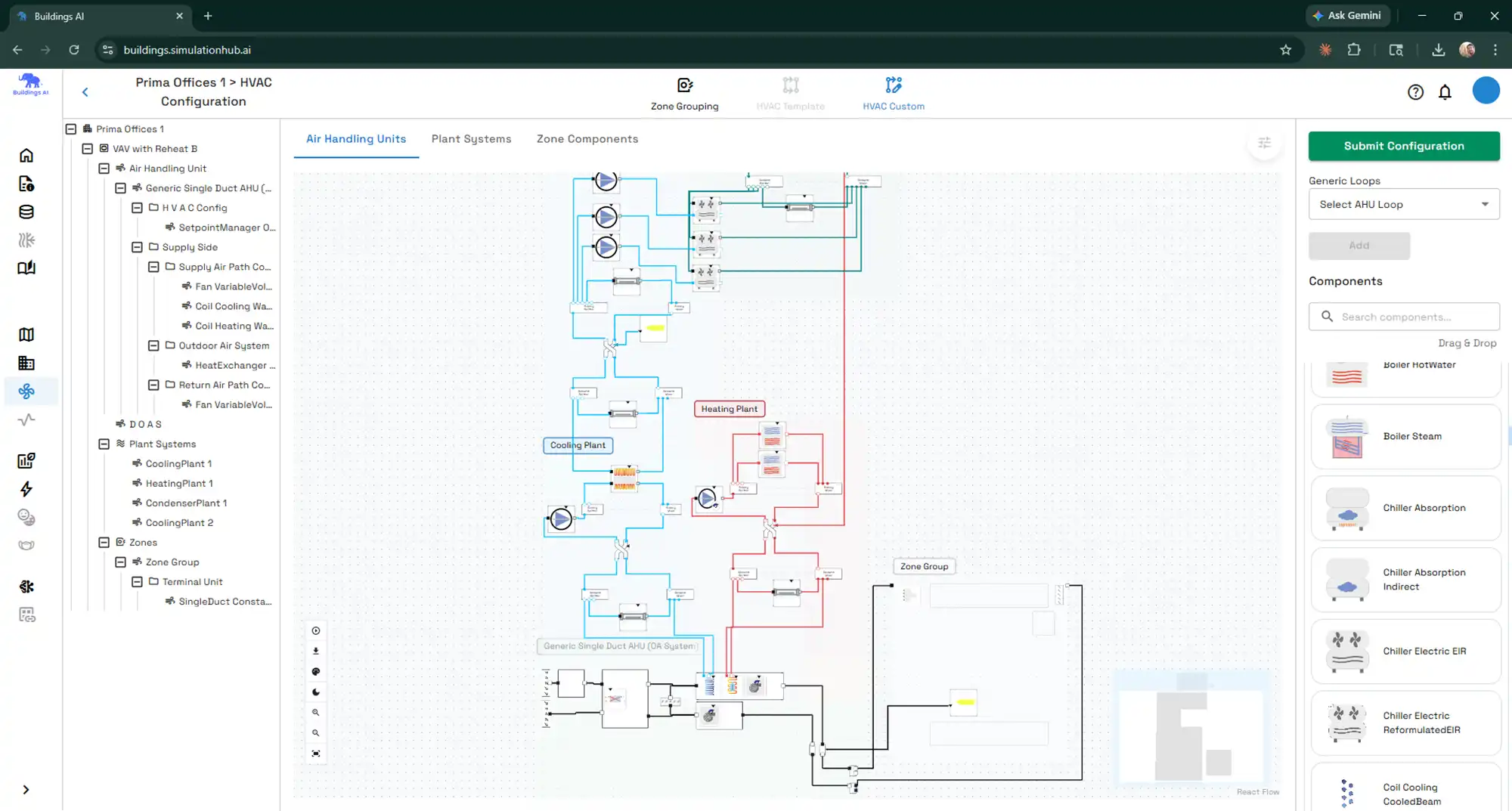
(Image by: Centre for Computational Technologies (CCTech))
Summary
Overall, Buildings AI is a game-changer for architects, HVAC consultants, energy analysts, and building design teams looking to streamline their performance modeling, HVAC design, load calculations, and energy simulation processes. With its AI-powered capabilities, reliable HVAC sizing outcomes, flexible HVAC modeling options, energy and performance optimization tools, and Agentic AI assistance, Buildings AI enables users to make better design decisions, optimize building performance, and work towards achieving Net Zero Energy Buildings. If you're looking to transform architectural information into reliable performance insights faster and more efficiently, Buildings AI is the plugin for you.
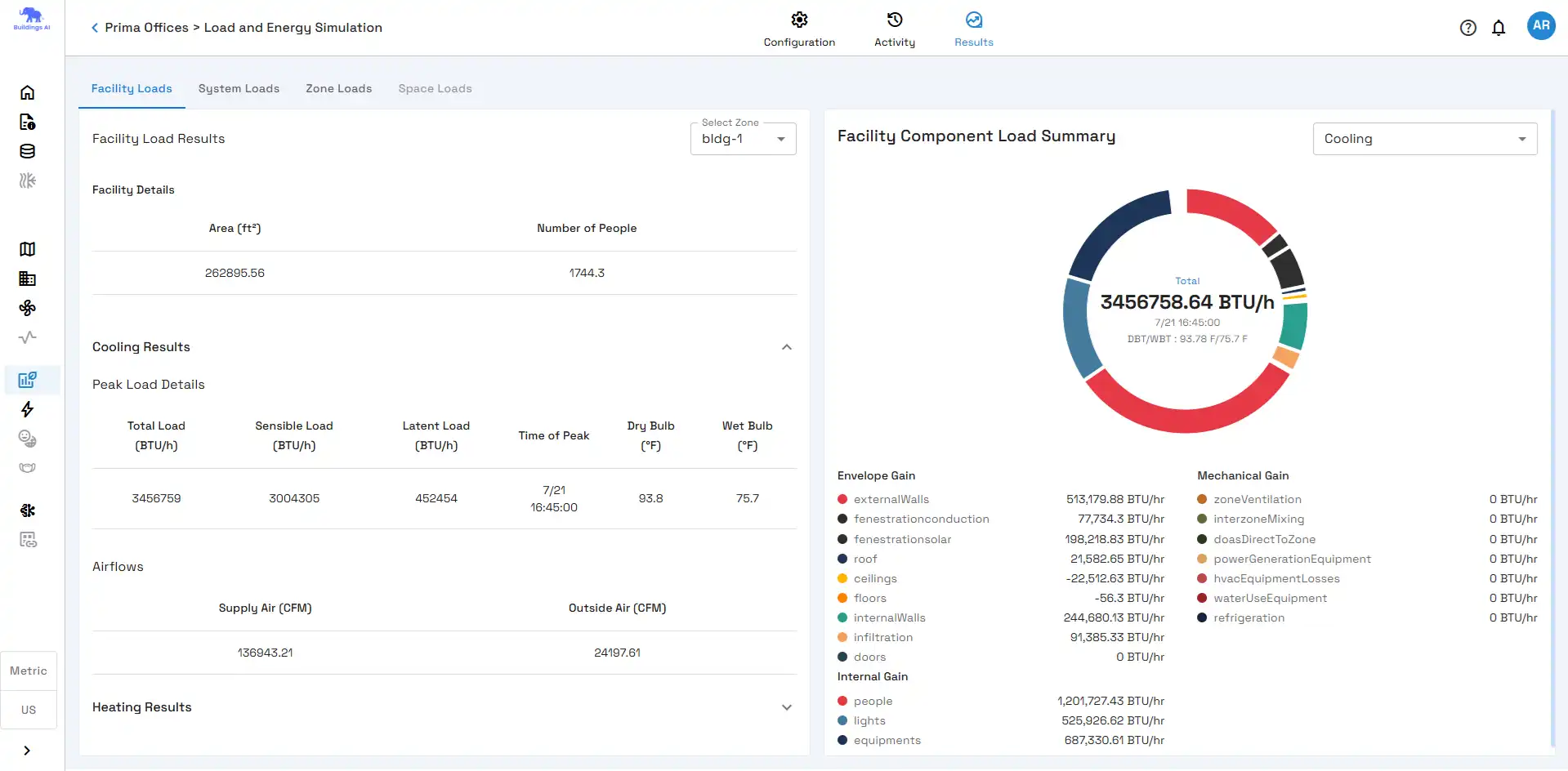
(Image by: Centre for Computational Technologies (CCTech))
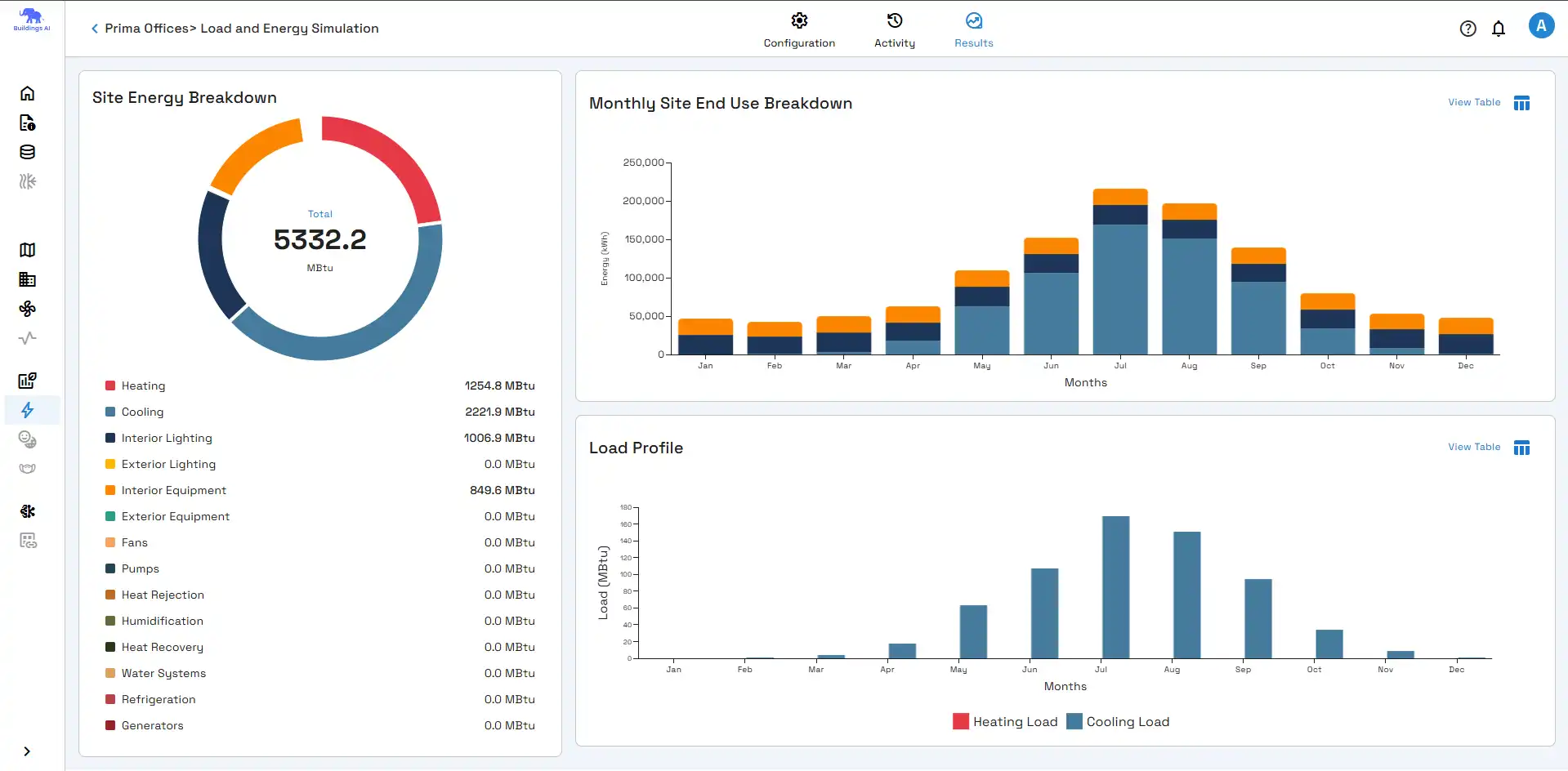
(Image by: Centre for Computational Technologies (CCTech))
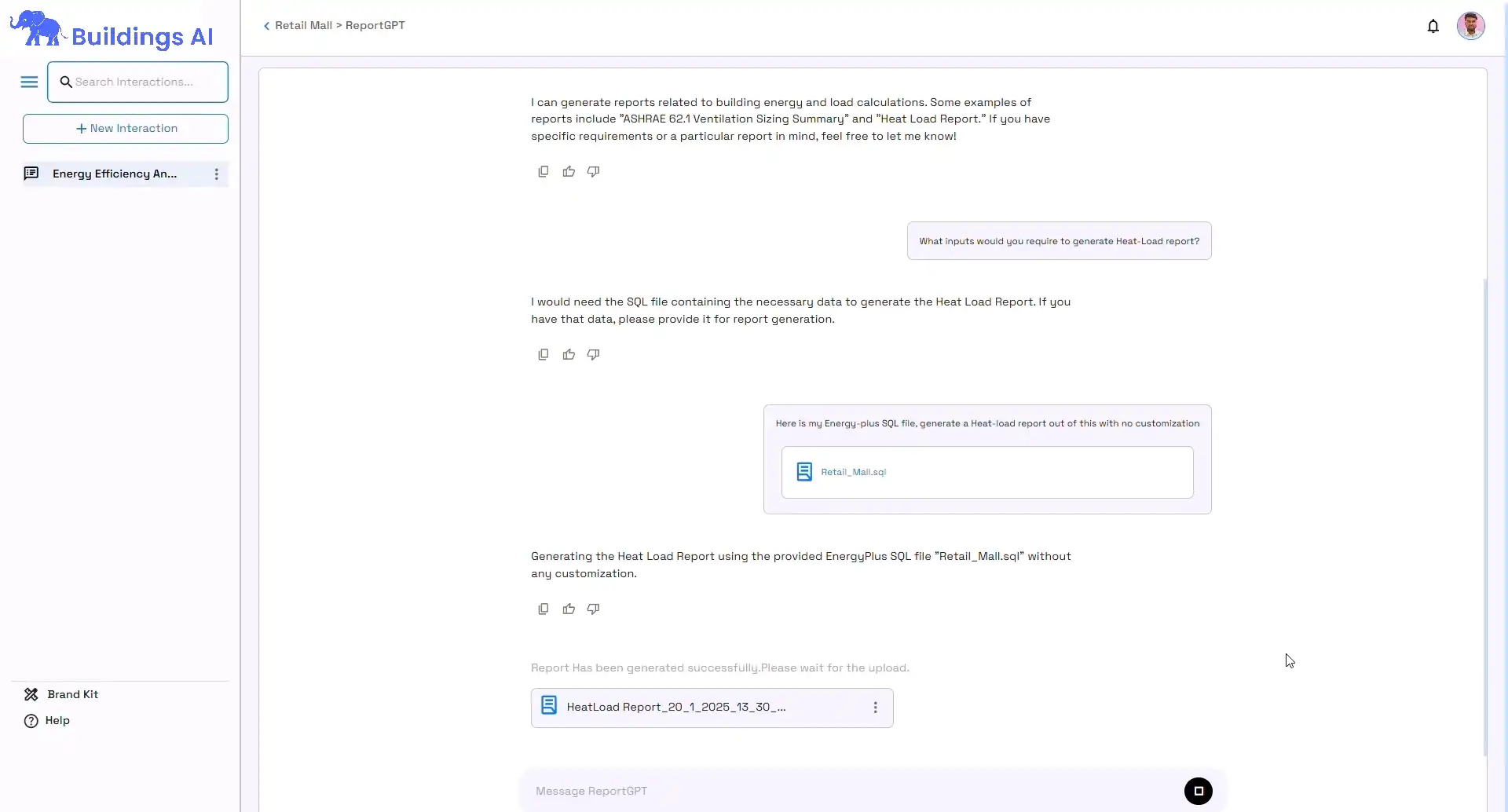
(Image by: Centre for Computational Technologies (CCTech))
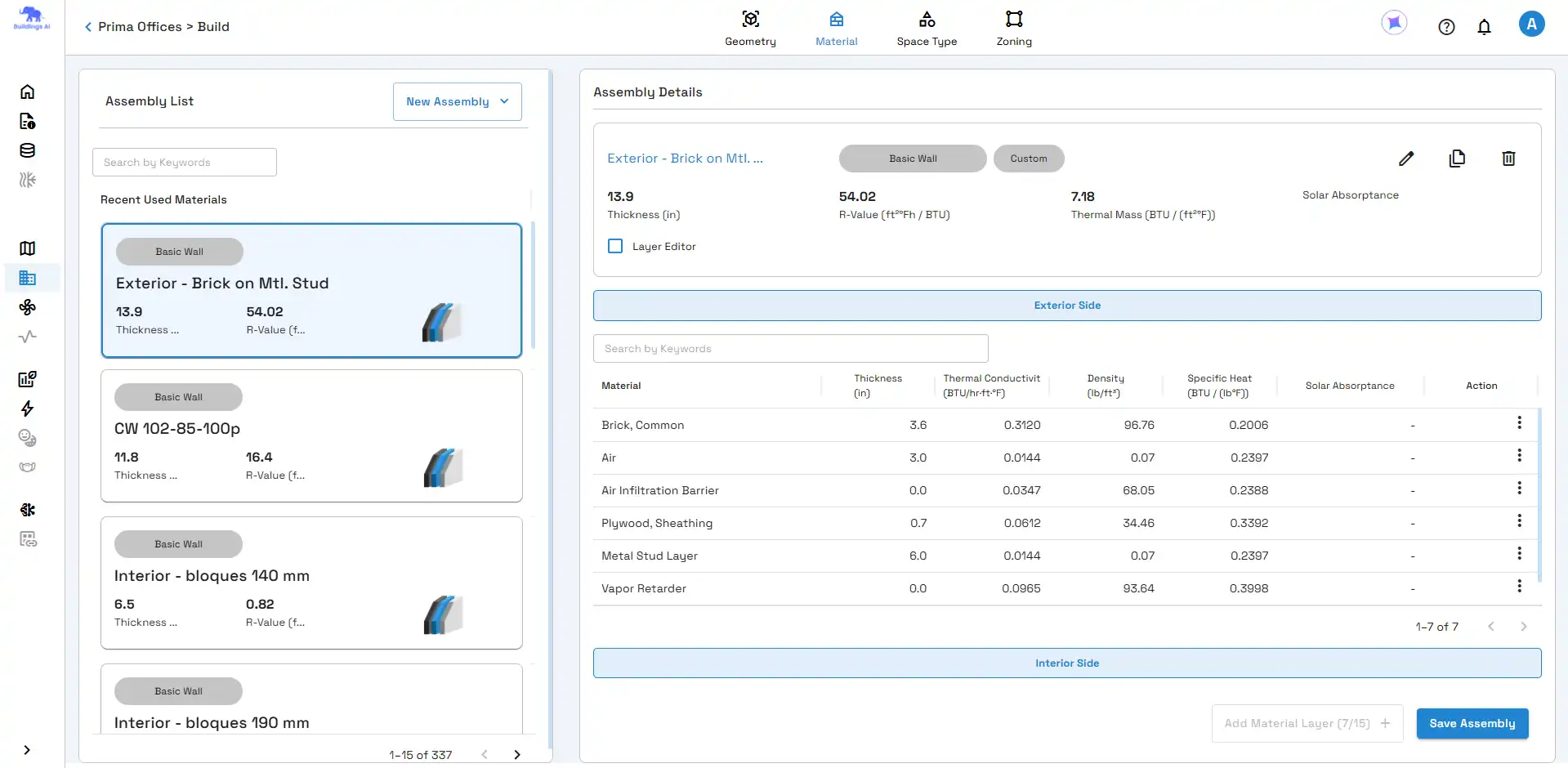
(Image by: Centre for Computational Technologies (CCTech))
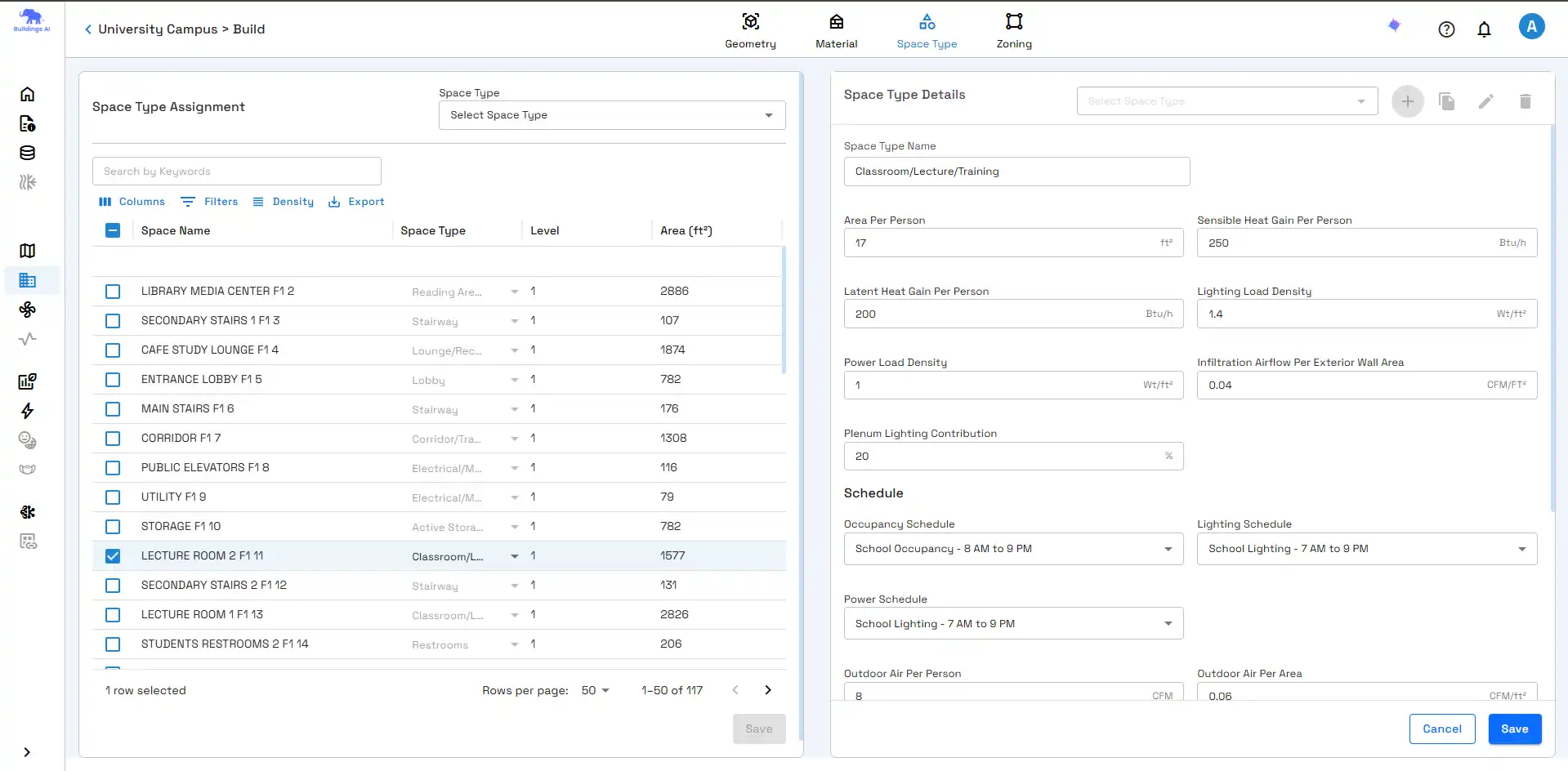
(Image by: Centre for Computational Technologies (CCTech))
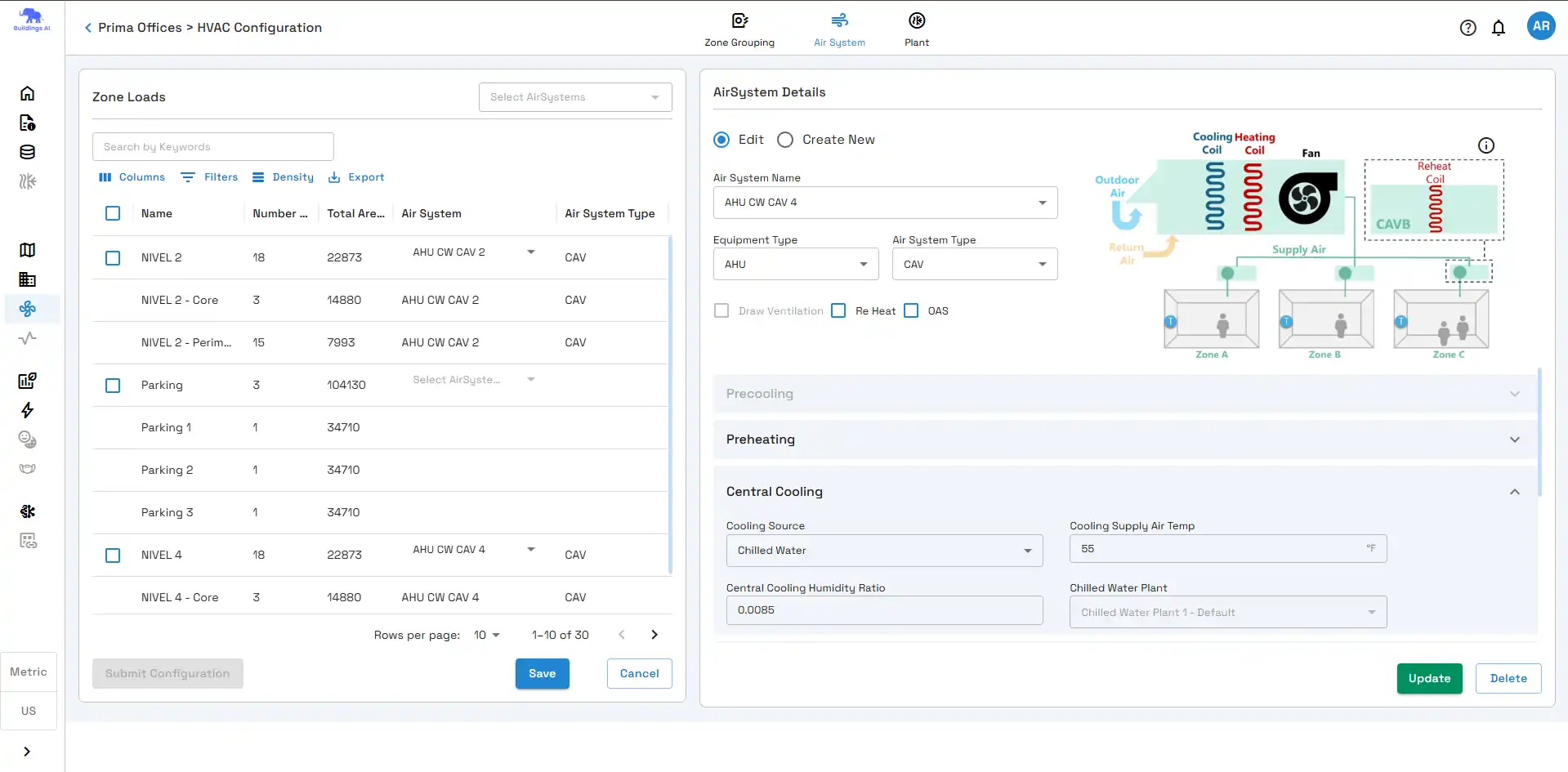
(Image by: Centre for Computational Technologies (CCTech))
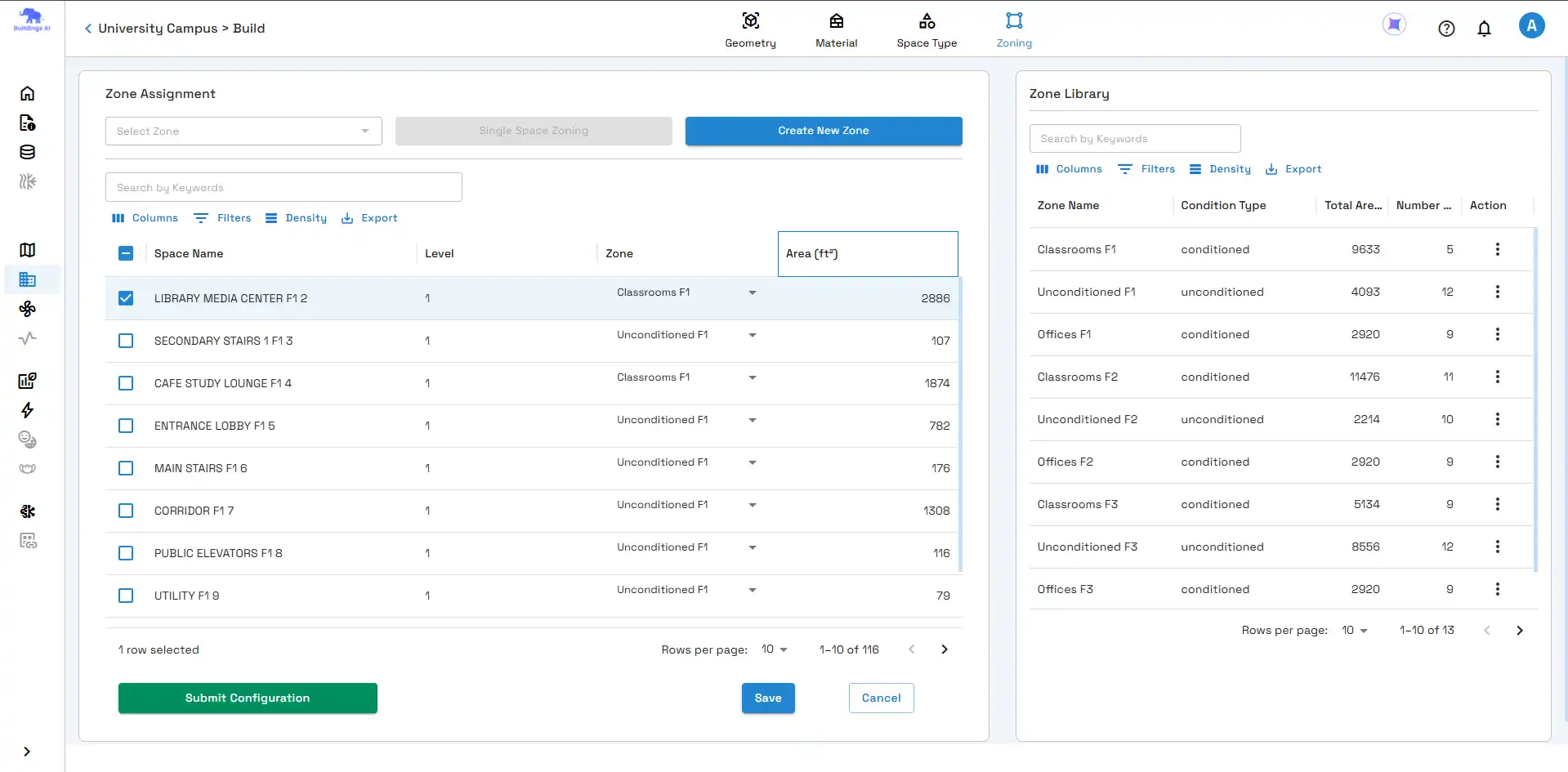
(Image by: Centre for Computational Technologies (CCTech))
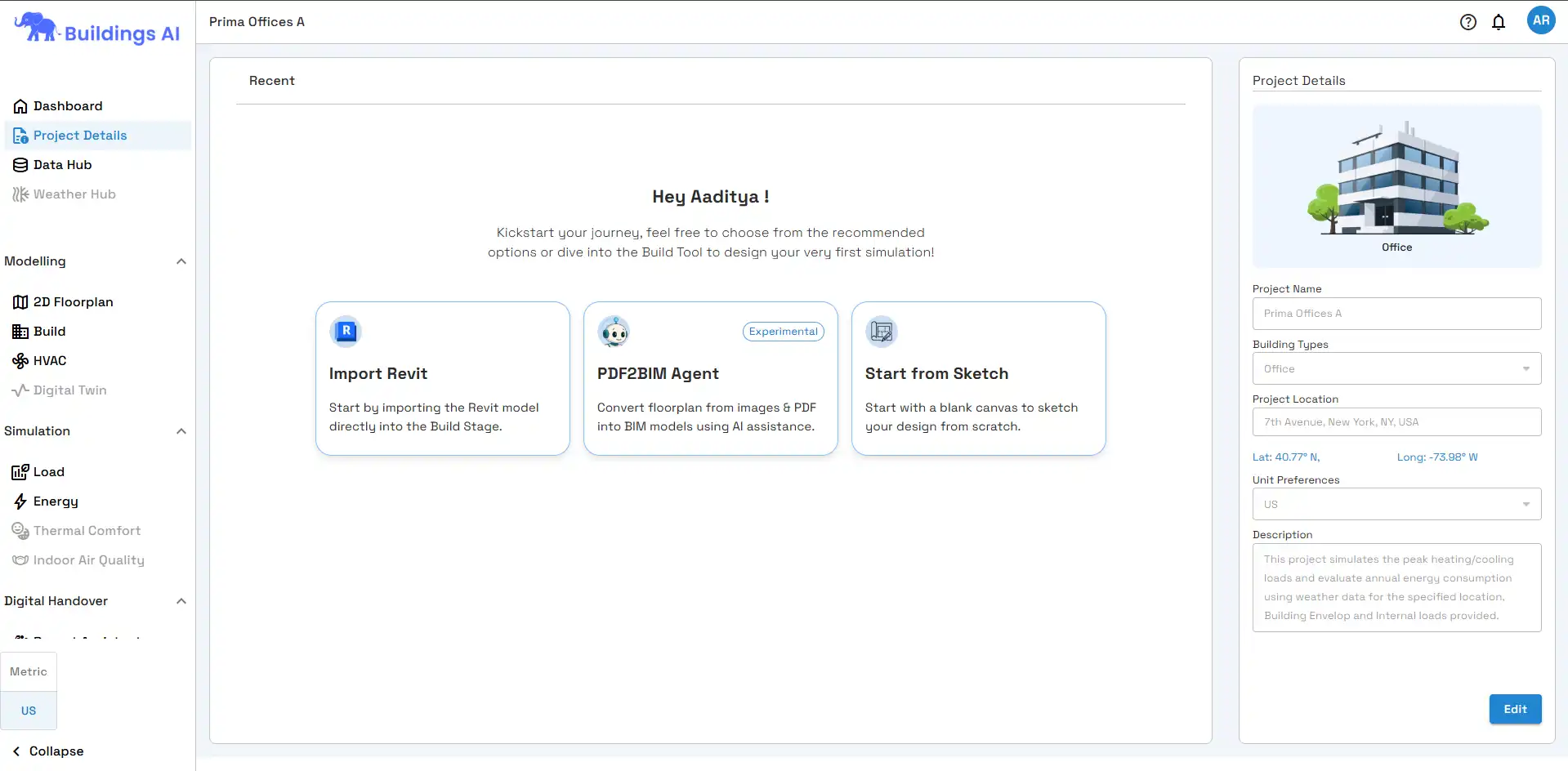
(Image by: Centre for Computational Technologies (CCTech))
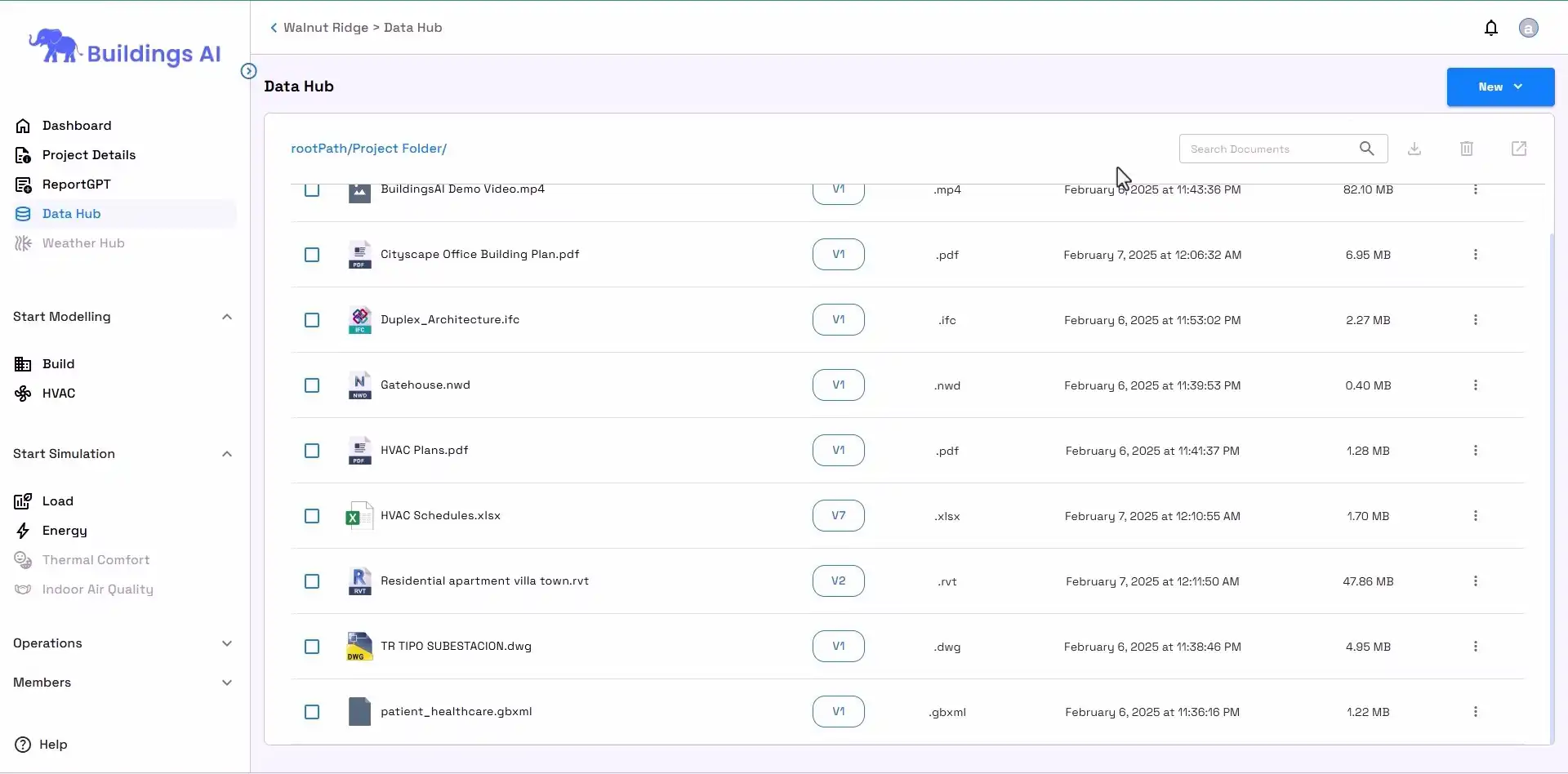
(Image by: Centre for Computational Technologies (CCTech))
Similar apps:
- Free
- Free
- Free
- Free
- Free
- Free