



About this app
Introduction
Revit is a powerful tool used by architects and engineers to create detailed building designs. However, one common challenge faced during the design process is conflict detection between architectural and structural elements. This is where NonicaTab PRO comes in, offering a comprehensive solution for identifying and resolving clashes in Revit models.
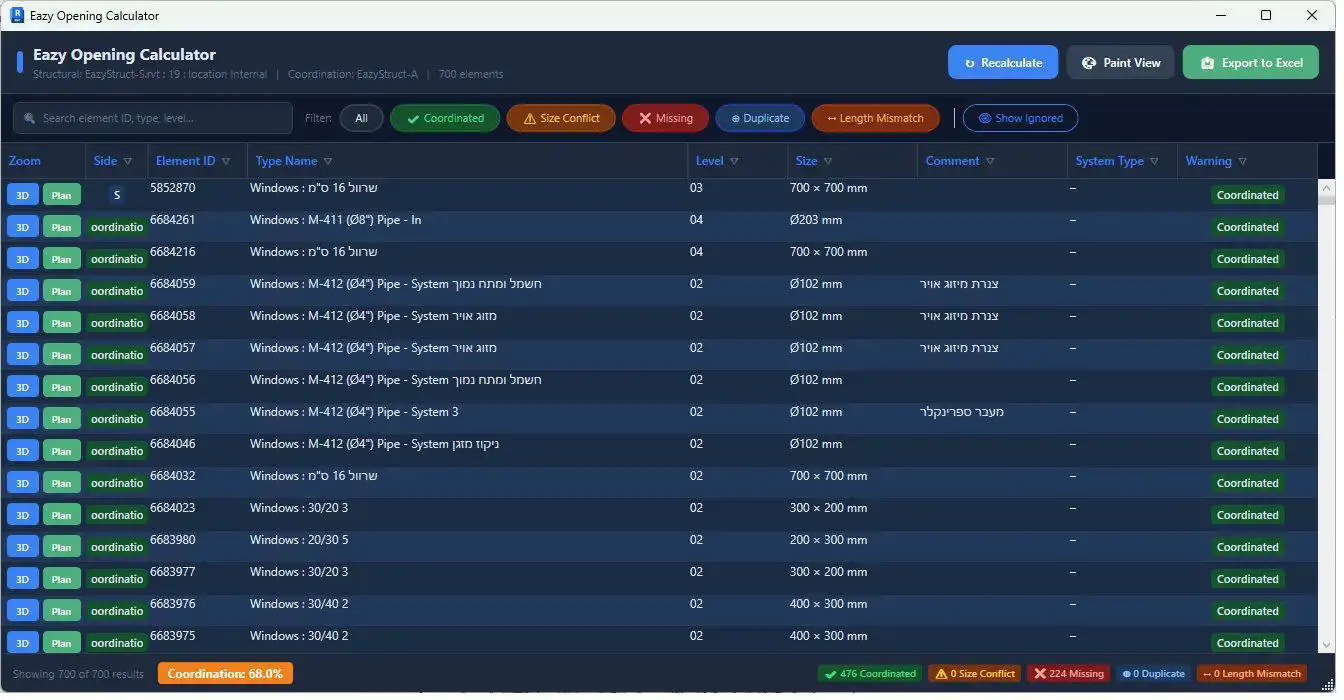
(Image by: Eazy Struct)
Enhanced Conflict Detection
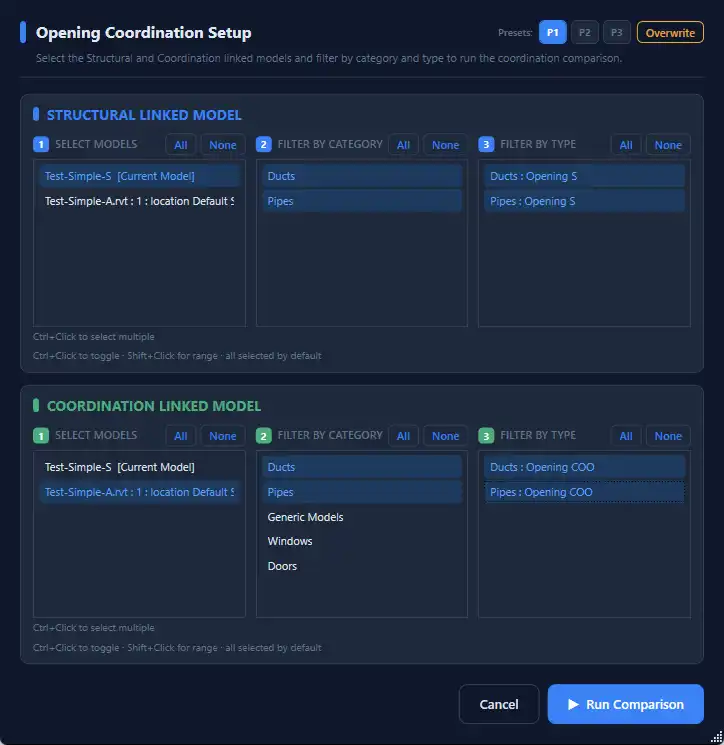
NonicaTab PRO takes conflict detection to the next level by spatially testing every element pair between Architectural and Structural links. This plugin scores the real overlap from 0 to 100 using mesh-based analysis, eliminating the guesswork associated with bounding-box methods. It compares Walls, Floors, Structural Framing (beams), and Structural Columns, providing a comprehensive overview of clashes in the model.
One of the standout features of NonicaTab PRO is its per-conflict chat and comments system, allowing architects and engineers to communicate directly within the Revit environment. This real-time syncing ensures that discussions about clashes happen right where the issue lives, streamlining the coordination process between different disciplines.
Users can assign each conflict to either the Architectural or Structural team, or choose to ignore it if necessary. These assignments persist for both sides, ensuring that everyone is on the same page when it comes to resolving clashes. Additionally, NonicaTab PRO offers a one-click Excel export feature, which includes color-coded rows, auto-filters, and a metadata sheet for easy reference.
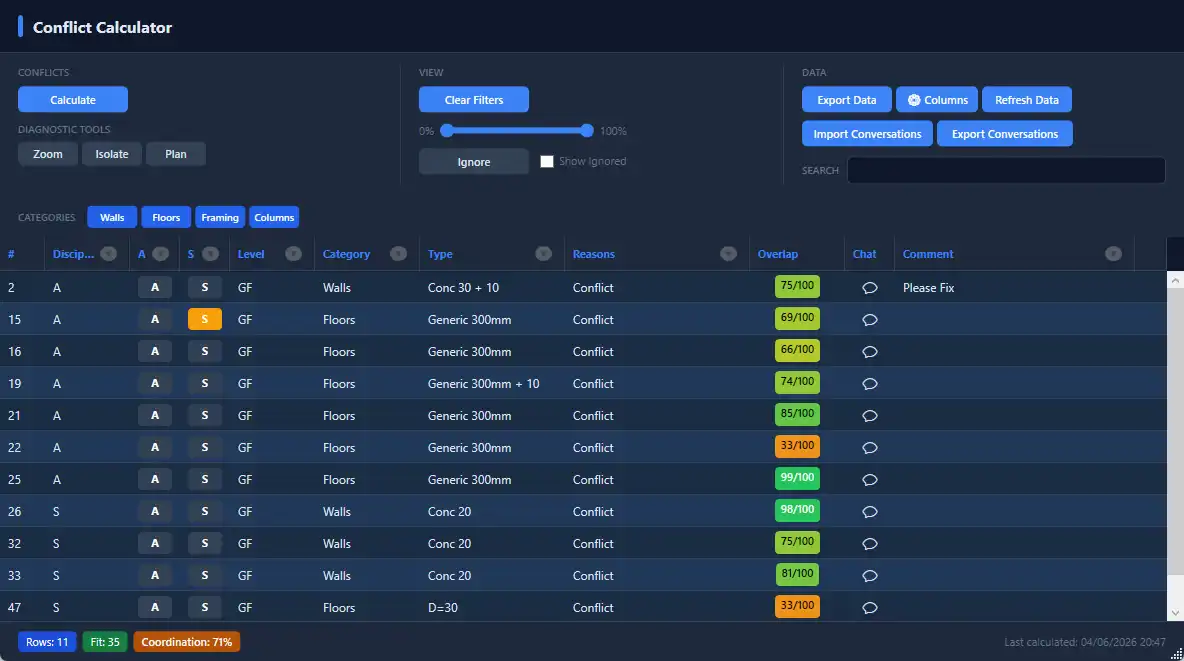
(Image by: Eazy Struct)
Color Mode for Enhanced Visualization
Another innovative feature of NonicaTab PRO is the Color Mode, which allows users to tag their model by discipline and toggle the colors on to see exactly who owns what. Architectural elements are displayed in blue, while Structural elements appear in yellow, with over 40 other categories available for easy differentiation. This tagging system is also what powers the Conflict Detection feature, providing a visual representation of clashes in the model.
One-click tagging is available for Walls, Floors, Structural Framing, and Structural Columns, making it easy to categorize elements and identify ownership at a glance. The tagging system is safe to re-run, as old tags are cleared first to prevent duplicates. With NonicaTab PRO, users can easily switch between color-coded views to visualize ownership and conflicts in their Revit models.
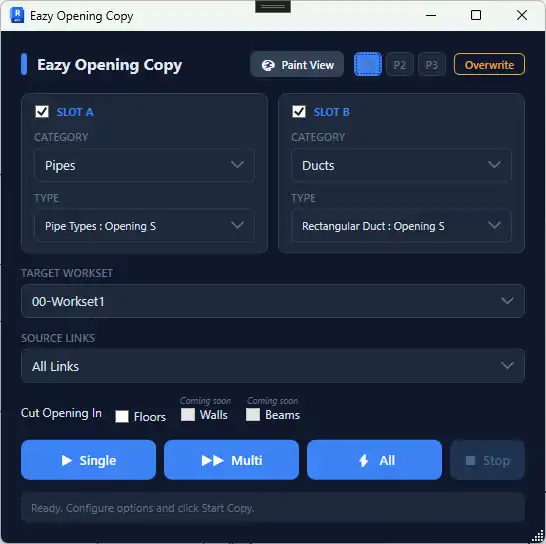
(Image by: Eazy Struct)
Summary
NonicaTab PRO is a game-changer for conflict detection in Revit, offering a comprehensive set of tools to identify, resolve, and communicate clashes between architectural and structural elements. With its advanced spatial analysis, real-time chat and comments, and color-coded visualization, NonicaTab PRO streamlines the coordination process and enhances collaboration between architects and engineers. If you're looking to improve the efficiency of conflict detection in your Revit projects, NonicaTab PRO is definitely worth a try.
(Image by: Eazy Struct)

(Image by: Eazy Struct)