About this app
Introduction
Revit is a powerful tool for building information modeling (BIM), but sometimes its default tools can be cumbersome and time-consuming when it comes to MEP (mechanical, electrical, plumbing) design tasks. This is where PaperMEP comes in – a lightweight Revit add-in that offers a collection of practical, everyday MEP tools to streamline drafting, annotations, and coordination within a clean and dedicated ribbon interface. In this review, we will explore the features and benefits of PaperMEP and why it could be a valuable addition to your Revit workflow.

(Image by: Paper Engineer)
Features and Benefits
PaperMEP is designed to enhance productivity and efficiency in MEP modeling tasks by reducing the number of clicks needed to perform common actions. The add-in organizes its tools into different panels to address specific needs:
(Image by: Paper Engineer)
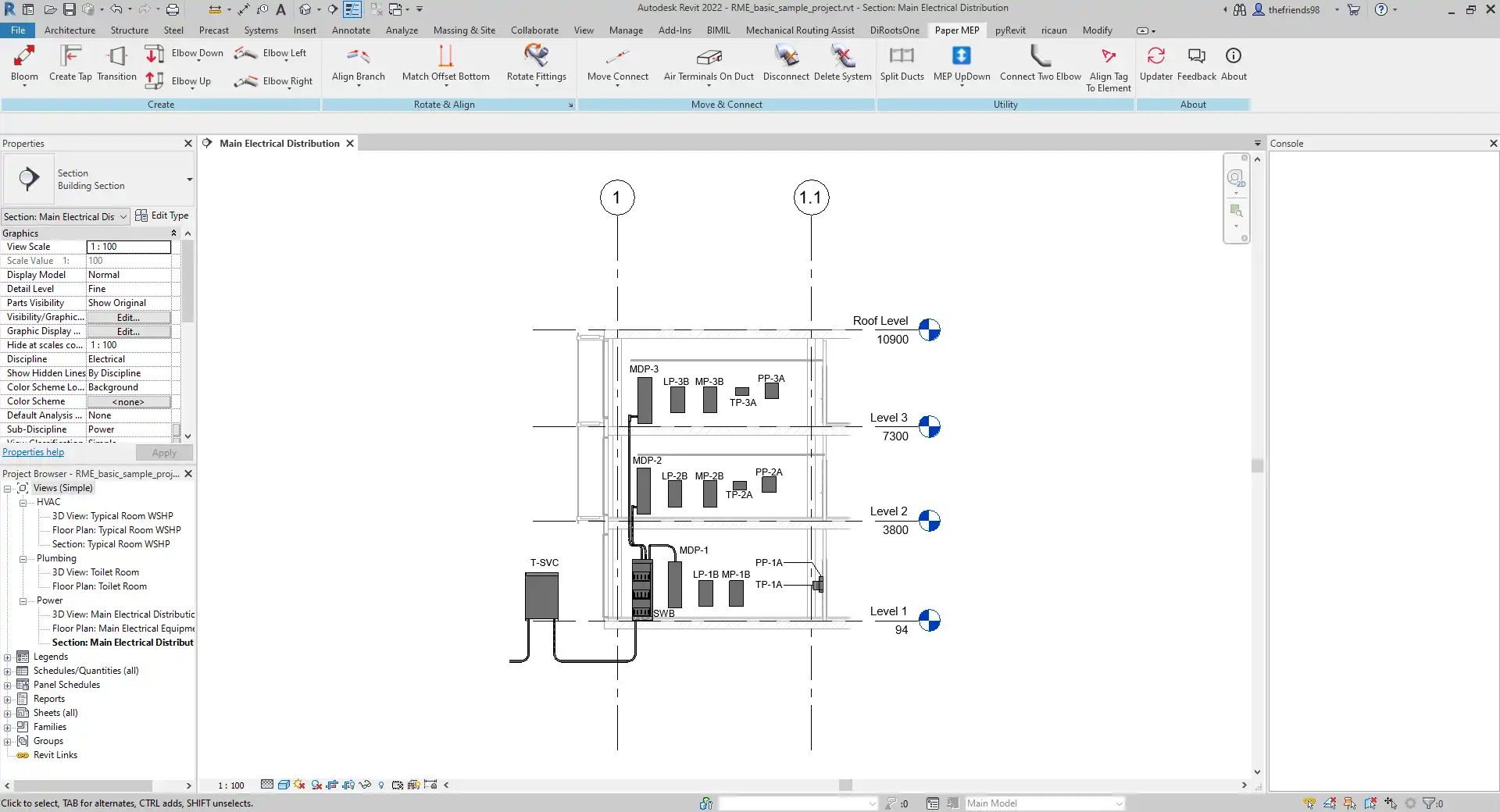
Ribbon Layout
The ribbon layout in PaperMEP is simple and consistent, with each command clearly named and grouped by common workflows. This makes it easy for users to learn and adopt the tools without getting lost in a cluttered interface. The dedicated Paper MEP ribbon ensures that all the essential MEP tools are easily accessible without having to navigate through multiple tabs and menus.
The add-in includes the following panels and capabilities:
Create Panel: Provides quick helpers to place common MEP elements and set up typical layouts in fewer steps.
Rotate & Align Panel: Allows users to align tags and annotations with elements, normalize text angles, and clean drawings instantly for a more polished presentation.
Move & Connect Panel: Helps users move ducts, pipes, and cable trays up or down, set offsets, and assist in connecting fittings or endpoints for seamless coordination.
Utility Panel: Offers quality-of-life tools for selection, filtering, visualization, and view-level adjustments to enhance overall workflow efficiency.
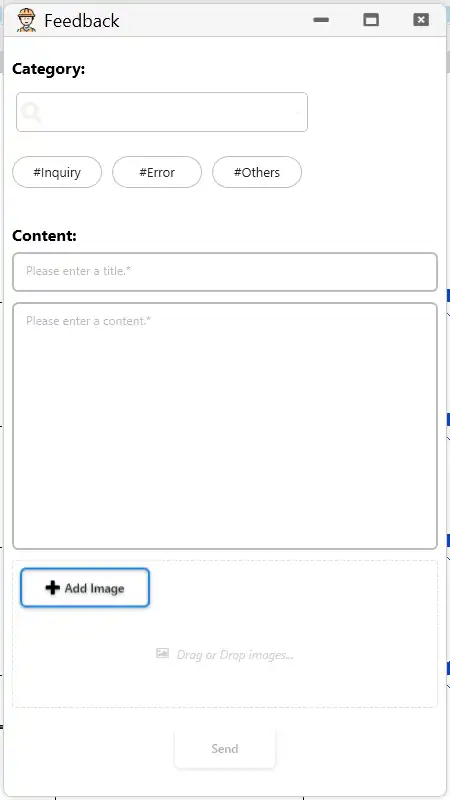
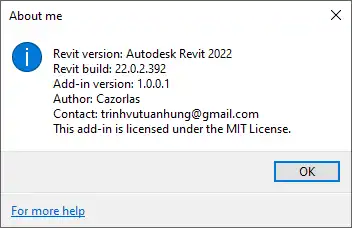
About Panel: Provides version information, help resources, and a direct feedback entry for reporting bugs or requesting new features. This demonstrates the developer's commitment to continuous improvement and user satisfaction.
(Image by: Paper Engineer)
Why Teams Like It
One of the key reasons why teams appreciate PaperMEP is its focus on minimal clicks with predictable, repeatable results. The add-in is designed to optimize everyday MEP modeling tasks that are performed hundreds of times a day, allowing users to work more efficiently and effectively. The tidy ribbon layout makes it easy to teach new users the tools, reducing the learning curve and increasing overall productivity within the team.
Furthermore, PaperMEP is designed to work seamlessly alongside existing tools in Revit without conflicts, ensuring a smooth integration into your current workflow. This compatibility and ease of use make it a valuable addition for teams looking to streamline their MEP design processes.
(Image by: Paper Engineer)
Compatibility
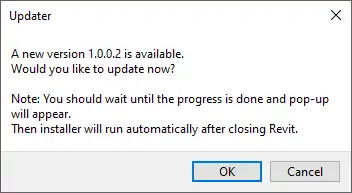
PaperMEP is compatible with Revit versions 2019 to 2026 and works with standard MEP categories and common annotation workflows. It is worth noting that the add-in uses a custom installer, rather than the standard App Store installer, to ensure a smooth installation process and optimal performance.
(Image by: Paper Engineer)
Conclusion
PaperMEP is a valuable Revit add-in that offers practical MEP tools to enhance drafting, annotations, and coordination tasks. With its intuitive ribbon layout, streamlined workflow, and compatibility with existing tools, PaperMEP can significantly improve productivity and efficiency for MEP designers and engineers. If you are looking to save time, reduce clicks, and focus more on designing, PaperMEP is definitely worth a try.
Similar apps:
- Free
- Free
- Free
- Free
- Free
- $19.99/month