 1 / 6
1 / 6About this app
Introduction
If you are looking for a powerful tool to efficiently arrange lighting fixtures in your Revit projects, then PlaceLight is the perfect plugin for you. This innovative tool not only simplifies the process of placing lighting fixtures but also ensures optimal lighting design based on selected illuminance and lighting type.
(Image by: 贵州省海狸科技有限公司)
Features
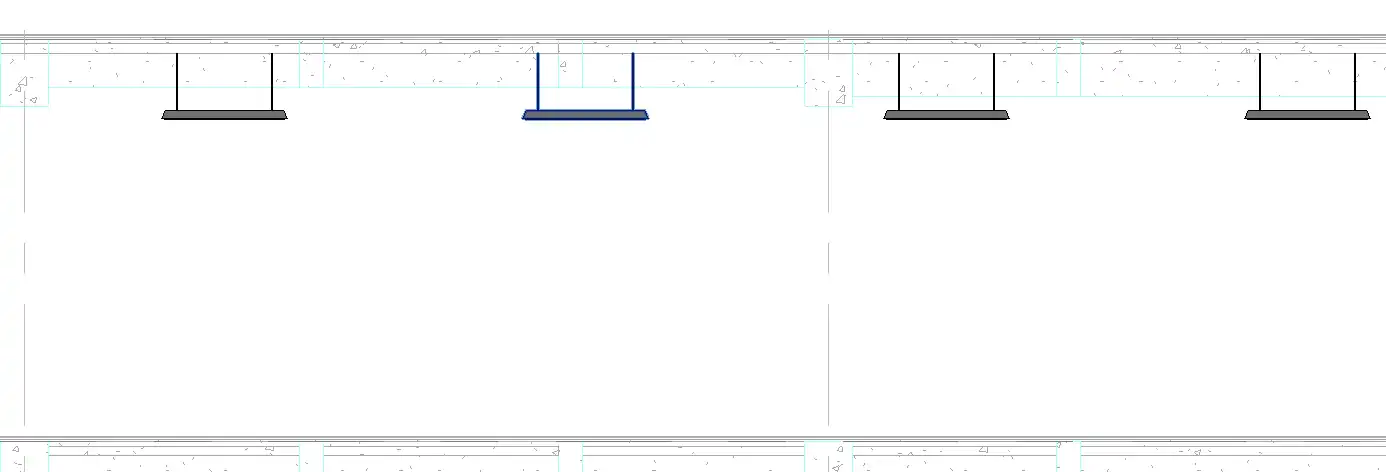
PlaceLight allows users to arrange lighting fixtures in any shape of a room with just a few clicks. The program automatically calculates the number of fixtures needed, taking into account the desired illuminance level. Additionally, users can choose to place the fixtures on the ceiling or floor of the room, providing flexibility in design options.
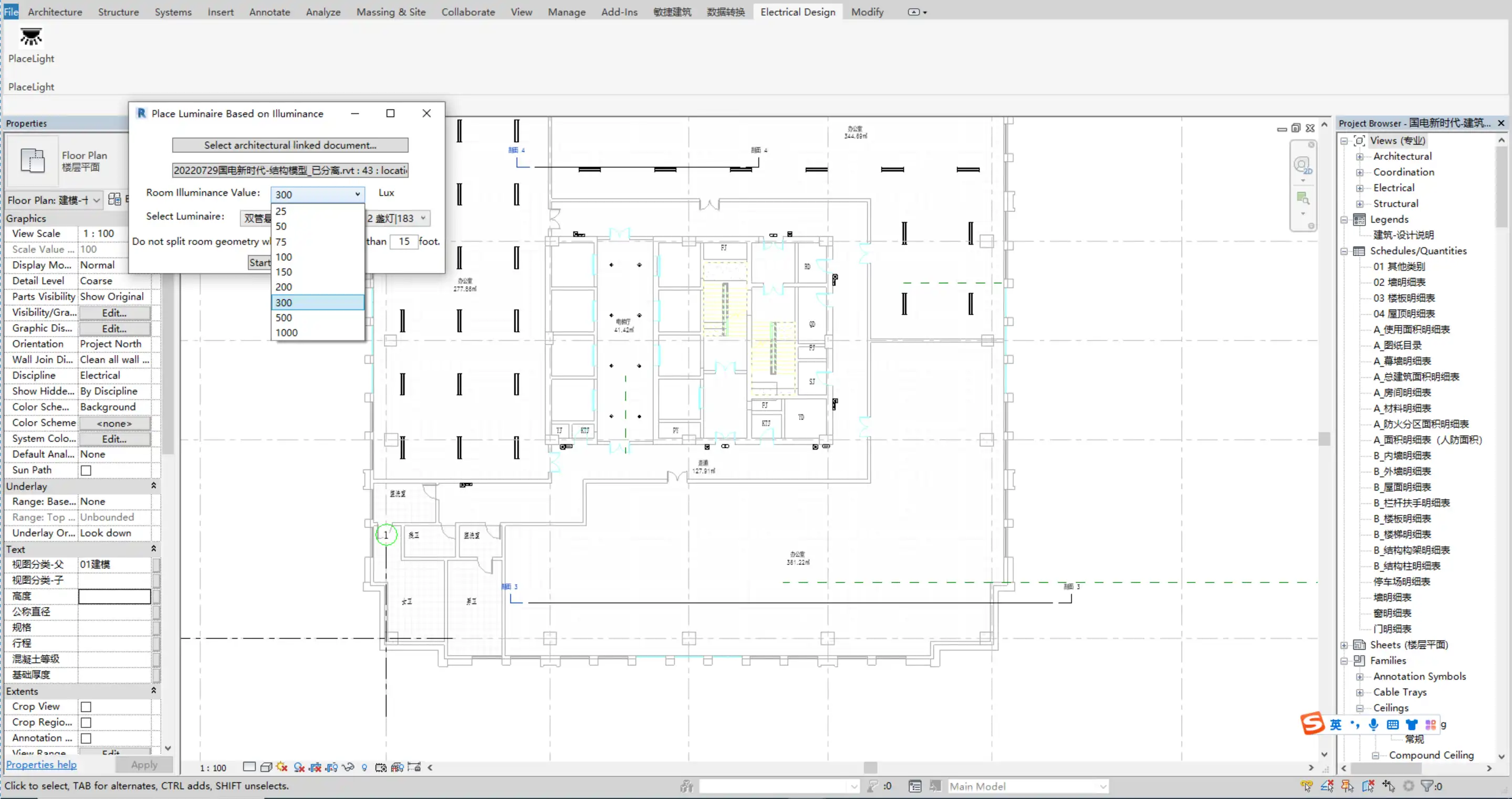
(Image by: 贵州省海狸科技有限公司)
Compatibility
One of the standout features of PlaceLight is its support for building and structural file-linking modes. This means that users can easily integrate the plugin into their existing projects without any compatibility issues, making it a seamless addition to any workflow.
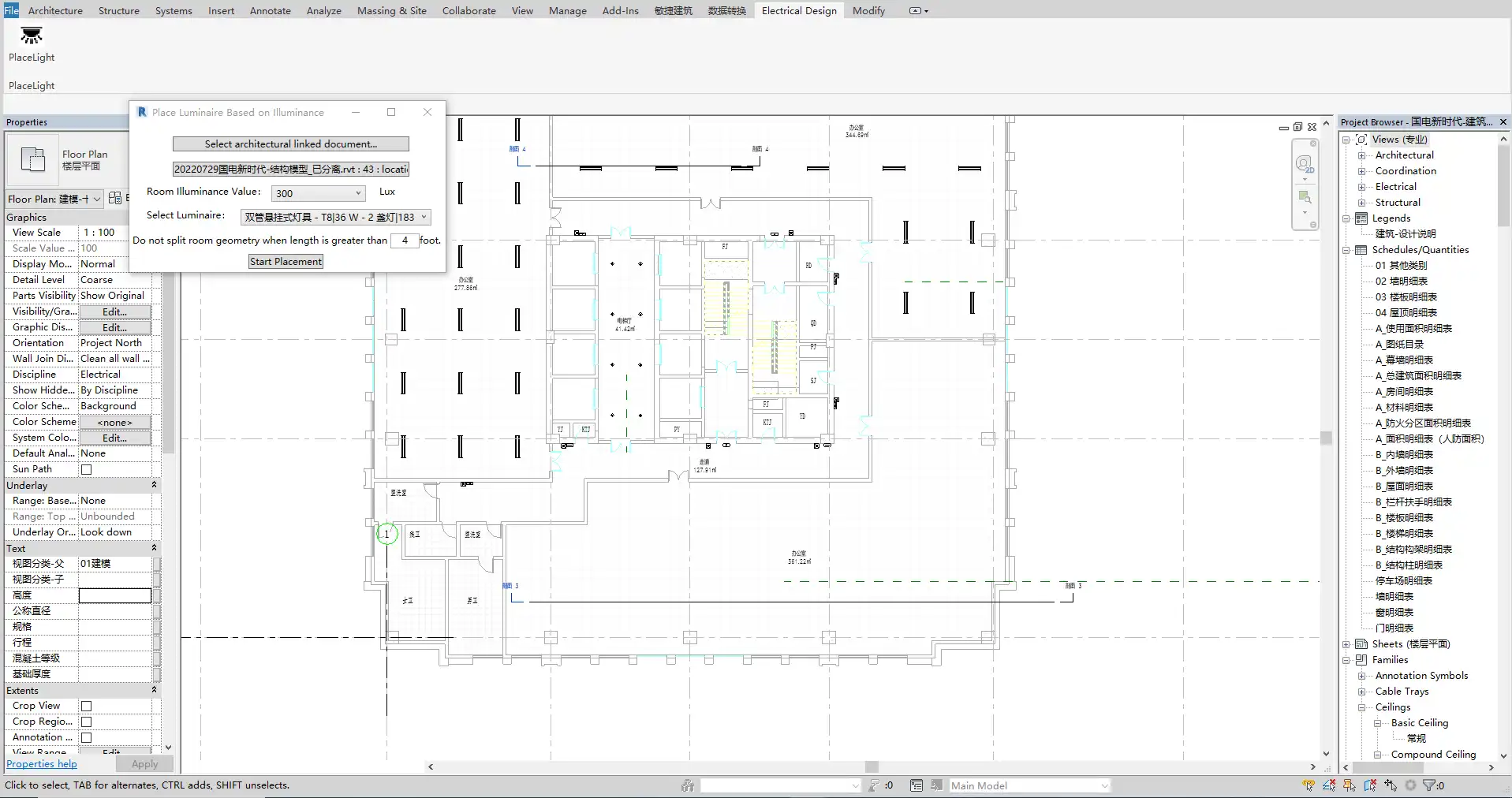
(Image by: 贵州省海狸科技有限公司)
Conclusion
Overall, PlaceLight is a must-have plugin for Revit users who want to streamline the lighting design process. With its intuitive interface, powerful features, and compatibility with various project modes, PlaceLight is sure to enhance the efficiency and quality of your lighting design projects. Give it a try and see the difference it can make in your workflow!
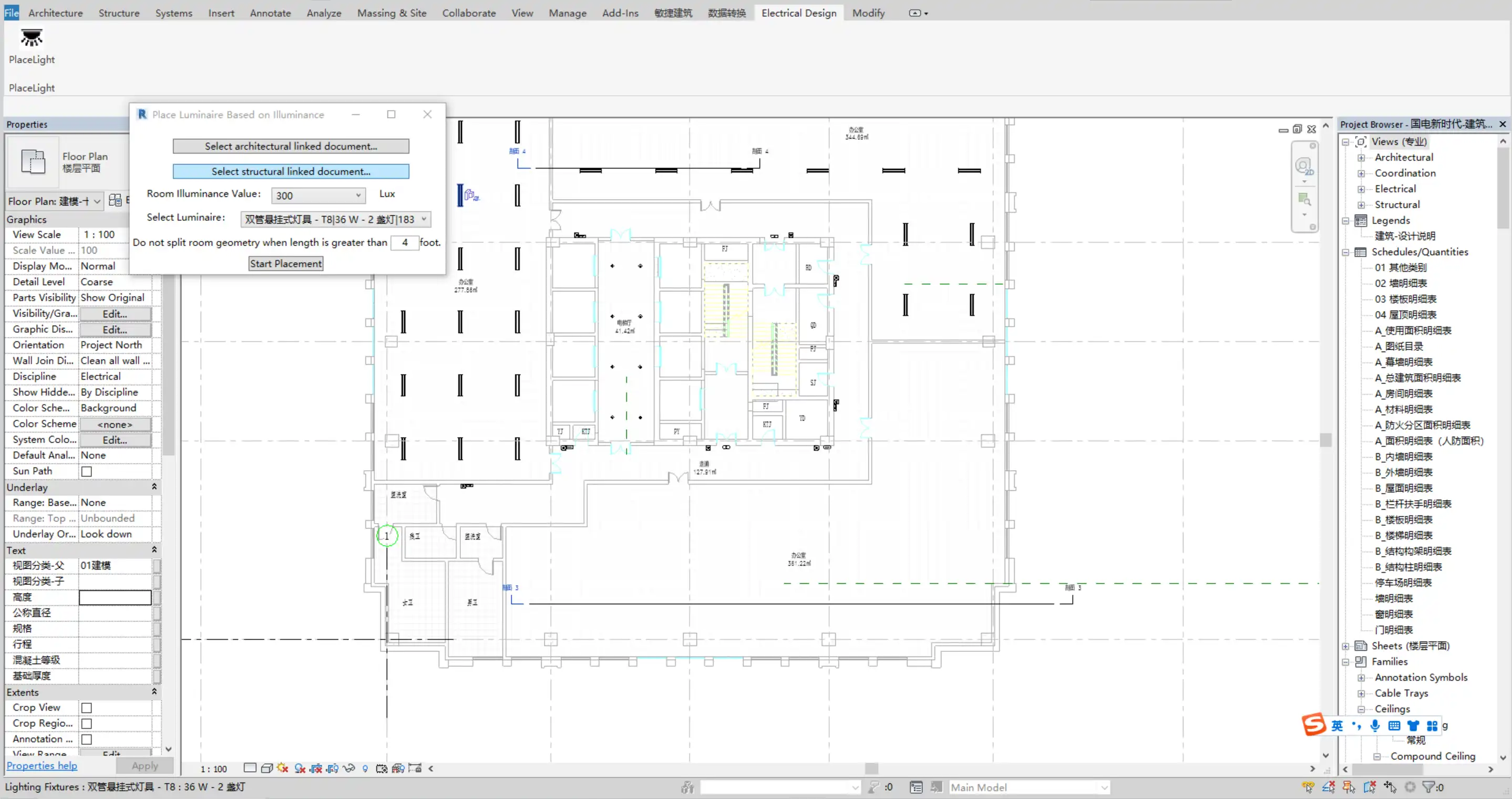
(Image by: 贵州省海狸科技有限公司)
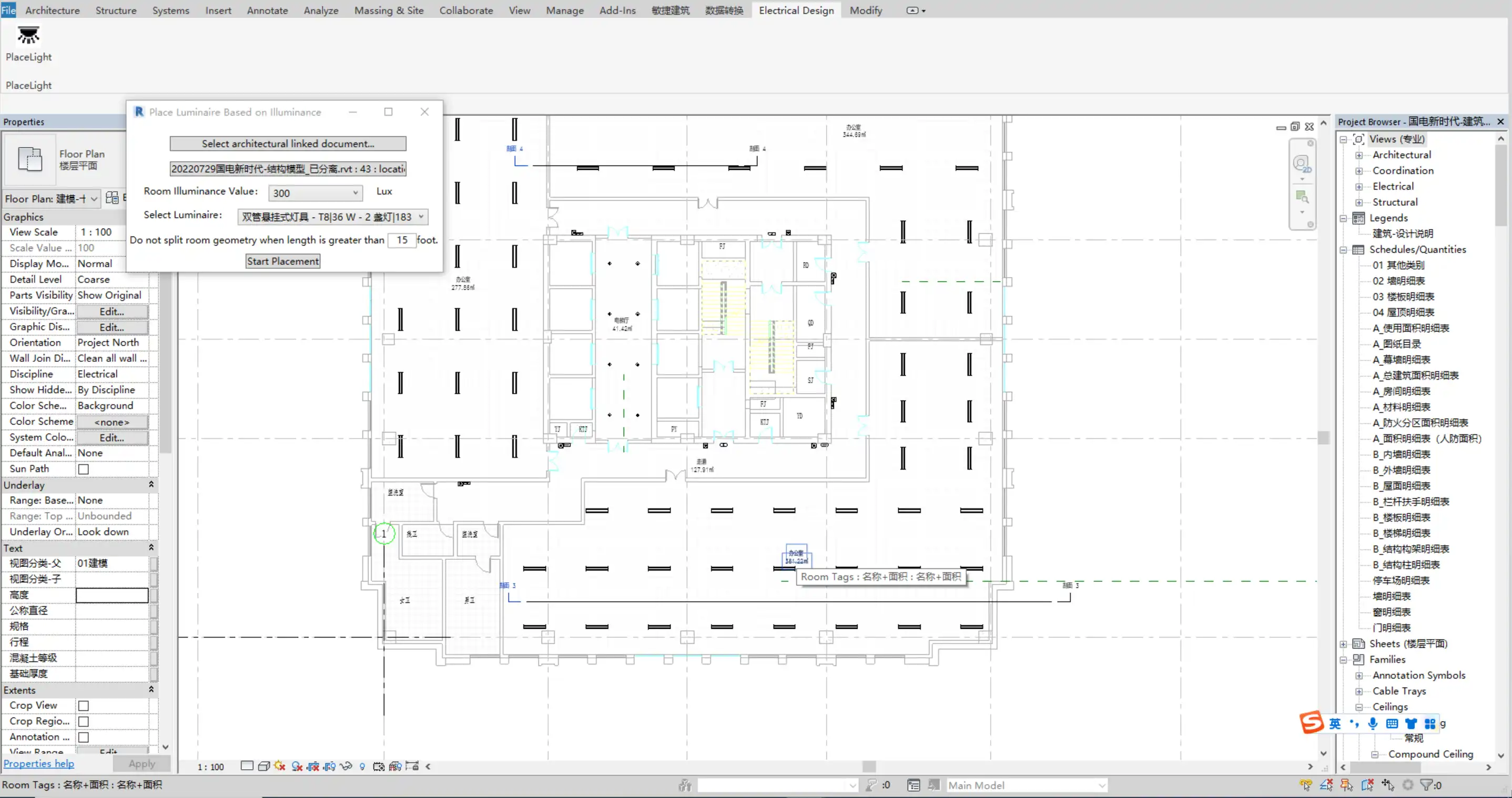
(Image by: 贵州省海狸科技有限公司)
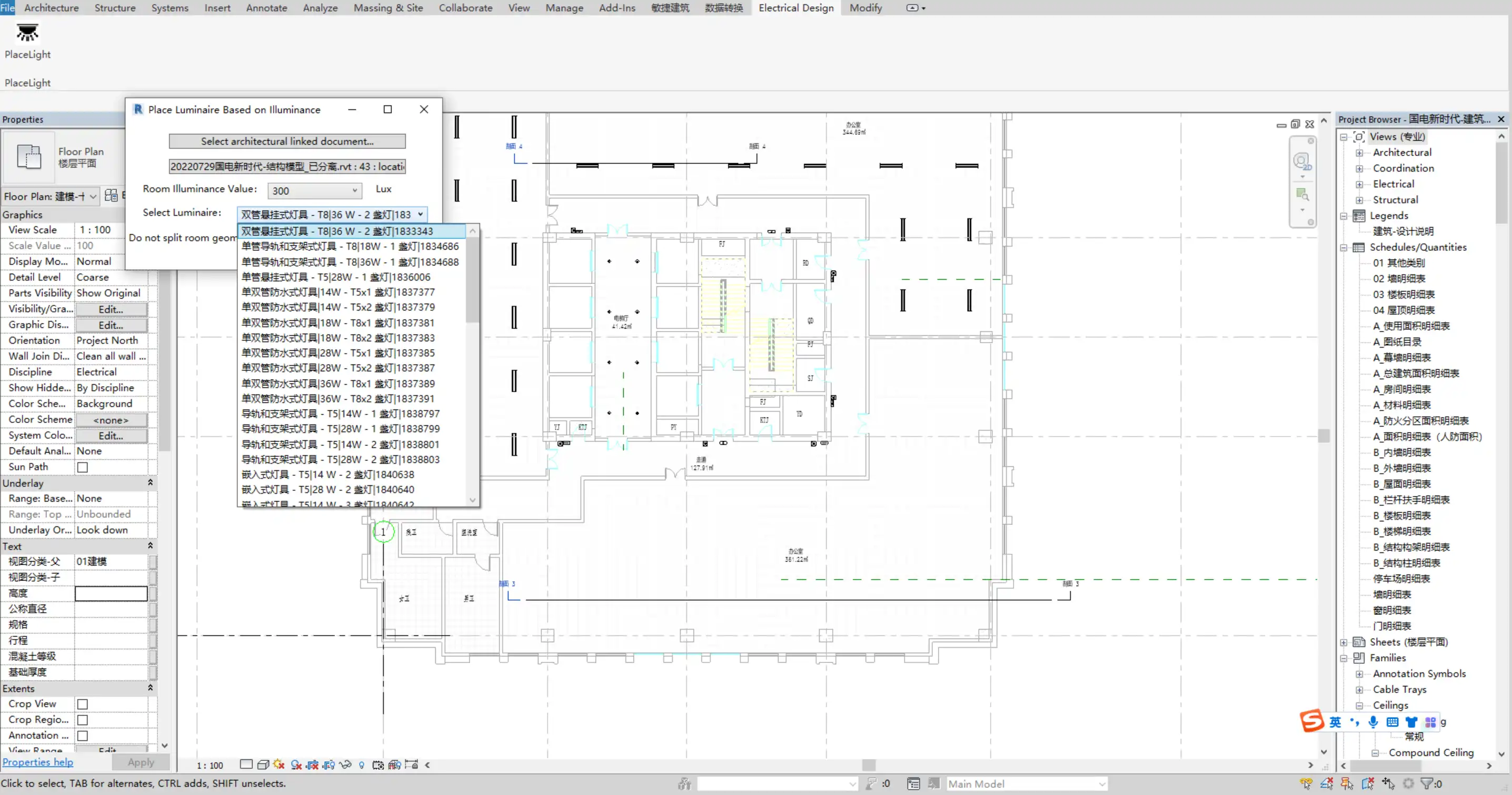
(Image by: 贵州省海狸科技有限公司)
Similar apps:
- Free
- $50/month
- Free
- Free
- $60
- $99