 1 / 19
About this app
Introduction
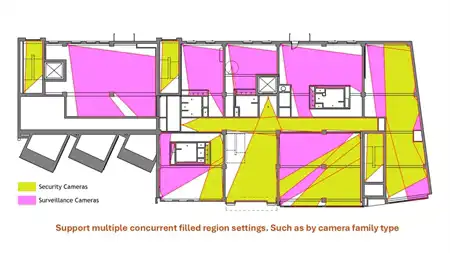
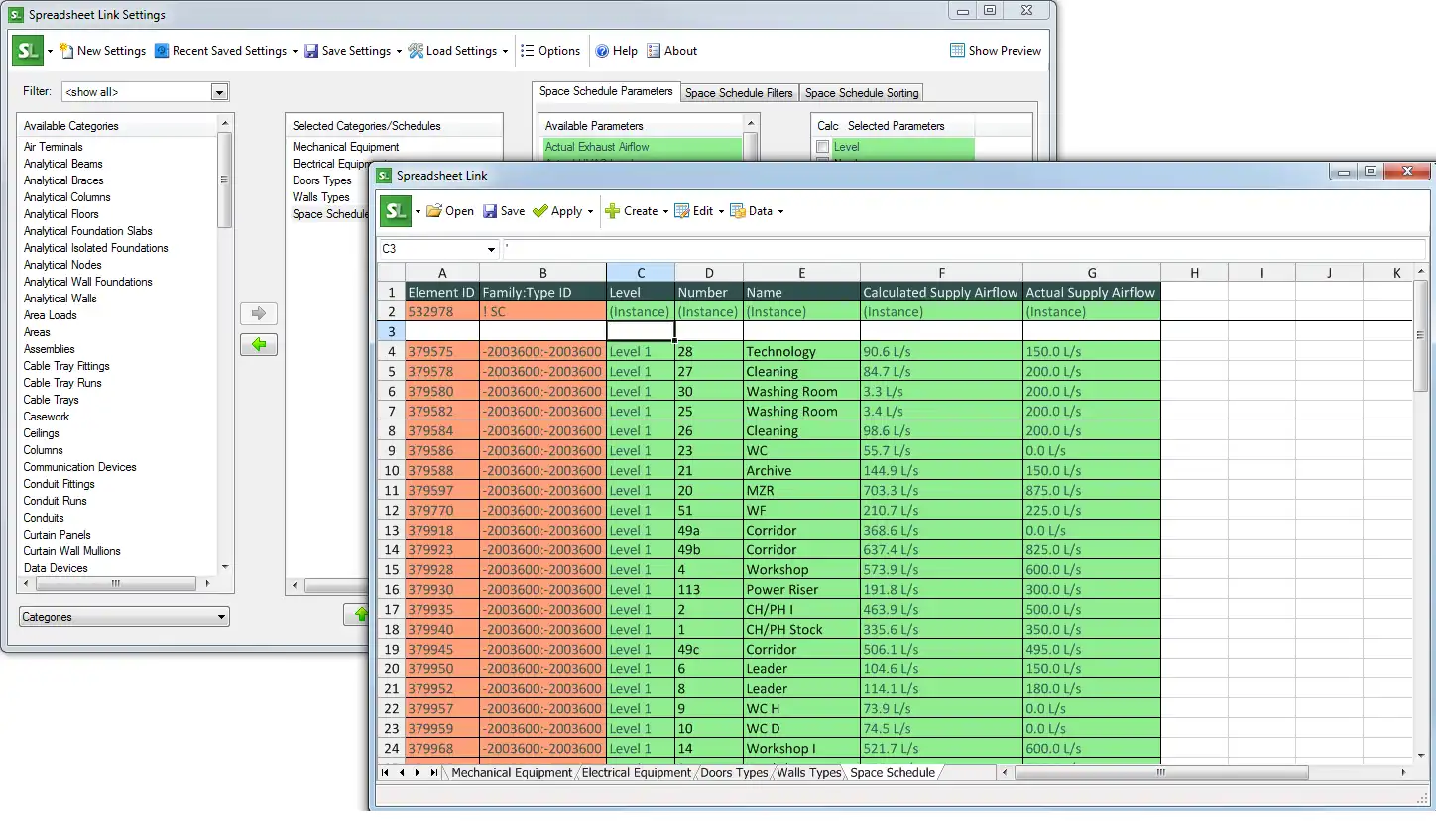
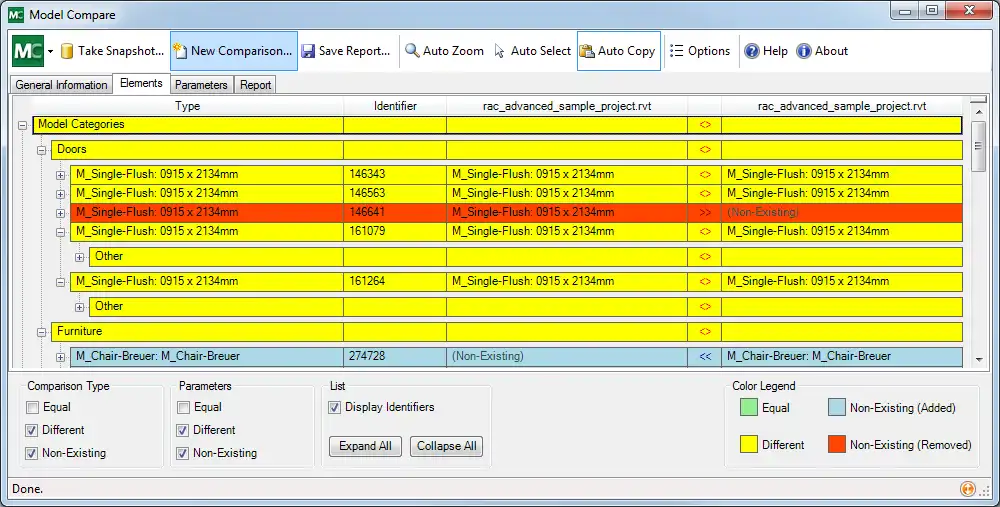
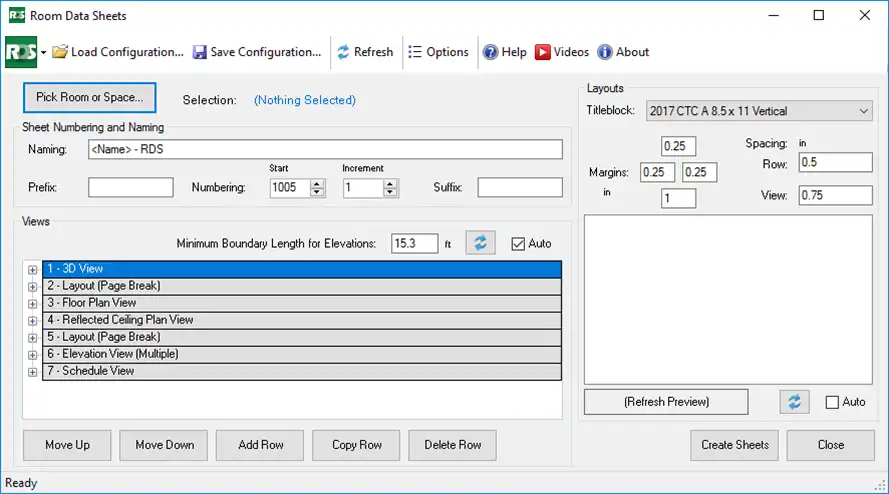
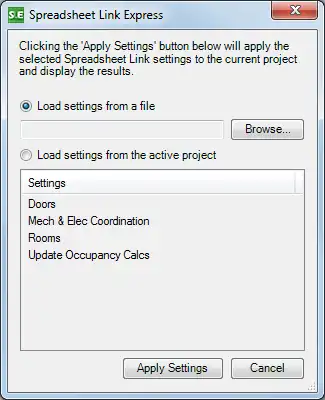
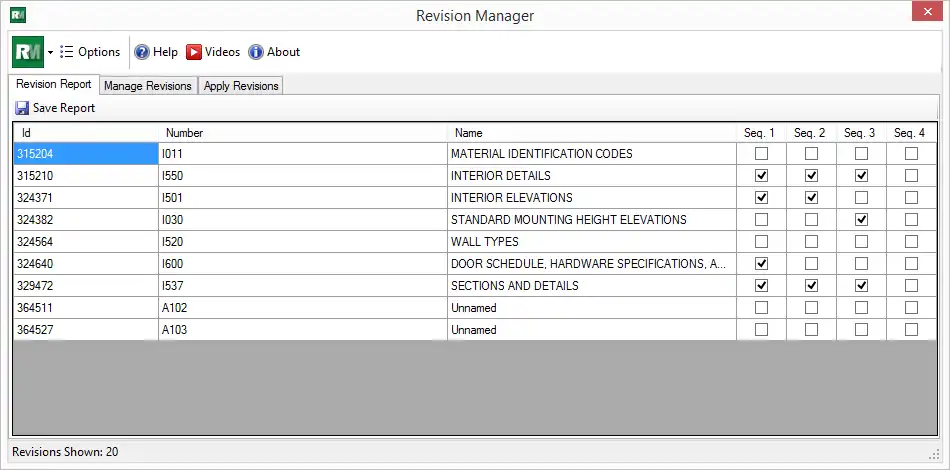
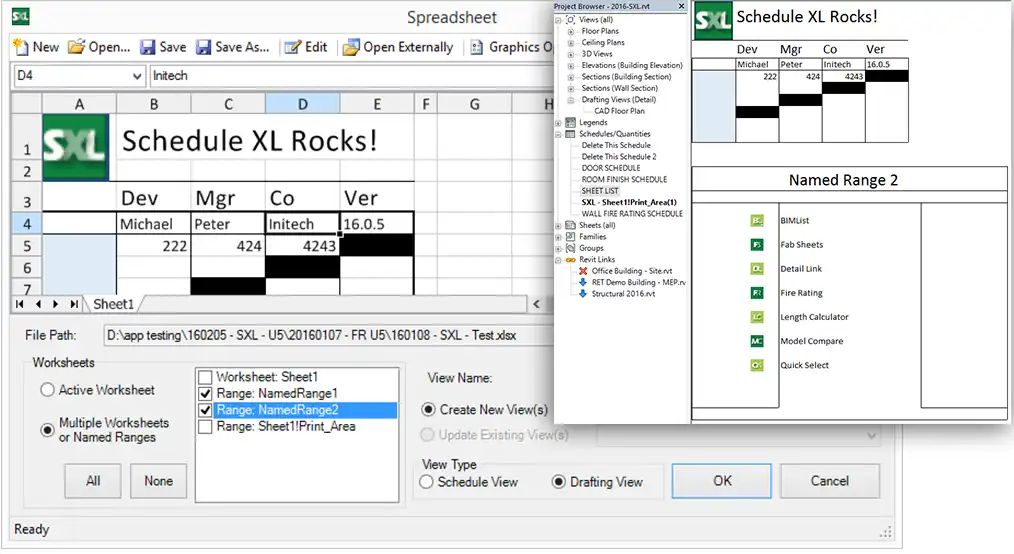
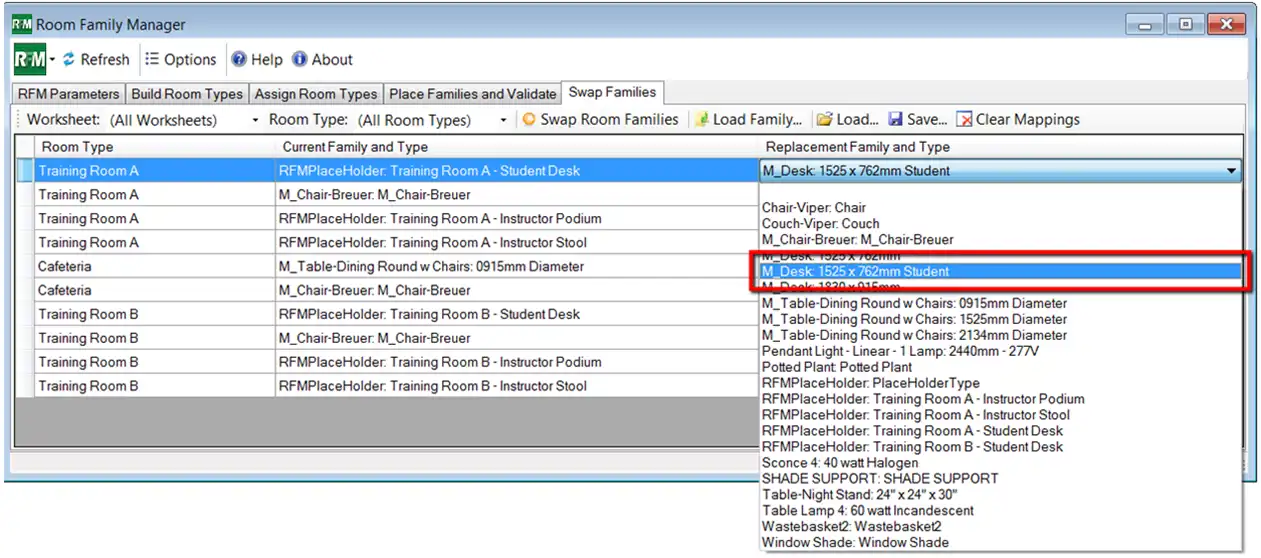
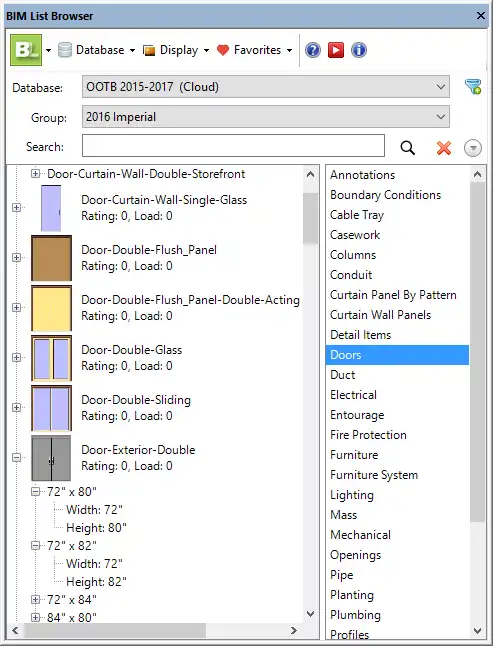
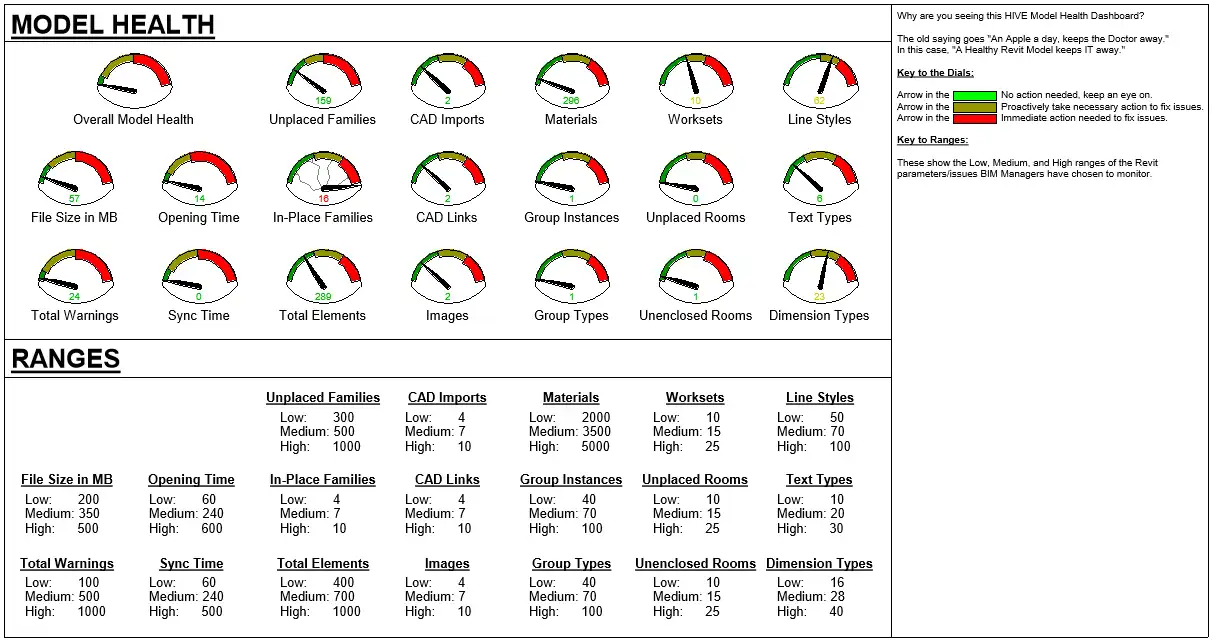
Are you looking to streamline your Autodesk Revit workflow and boost productivity? Look no further than the CTC BIM Project Suite 2027. This powerful plugin offers a range of tools designed to enhance your Revit experience, making tasks such as linking AutoCAD details, calculating lengths, selecting elements, and renumbering rooms and doors a breeze. In this review, we'll delve into the key features of this plugin and explore how it can benefit your projects.
(Image by: CTC Software)
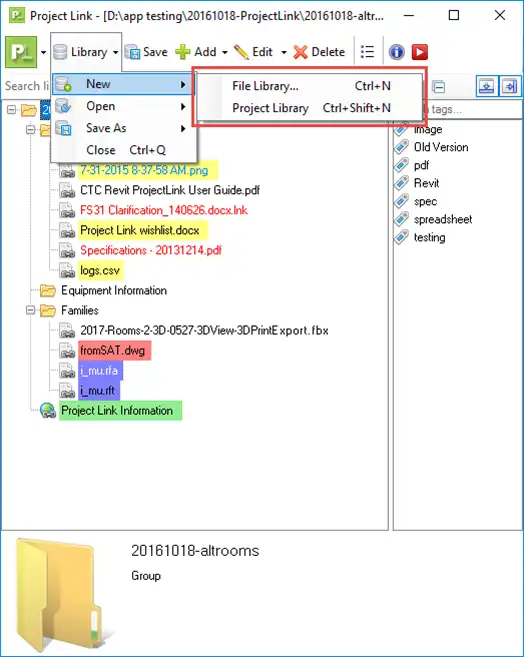
Detail Link – Streamlining Detail Integration
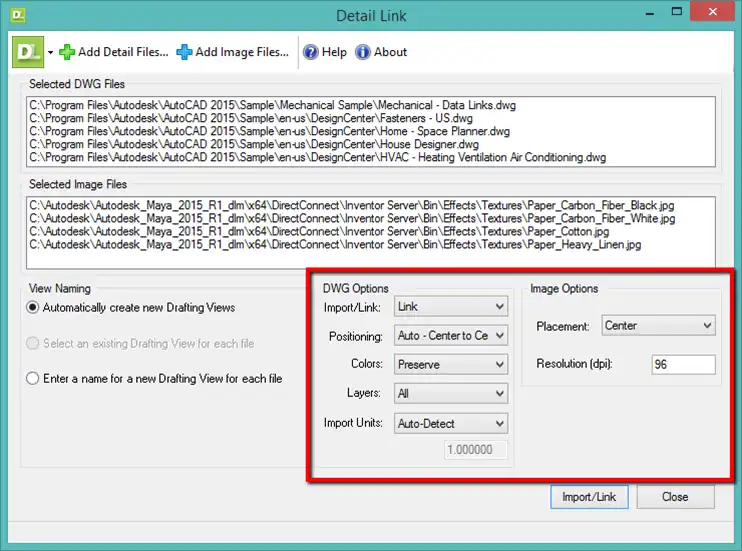
The Detail Link tool within the CTC BIM Project Suite allows for seamless integration of Autodesk AutoCAD DWG details into your Revit project environment. This automation process saves you time and eliminates the need for manual linking, improving efficiency and accuracy in your workflow. Whether you're working on architectural, mechanical, or electrical projects, Detail Link simplifies the process of bringing in external details, enhancing collaboration and coordination within your team.
(Image by: CTC Software)
Length Calculator – Simplifying Design Phase Calculations
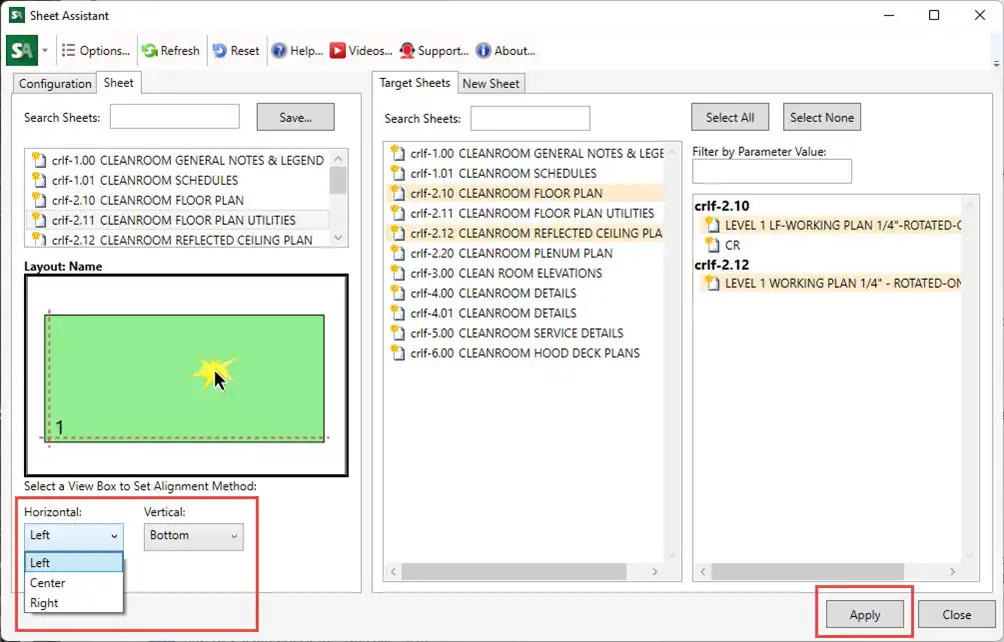
One of the standout features of the CTC BIM Project Suite is the Length Calculator tool, which is invaluable during the design phase of duct, pipe, conduit, or cable tray layouts. By quickly calculating the length of runs, this tool helps you make informed decisions and optimize your layouts for efficiency and cost-effectiveness. With the Length Calculator at your disposal, you can streamline the design process, saving time and ensuring accurate results.
(Image by: CTC Software)
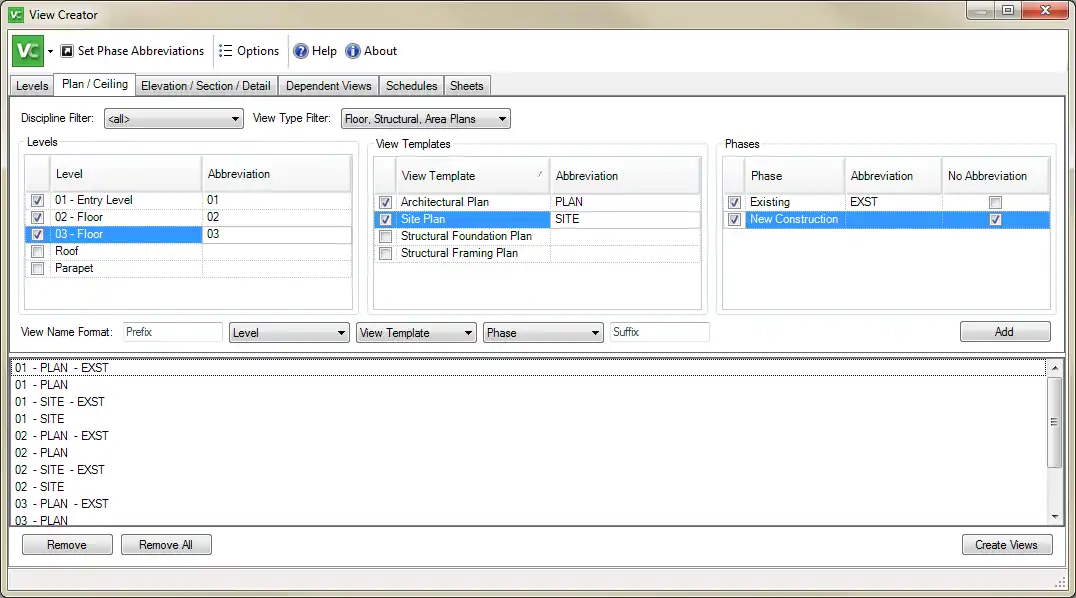
Quick Select – Efficient Element Selection
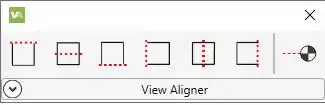
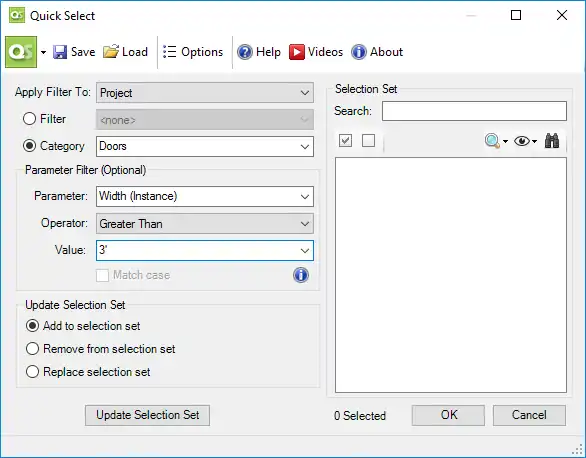
Efficiently selecting elements in your Revit projects is made easy with the Quick Select tool. By employing filters based on categories, parameter values, and views, you can quickly change which elements are selected, enhancing your control and precision in the modeling process. This tool empowers you to navigate complex projects with ease, improving your overall workflow and productivity.
(Image by: CTC Software)
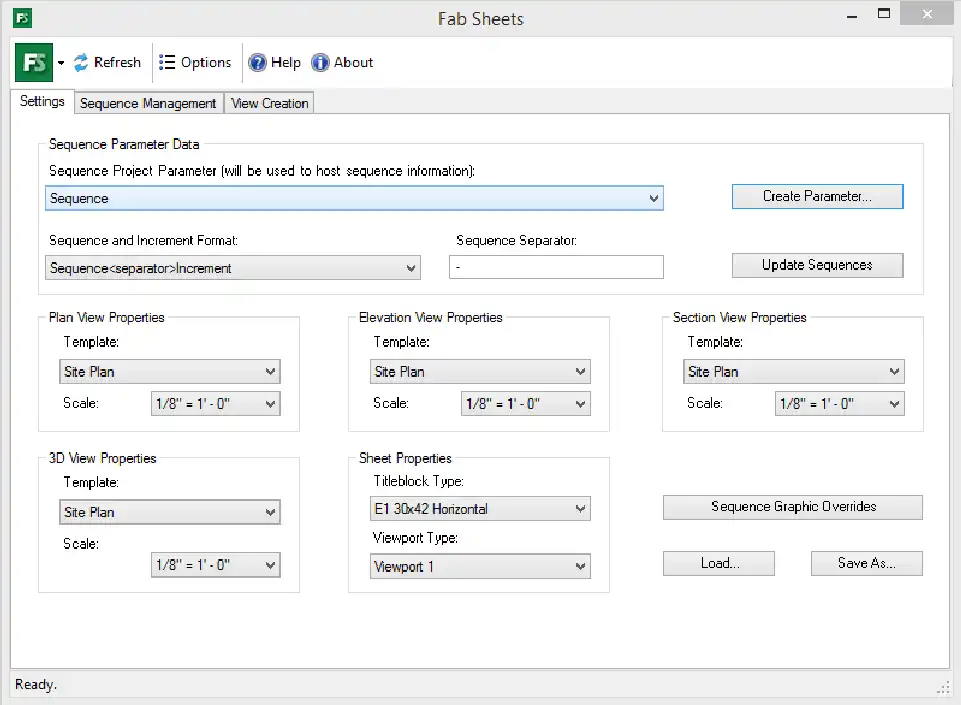
Renumbering – Simplifying Room and Door Numbering
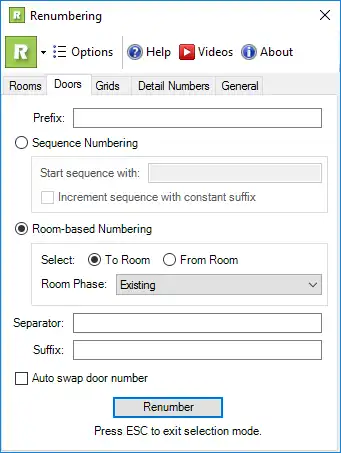
The Renumbering tool offered by the CTC BIM Project Suite provides a fast and simple solution for renumbering rooms and doors within your Revit projects. With the ability to add separators and suffixes to room and door numbers, this tool enables you to maintain consistency and clarity in your project documentation. Say goodbye to manual renumbering tasks and hello to a streamlined process with the Renumbering tool.
(Image by: CTC Software)
Summary
Overall, the CTC BIM Project Suite 2027 is a must-have plugin for Autodesk Revit users looking to optimize their workflow and maximize efficiency. With tools such as Detail Link, Length Calculator, Quick Select, and Renumbering, this plugin offers a comprehensive solution for enhancing your Revit experience. Whether you're an architect, engineer, or designer, the CTC BIM Project Suite can help streamline your projects, improve collaboration, and elevate the quality of your work. Give it a try and experience the difference for yourself.
(Image by: CTC Software)
(Image by: CTC Software)
(Image by: CTC Software)
(Image by: CTC Software)
(Image by: CTC Software)
(Image by: CTC Software)
(Image by: CTC Software)
(Image by: CTC Software)
(Image by: CTC Software)
(Image by: CTC Software)
(Image by: CTC Software)
(Image by: CTC Software)
(Image by: CTC Software)
(Image by: CTC Software)
Similar apps:
- Free
- $5
- Free
- Free
- Free
- $15/month