 1 / 7
1 / 7About this app
Introduction
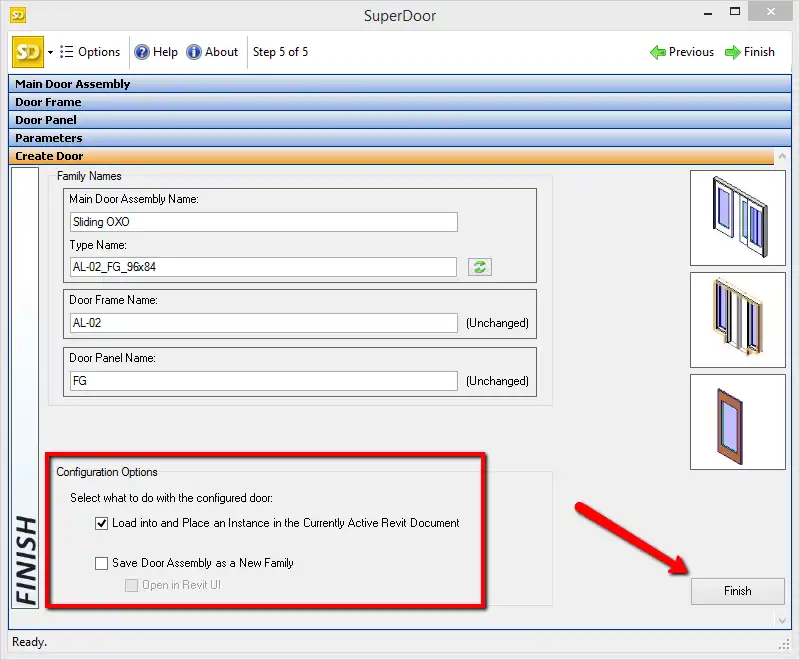
Revit users, rejoice! The CTC SuperDoor Configurator 2027 is here to revolutionize the way you create and place doors in your projects. This powerful plugin, part of the CTC Express Tools family, streamlines the process of building door families and inserting them into your Revit projects with ease. Say goodbye to the tedious task of manually configuring doors – SuperDoor Configurator does all the heavy lifting for you, allowing you to focus on your design.
(Image by: CTC Software)
Features
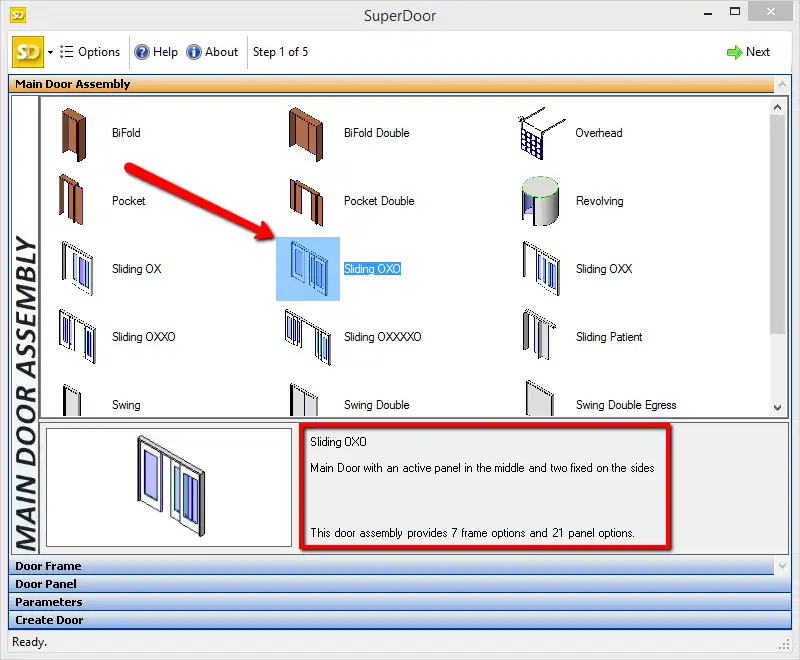
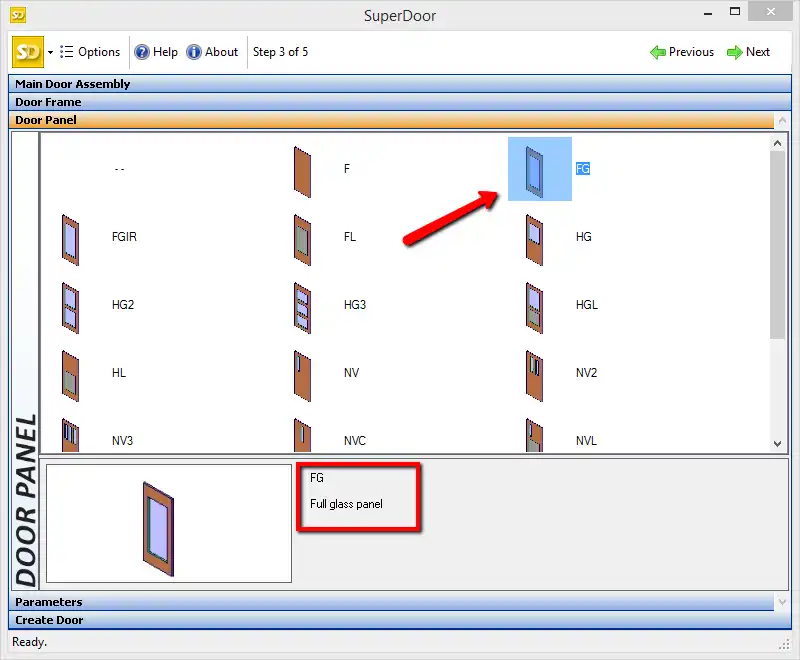
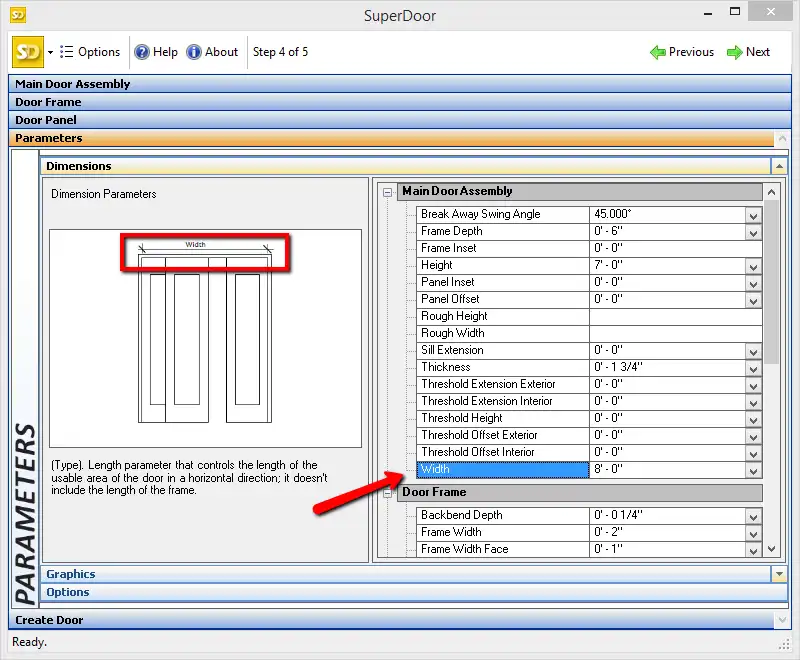
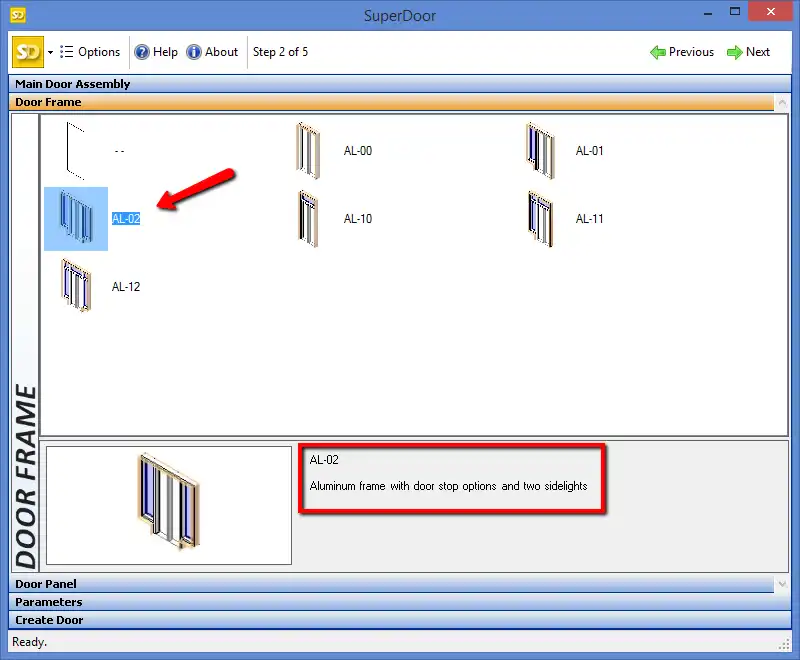
The SuperDoor Configurator comes packed with features that make it a must-have tool for any Revit user. With content for building a wide range of door styles, you have the flexibility to create custom doors that suit your project's needs. The software provides a user-friendly graphical wizard interface that guides you through the process of selecting and configuring door components. This intuitive interface makes it easy for both beginners and seasoned professionals to create high-quality doors in a fraction of the time.
(Image by: CTC Software)
Installation and Trial Version
Installing the SuperDoor Configurator is a breeze, but it's important to note that this plugin uses a custom installer and not the standard Autodesk App Store installer. Once installed, you can enjoy a 14-day trial period to explore the default choices available for configuring doors. While the trial version does not allow you to place configured doors into projects, it does give you the opportunity to fully configure doors up to the point of placement. To take full advantage of this powerful tool, a licensed version is required.
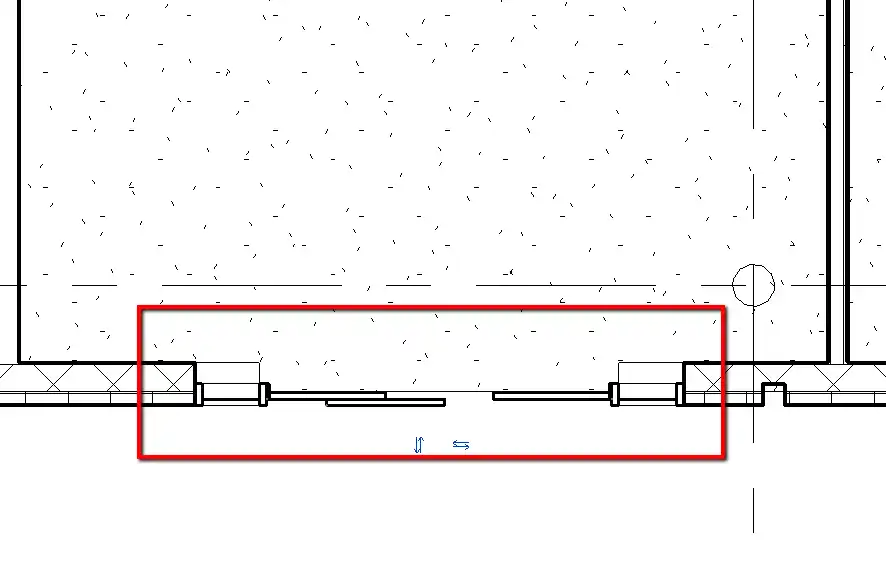
One of the standout features of the SuperDoor Configurator is its ability to create a nearly infinite variety of doors, allowing you to unleash your creativity and customize doors to fit your project's unique requirements. Whether you're working on a residential, commercial, or institutional project, this plugin has got you covered.
Another benefit of the SuperDoor Configurator is its speed and efficiency. By automating the door creation process, it saves you valuable time that can be better spent on other aspects of your project. The plugin's seamless integration with Revit ensures that your doors are placed accurately and consistently throughout your design, maintaining a high level of quality and uniformity.
(Image by: CTC Software)
Summary
In conclusion, the CTC SuperDoor Configurator 2027 is a game-changer for Revit users looking to streamline their door creation process. With its wide range of features, user-friendly interface, and ability to create custom doors, this plugin is a must-have for anyone working in Revit. Whether you're a novice or an expert, the SuperDoor Configurator will help you create high-quality doors quickly and efficiently. So why wait? Give it a try and see the difference it can make in your Revit projects!
(Image by: CTC Software)

(Image by: CTC Software)
(Image by: CTC Software)
(Image by: CTC Software)
Similar apps:
- Free
- Free
- Free
- Free
- Free
- Free