 1 / 4
1 / 4About this app
Introduction
With the constant evolution of Building Information Modeling (BIM) technology, the need for efficient logistics planning within Revit has become increasingly essential for construction projects. Ecco, an Autodesk® Revit® add-in, offers a groundbreaking solution by streamlining the process of creating proxy representations for assemblies, families, and groups. This plugin simplifies quantity takeoff, delivery sequencing, and procurement tracking directly within the Revit environment, eliminating the need to expose internal model complexity to logistics workflows.
(Image by: AvantLeap)
Enhancing Workflow Efficiency
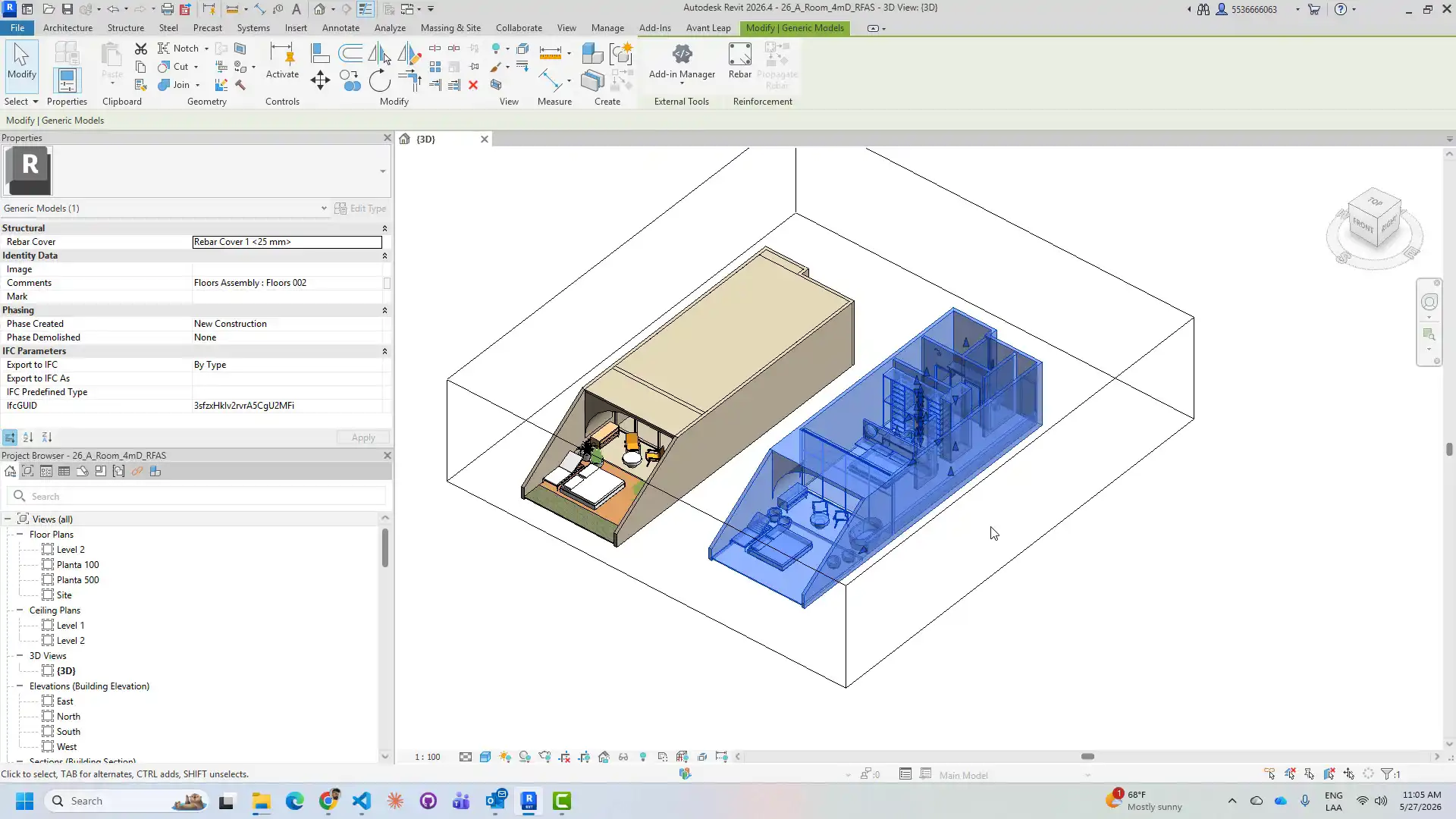
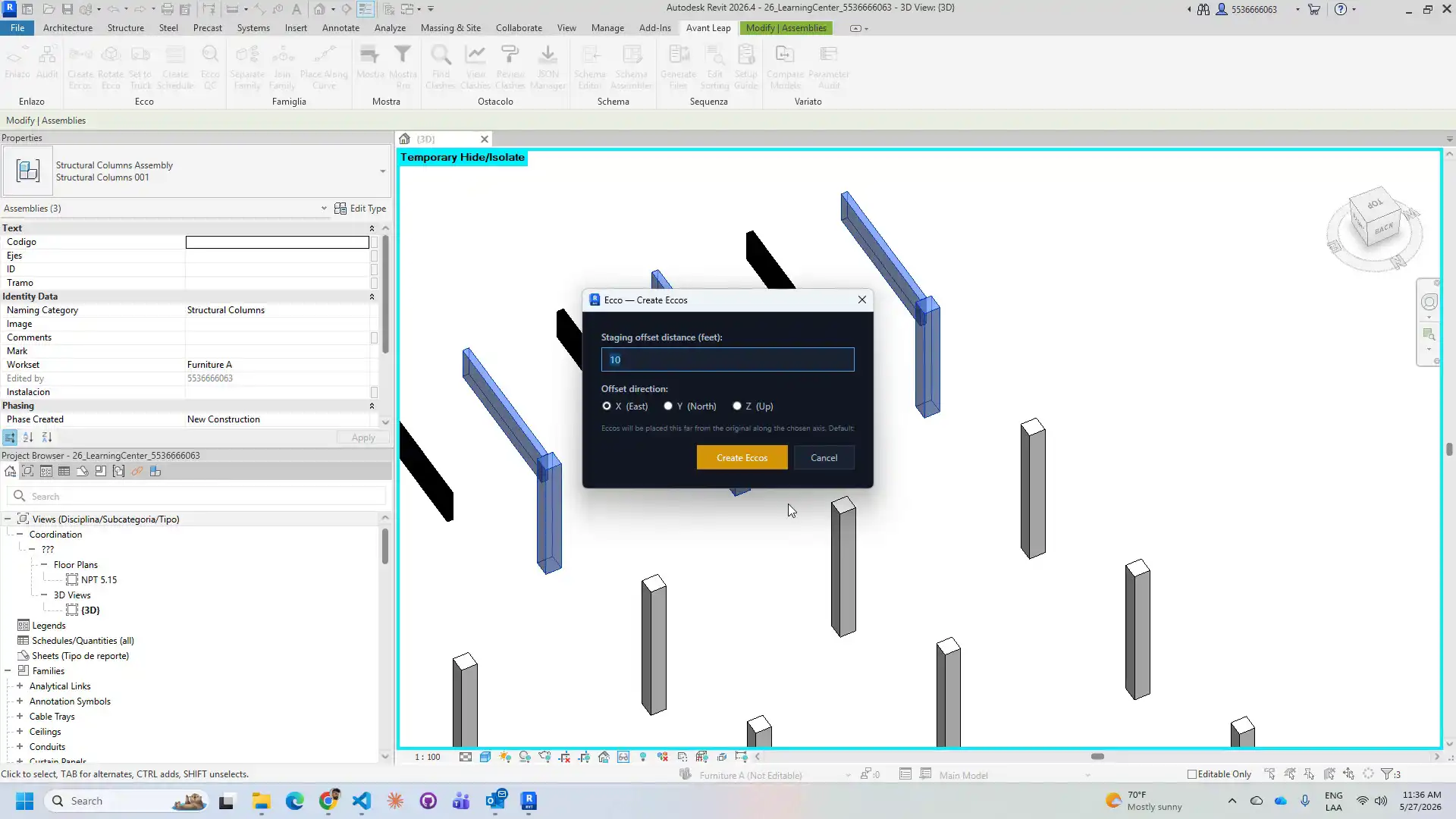
Ecco operates seamlessly in five user-friendly steps, making it a valuable tool for construction BIM coordinators, site logistics planners, and procurement teams. The first step involves selecting model elements such as assemblies, family instances, or groups, and clicking the "Create Proxies" button. Ecco then automatically collects all subcomponent solids, merges them into a single solid, orients it according to the element's facing direction, and places it as a DirectShape with a user-defined staging offset. This streamlined process significantly reduces the time spent on manual data extraction and simplifies the creation of logistics models.
Streamlining Logistics Operations
One of the key features of Ecco is the "Rotate Proxy" function, which allows users to visually verify truck-fit orientation by rotating selected proxies in 90-degree increments around the X, Y, or Z axis. This enables quick adjustments to ensure optimal loading configurations for transportation. Additionally, the "Set to Truck" option automatically isolates proxy elements, allowing users to assign proxies to a truck or container ID without the need to continuously switch between windows.
The "Create Schedule" feature generates a Revit schedule (Ecco — Logistics Schedule) that lists all proxies by truck assignment, providing a comprehensive overview of logistics planning. Finally, the "Proxy QC" tool validates proxy-to-source links and identifies any orphaned proxies after model revisions, ensuring data accuracy and consistency throughout the project lifecycle.
(Image by: AvantLeap)
Effortless Synchronization and Collaboration
Ecco's bidirectional relationship system, stored using Revit ExtensibleStorage, establishes a seamless link between each proxy and its source element. This innovative approach enables users to keep the logistics model synchronized with the design model, eliminating the risk of discrepancies or inconsistencies. By automating the process of creating and updating logistics models, Ecco enhances collaboration between project stakeholders and improves overall project efficiency.
Summary
Overall, Ecco - Logistics Planning is a game-changer for construction professionals working on prefabricated steel, modular construction, or large MEP coordination projects. By simplifying the creation of proxy representations and streamlining logistics planning workflows within Revit, Ecco enables users to save valuable time and resources while maintaining data accuracy and consistency. Construction teams looking to optimize their logistics operations and enhance project efficiency should consider incorporating Ecco into their workflow. Experience the future of logistics planning in Revit with Ecco!
Similar apps:
- Free
- $20
- Free
- Free
- $100
- Free