 1 / 5
1 / 5About this app
Introduction
In the fast-paced world of Building Information Modeling (BIM), efficiency and accuracy are paramount. With the ever-increasing complexity of architectural and engineering projects, professionals are constantly on the lookout for tools that can enhance productivity without compromising quality. One such tool that has been gaining momentum is Auto Annotate, a powerful Revit plugin designed to automate the placement of tags and dimensions in your active Revit view. This review will delve into the features, benefits, and overall performance of Auto Annotate, showcasing why it is a must-try for any Revit user.
(Image by: Trisita Engineering LLP)
Key Features of Auto Annotate
Auto Annotate is packed with features that cater to the needs of BIM professionals, architects, structural engineers, and MEP engineers. The primary goal of this plugin is to eliminate the repetitive and time-consuming task of manual annotation. Here are some of its standout features:
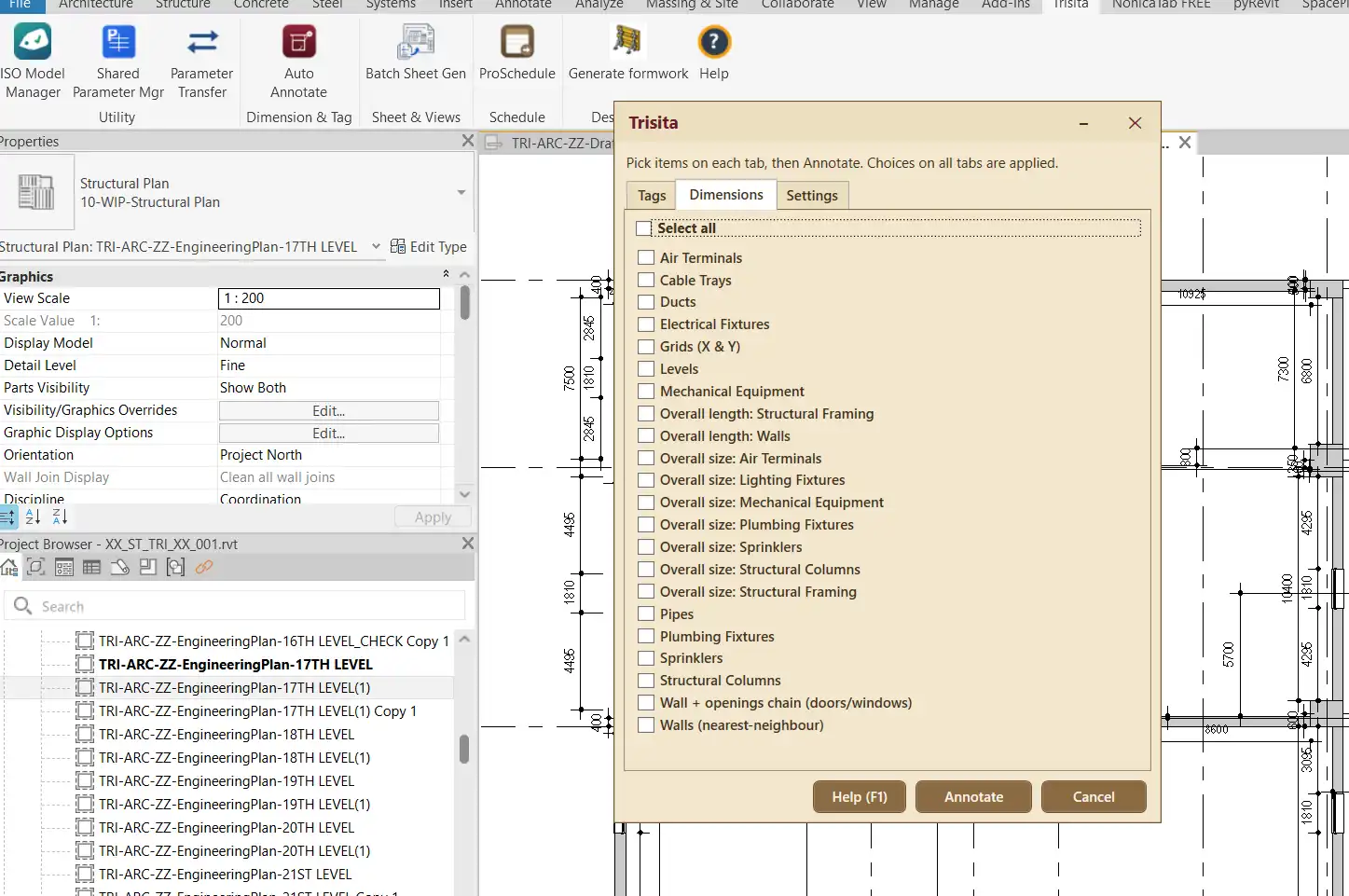
One-Click Automated Annotation: With just a click of a button, Auto Annotate allows users to place tags and dimensions in the active Revit view. After selecting the desired annotation categories and dimension groups from the intuitive dialog, you can generate consistent annotations effortlessly. This one-click functionality is a game changer, making the annotation process not only faster but also far less prone to errors.
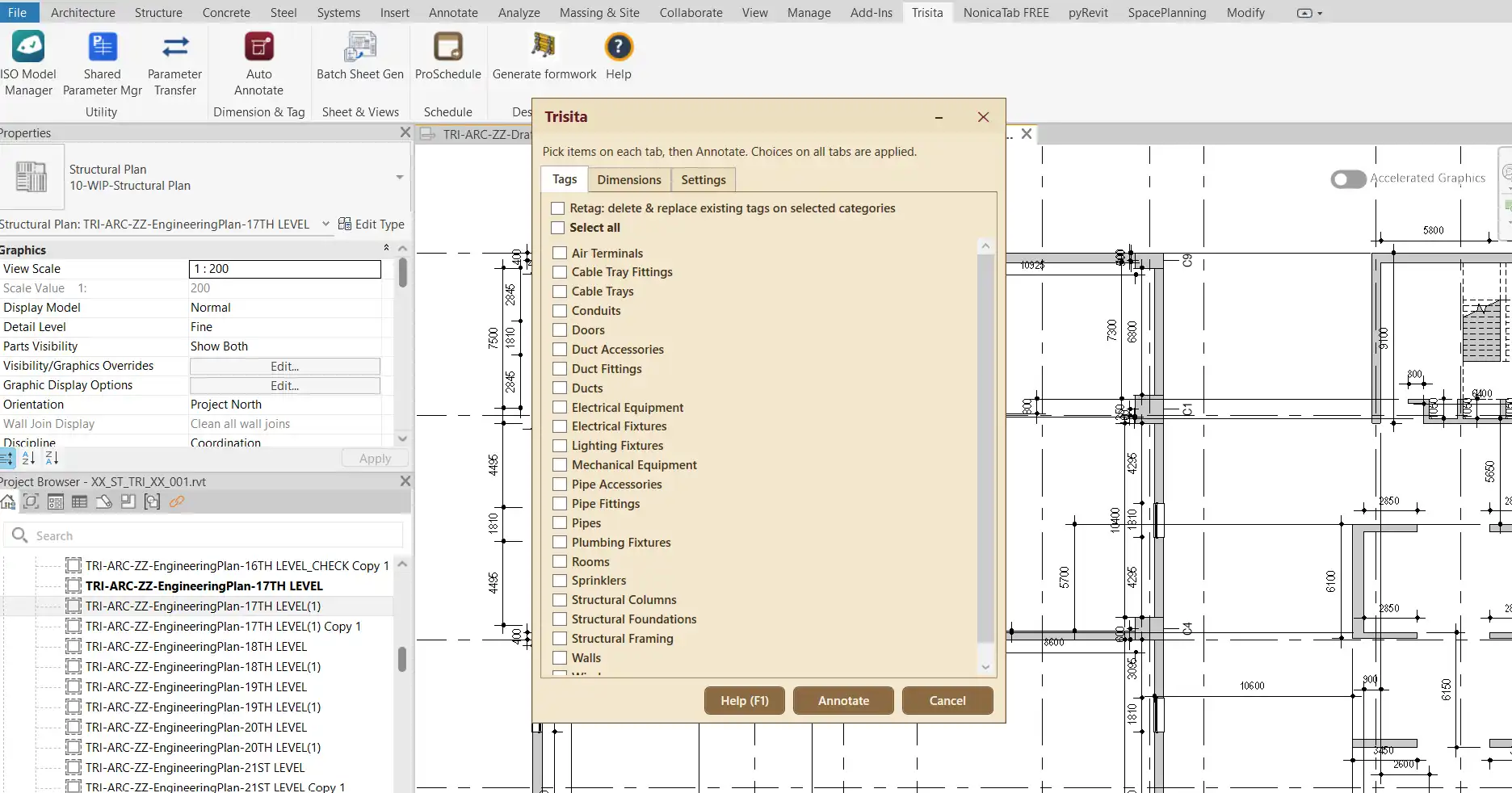
Automatic Element Tagging: This feature is particularly useful for maintaining organized and clear documentation. Auto Annotate can automatically tag elements with leaders and align them neatly to the view plane. The tool intelligently skips elements that have already been tagged, ensuring that running it multiple times won’t clutter your project with duplicate tags. You can even use the "Select All" option to tag multiple categories simultaneously, saving even more time.
Retag Option: Need to refresh your existing tags? Auto Annotate has you covered. The Retag option allows you to efficiently remove existing tags for selected categories before generating fresh ones. This flexibility is invaluable when revisions are made, ensuring that your documentation remains accurate and up to date.
(Image by: Trisita Engineering LLP)
User Experience and Performance
The user experience with Auto Annotate is overwhelmingly positive. The interface is user-friendly, allowing even those who are not particularly tech-savvy to navigate it with ease. Tutorials and support documentation enhance the onboarding process, making it quick for new users to become proficient in utilizing the plugin's capabilities.
From a performance standpoint, Auto Annotate excels in speed and reliability. Users have reported significant time savings during the annotation process, which is crucial when working under tight project deadlines. The plugin operates seamlessly within the Revit environment, providing a smooth experience that does not disrupt your workflow. Additionally, its consistent and accurate output fosters confidence in the quality of the annotations produced.
(Image by: Trisita Engineering LLP)
Why You Should Try Auto Annotate
For professionals in the architecture and engineering fields, the benefits of Auto Annotate are hard to ignore. This plugin not only streamlines the annotation process but also enhances overall productivity. By reducing the time spent on manual tasks, users can redirect their focus towards more critical design and planning activities, ultimately improving project outcomes.
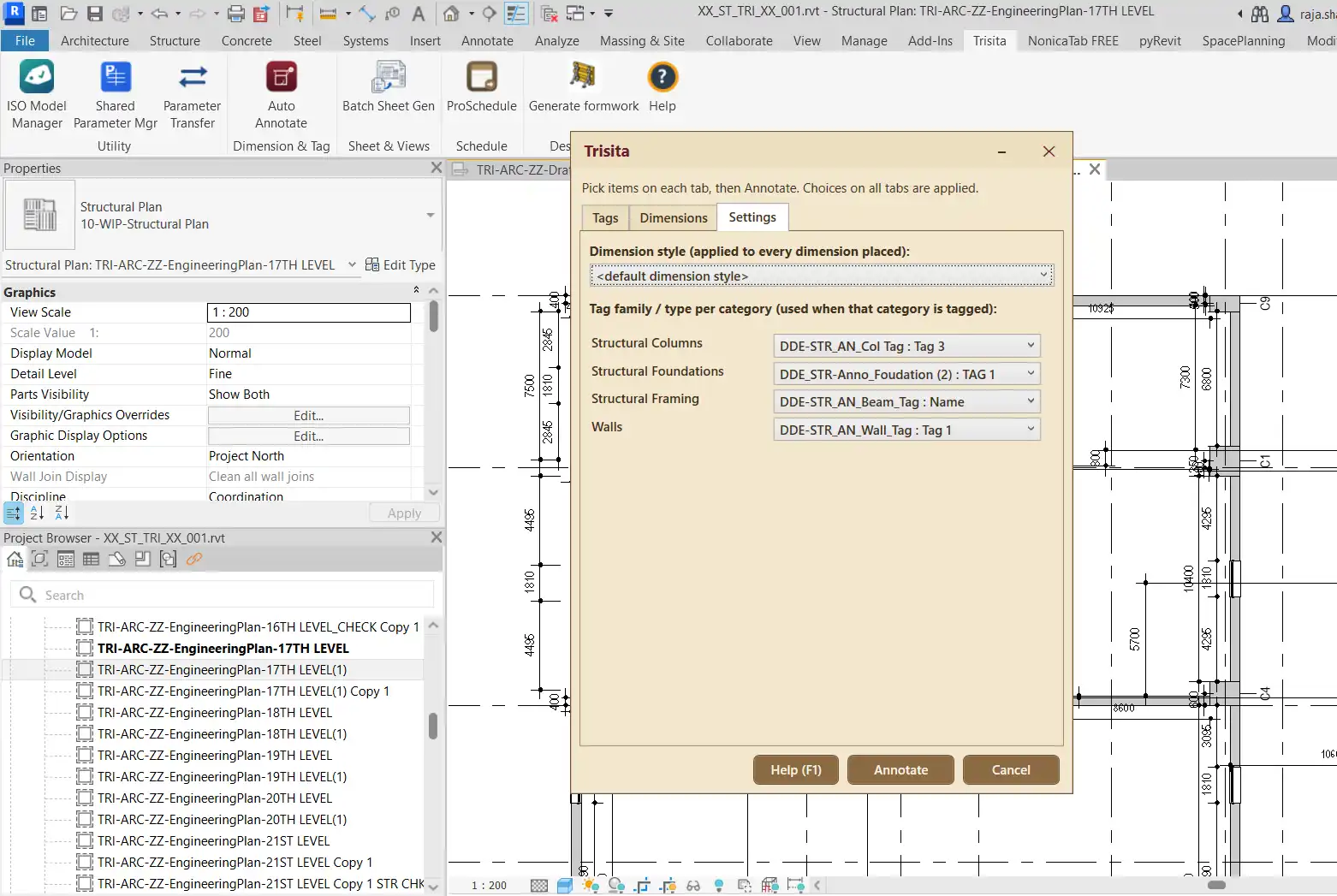
The ability to customize annotation settings further aligns the tool with individual project requirements, making it a versatile addition to any Revit user's toolkit. Whether you are a seasoned professional or a newcomer to BIM, Auto Annotate promises to elevate your documentation workflows, allowing you to achieve more in less time.
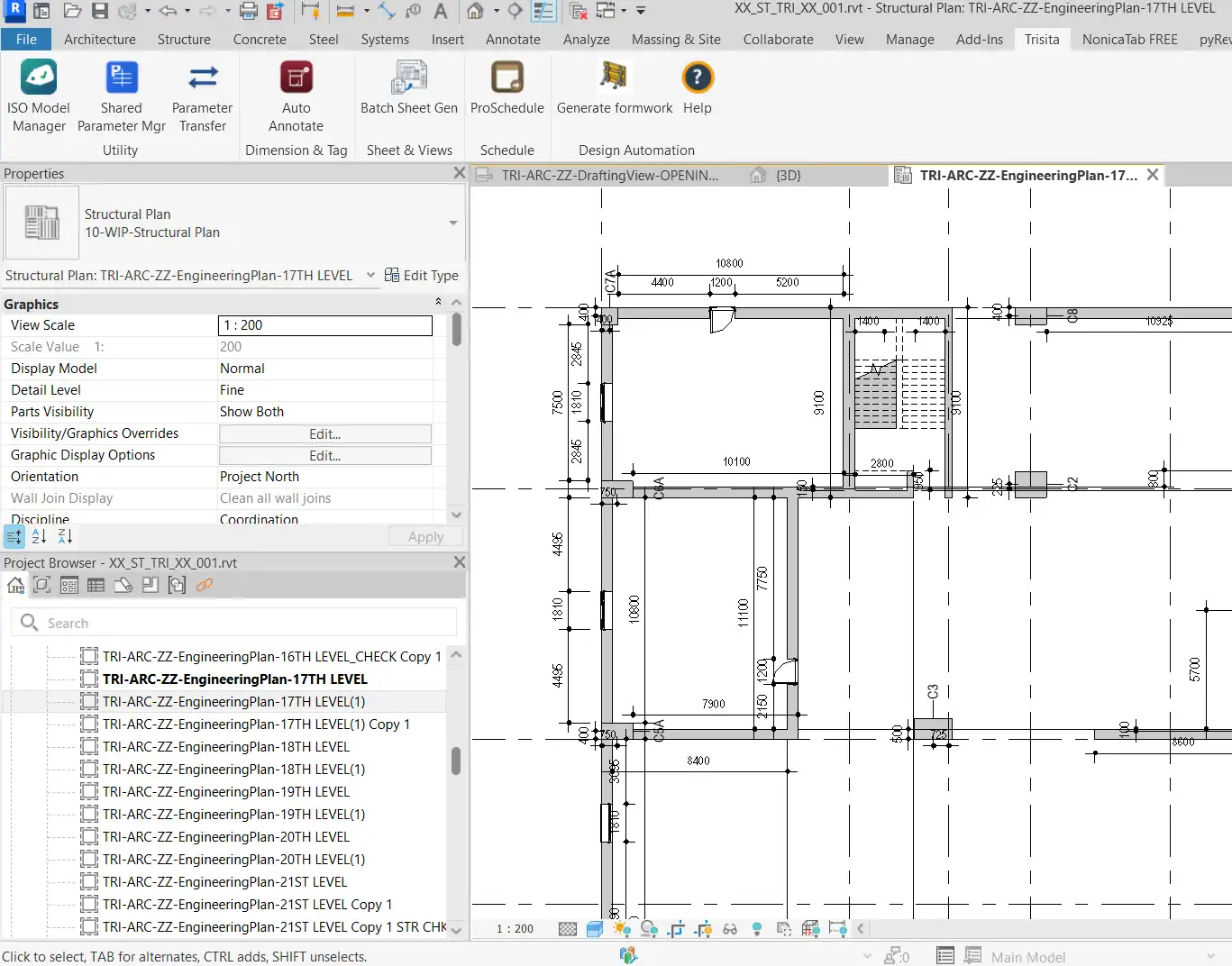
(Image by: Trisita Engineering LLP)
Summary
In a realm where efficiency and precision are crucial, Auto Annotate stands out as a remarkable Revit plugin that automates annotation tasks like never before. With its one-click functionality, automatic tagging, and easy-to-use interface, it empowers users to generate reliable documentation faster than ever. Both novice and experienced Revit users will find that integrating Auto Annotate into their workflows can significantly enhance productivity and reduce the stress of repetitive tasks. If you are looking for a way to simplify your annotation process, look no further than Auto Annotate – it’s time to transform your Revit experience!
Similar apps:
- Free
- Free
- $15/month
- Free
- Free
- Free