 1 / 5
1 / 5About this app
Introduction
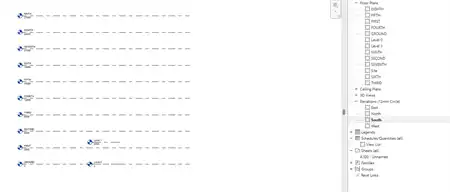
Vicinity GIS is a cutting-edge Revit plugin that brings real world, geo-referenced CAD models to your projects. With features representing Federal, State & local streets, highways, and roads, this plugin revolutionizes the way architects, engineers, and designers work within Autodesk® products. Let's dive into the details of this powerful tool and explore how it can enhance your design process.
(Image by: Methodical, Cad Consulting)
Geo-Referenced CAD Models for Precision
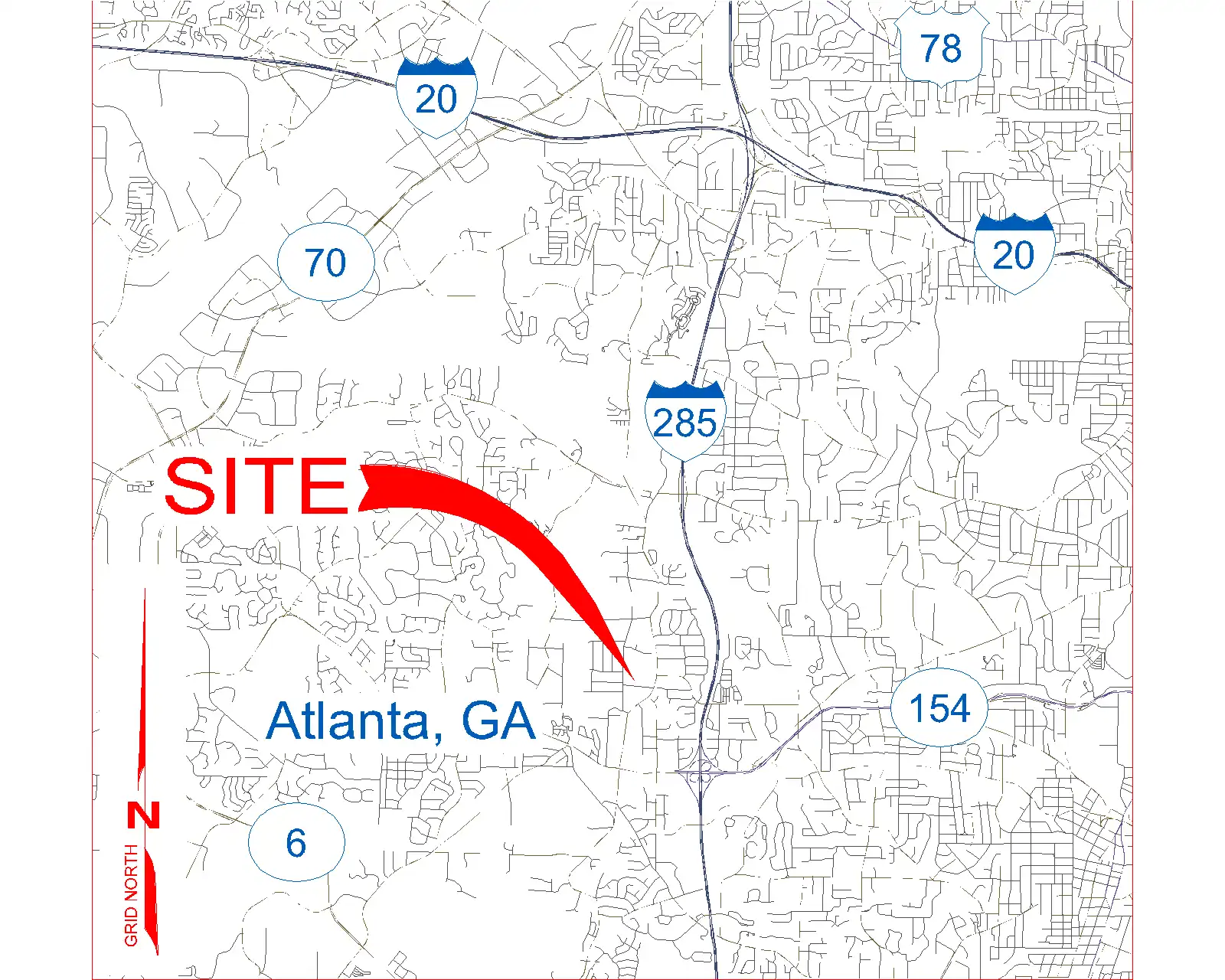
One of the standout features of Vicinity GIS is its collection of CAD models that are geo-referenced to their respective NAD83 State Plane coordinate systems. This means that each feature is accurately placed within its geographic location, ensuring precision and accuracy in your designs. Whether you're working on a project in Florida or any other location in the United States or countries that use the Imperial or Metric systems, Vicinity GIS has you covered.
(Image by: Methodical, Cad Consulting)
Universal Compatibility and Seamless Integration
As all CAD models are in "dwg" format, they can be easily integrated into all Autodesk® product categories, making Vicinity GIS a versatile tool for professionals in the Engineering, Architectural, Structural, and Geographic Industries. The ability to insert or x-reference these models into project design models allows for seamless integration and collaboration among team members.
Additionally, features within the CAD models are separated by Layer, Color, Line Weight, and Style, making it easy to isolate, select, and search for specific elements using standard Autodesk® AutoCAD® commands like "Qselect" and "Find." This level of customization and control allows for efficient design workflows and precise detailing.
(Image by: Methodical, Cad Consulting)
Governmental Administrative Divisions for Clarity and Organization
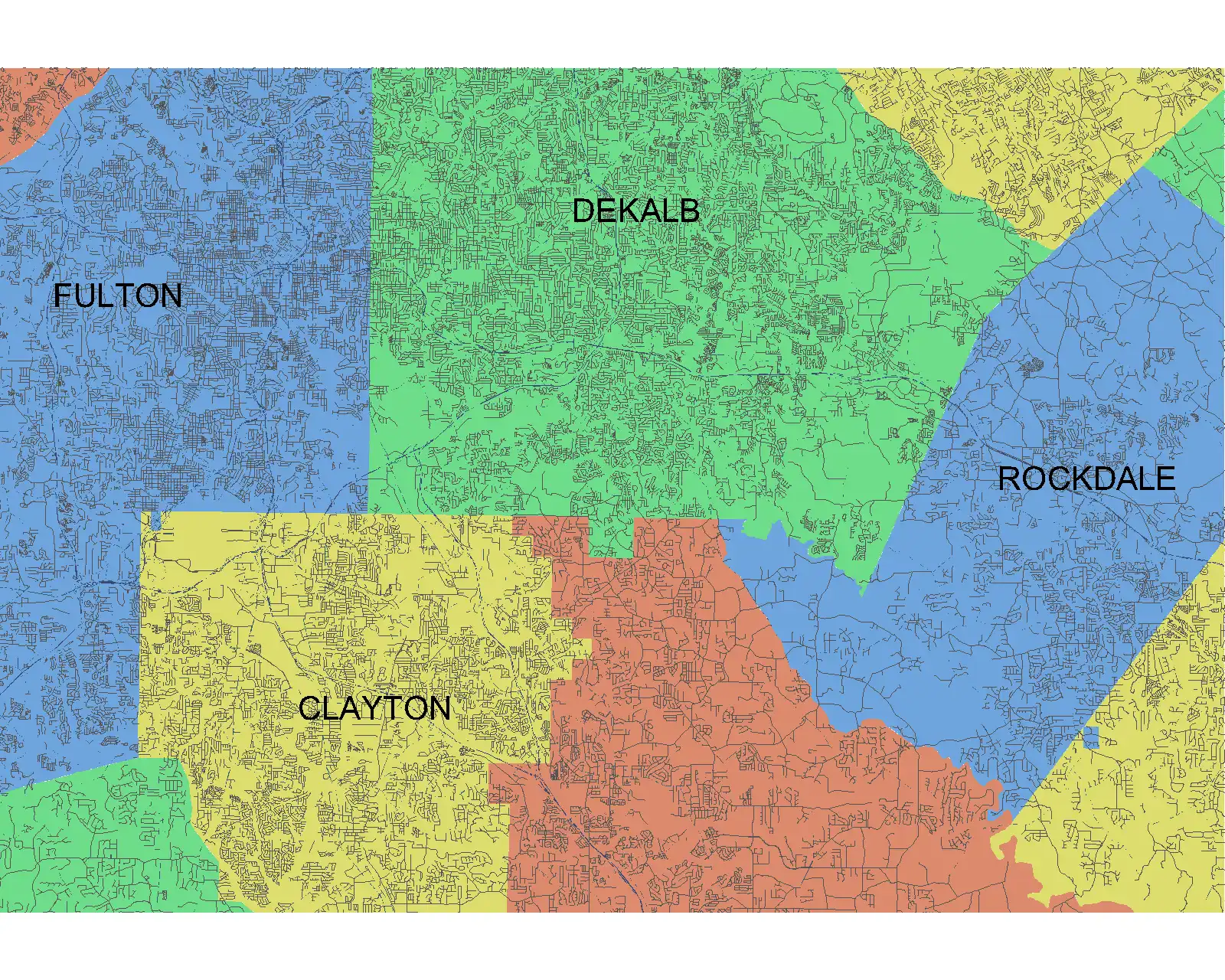
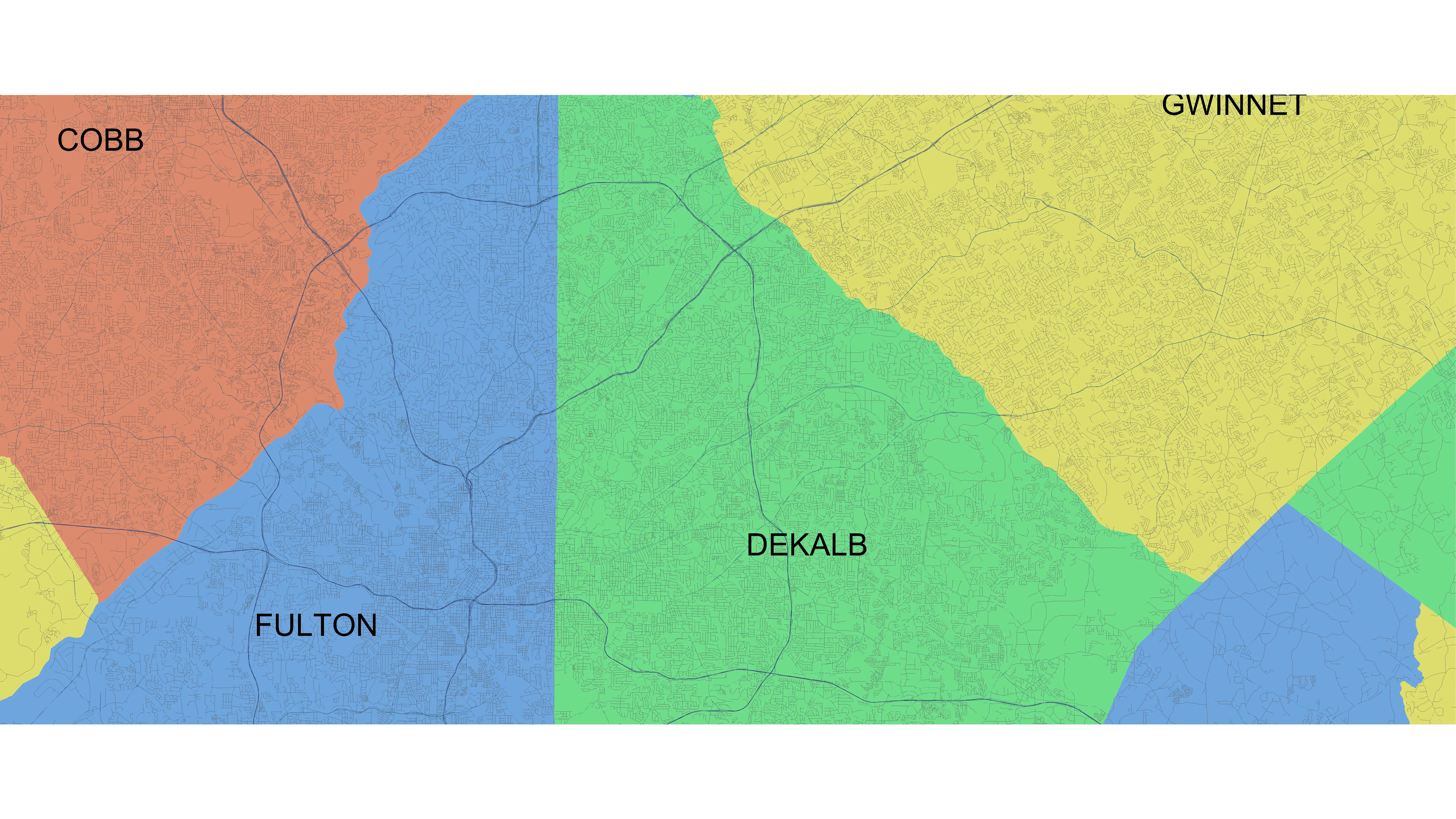
Each CAD model in Vicinity GIS includes Governmental Administrative divisions such as State, Province, County/Parish, and/or City, which are separated by hatched areas. This feature not only makes these divisions easily distinguishable but also searchable, enhancing organization and clarity within your projects. By x-clipping to show only project-specific areas that are needed, designers can focus on the relevant details without unnecessary distractions.
(Image by: Methodical, Cad Consulting)
Conclusion
Vicinity GIS - Florida, US is a game-changing Revit plugin that brings real world CAD features to your fingertips. With its geo-referenced CAD models, universal compatibility, and customizable features, this tool empowers designers to create precise and accurate designs with ease. Whether you're working on projects in Florida or beyond, Vicinity GIS is a must-have plugin that will streamline your design process and elevate the quality of your work. Give it a try today and experience the difference it can make in your projects!
Similar apps:
- Free
- Free
- Free
- Free
- Free
- Free